




















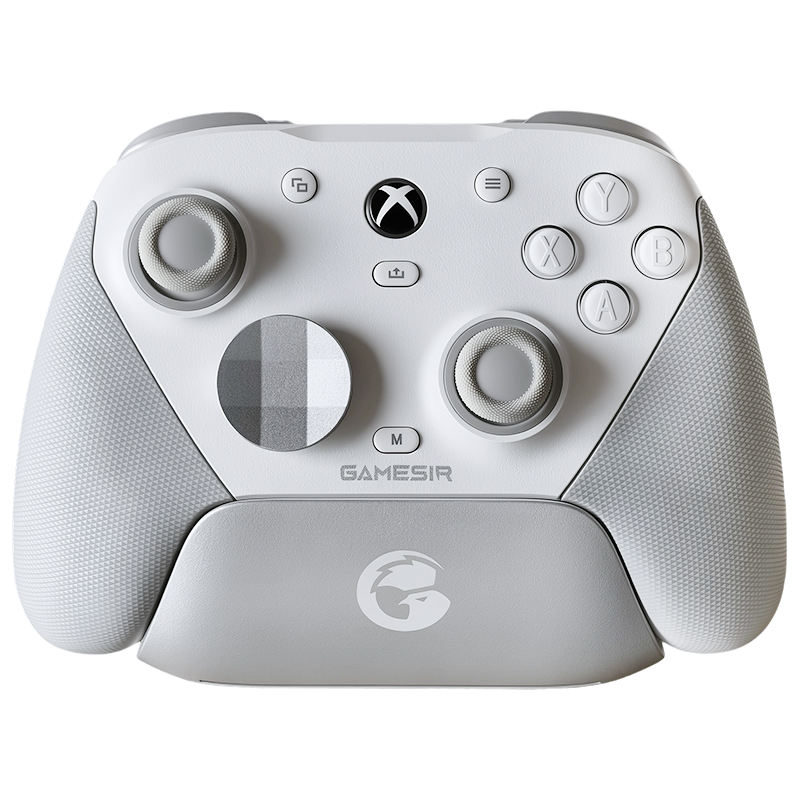









Vader 5 Pro Mod Deep Dive: Testing All 12 Back Button & D-Pad Options
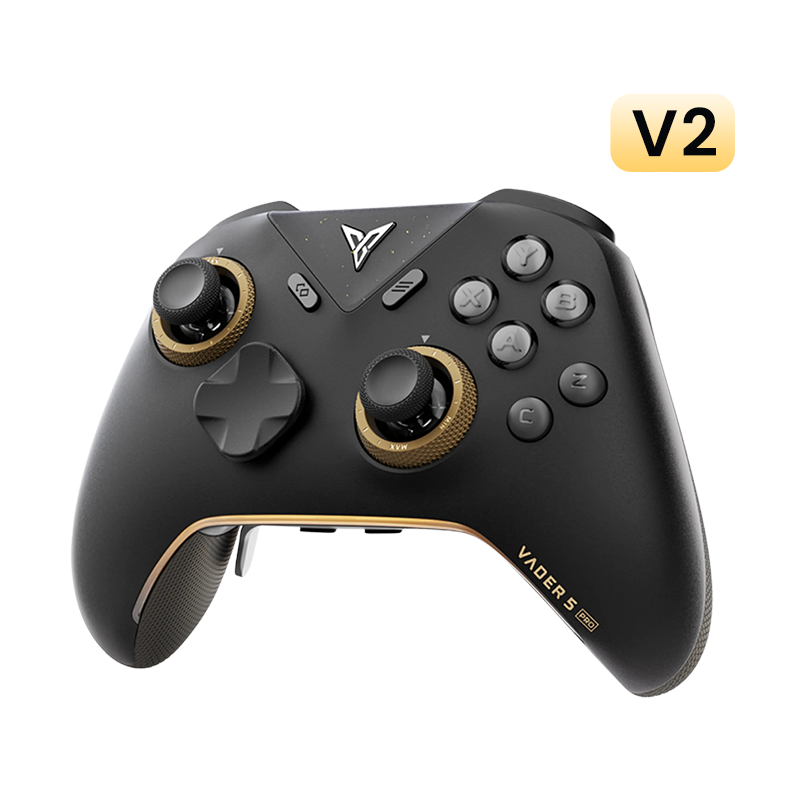
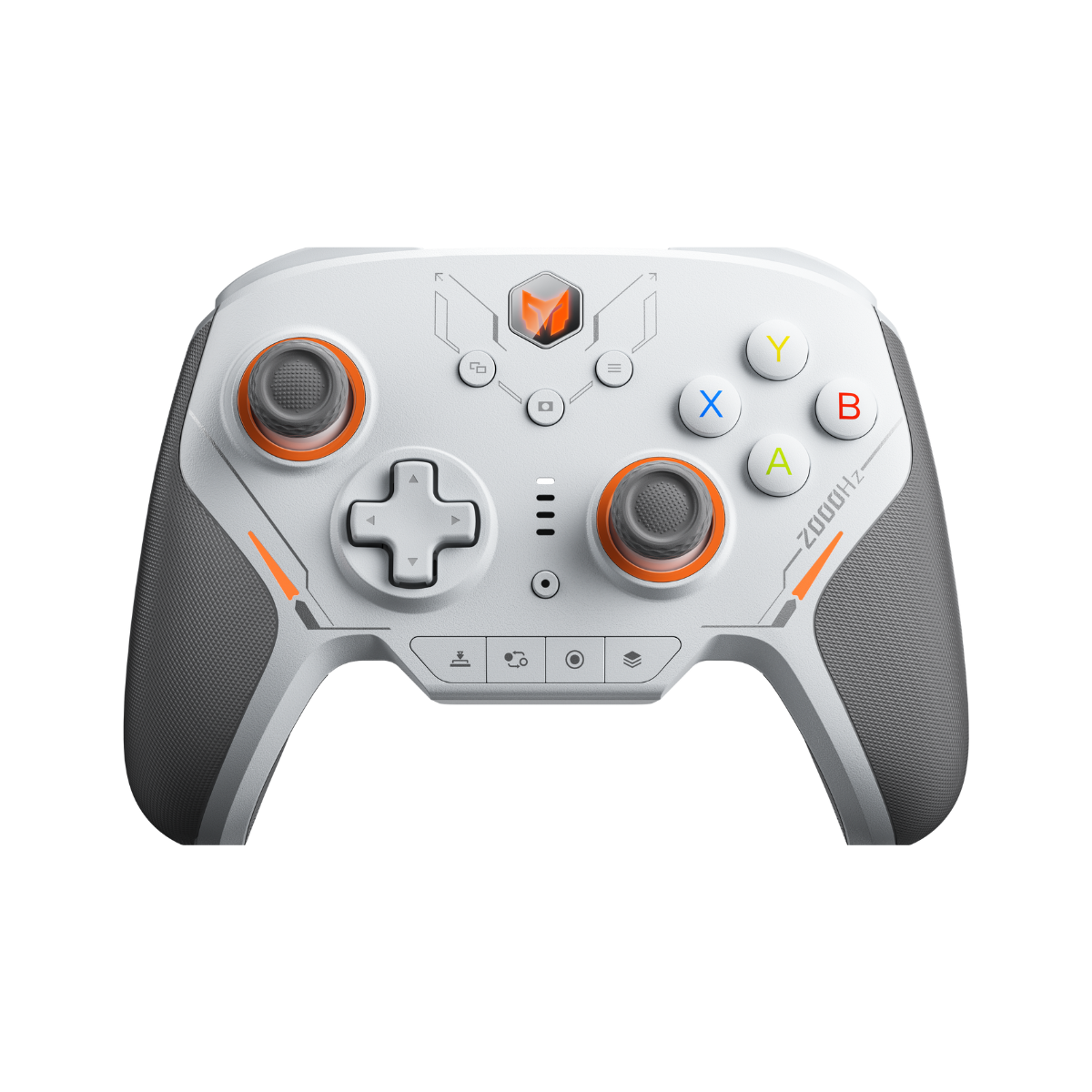
Hey everyone, Ray here from GadgetHyper. Since the Vader 5 Pro hit the scene last November, it's been a bit of a hot topic in our community. While the controller itself is a beast, the stock back buttons have definitely sparked some... let's call it "passionate debate." Some of you found the ergonomics a bit off, and others were genuinely worried about the long-term durability of the plastic.
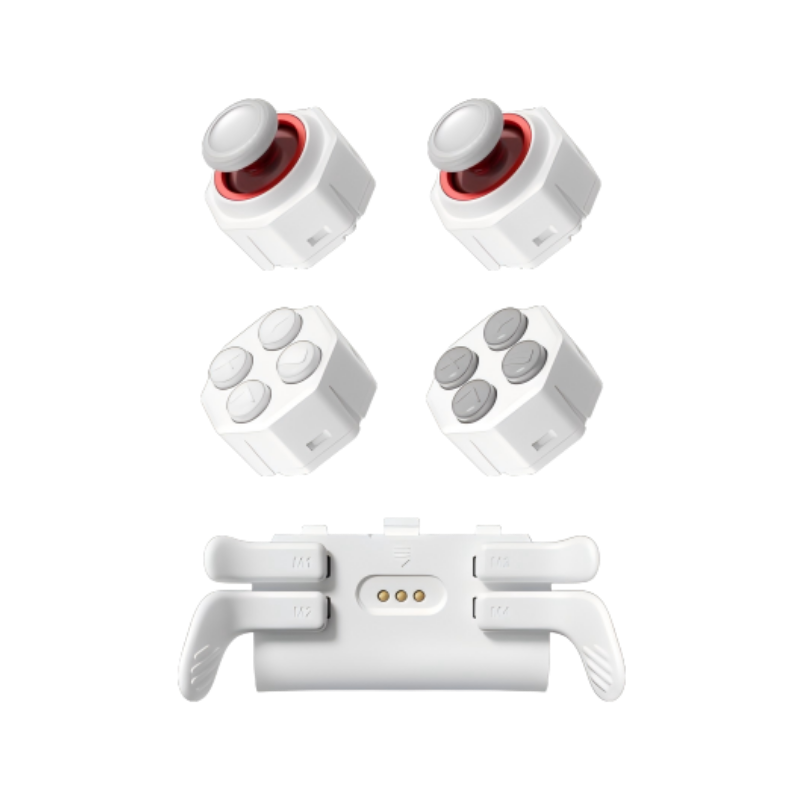
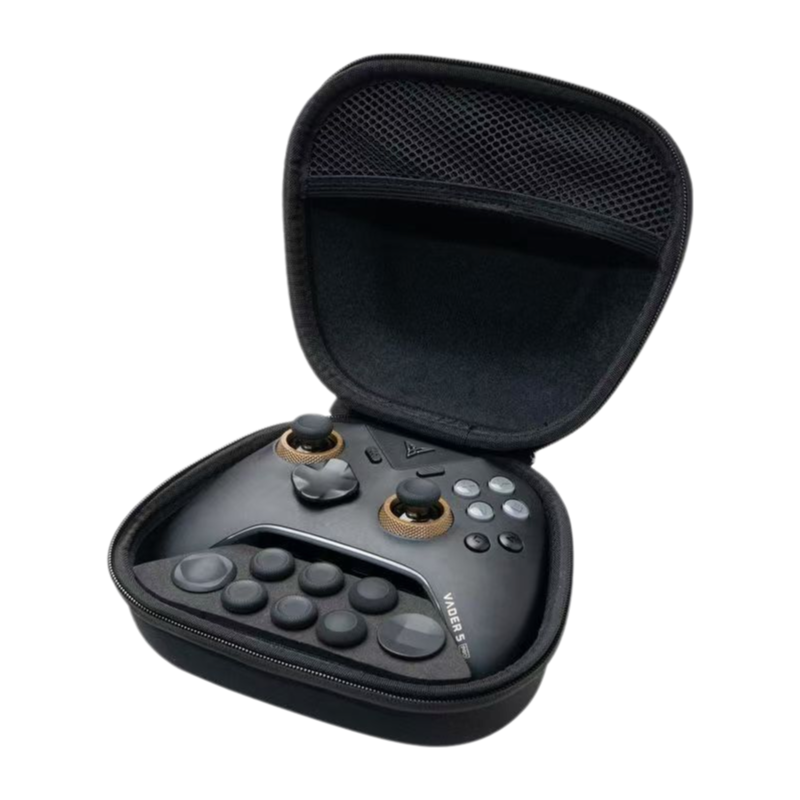
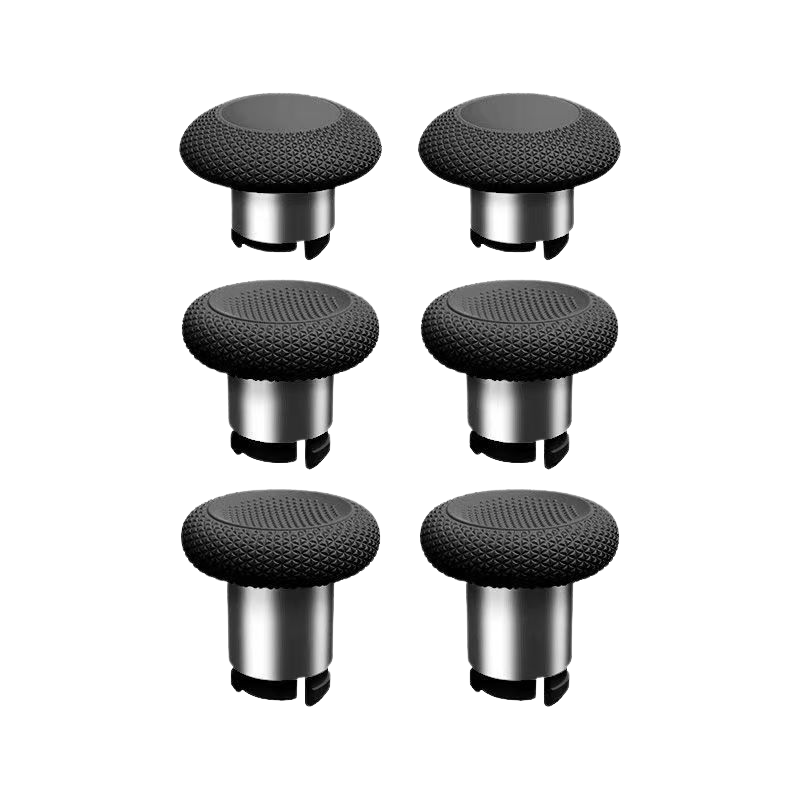
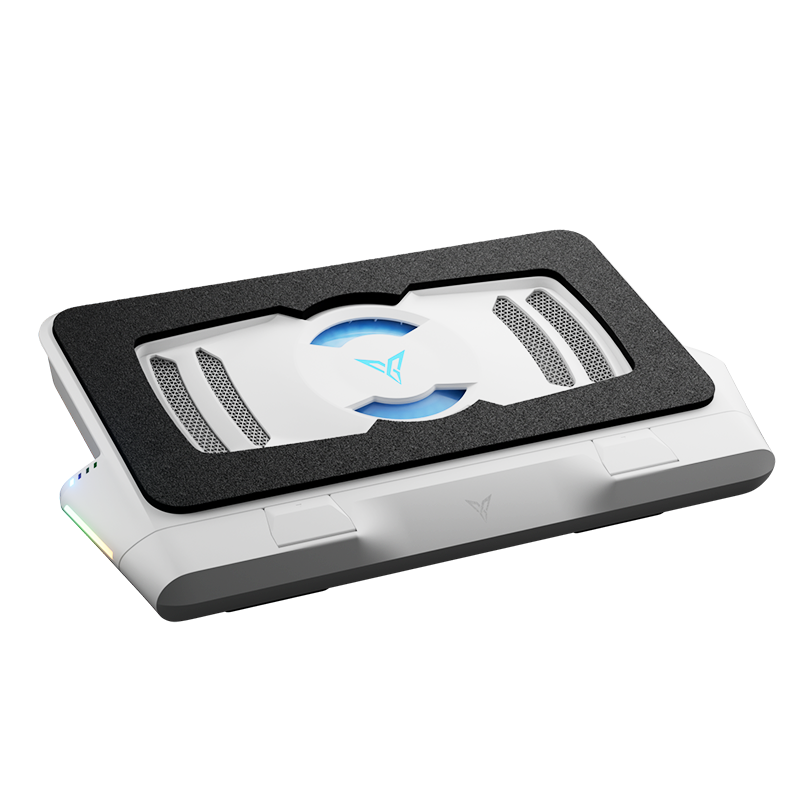
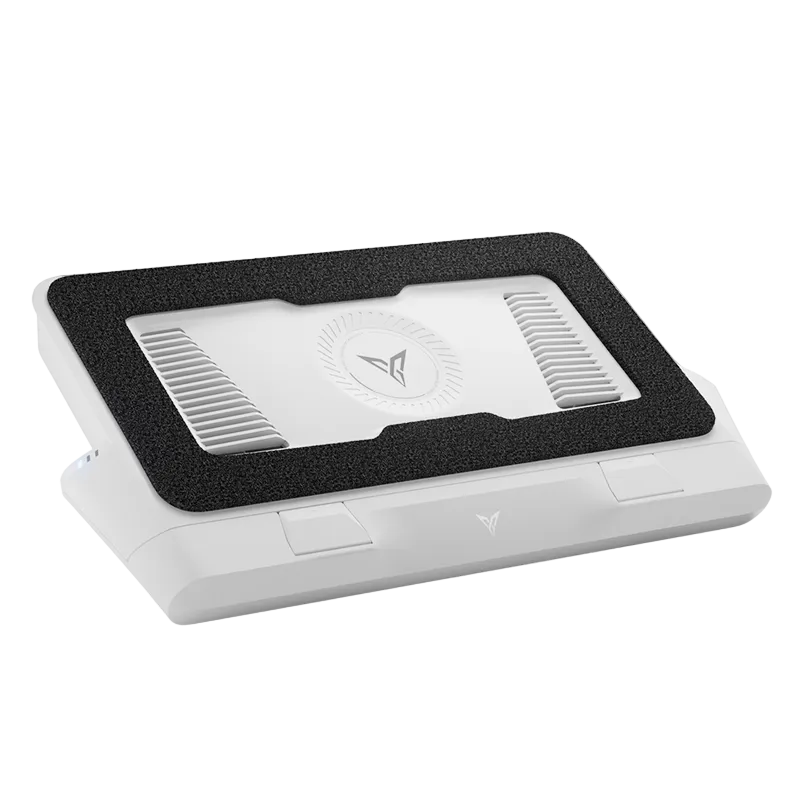
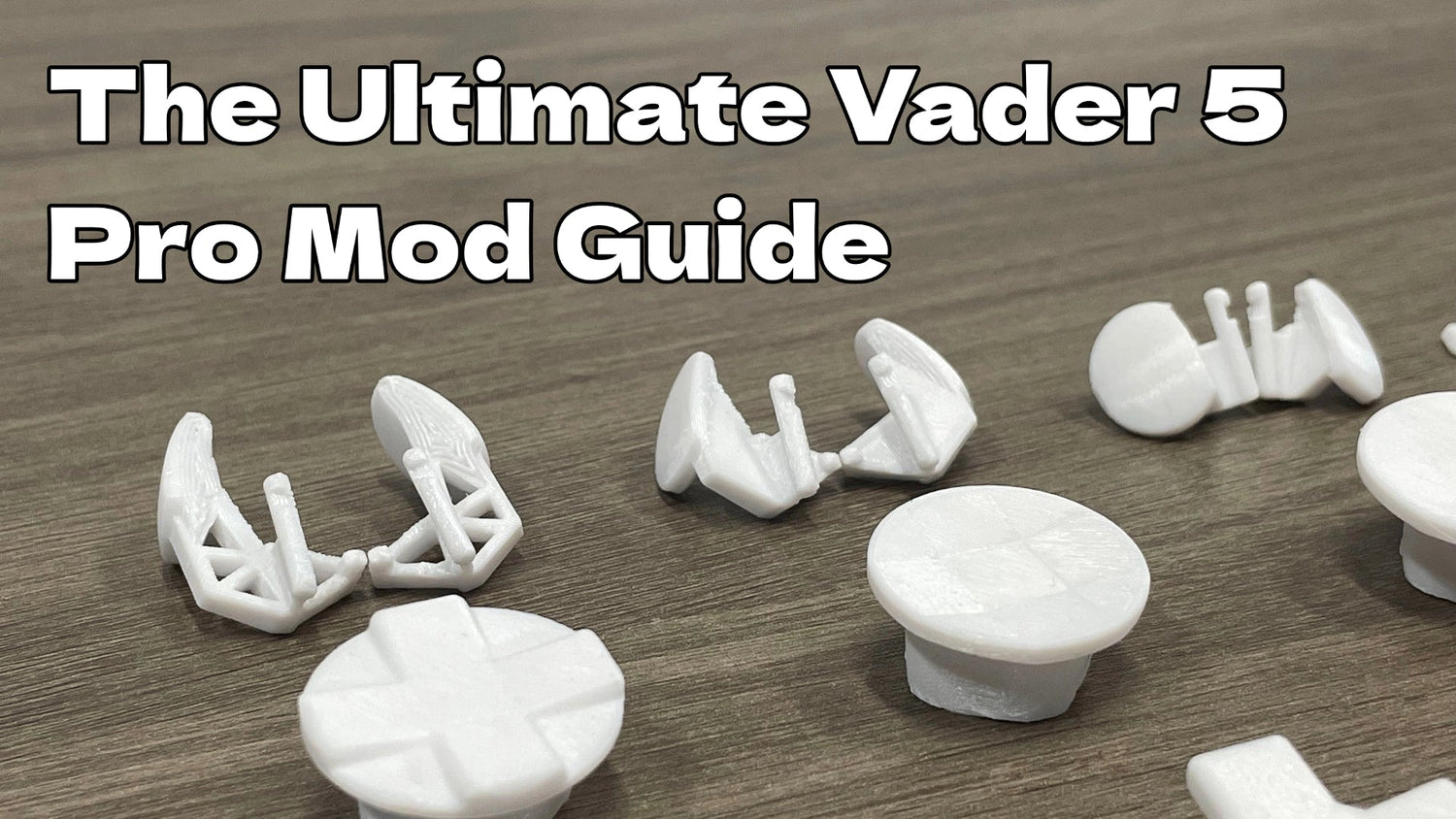
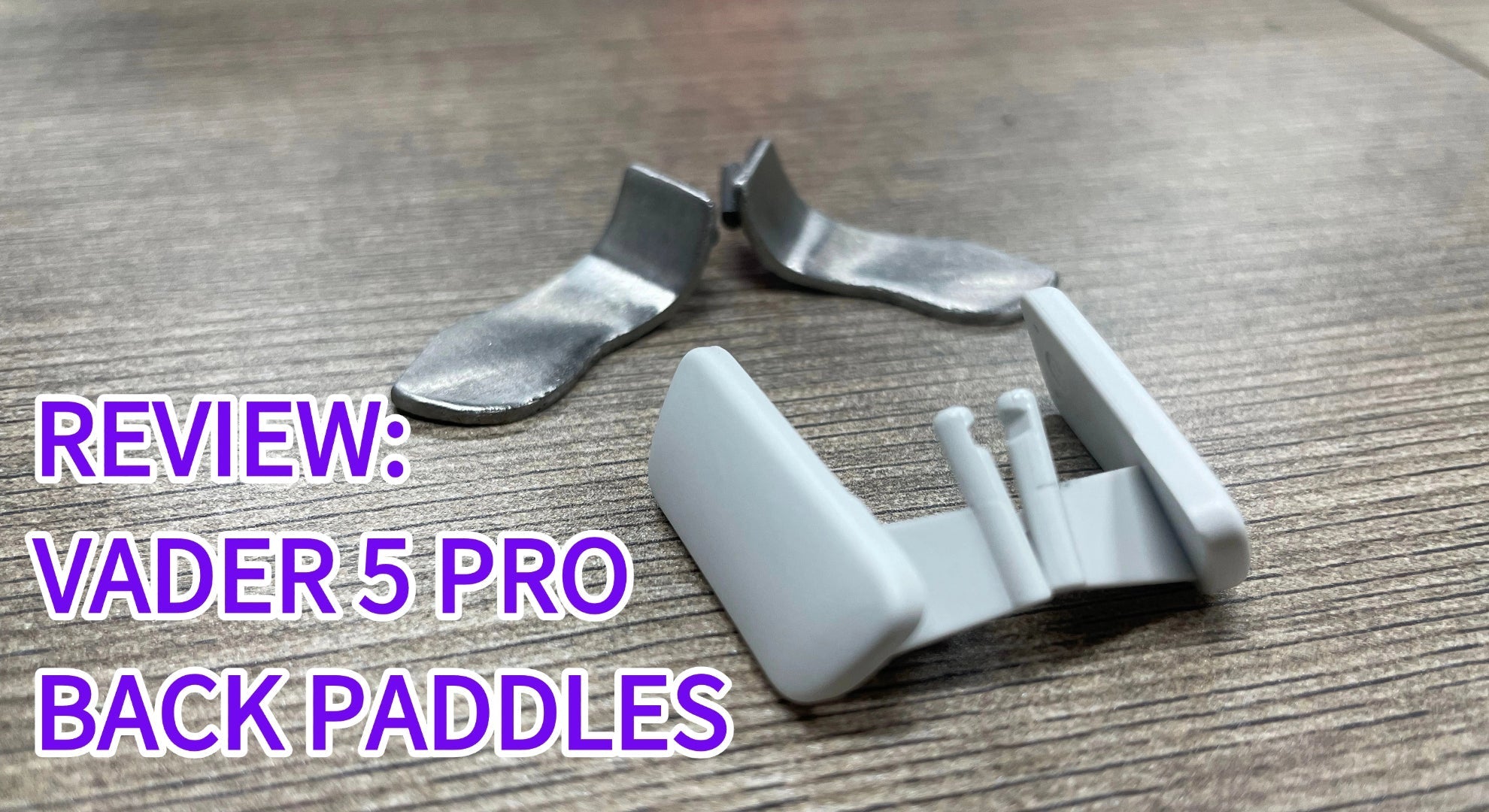
I've previously shared my thoughts on the official Flydigi "Blade" buttons and those sturdy metal 3rd-party replacements (you can catch that recap here). But today, I'm shifting gears. A fellow enthusiast recently pointed me toward a boutique shop specializing in 3D-printed (FDM) mods. I couldn't resist—I bought the entire catalog: 4 back button designs and 8 D-pad variations.
Full Disclosure: These are my "first impressions." I haven't spent weeks with each one yet, but I wanted to give you a quick "coffee-table chat" style breakdown of how they feel right out of the box.
Part 1: The Back Button Experiments

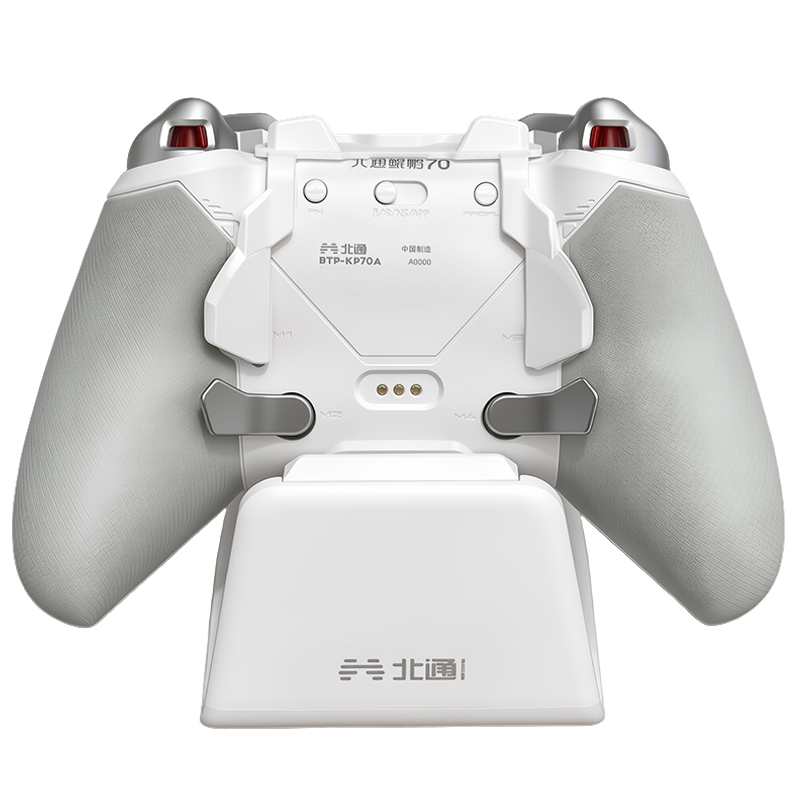
1. The "Long" Version (Maximum Leverage)

The Feel
This one immediately stands out. It extends perfectly to where your middle finger naturally rests. The leverage is fantastic, giving you an incredibly crisp, tactile click.
The Trade-off
Being FDM-printed, tolerances can be a bit finicky. On my unit, the right button has a slight downward "wobble" when pressed. It's not a dealbreaker, but it's there. Also, while it technically doesn't block M1/M2, using your ring finger to reach around it feels a bit "un-ergonomic" for most hand sizes.
2. The "Medium" Version (The Balanced Choice)

The Feel
This is probably the "Goldilocks" zone. It provides enough surface area for a solid middle-finger grip, but because it's shorter, you can easily pivot your finger to hit M1/M2 without feeling like you're doing finger gymnastics.
The Trade-off
The tactile snap feels just a hair softer than the "Long" version, likely due to the different physics of the shorter lever.
3. The "Short" Version (The Minimalist)

The Feel
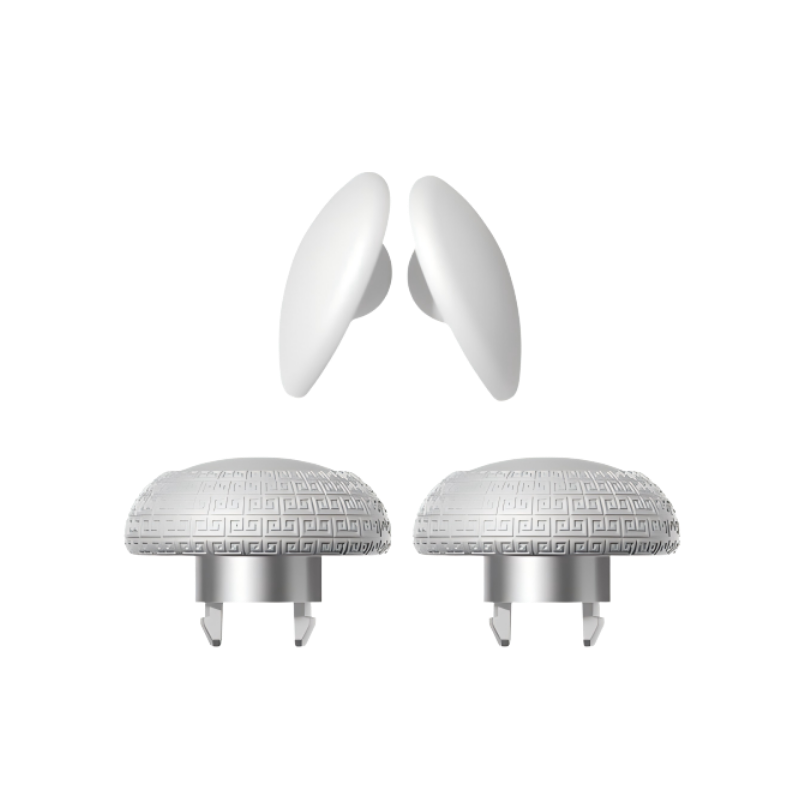
These remind me a lot of the PS5 DualSense Edge or the Beitong KP series—small, rounded nubs.
The Reality
If you have smaller hands like mine, this might be a tough sell. My fingers only barely touch the very top edge of the button. To get a proper press, I have to shift my entire grip forward, which honestly takes away from the comfort of the Vader 5 Pro's excellent shell.
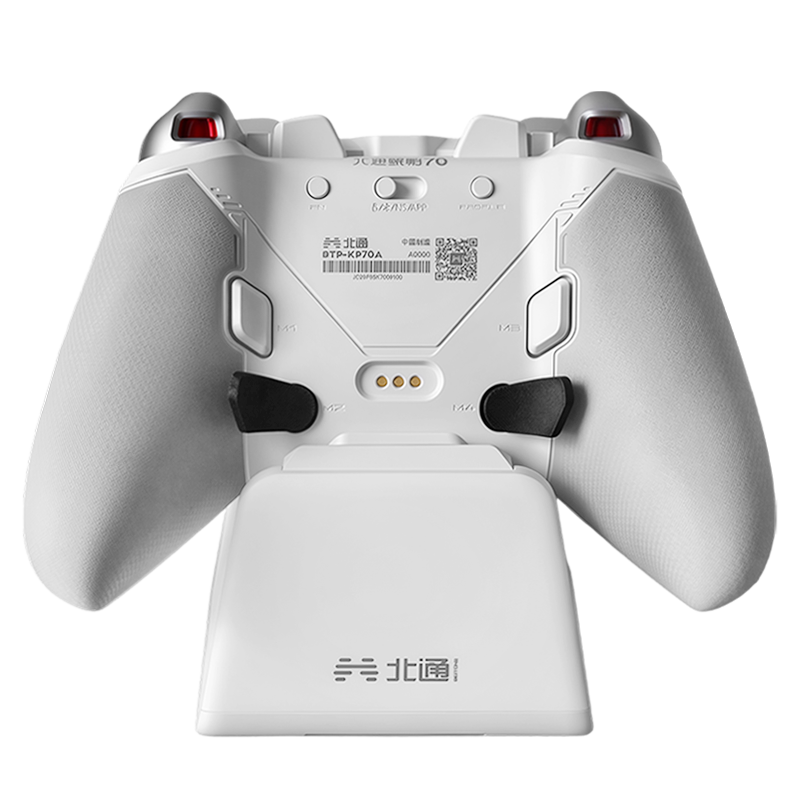
4. The "Stock+" (Standard Shape)

The Feel
This design is very similar to the original Flydigi layout but with an "upward-flare" design. It's meant for players who prefer a traditional 4-finger back-button grip.
The Reality
While it feels familiar, I found the spacing between M3/M4 and M1/M2 to be a bit too tight. I ended up with more accidental "double-presses" on this set than any of the others.
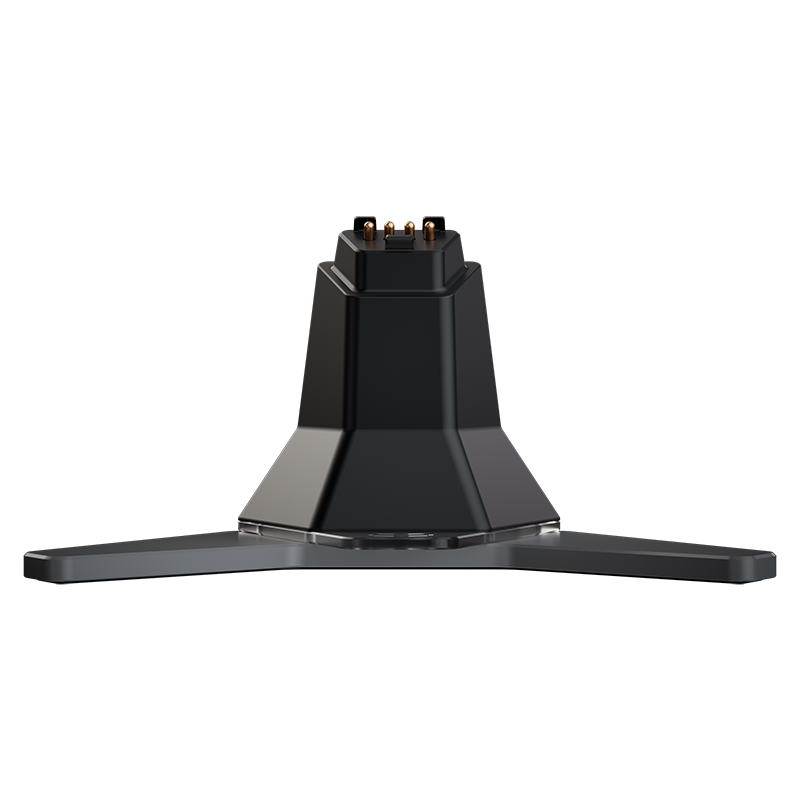
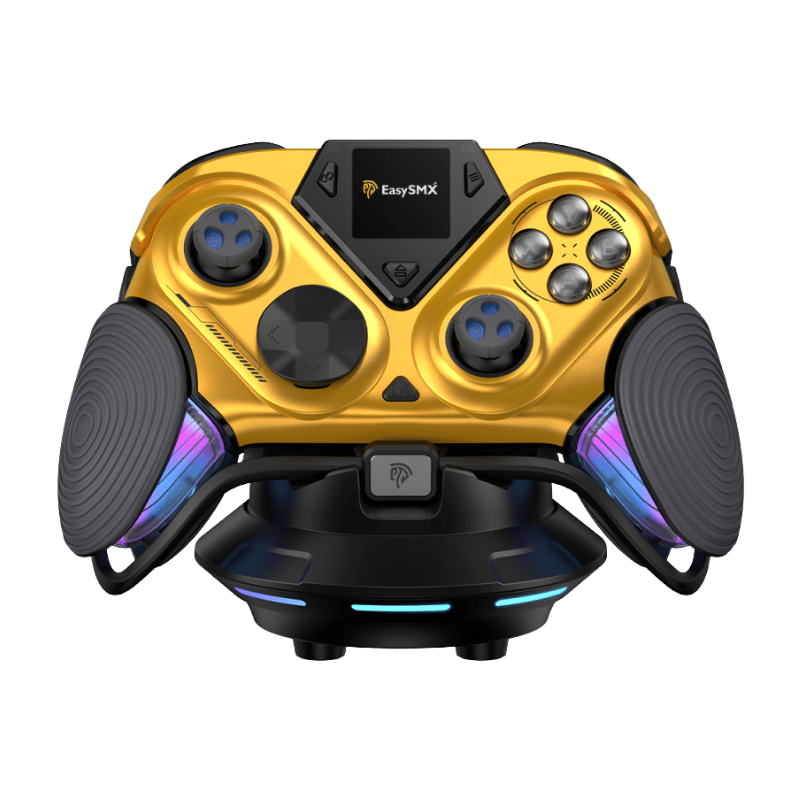
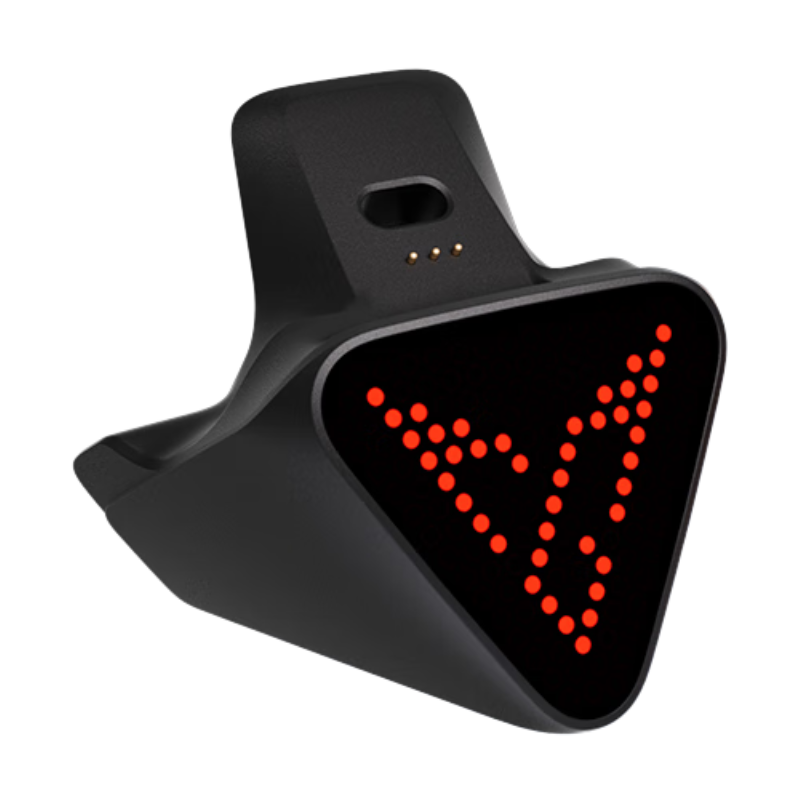
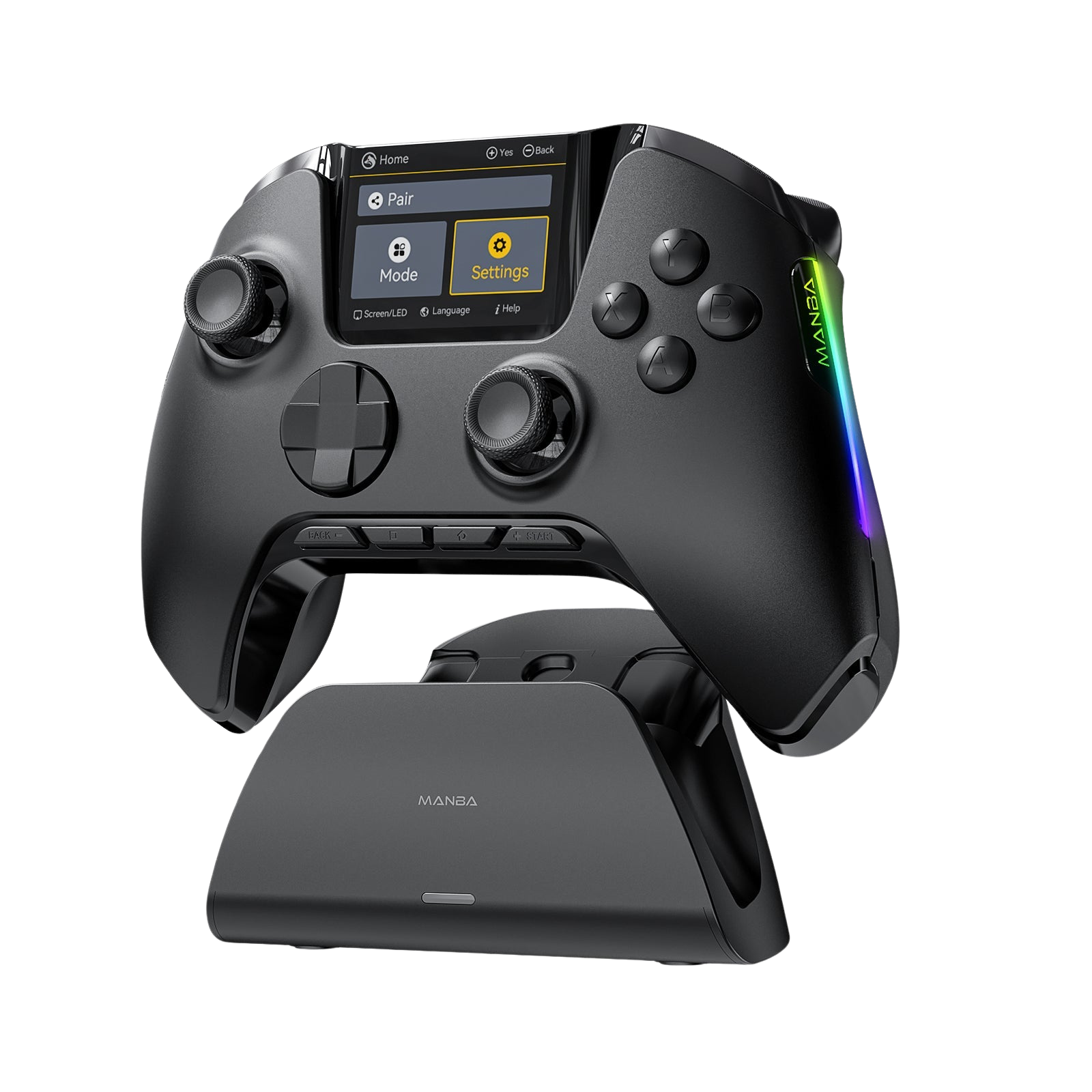
Quick Note on Logistics: If you use the official charging dock, please note that none of these (except the "Stock+" version) will fit on the dock while installed. On the bright side, the FDM material feels surprisingly robust—not nearly as "brittle" as I initially feared.
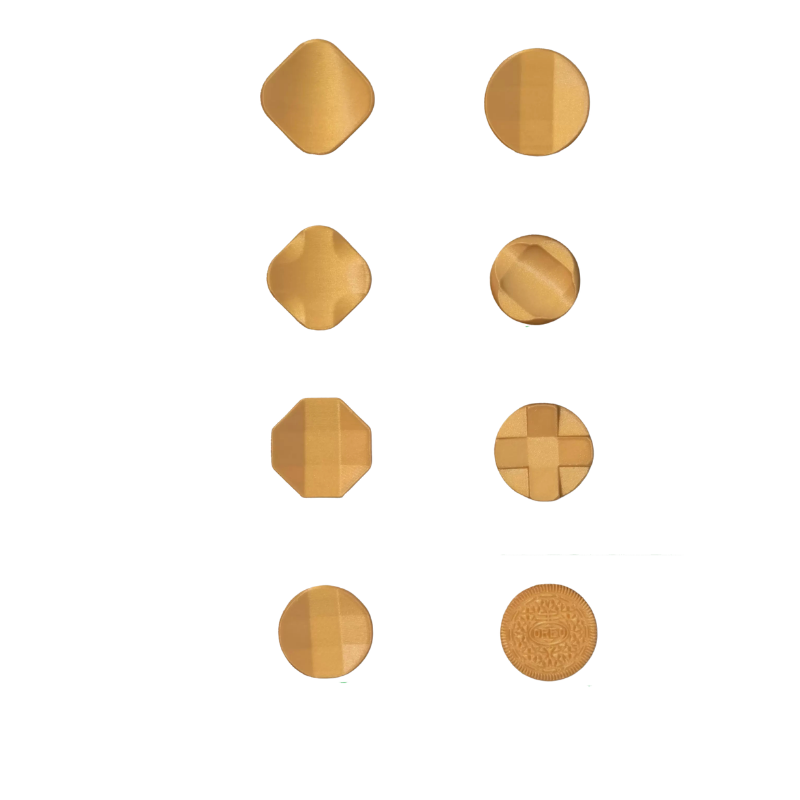
Part 2: The D-Pad Buffet (8 Styles)
I've categorized these into "The Classics" and "The Quirky Ones."

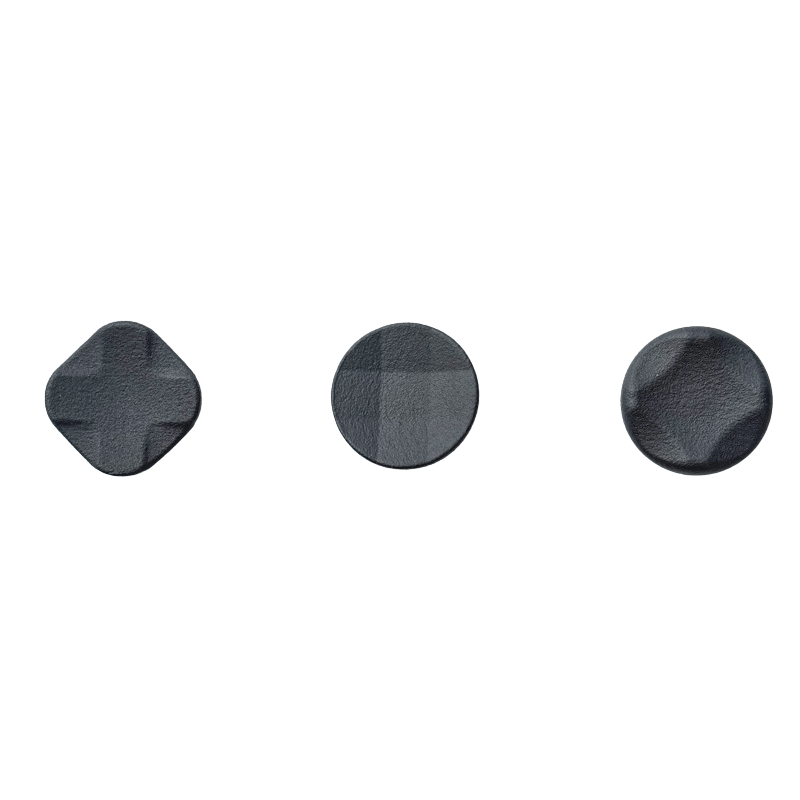
The "Classic" Clones (Top 4)
These are essentially 3D-printed homages to the Xbox Elite-style D-pads.
The Verdict
If you love that concave, satellite-dish feel, you'll be right at home. They are great for general navigation. However, for fighting game enthusiasts (Street Fighter, I'm looking at you), the FDM texture can feel a little "slick" during high-intensity quarter-circle inputs.
The "Special" Editions (Bottom 4)
The "Deep Dish"

This is the star of the show. The inward curve is much more pronounced than the others, almost "cradling" your thumb. It provides excellent directional feedback and feels incredibly agile.
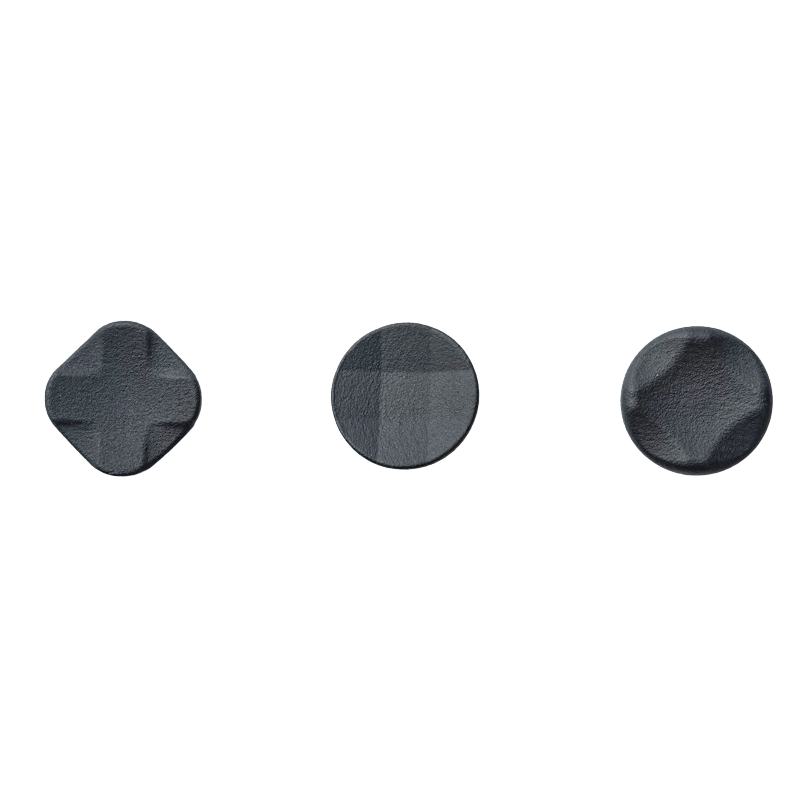
The "DIAMOND" & "Cross"

To be honest, these were a bit underwhelming. The "Diamond" one feels a bit too much like pressing a blank tile—no clear directional tactile feedback. The "Cross" is a standard design we've seen everywhere; it's functional, but doesn't really "add" anything to the experience.
The "Oreo"

Okay, I have to give the designer props for the humor here! It's literally a D-pad with Oreo cookie textures. While it looks hilarious and provides massive grip, it's a bit "scratchy" on the thumb. I'd call this one a "fun conversation starter" rather than a daily driver.
Final Thoughts
At the end of the day, that's the beauty of the controller community—seeing how independent creators try to solve the little "issues" we have with our favorite gear. While not every one of these 12 pieces is a home run, they offer a level of customization that's really exciting to explore.
I hope this quick look helps you decide which direction you might want to go with your own Vader 5 Pro. I'm always hanging out in the comments, so if you have questions about the texture, the fit, or how they compare to the metal versions, let's chat below!
Thanks for reading, and happy gaming.
— Ray





1 comment
Ted
Hello! These look pretty good. I’m not a fan of the new back paddle design of the Vader 5 because I can’t rest my hands comfortably so I have been looking for an alternative. Is there a way to order these from you guys? Thank you!
Leave a comment
All comments are moderated before being published.
This site is protected by hCaptcha and the hCaptcha Privacy Policy and Terms of Service apply.