



























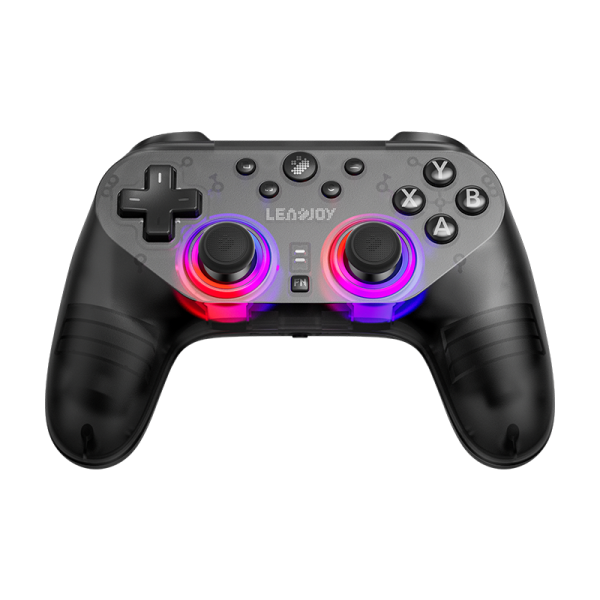

Beitong KP70
Kunpeng 70
First Look: The Next Evolution of Pro Gaming Controllers? | GadgetHyper Review

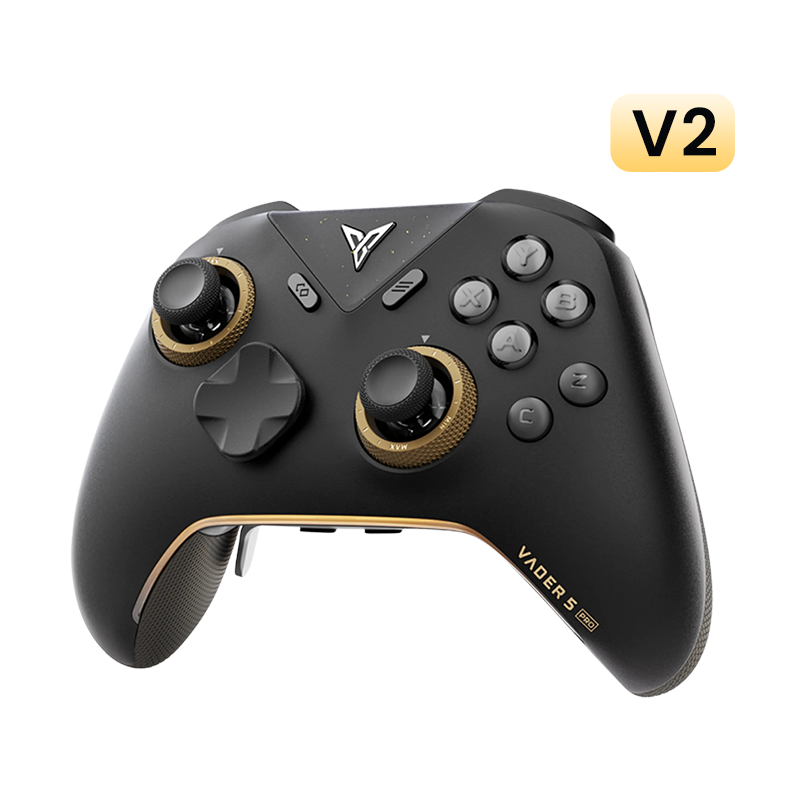
For most North American buyers, Beitong is a new name. In China, they're the old guard — a heavyweight with years of pedigree. The KP70 arrives with English packaging, English software, and serious hardware ambitions. Here are my hands-on first impressions.
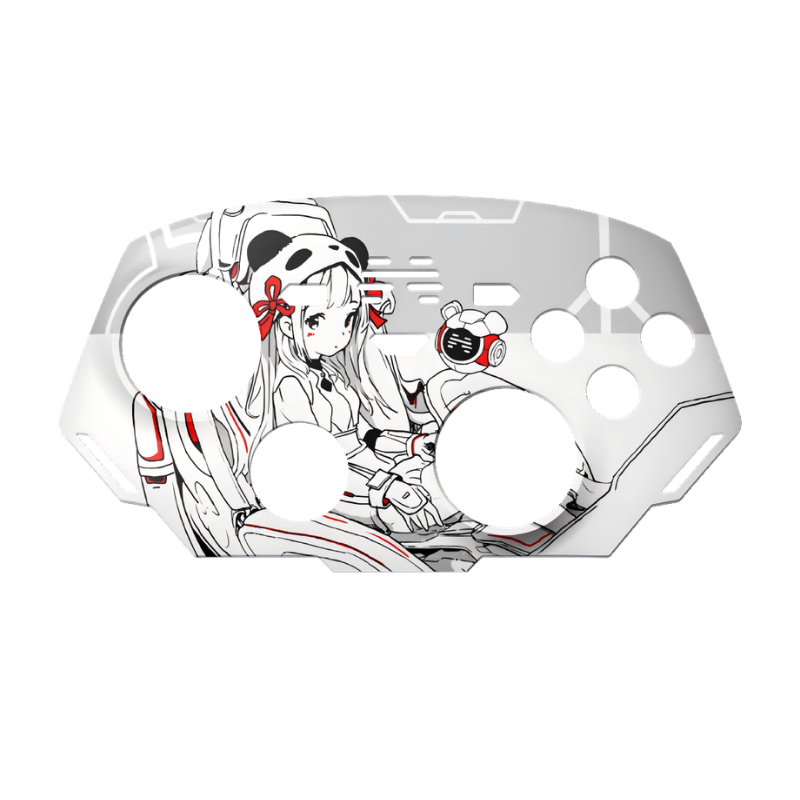
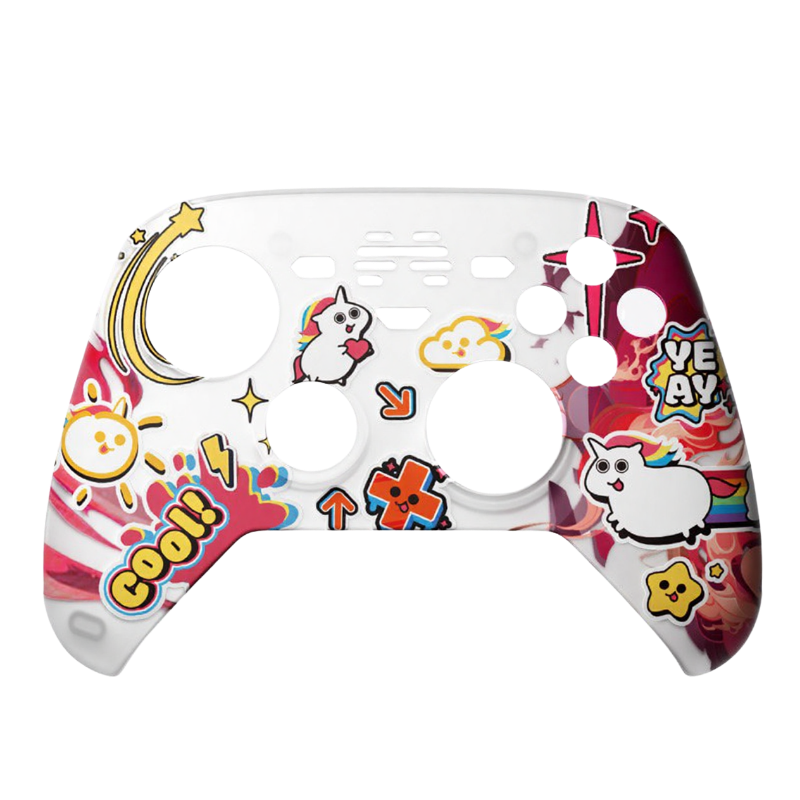
The "Memory" Faceplate:
More Than Just a Skin
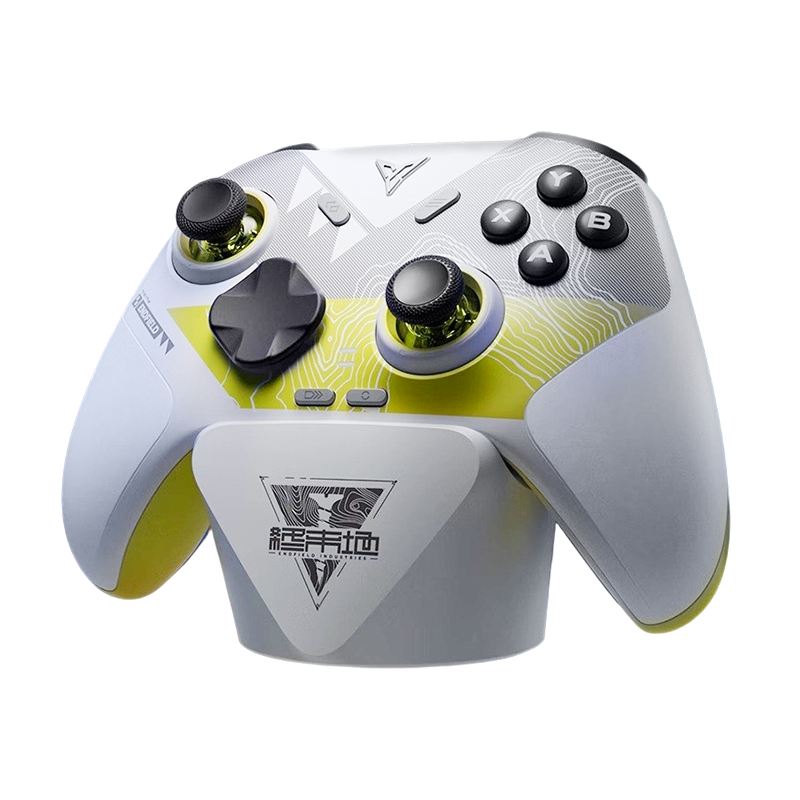
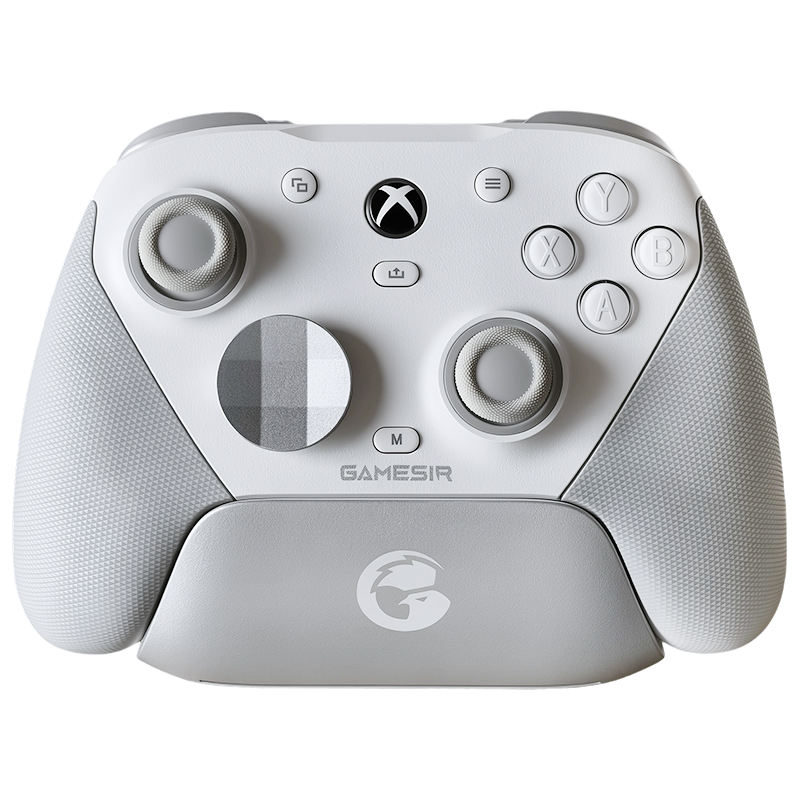
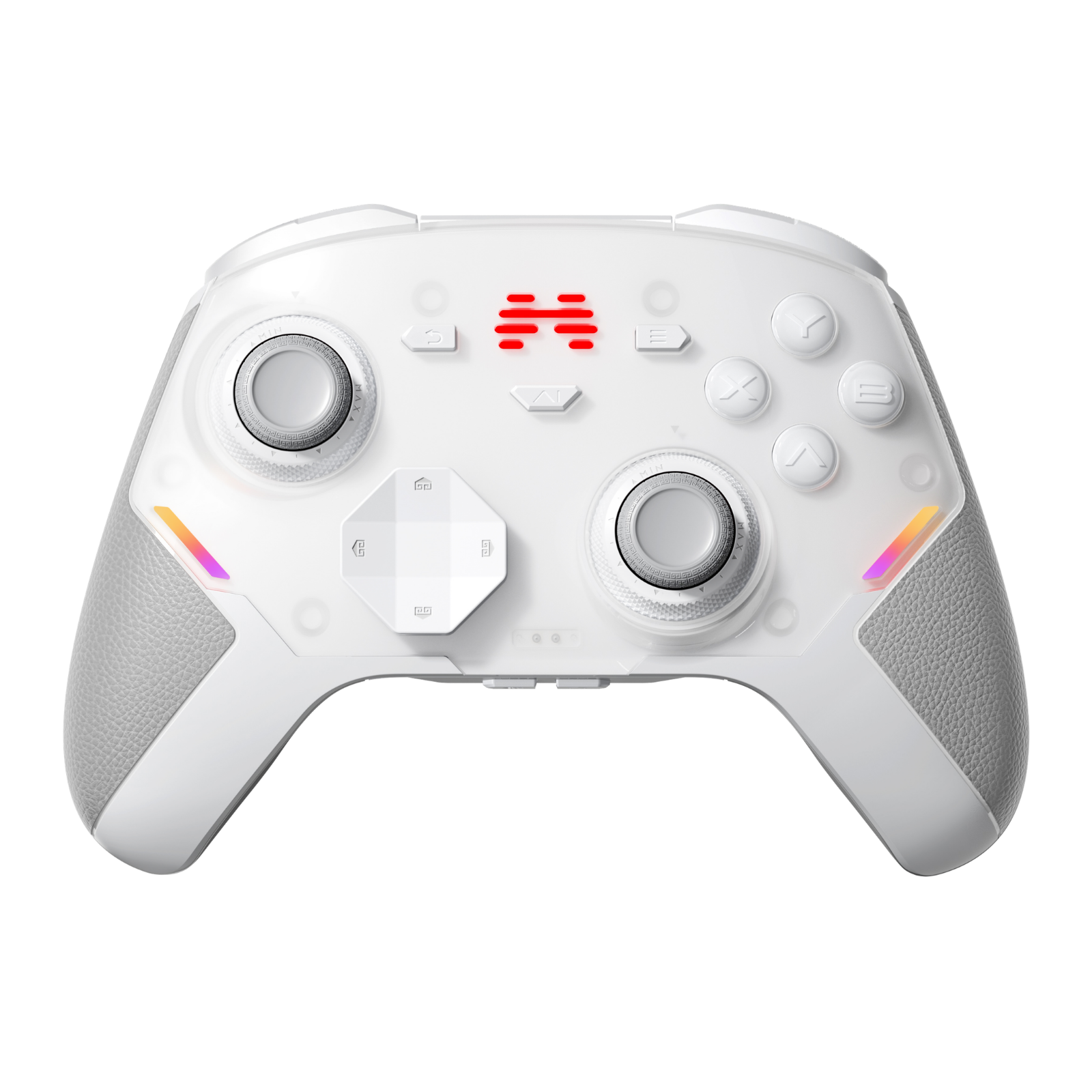
Most controllers offer swappable shells purely for aesthetics. Beitong did something far more clever. Each faceplate can "remember" a specific configuration — swap the plate, and you've swapped your entire button mapping and tuning profile for a different genre. It's the kind of idea that sounds gimmicky on paper but feels genuinely useful in practice.
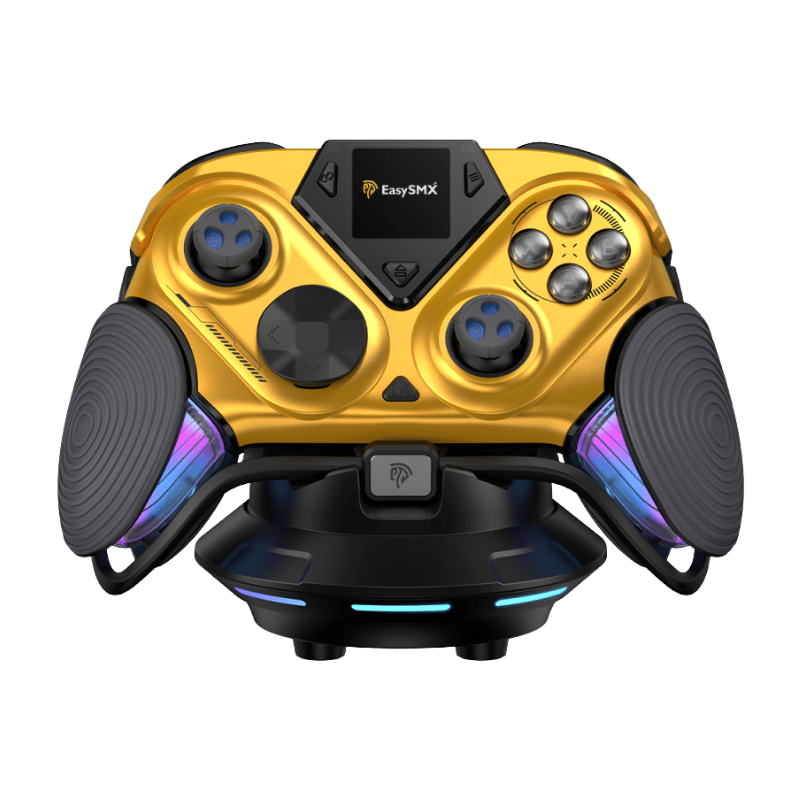
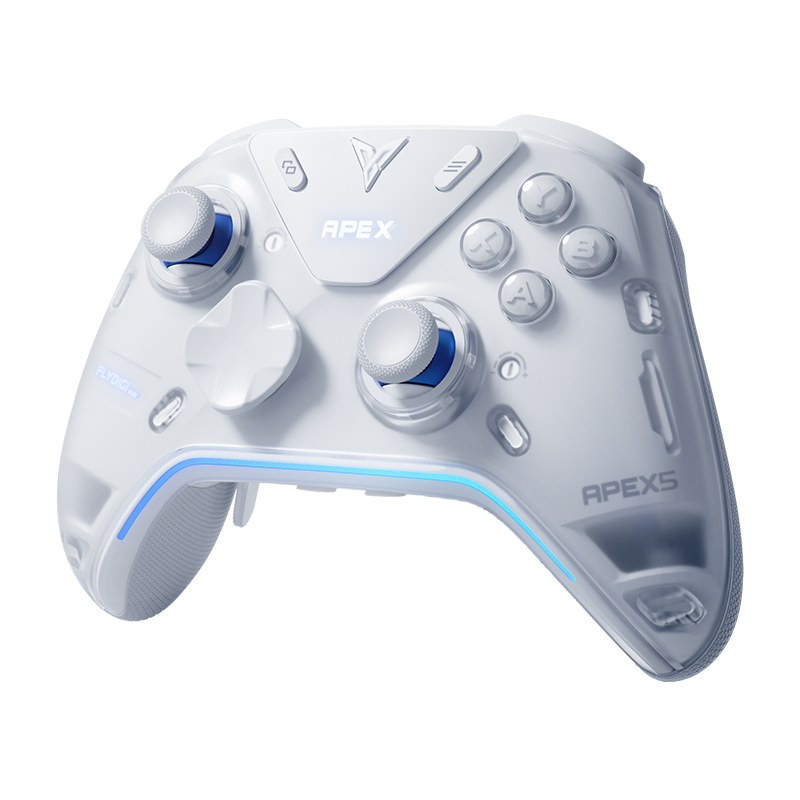
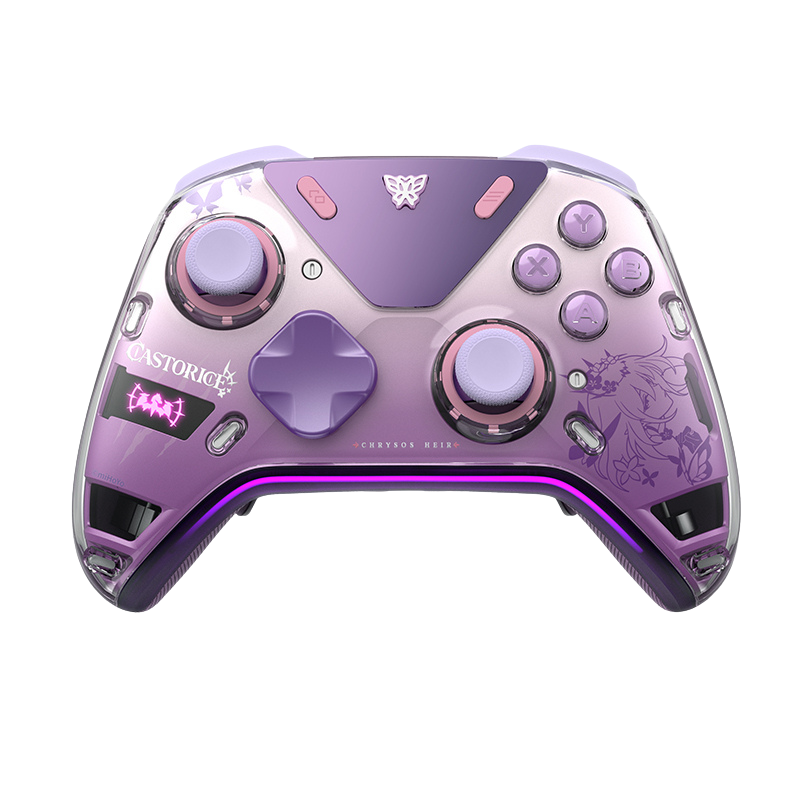
The stock grey/white colorway reads a little too "clinical" for everyday use, so I picked up the Kung Fu/Comic-style painted shell. The Cloud Pattern engravings on the triggers and handles are incredibly fine — it feels less like a plastic toy and more like a piece of crafted hardware.

The Buttons:
Crisp, but Race-Ready
Beitong was among the first manufacturers to champion optical switches for ABXY. The payoff is near-instant response times and a dramatically extended lifespan compared to standard membrane buttons. In practice, they're very clicky and tactile — but there's a trade-off.
The travel distance is notably short. If you're migrating from a Flydigi Apex 4 or a BIGBIG WON Rainbow 3, these will feel stiffer. Built for raw speed, not cushioned comfort.
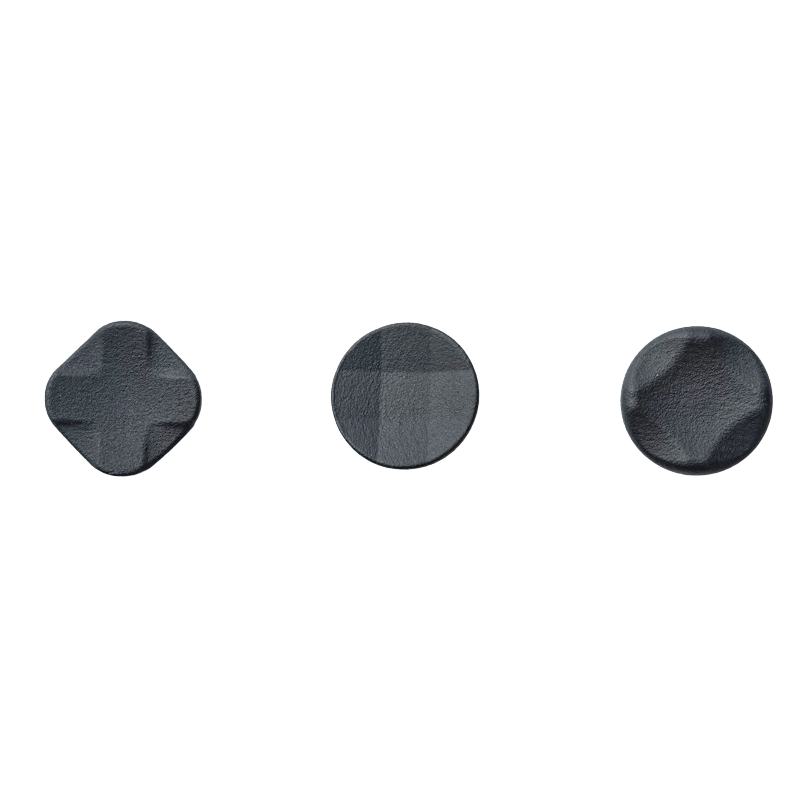
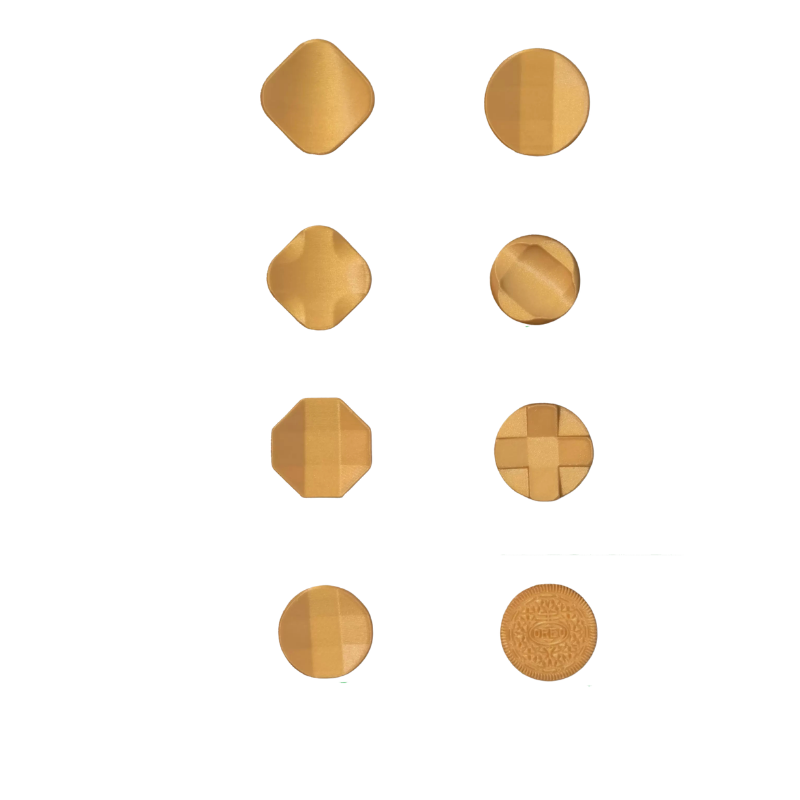
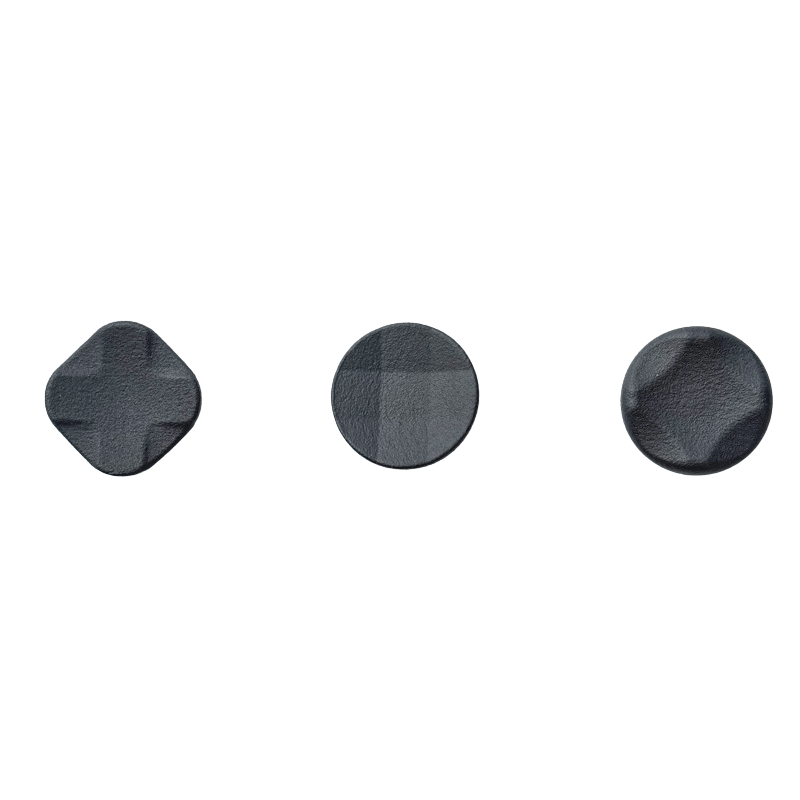
The D-Pad is a genuine highlight. Testing it extensively in Street Fighter 6, the directional input was pinpoint accurate with just the right amount of tension — diagonals register cleanly, and there's no mushiness whatsoever.
-
Optical ABXY SwitchesNear-zero actuation lag with a lifespan rated well beyond traditional microswitches.
-
Short Travel DistanceBuilt for speed — expect a learning curve if you're coming from "softer" controllers.
-
Excellent D-PadCrisp, accurate directionals that perform well even in demanding fighting game inputs.

Triggers with
a Personality
The triggers are the star of the show. Forget the usual toggle on the back of the controller — the KP70 has a physical switch embedded directly into the trigger itself. Slide it left or right to choose your mode. It's a brilliant piece of micro-engineering that every future controller should steal.
Linear Mode
Smooth, analog travel. Ideal for racing sims and anything requiring precise throttle control.
Clicker Mode
Fast, binary actuation. Perfect for shooters where trigger speed = survival.

The triggers also feature Force Feedback — similar to Flydigi's Apex 4 implementation. Playing Black Myth: Wukong, the weight of a heavy attack pushes back against your fingertip in a way that reads as genuinely tactile rather than just buzzing. Game-specific profiles require the Beitong app, but setup is straightforward.
Six Extra Buttons.
Yes, Six.
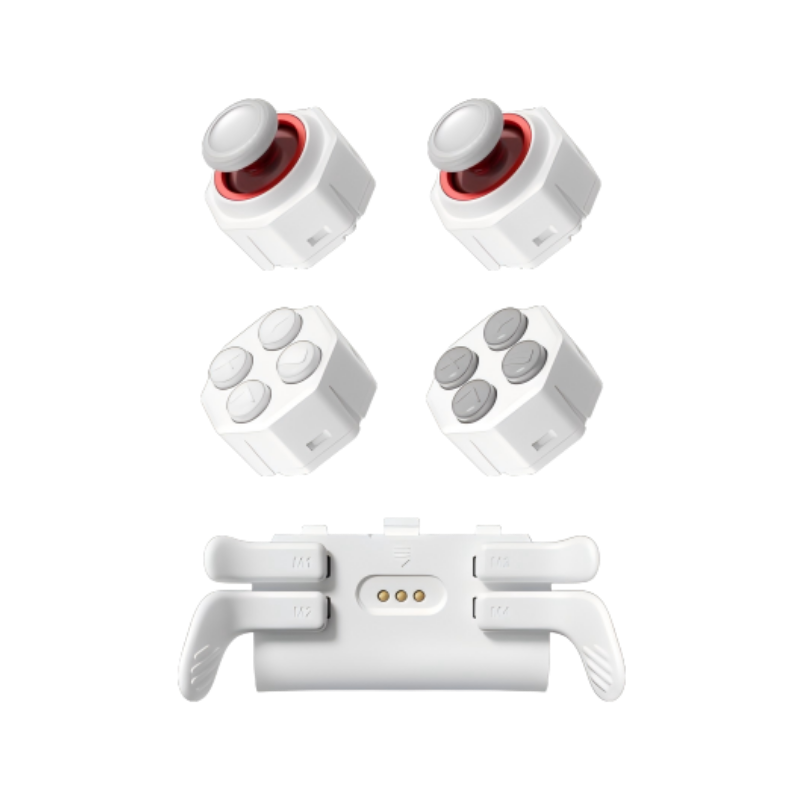
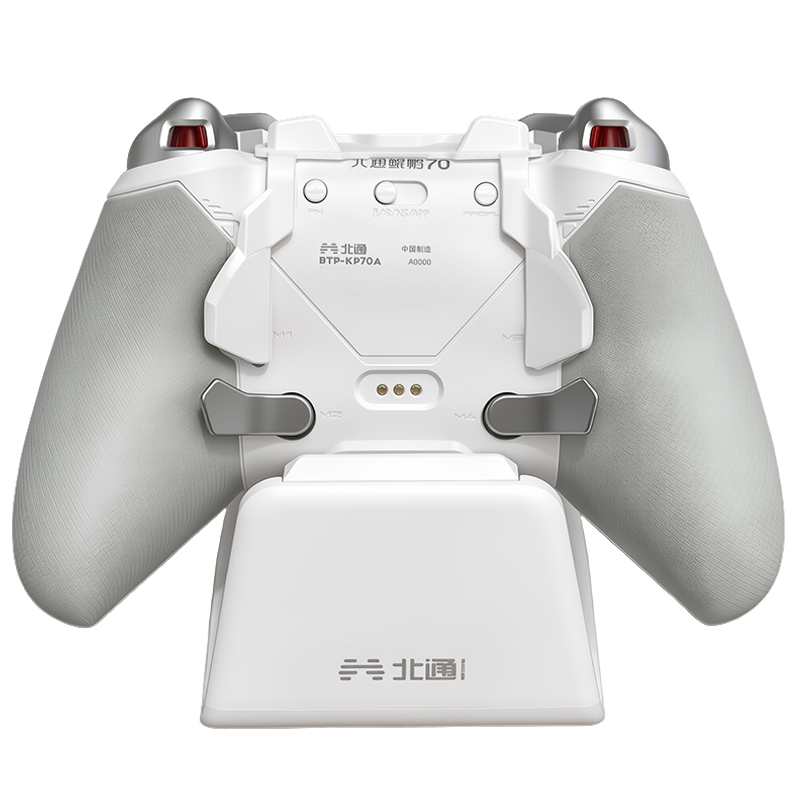
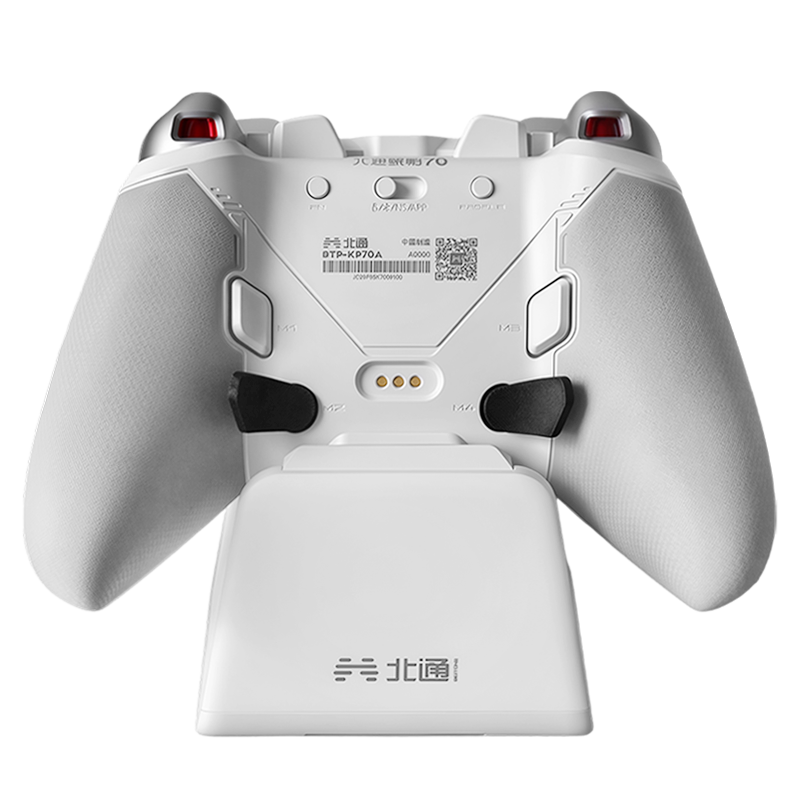
This is where the KP70 stakes its claim as a serious pro-tier option. Six extra inputs across two categories — 2 extra shoulder buttons on top, and 4 back buttons (M1–M4) — all positioned so your fingers never have to leave their natural resting position.
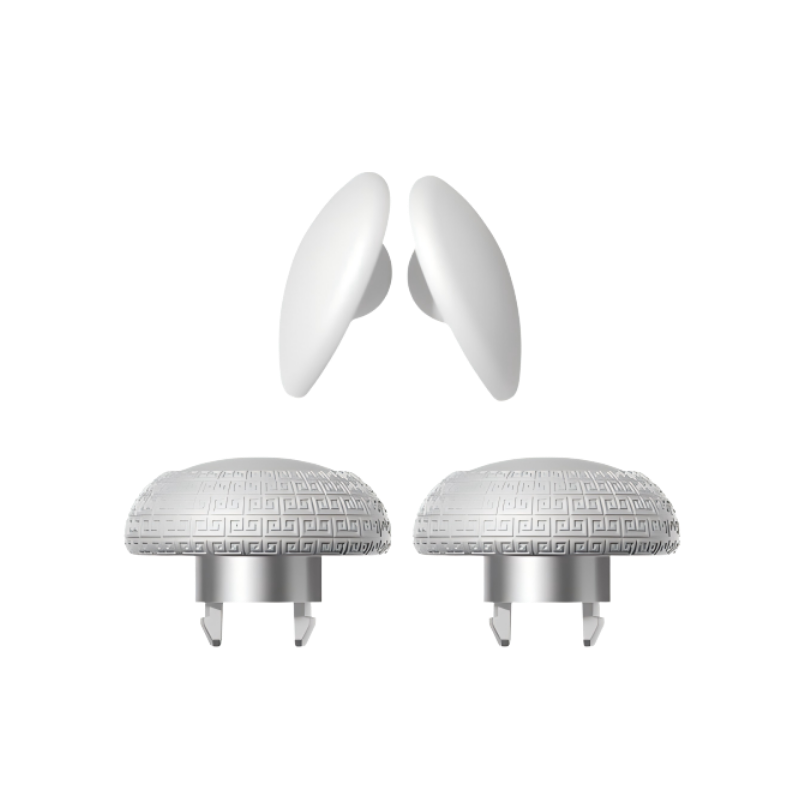
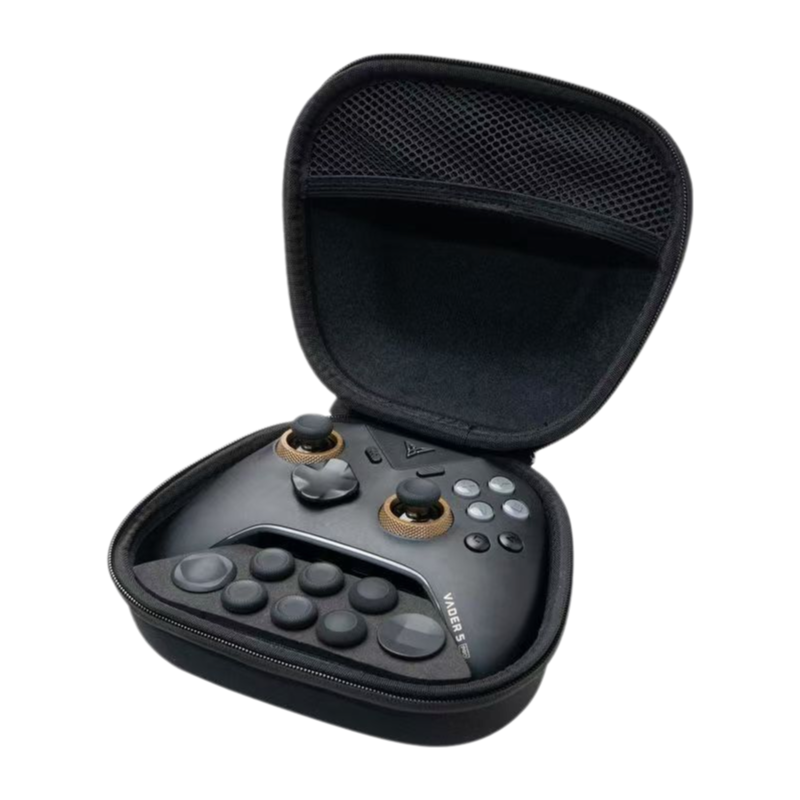
M2 and M4 — the detachable metal paddles — can be oriented in three positions: horizontal, 45°, or vertical. Being metal, they eliminate the "snapping plastic" anxiety common on budget back-button attachments. M1 and M3 are fixed small buttons that sit exactly where your middle fingers naturally fall.

Bold Experiments,
Not Quite Home Runs
No piece of gear is perfect. The KP70 ships with two features that feel more like ambitious experiments than finished ideas:
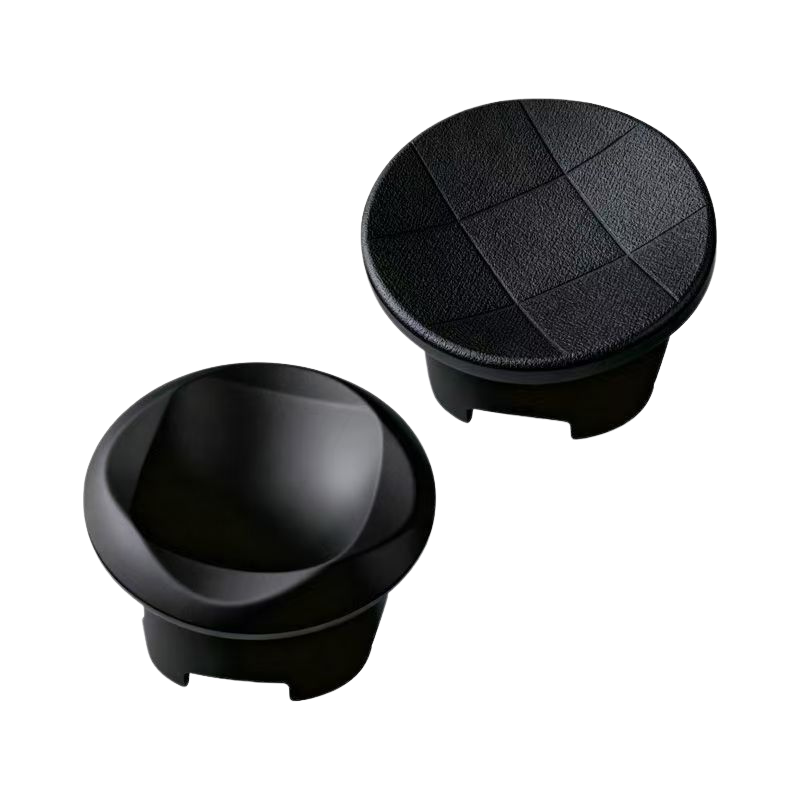
The Joysticks: The capacitive joystick solution with a 1000Hz polling rate and stepless tension adjustment rings sounds impressive on spec sheets. In practice, it's "just okay." The feel lacks the buttery smoothness you'd expect from a dedicated FPS controller. Notably, Beitong's newer KP40 reverted to stepped adjustment — likely because stepless rings are finicky to keep centered.
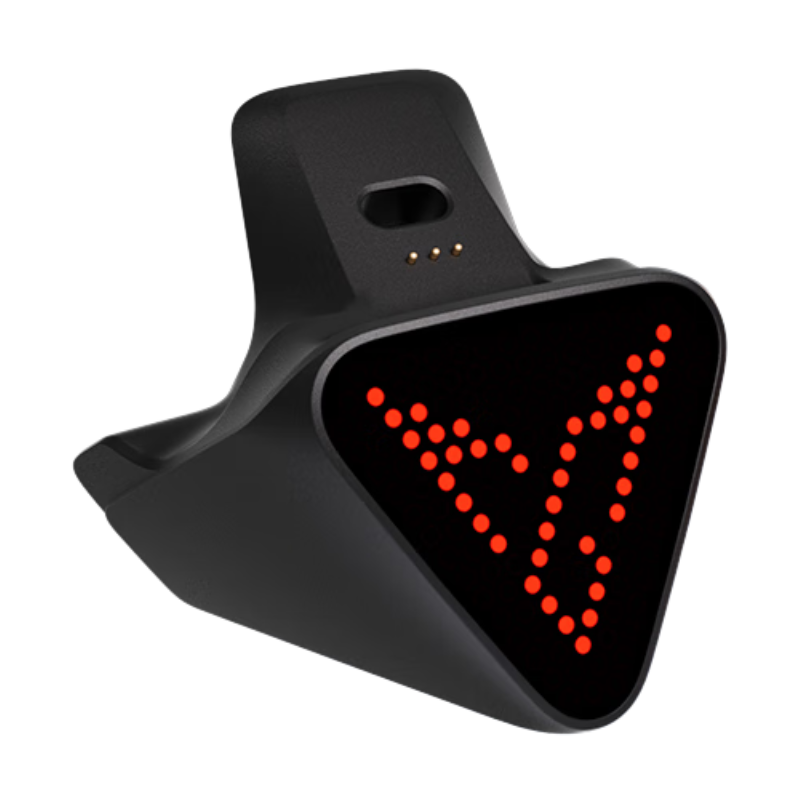
The AI Button: There's a prominent AI button front-and-center. On the global variant (KP70B), many of the smart features from the Chinese version are stripped back or differently localized. Honestly? Most of us would find this gimmicky regardless. You're not missing much — it's a nice-to-have that most users will never touch.
✦ What's Great
- Profile-saving swappable faceplates
- In-trigger Hall/Micro switch toggle is genius
- Force Feedback triggers feel genuinely immersive
- Six extra buttons with smart ergonomic placement
- Premium metal paddles — no plastic anxiety
- Excellent D-Pad performance in fighting games
✦ What's Not
- Joystick precision disappoints vs. FPS-first competitors
- Stepless tension rings can drift off-center
- AI button largely useless on global KP70B
- Optical ABXY may feel stiff for casual users
- Force Feedback requires the Beitong app
The 3A Single-Player Gamer
If you live in ARPGs and immersive story-driven experiences — Black Myth: Wukong, Elden Ring, AC Shadows — this is your premium command center.
The Sweat-Tier FPS Main
If stick precision is non-negotiable and your KD ratio keeps you up at night, look at purpose-built FPS controllers before committing here.
💬 What do you think?
Does the idea of a profile-saving faceplate sound genuinely useful to your workflow, or does it read as another bell and whistle?
Drop your thoughts below — and if you have questions about specific features or how the KP70 compares to your current controller, I'm happy to dig into it in the comments.





Leave a comment
All comments are moderated before being published.
This site is protected by hCaptcha and the hCaptcha Privacy Policy and Terms of Service apply.