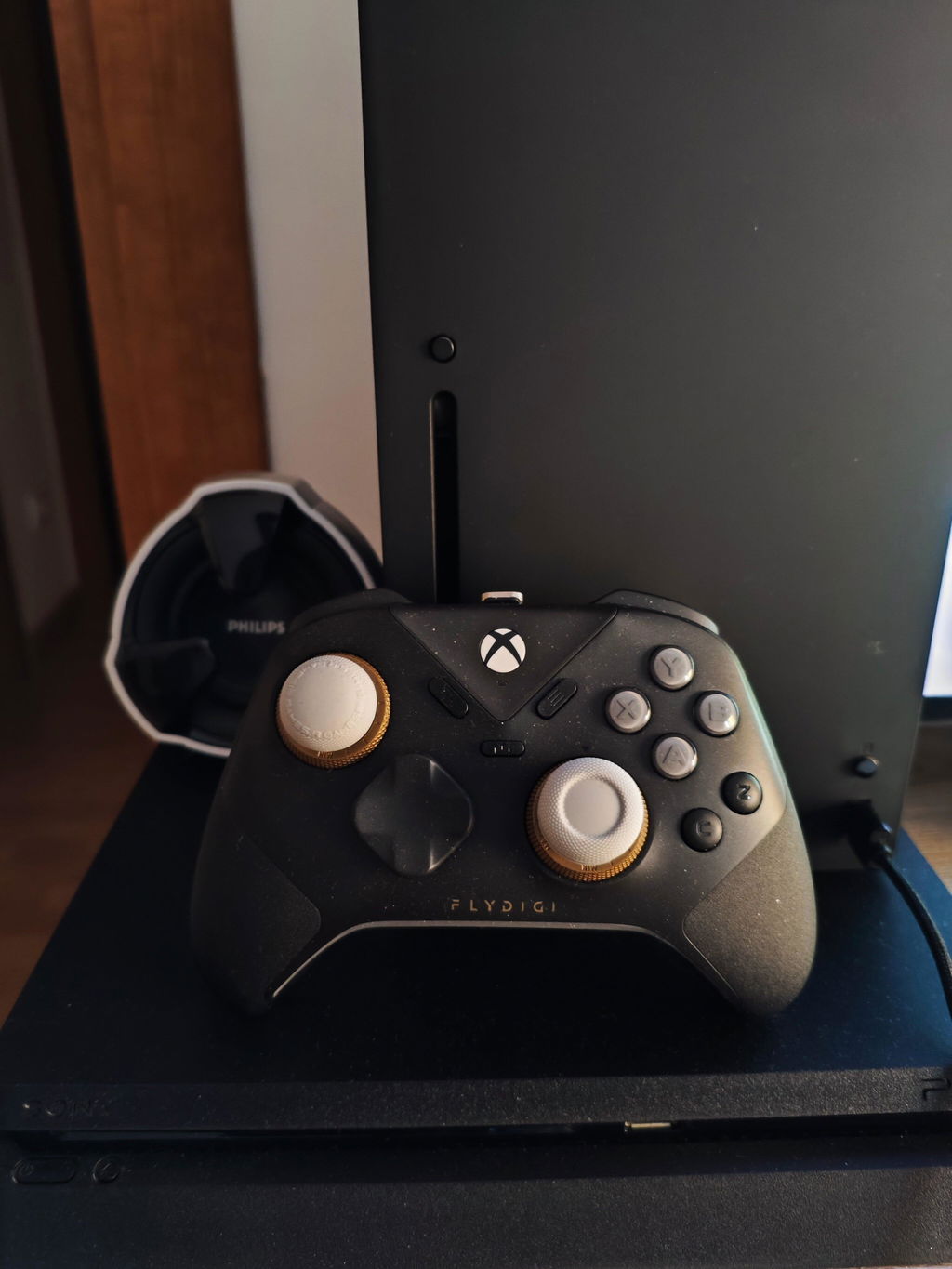







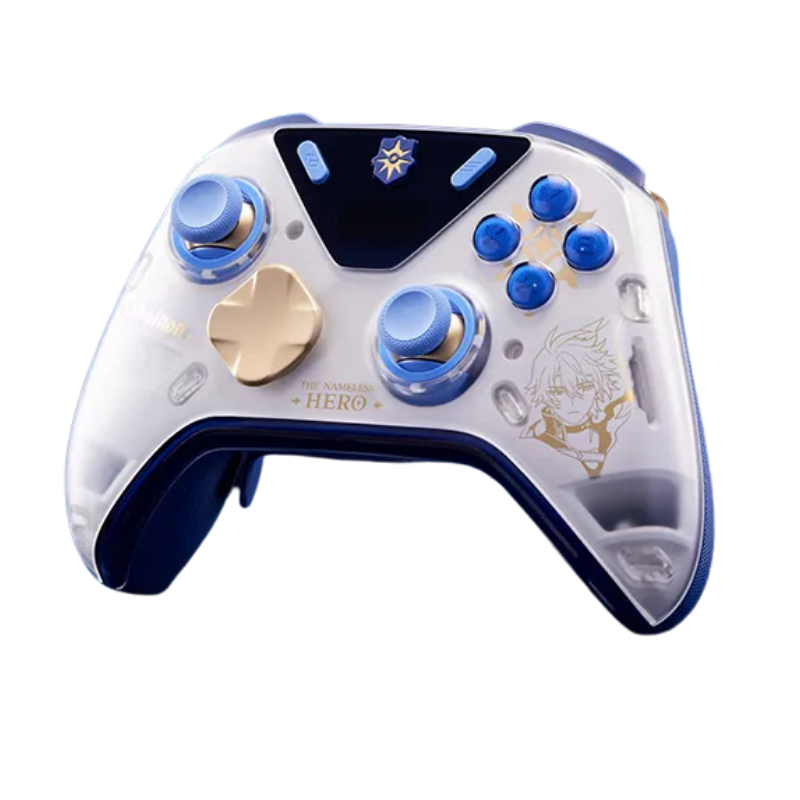
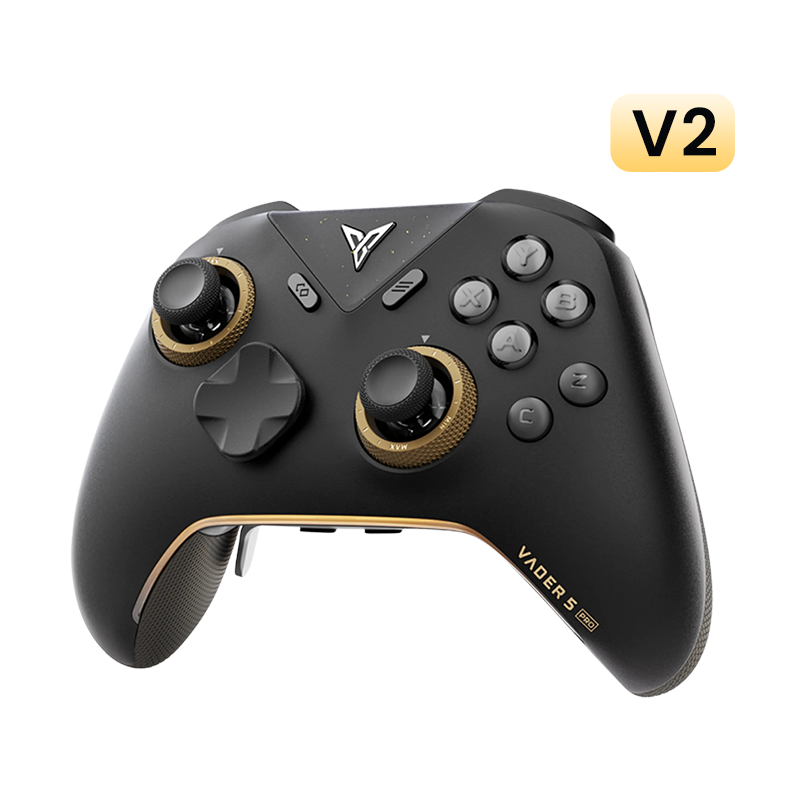


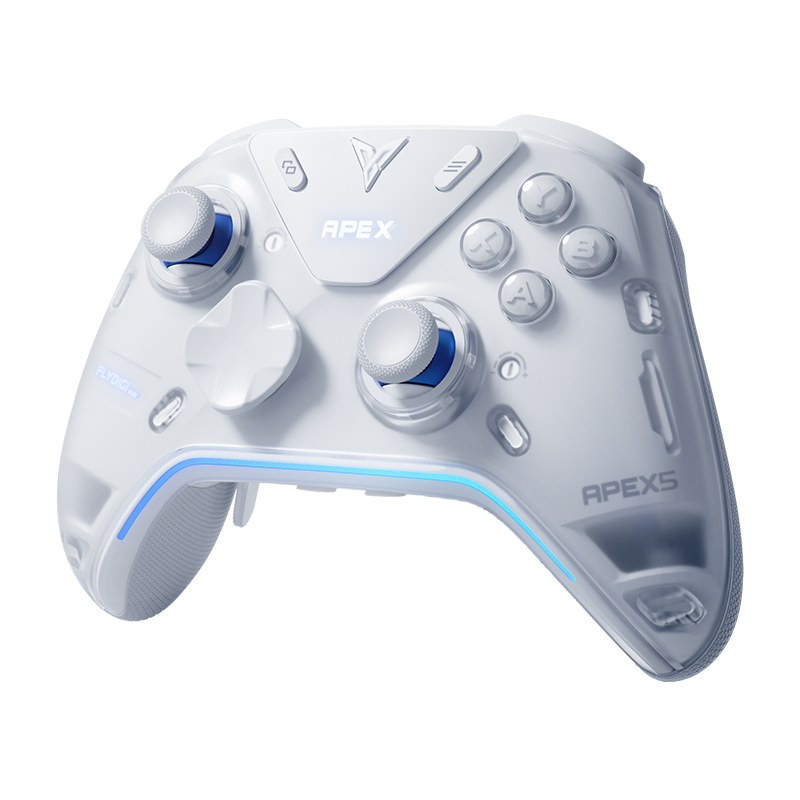

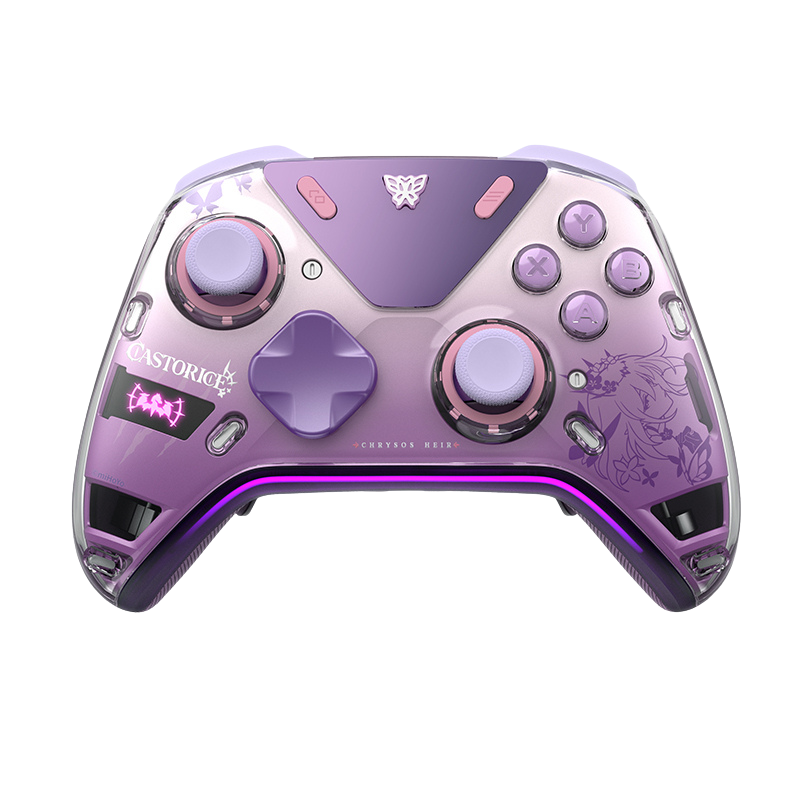


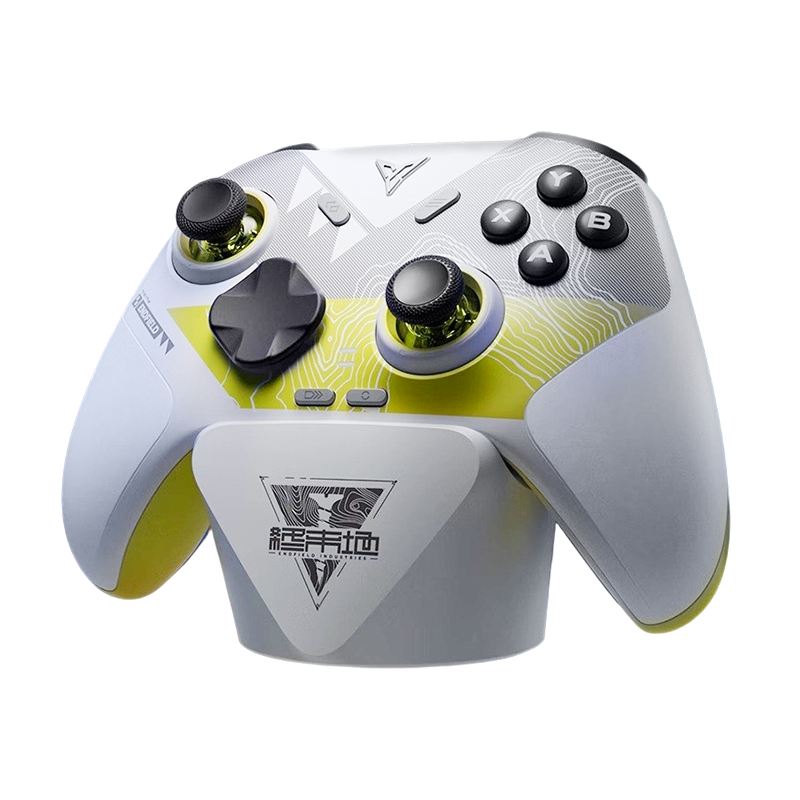


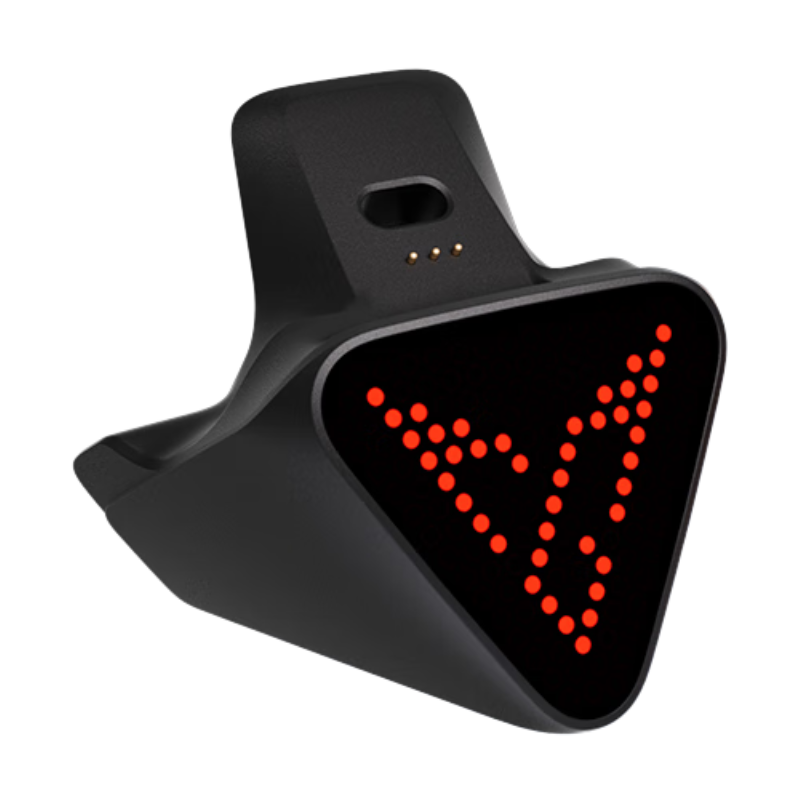



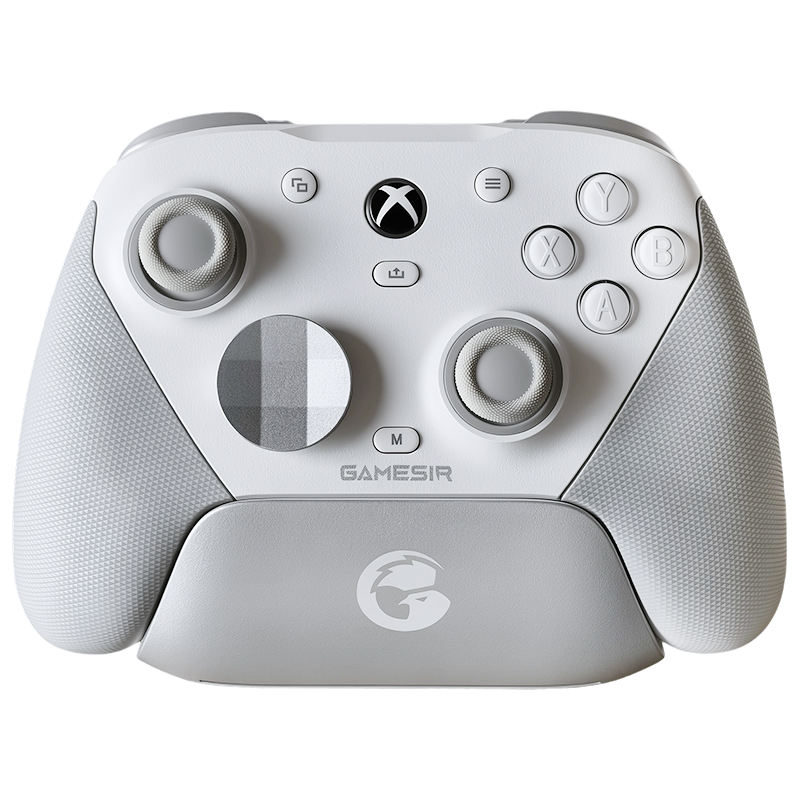
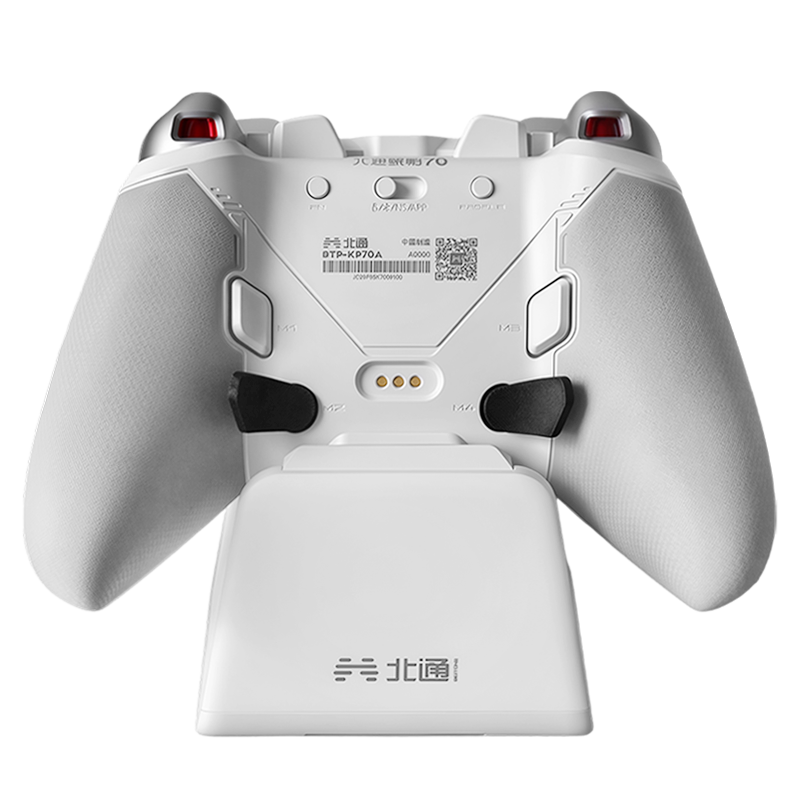










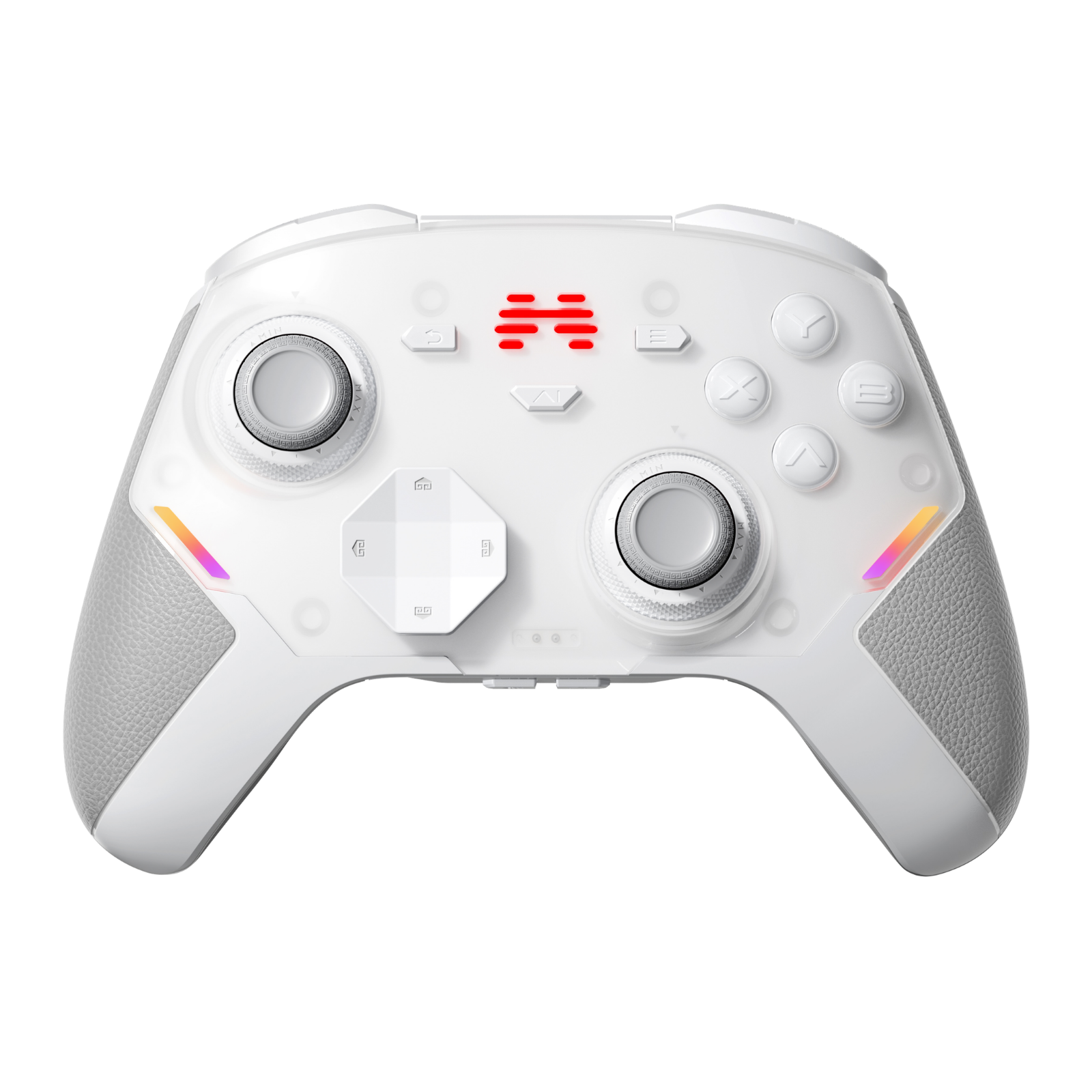


Flydigi Vader 5S XBOX Wired Controller
Shipping calculated at checkout
- 100% Authentic — Sourced Directly from Official Flydigi
- Only Wired Connectivity
- Official XBOX License – Works perfectly on XBOX & PC
- Hall Effect Joysticks Zero Drift, 10M+ Lifespan
- FORCEFLEX Adjustable Tension Joysticks 40–100gf
- FORCESWITCH Dual-Mode Triggers Linear & Micro-Switch
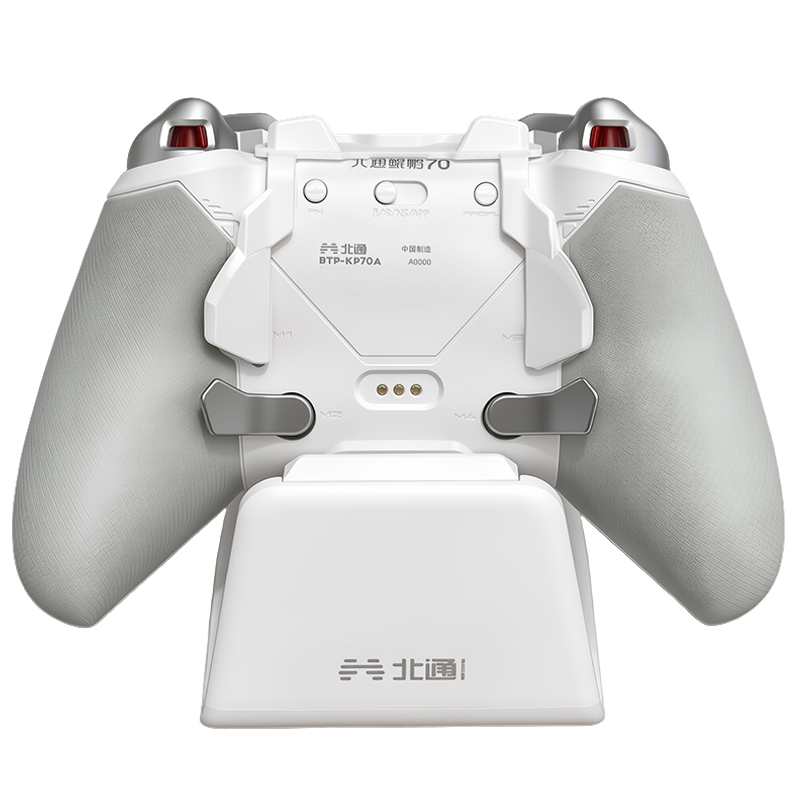
- 6 Programmable Buttons Rear, Shoulder & CZ Face Buttons
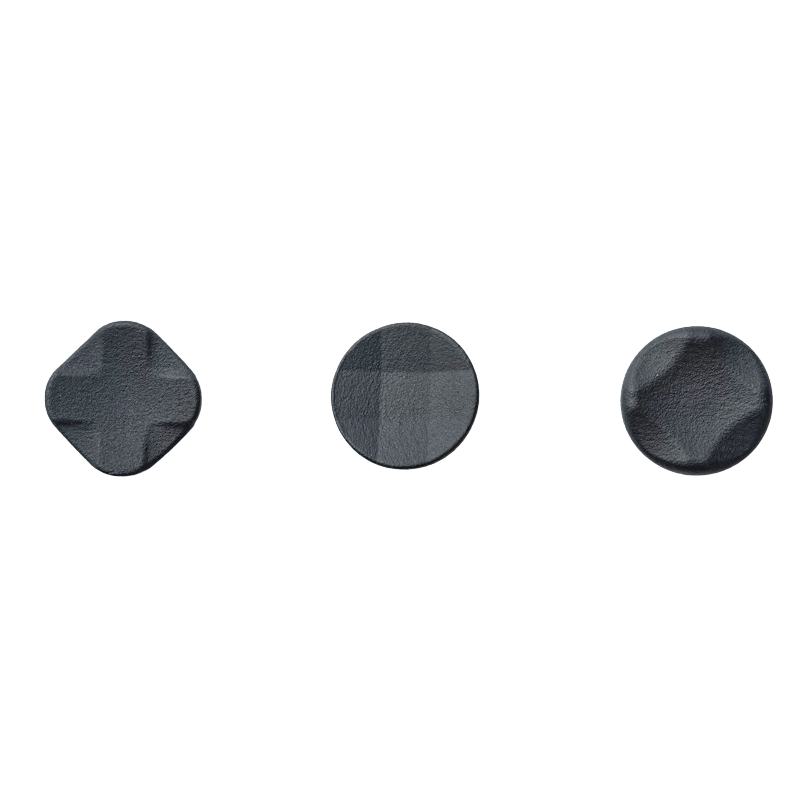
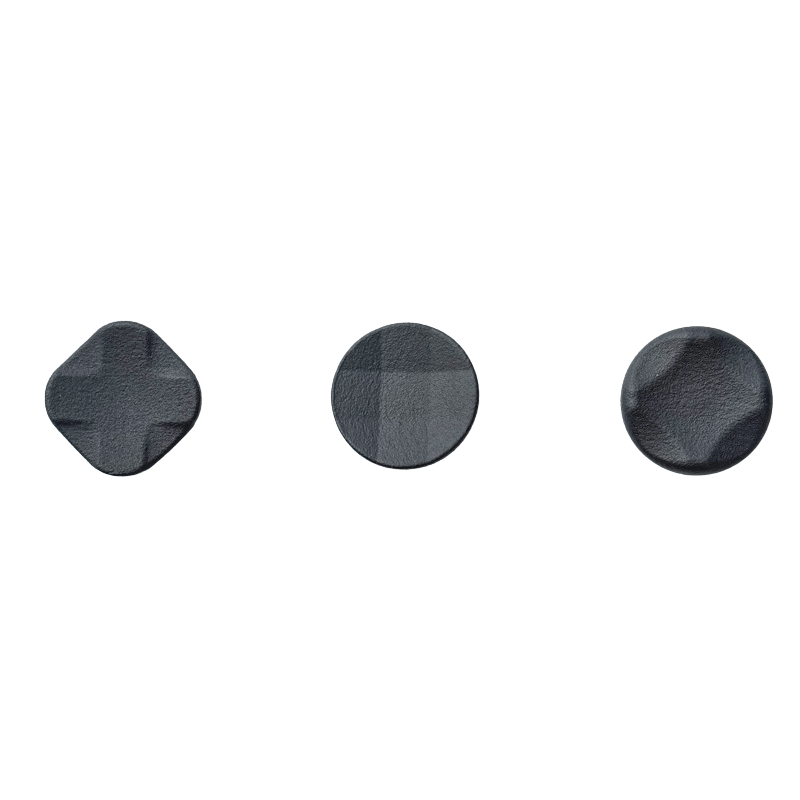
- Rotary-Pivoted D-Pad 2.0 & Mechanical ABXY Buttons
- 4-Motor Triggers & Grip Vibration
- 3.5mm Audio Jack & Microphone Support
- Quick On-The-Fly Settings & Profile Switching
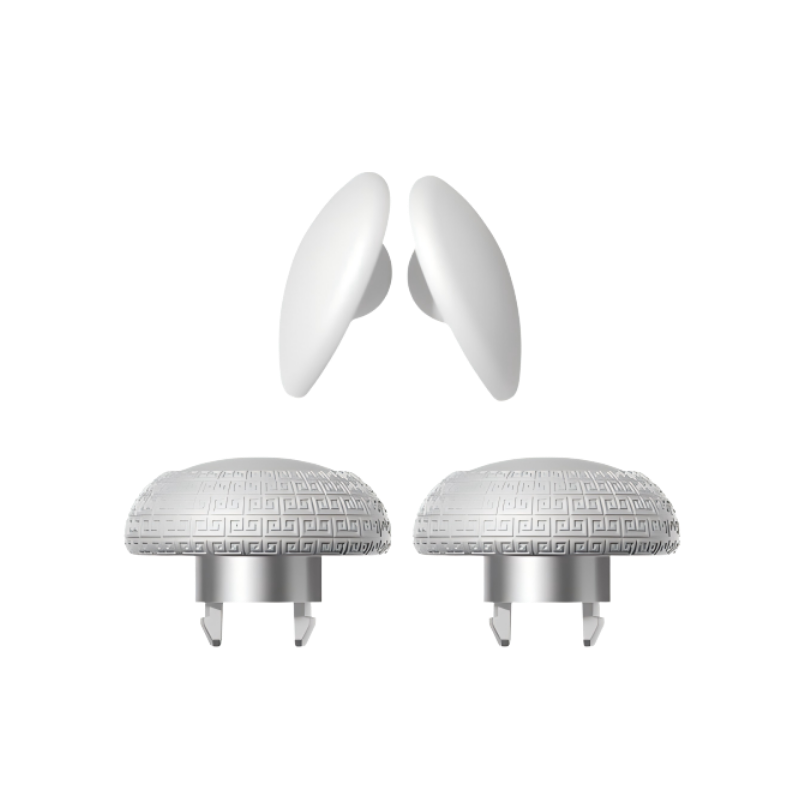
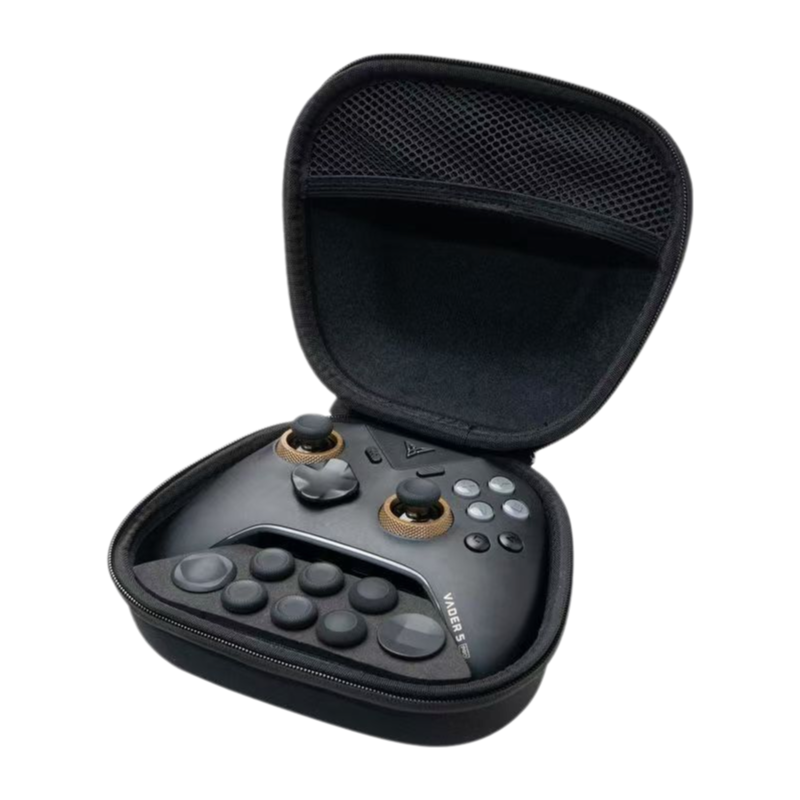
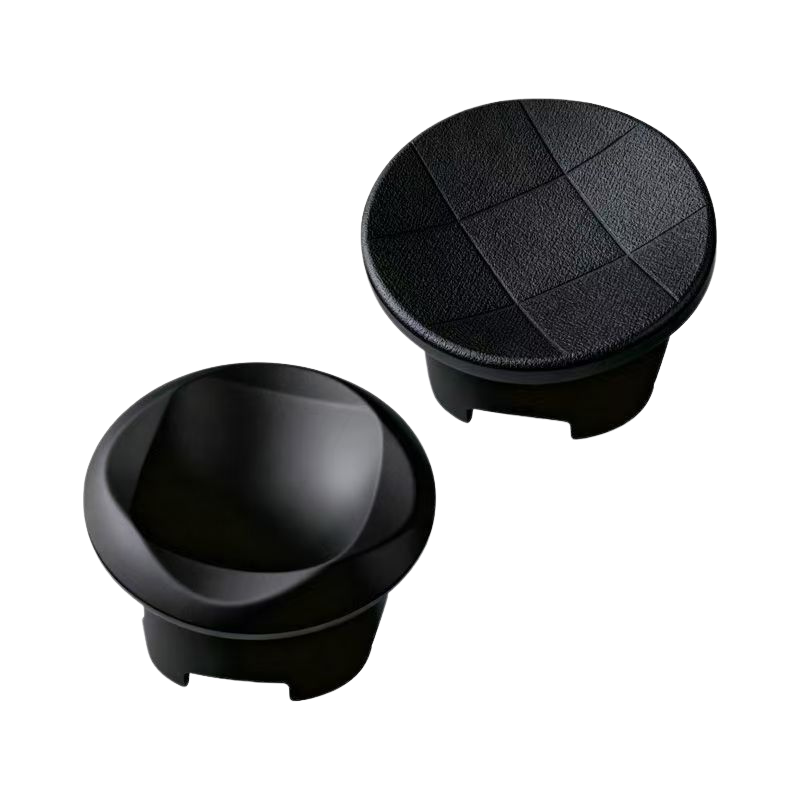
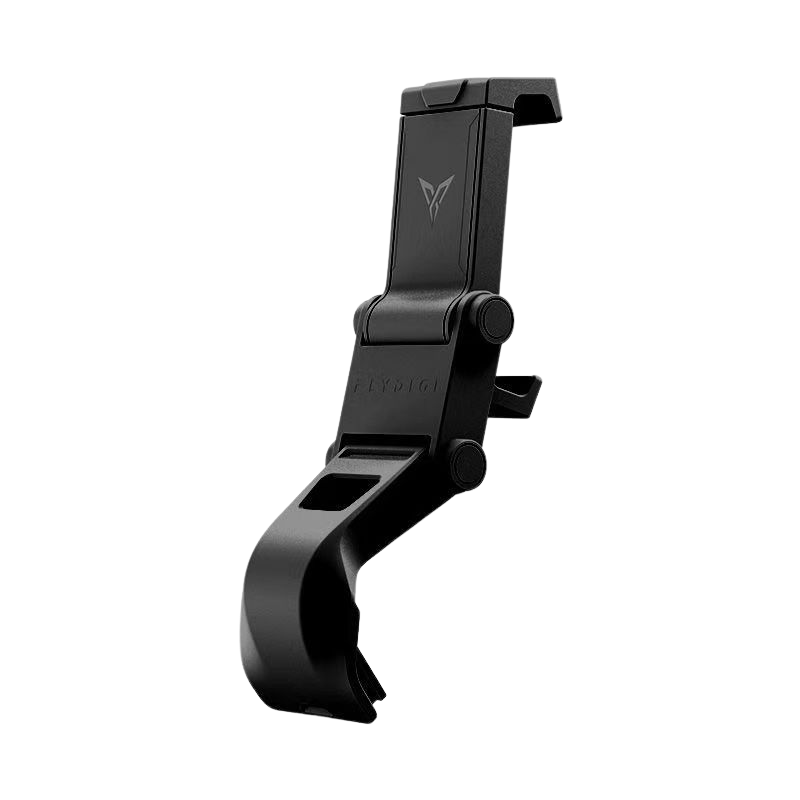
- Optional Controller Bag & Elite Accessory Pack
- Flydigi Space Station 4.0 Real-time Customizing
-
Includes a complimentary 1-month XBOX Game Pass Ultimate trial.
Estimated delivery 5–7 business days. Learn More
- Free shipping on orders over $40 in the United States (AK, HI, PR, etc. are excluded from free shipping), Canada, United Kingdom, Japan, South Korea, Taiwan, Hong Kong, and Singapore.
- All international orders will be shipped by your local legal carrier (including FedEx/USPS, etc.).
- Orders over $40 qualify for free shipping to the European Union. Due to the latest EU regulatory changes, a US$4.45 (approximately €3.90) EU Customs Compliance fee will be collected at checkout on behalf of EU customs authorities. For more detailed information, please read our Important Notice on EU Shipping & Customs Compliance Regulations.
- Due to shipping restrictions, free shipping is not available to India. Please note that import duties and taxes apply to shipments to India. If you have any questions about customs duties or taxes, please contact our customer support before placing your order. Our team will be happy to assist you.
Processing Time
- All orders will be processed within 3 business days (excluding weekends and holidays). You will receive another notification when your order has shipped. Shipping times may vary depending on the destination country/region. If you have any questions about the shipping time to your specific location, please don't hesitate to contact us at info@gadgethyper.com for confirmation.
Tracking Package - After the tracking number comes out, it usually takes a few days(within 3-5 business days) for the new information to be updated. Please wait patiently.
- Due to the special nature of international transportation, the update of package information will be delayed. When the package leaves the shipping country, the detailed tracking information will generally be updated when it arrives at the destination country.
- Most packages can be tracked on this website https://www.17track.net/en; If the information cannot be checked, please contact us at info@gadgethyper.com.
Shipment To P.O. Boxes Or APO/FPO Addresses - If you are using P.O. boxes (North America address only) or APO/FPO addresses, your shipment will be shipped by USPS. For shipping restrictions and helpful information on addressing and packaging, please visit the USPS at: https://www.usps.com/ship/apo-fpo-dpo.htm.
- For orders shipped to military base (APO/FPO/DPO) addresses, delivery may be subject to additional restrictions and cannot always be guaranteed due to carrier and customs limitations. To help ensure a smooth and successful delivery, we strongly recommend using a standard residential or commercial address whenever possible.
Customs, Duties, And Taxes - All products sold by GadgetHyper do not include duties and taxes. Only the amount of the product and shipping costs will be charged for your order.
Please be aware that there may be extra customs fees due to the policy of different countries. The additional charges such as customs clearance fees, local shipping charges, or admin charges would be borne by you. - Note: If you're located in the EU, we cover the customs duties for you, so in most cases, you won’t need to pay any additional fees. However, if your package is randomly selected for inspection by local customs, there might be extra customs duties or fees that need to be paid. In such cases, we kindly ask for your cooperation with the payment of these additional charges, which may include customs clearance fees, local shipping charges, or administrative fees. These costs would be your responsibility.
Shipping Note:
- Please ensure that you enter the correct name, address, and contact information for both the shipping and billing addresses before placing your order. If you've entered an incorrect shipping address, contact our support team at info@gadgethyper.com as soon as possible to make changes before the order ships. Once your order has been shipped, we won’t be able to modify any delivery details.
- For any special shipping requests, please contact our Support Team.
Shipping Delay - Due to customs processing timelines, the actual delivery time may vary depending on your local carrier. If you have any concerns about your order, please feel free to contact us at info@gadgethyper.com.
- Please refer to the table below for the areas we ship to and the estimated shipping time.
| Country / Region | Orders under $40 | Orders over $40 | Shipping Time |
|
United States |
$6.9 |
Free shipping (AK, HI, PR, etc. are excluded from free shipping) Expedited shipping |
5~8 business days( free)
3-7 business days( $9.9 ) |
|
Canada |
$9.9 |
Free shipping Expedited shipping |
7~12business days( free) 5-9 business days( $9.9 ) |
|
United Kingdom |
$9.9 |
Free shipping Expedited shipping |
4~8 business days( free) 3-5 business days( $9.9 ) |
|
European Union |
$9.9+$4.45(EU Customs Pre-paid) | $4.45(EU Customs Pre-paid) | 5~12 business days |
|
India |
$9.9 | $9.9 | 12~15 business days |
|
Australia/New Zealand |
$9.9 |
Free shipping Expedited shipping |
8~12 business days( free) 3-7 business days( $9.9 ) |
|
Japan, South Korea, Taiwan, Hong Kong, Singapore |
$9.9 | Free shipping | 6~8 business days |
|
Rest of Asia |
$9.9 | Free shipping | 10~15 business days |
|
The Rest of the World |
$9.9/19.9/29.9 | $9.9/19.9/29.9 | 15~30business days |
GadgetHyper Inc Assumes No Responsibility For Delayed Or Rejected Orders Due To The Following Reasons:
- 1-2 days handling shipping time.
- No access/reception for the carrier to deliver your order at your address.
- Delay or delivery failure because of the consignee’s actions. These actions include but are not limited to refusing to pay for duties and taxes, refusing to receive, changing the address after the order is shipped, entering the wrong address or wrong contact information, etc.
- Delay due to force majeure, which is including but is not limited to unforeseen or inevitable weather reasons and natural disasters, communication system interference or malfunction, government actions, postal administration policy changes.
- Shipments that are confiscated for violations of local laws and regulations.
- Packages that are unable to be delivered to the stated address entered on file.
We have a 30-day return policy for items offered at GadgetHyper. If 30 days have gone by since your purchase, unfortunately, we can’t offer you a return refund, or exchange. To be eligible for a return, your item must be "like new" and in the same condition that you received it. It must also be in the original packaging. The buyer is responsible for all return shipping costs. If you don’t like the product ordered the wrong item or simply don't want it anymore, you will be responsible for paying for your shipping costs for returning your item. Shipping costs are non-refundable. If you receive a refund, the cost of return shipping will be deducted from your refund.
Are in "like new" condition as described below:
- Items will be free of cosmetic defects and in perfect working condition
- All original components intact: Inclusive of any included inserts or additional materials.
- Be in original packaging and with have minimal damage
What if I received an incorrect or defective item? At GadgetHyper we strive for perfection, but sometimes mistakes do happen. Please email our support team within 7 days of receiving any incorrect or defective merchandise and we will make sure you are taken care of. Be sure to include your order # along with an explanation of your issue. We will replace any defective item free of charge.
*Due to hygiene reasons, personal care products such as electric shavers & earphones are not eligible for return or exchange once opened or used.
Returns Policy
- Orders must be made at our official website. If you place the order on another platform, please contact their customer service for further help.
- You have 30 calendar days to return an item from the date you received it.
- Please ensure that the item you're returning is in its' original condition, in the original packaging.
- Returns must include all accessories.
- Items with visible signs of use are not eligible for return.
- Returns may be rejected if items do not meet the above requirements.
- We will refund the payment when you return the product(in the original box). Please note that refunds apply to the product cost only. For interception or return requestsinitiated due to personal reasons, a 3% handling fee will be charged by the logistics carrierand the platform. This fee will be collected on their behalf by GadgetHyper.
- Shipping fees, expedited shipping charges, and shipping insurance fees (if applicable) are non-refundable.
Return Warehouses
To facilitate international returns, GadgetHyper operates return warehouses in the following regions:
- North America
- United Kingdom
- Mainland China
The appropriate return address will be provided by our support team after your return request is approved.
Exchanges
- You have 30 calendar days to exchange an item from the date you received it. If 30 days have gone by since your purchase, unfortunately, we can’t offer you a return refund, or exchange.
Exchanges Policy
- You have 30 calendar days to exchange an item from the date you received it.
- Please ensure that the item and all accessories are returned in their original packaging and in the same condition as received.
- Items with visible signs of use are not eligible for return.
- Only items that have been purchased directly from GadgetHyper can be exchanged.
- To ensure timely delivery and minimize the risk of loss, we recommend using major international logistics companies such as UPS/DHL for your return shipments.
Orders Return Policy
- International customers shall be responsible for the shipping cost, any duty, and tax that occur when requesting return service. All fees imposed during or after shipping are the responsibility of the customer(tariffs, taxes, etc.).
- Before you return your order, please check your local customs and borders office and file a request to return your items.
- GadgetHyper Inc. is not legally authorized to do so on behalf of our international customers. Please file the request first before sending back your items.
Instructions On How To Return
To return products purchased from GadgetHyper Inc., please contact us within 30 calendar days of receiving your product(s) and complete the following steps:
- Contact us at info@gadgethyper.com to start your return. Please provide the following information. Otherwise, we may not be able to identify your return.
Name on the Purchase
Email or Phone number used on your order at checkout
Order Number
Reason for Return / Exchange
*In some cases, you may be required to include a video or photo of the defective product for proof to refund or replace the product. - The item MUST be returned in its original condition, in the original packaging, and shipped back within 7 business days. Return and refund will no longer be accepted if you miss the return window.
- Please use a trackable shipping service or purchase shipping insurance. Once your return package has arrived at our warehouse, please allow 3-4 business days for us to process your refund/exchange. You will receive separate e-mails when we receive your returned package and when the refund is processed*.
- For the refund to be processed promptly, please be sure to send a return notification to GadgetHyper with the following information:
- Name of the courier
- Tracking number
Reissue
If you encounter any issues with your product, kindly reach out to our Customer Service Team at info@gadgethyper.com. Once we confirm the product failure, we will promptly arrange a replacement or issue a new product for you.
For replacement please refer to the Return policy above.
If returning the product is not feasible in your area, we will provide a direct reissue of the product to you.
Cancelling or Amending Orders
If you have ordered the wrong item, please contact us (info@gadgethyper.com) to cancel or change your order; you can cancel or change your order for free before it is shipped.
To maintain a quick turnaround on order processing and shipping, once the package leaves the warehouse, it cannot be canceled or amended.
Unless otherwise stated in your product's manual. The following Warranty Policy applies for products sold on gadgethyper.com.
LIMITED WARRANTY TERMS
WARRANTY PERIOD
*The warranty period starts on the date of purchase as stated on your proof-of-purchase and expires at the end of the 12 calendar months.
WARRANTY EXCLUSIONS
The Limited Warranty does not apply to any:
Use in commercial or industrial applications;
An improper power supply such as low voltage, defective household wiring, or inadequate fuses;
Damage caused by external influences;
Damage caused by use with non-approved products and accessories;
Damage caused by operating the Product outside the permitted or intended uses described in the user instructions, such as using in abnormal operating conditions (extreme temperatures);
Damage due to acts of nature, for example, lightning strikes, tornadoes flood, fire, earthquake, or other external causes;
REMEDIES
If a hardware defect is found, GadgetHyper Inc will either (1) repair the Product at no charge, using new or refurbished replacements or parts or, (2) replace the product with a new or refurbished product. GadgetHyper Inc will retain defective parts, modules, or equipment.
The purchaser shall not be charged (whether for parts, labor, or otherwise) for the repair or replacement of a defective Product during the Warranty Period.
HOW TO OBTAIN WARRANTY SERVICE?
To request a Warranty Service within the warranty period, please first contact the support team for a warranty check. You must provide:
Your name
Contact information
The original invoice or cash receipt, indicating the date of purchase, dealer name, and model number of the product
We will determine the problem and the most appropriate solutions for you. Please keep the packaging your product arrived in or packaging providing equal protection so that you have the required packaging available in the event of a return.
CONTACT INFORMATION
For customer support, please email us at info@gadgethyper.com.
If you have a question or comment for us, Please contact us by email as a matter of priority and you will receive support and a response within 48 hours.
Support Email: info@gadgethyper.com


Snap Back. Stay True Centered.
Unlike single‑spring sticks that can feel floaty and wobbly, our FORCEFLEX™ lever‑and‑bearing structure snaps back to true center faster with less drag—smooth 360° travel, steadier aim, cleaner micro‑adjustments, consistent diagonals.

1. Bearing Structure
Less friction. Smoother back to center.
2. Tension Ring - Invented by Flydigi
Tune resistance to match you, and your game.
3. Lever Structure
Seesaw-inspired design delivers precise recentering,every time.
Dial In Your Aim with Our Industry-first Tension Ring
Flydigi’s proprietary tension ring lets you physically tune stick resistance, so the controller adapts to you — and every game you play.

Loosen for faster moves.

Tighten for steadier aim.

FORCEFLEX™ joysticks paired with Hall Effect sensors maintain accuracy far longer than typical designs.
After 10,000,000 cycles, deviation stays as low as 3%—while most Hall Effect sticks show 10% or more deviation at just 5 million cycles.
That means more than twice the lifespan, with control you can trust over time.
FORCEFLEX™ joysticks paired with Hall Effect sensors maintain accuracy far longer than typical designs.
After 10,000,000 cycles, deviation stays as low as 3%—while most Hall Effect sticks show 10% or more deviation at just 5 million cycles.
That means more than twice the lifespan, with control you can trust over time.

Two Modes. One Switch. Zero Setup.

256‑Level Hall‑Effect Triggers for Silky, Precise Control
Every squeeze is measured across 256 levels, so small inputs really count. Contactless Hall sensing keeps it silky and consistent—feather the throttle, ease into the brake, and fine‑tune tense plays with confidence.

Two Trigger Modes. Not Just a Lock.
FORCESWITCH™ gives you two trigger modes: clicky micro‑switch for rapid fire in shooters, and full‑range Hall analog for throttle and pressure control in racing and sims. Slide the physical switch—instant change, no app, no menus.
Trigger locks only shorten travel; this actually changes the trigger.

Micro‑switch Mode
Rapid fire, quick hits.

Hall Effect Analog Mode
Feel silky drifts in your hands.
6 Remappable Extra Buttons
No more finger scramble, map every button to fit your game.

M1+M2

C+Z

LM+RM
Remap Fast, Play Faster
Setup in seconds, win for hours.

Step 1
Hold FN + the button you want to customize.

Step 2
Press the button you want to assign to it.


Trigger Vibration That Guides Your Control
Launch Zone
Lighter vibration helps you ease into acceleration, so launches feel smoother and more controlled.
Clutch Zone
Stronger vibration tells you you’re in the sweet spot—maximum grip, clean lines, and confident drift when it counts.
Red Zone
Vibration ramps up fast, warning you that you’re pushing too far—so you know when to back off.

Grip Vibration That Pulls You Into The Game
Immersion Zone
Strong vibration hits instantly, letting you feel every action and get pulled right into the game.
Steady Zone
Vibration eases into a smooth rhythm, keeping your hands comfortable while maintaining precise control.
On-the-fly Vibration Adjustment
Adjust vibration intensity across 11 levels (0-10). 2 levels at a time on-the fly and fine‑tune all levels in Flydigi Space Station.

Trigger Vibration Adjustment
Hold FN + push the left stick ↑/↓

Grip Vibration Adjustment
Hold FN + push the right stick ↑/↓


FAQs
How can I use the 6 extra buttons?
- FPS: Map jump, crouch, reload, or melee to the back buttons, so you can aim, move, and shoot at the same time.
- Racing games:Assign gear shifts, handbrake, or boost for quicker control without changing grip.
- Fighting games: Put complex combos or modifiers on one button to execute moves faster and more consistently.
- Action / RPGs: Map dodge, skill shortcuts, or item use to reduce hand movement and mis-inputs.
What are the 4 CUSTOM PROFILES for?
They let you save different setups and switch instantly-depending on the game or the situation.
- Different games: One profile for FPS,one for racing, one for fighting-each with its own button mapping,trigger mode, and stick feel.
- Same game, different modes: One setup for ranked play, one for casual, one for training, or even for different bosses.
- Different playstyles: Switch between aggressive and control-focused setups. No re-mapping. Just switch in second sand keep playing.
Is the Vader 5S officially licensed by Xbox?
Yes. Vader 5S is officially licensed by Xbox. That means full compatibility with Xbox Series X|S, Xbox One, and Windows PC.
What is the connectivity way of the Vader 5S controller?
The Vader 5S only supports wired connection, which usually offer lower input lag compared to wireless connection, and there is no battery in the controller, so no battery replacement required.
Why do I need a TENSION RING to adjust stick resistance?
Because different games-and even different moments in the same game-need different stick feel.
- A lighter tension helps with fastaim, quick flicks, and micro-adjustments.
- A heavier tension gives you more stability for tracking, steady movement, and controlled turns. With the tension ring, you can physically tune the stick tomatch what you're playing-FPS, racing, fighting, or just your personal playstyle-instead of forcing yourself to adapt to one fixed feel.
What makes the centering more accurate than normal controllers?
Vader 5S uses our patented FORECEFLEX joystick design. Instead of pushing from one side, force is applied from two directions, keeping the stick returning to true center-consistently, evenly, and acrossthe full range.