





















Bridging the Device Gap: Can Advanced Controller Firmware Close the Skill Divide?
GadgetHyper Team
May 29, 2026 · Competitive Gaming & Controller Tech
Hey everyone, Ray here from GadgetHyper. If you've spent any time in the competitive FPS scene over the last decade, you know the eternal war: Mouse and Keyboard (M&K) vs. Controller. For years, M&K players held the absolute crown for raw, instantaneous directional changes and infinite physical velocity acceleration. Controller players relied on smooth thumbstick arcs and mechanical tracking assistance built into the game.
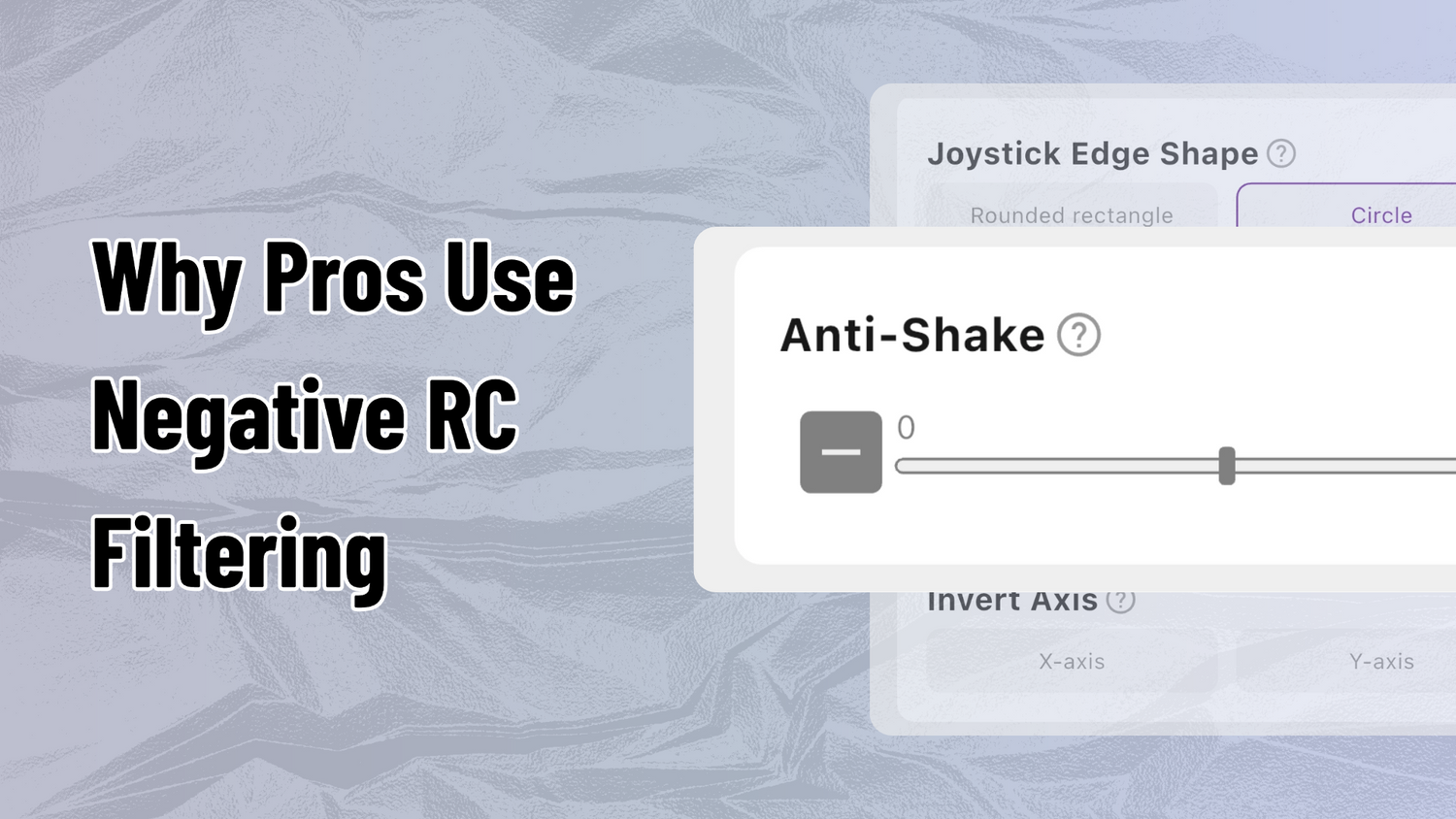
But recently, a new challenger stepped into the arena — not a new hardware shape, but a shift in internal firmware logic: Negative RC Filtering.
Instead of picking sides or declaring what's "right," I want to look at this strictly from a gear enthusiast's perspective. Can tuning your controller's internal math actually bridge the physical responsiveness gap between a thumbstick and an elite gaming mouse?
Part 1 — RC Filtering Explained: What it is, whether it buffs aim assist, and GadgetHyper's objective competitive take. Read Part 1 →
Part 2 — Engine Interaction Deep-Dive: How fine-tuned jitter interacts with Recoil Smoothing and Rotational Aim Assist at the engine level. Read Part 2 →
The Reality of Negative RC: A Velocity Vector Multiplier
There is a massive misconception in the community that dragging your RC filter into the negative range somehow magically "bypasses system latency." But when you cross-reference the firmware data with the technical analysis coming out of the controller enthusiast community, the physical mechanics don't support that theory.
A negative RC doesn't reduce your physical input delay. Instead, it acts as a dynamic velocity amplifier. Think about how you move a thumbstick — if you push from dead center (0) to halfway out (0.5) in a split second, a standard controller transmits that gradual, linear curve perfectly. When you activate a negative RC curve, the firmware analyzes the speed of your movement vector and aggressively magnifies it. That 0.5 physical input instantly spikes to an internal output of 0.8.
The Muscle Car Analogy
"It's like adding a hyper-sensitive turbocharger to your thumbstick. The moment you step on the gas, it throws all the power down instantly."
It makes your direction changes feel incredibly violent, snappy, and "aggressive" — mimicking the sudden, raw flick potential that M&K players get from their wrists.

Why It Feels Like "Glue" in Modern Shooters
If it's just a velocity multiplier, why is the competitive scene so obsessed with it? The magic happens when this hyper-accelerated data stream collides with modern game physics — particularly in titles like Apex Legends.
A shooter's built-in "Aim Assist Bubble" and "Recoil Smoothing" mechanics are entirely dependent on relative speed. The game engine calculates how fast your crosshair is traveling compared to the target. When your negative RC curve injects thousands of micro-accelerations per second into that calculation:
Clearing Up the Noise
Since this topic has taken over Reddit, a lot of myths and half-truths have been passed around. Let's sort out the facts.
QIs this the same thing as a "Jitter Macro" or a Cronus Zen script?
Mechanically, no — they are entirely different animals. A traditional macro runs a predictable, scripted loop. Negative RC doesn't run a script; it takes whatever natural, organic noise and directional intent your hand is already making and amplifies it. It's dynamic hardware feedback, not an external automation device.
QDoes it actually reduce my input delay?
Technically speaking, it's the exact opposite. Because the controller has to actively process your stick data, predict your movement trend, and apply the multiplier algorithm, it actually adds an extra micro-layer of computational work. The reason it feels like zero delay is purely a physical illusion — the output curve is so aggressive, your crosshair moves much further and faster than your thumb expects.
QWhat are the downsides of running it?
There's no free lunch in hardware design. Because negative RC magnifies everything, it also magnifies raw sensor noise. Thumb tremors or tiny stick variance get misinterpreted as intentional movement trends — resulting in the famous "center jitter," overshooting targets on backward flicks, and occasional screen-shake during long-range micro-adjustments.
QIs this banned in standard online ranked matchmaking?
No. As of right now, official anti-cheat teams have made zero public moves or statements regarding firmware-level RC curves in casual or ranked queues. The rules you are seeing online are strictly confined to official, organized tournament environments.
QDid pro players actually use this on LAN, and will they be punished?
Yes, several prominent professional players utilized adjustable RC features during past regional qualifiers and LAN events before the specific rule adjustments came down. However, developers explicitly stated that no retroactive punishments will be handed out for settings used prior to the official rule clarifications. There's no reason for community witch-hunts.
QWhat's the deal with tournament organizers banning it?
The tournament officials essentially watched a few viral clips of shaky screens, panicked over the word "jitter," and issued a series of rolling, confusing rule changes — blanket-banning the entire concept without fully understanding the underlying math. The ironic part? It is entirely possible to code a negative RC curve that amplifies velocity without creating visual screen jitter at all, which completely flies under their current definition of what to look for.
Want to Experience It Yourself?
Firmware tuning is all about personal preference and discovering what kind of response curve unlocks your best gameplay. You don't need to shell out hundreds of dollars for boutique custom brands to experiment with these advanced processing curves.
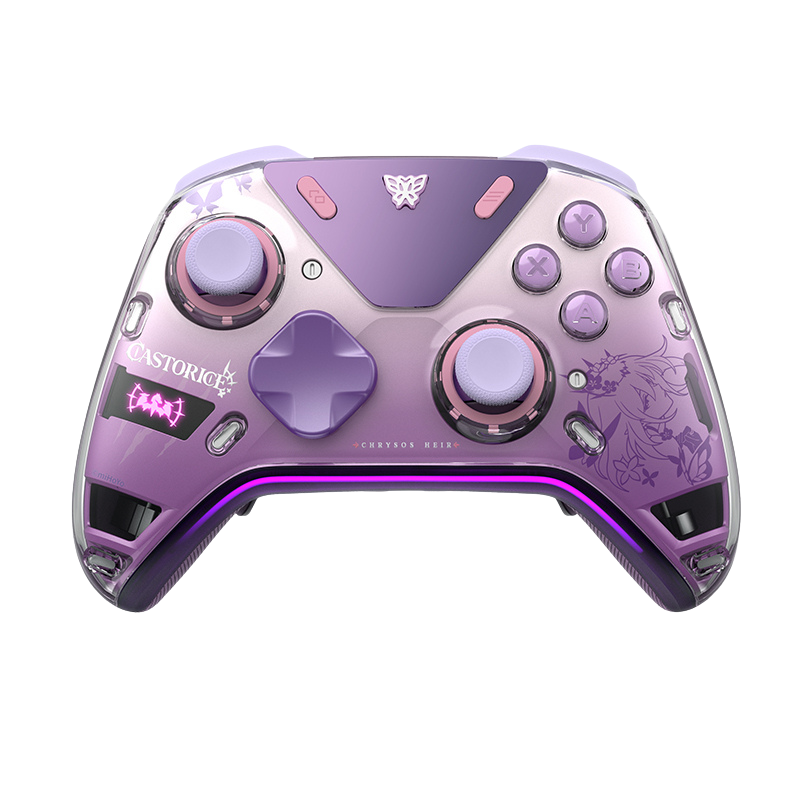
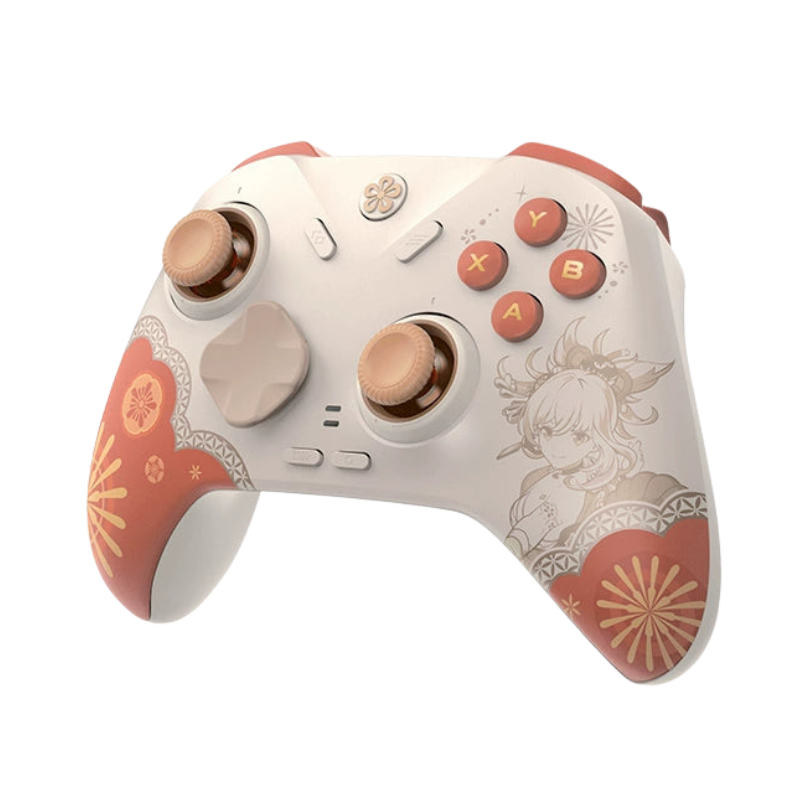
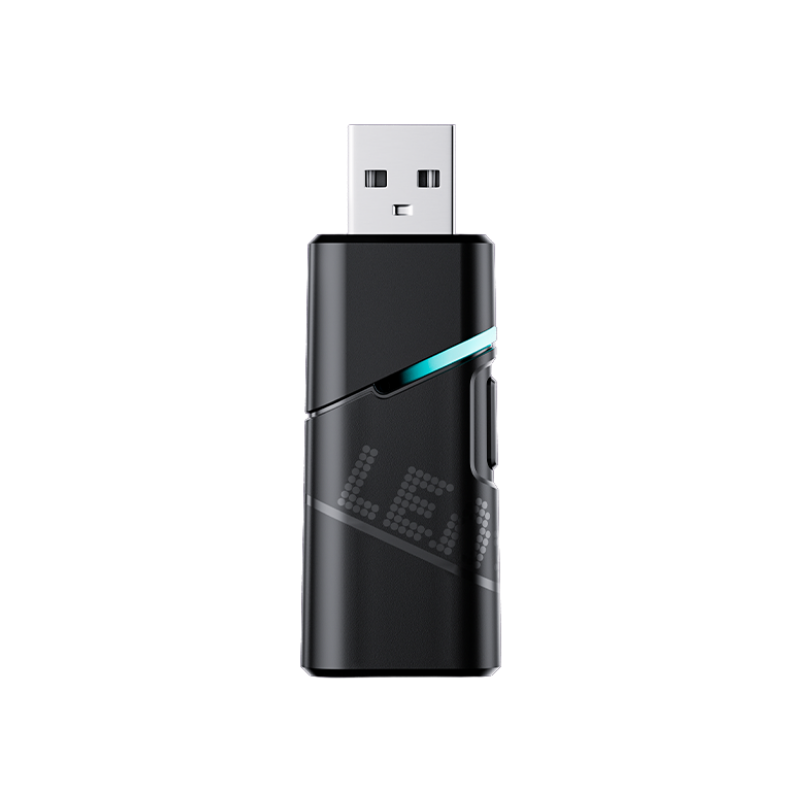
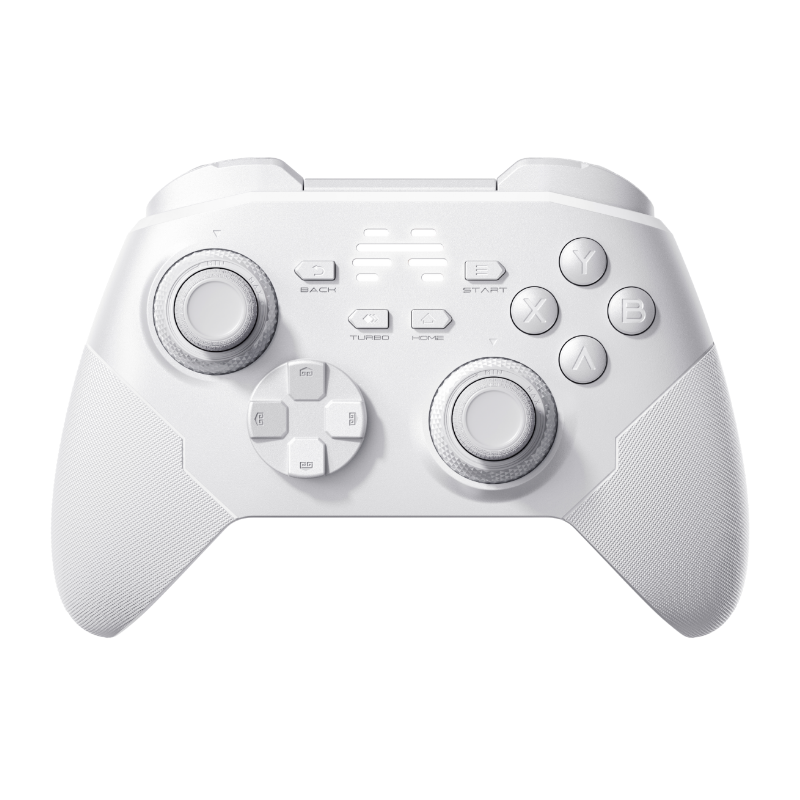
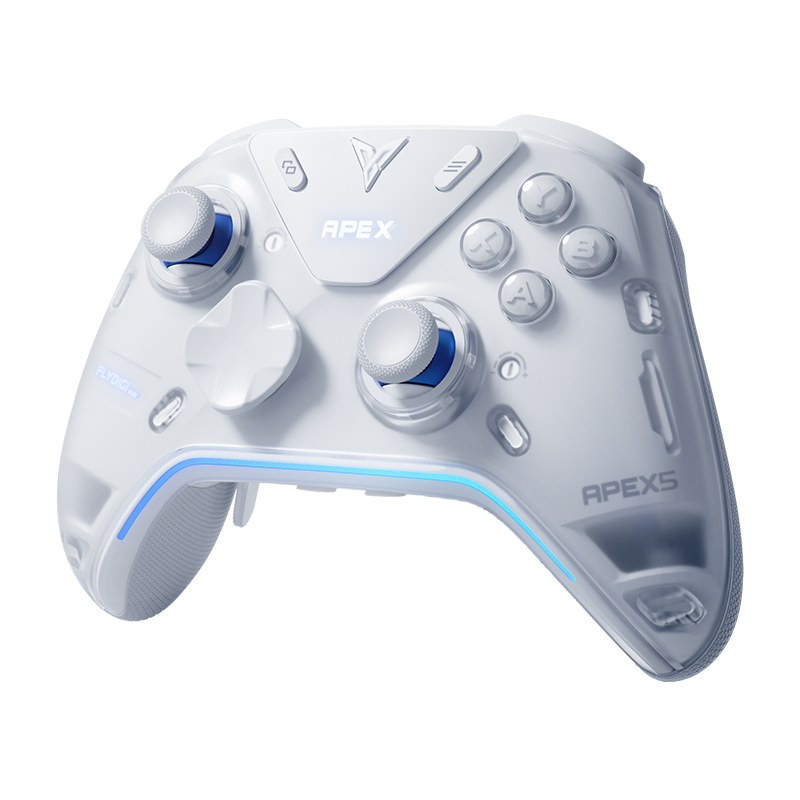
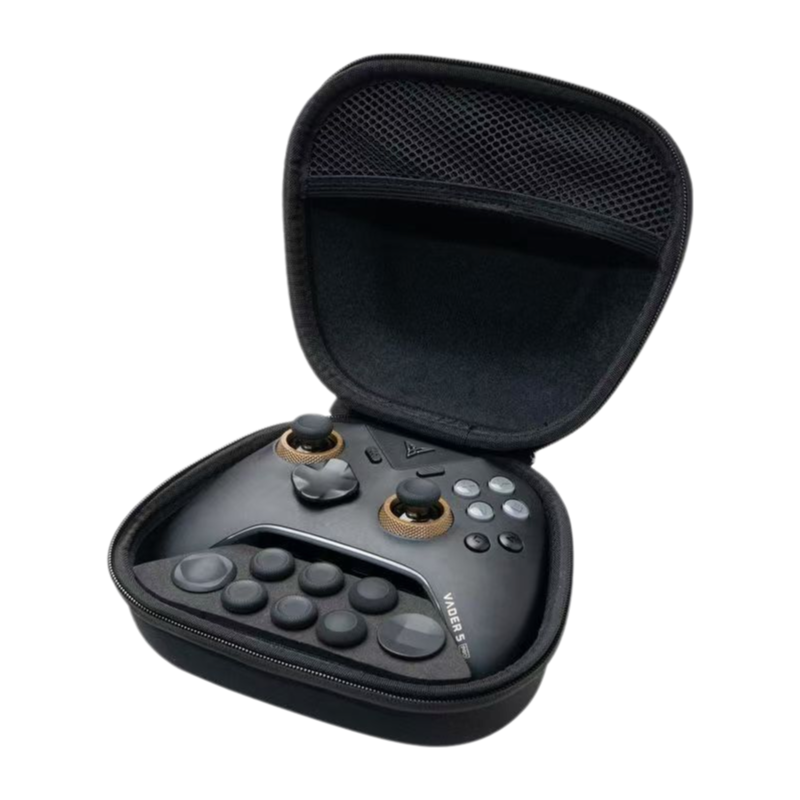
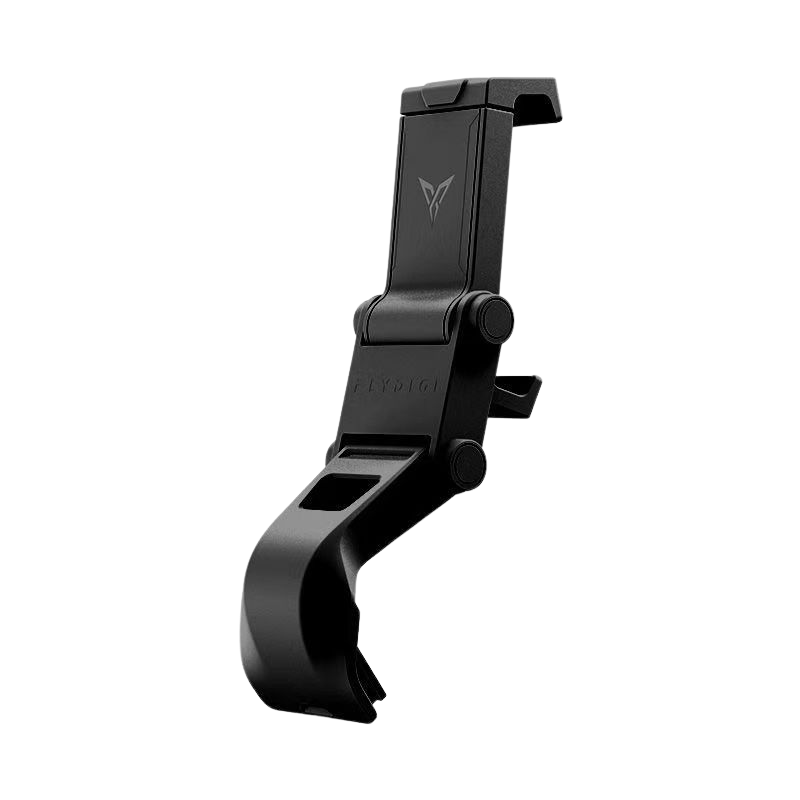
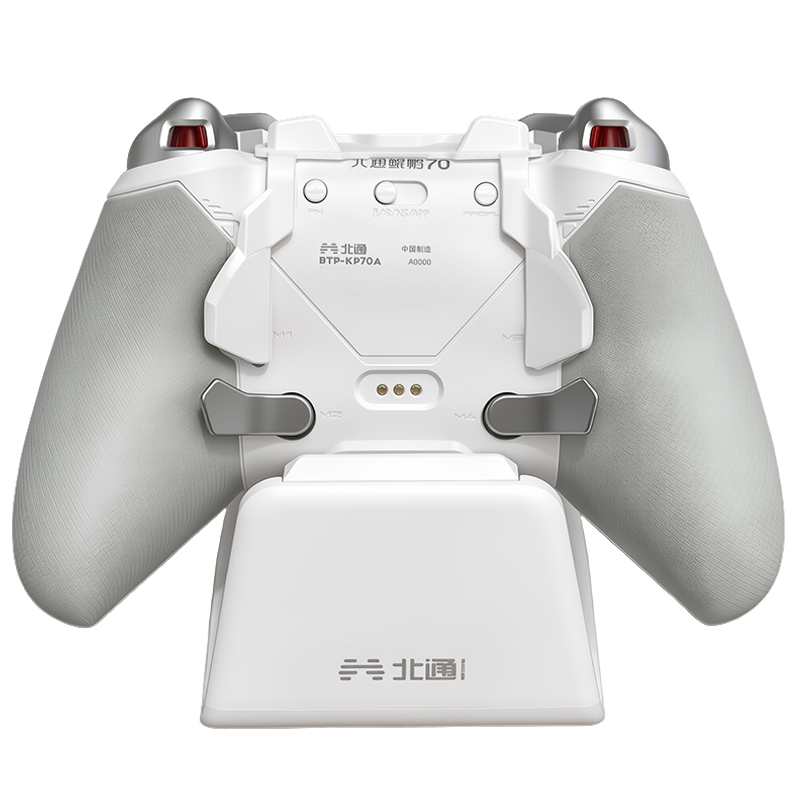
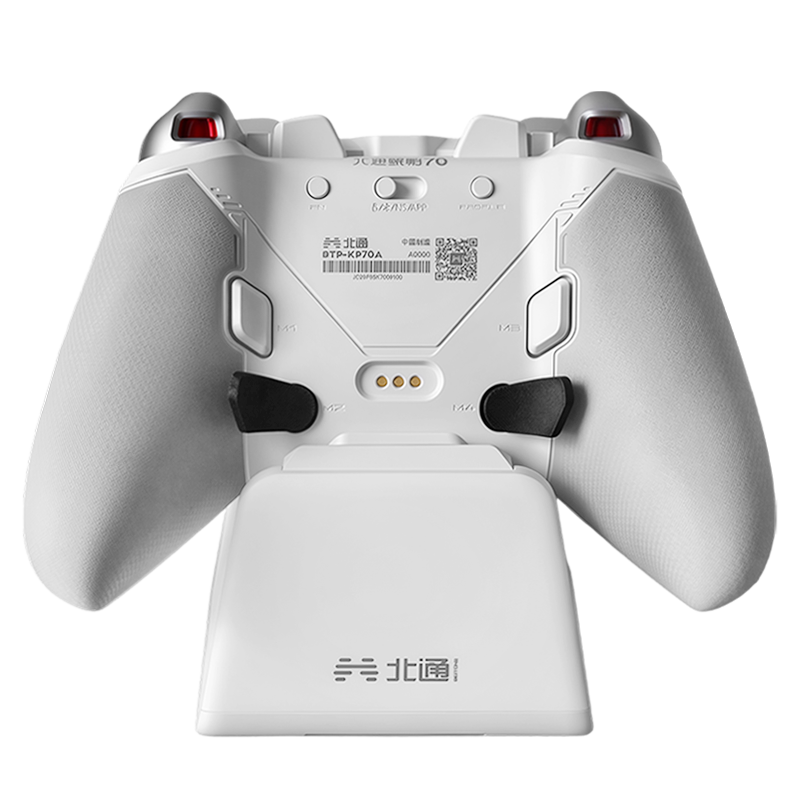
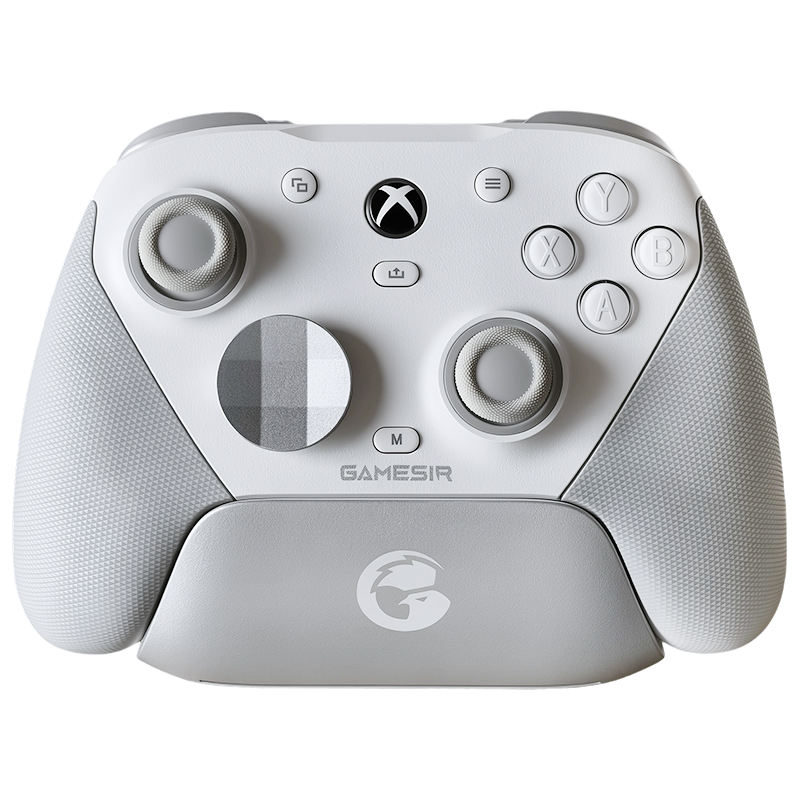
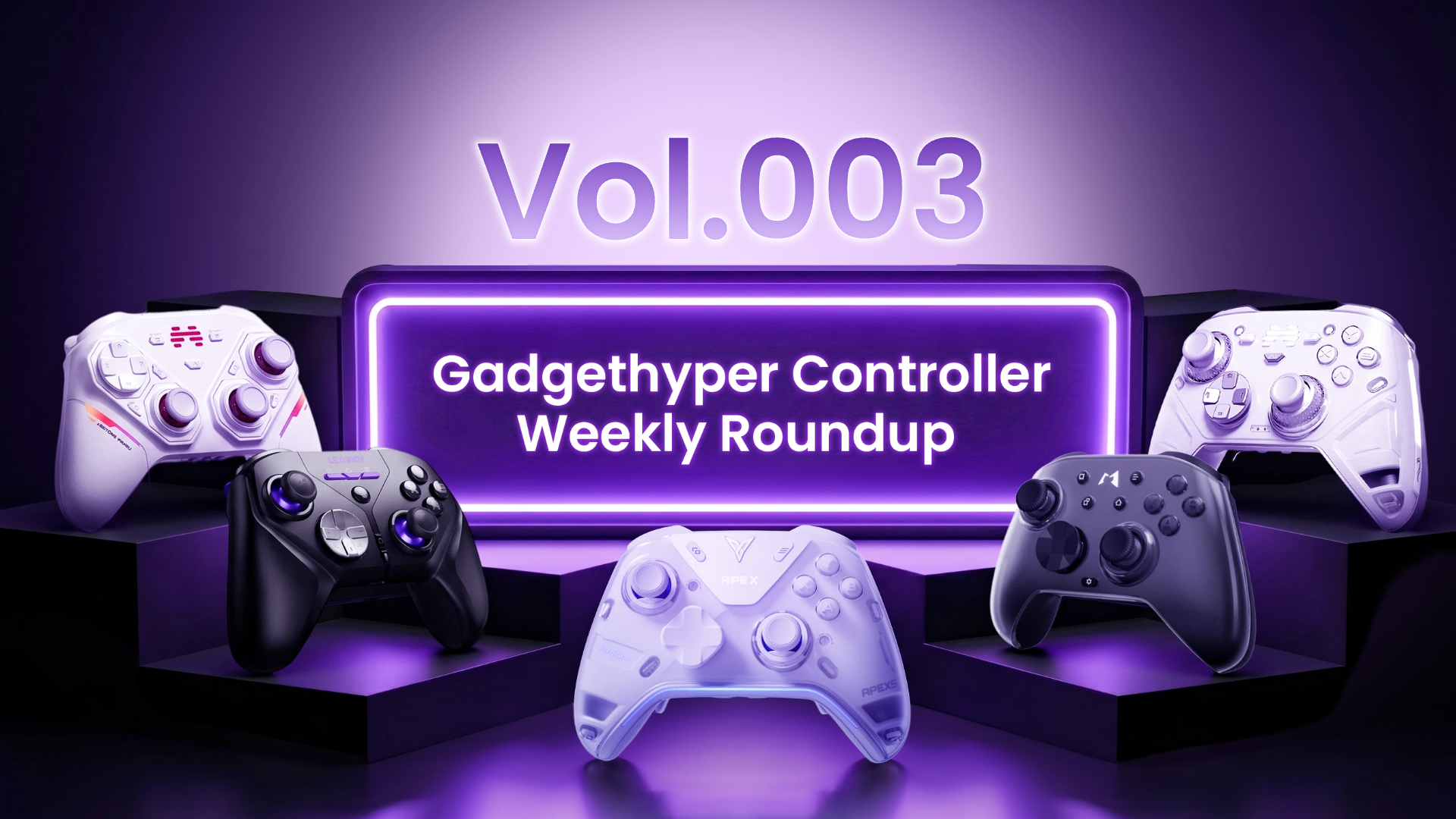
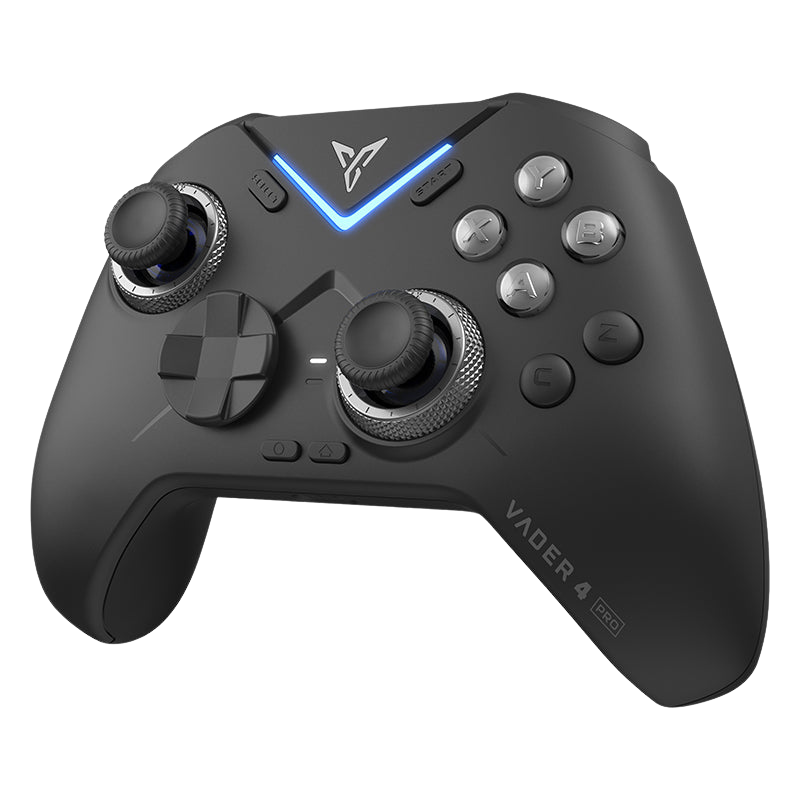
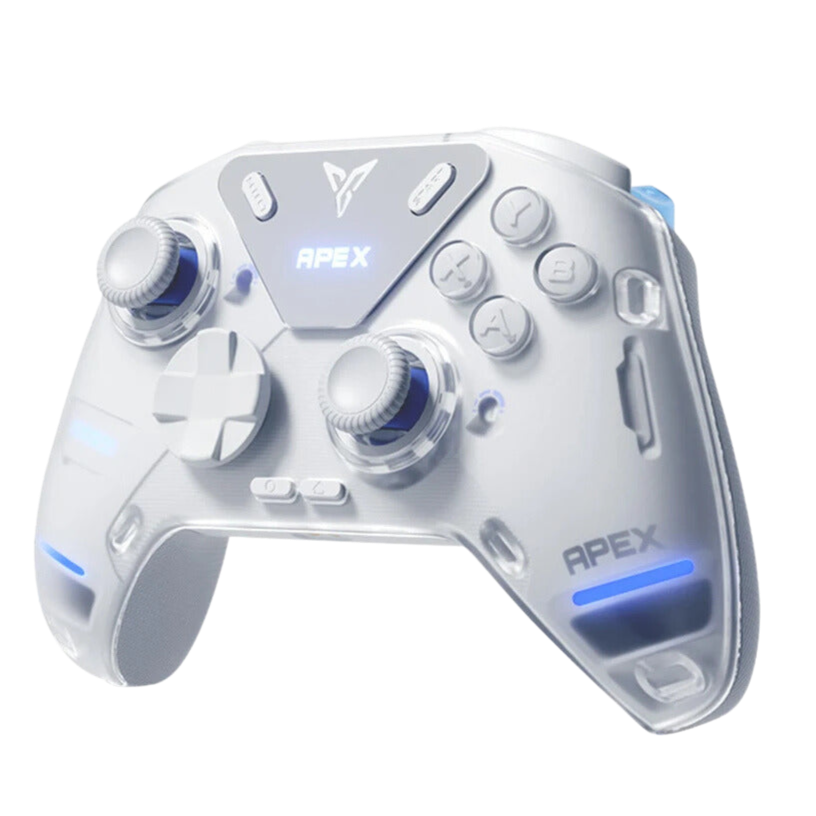
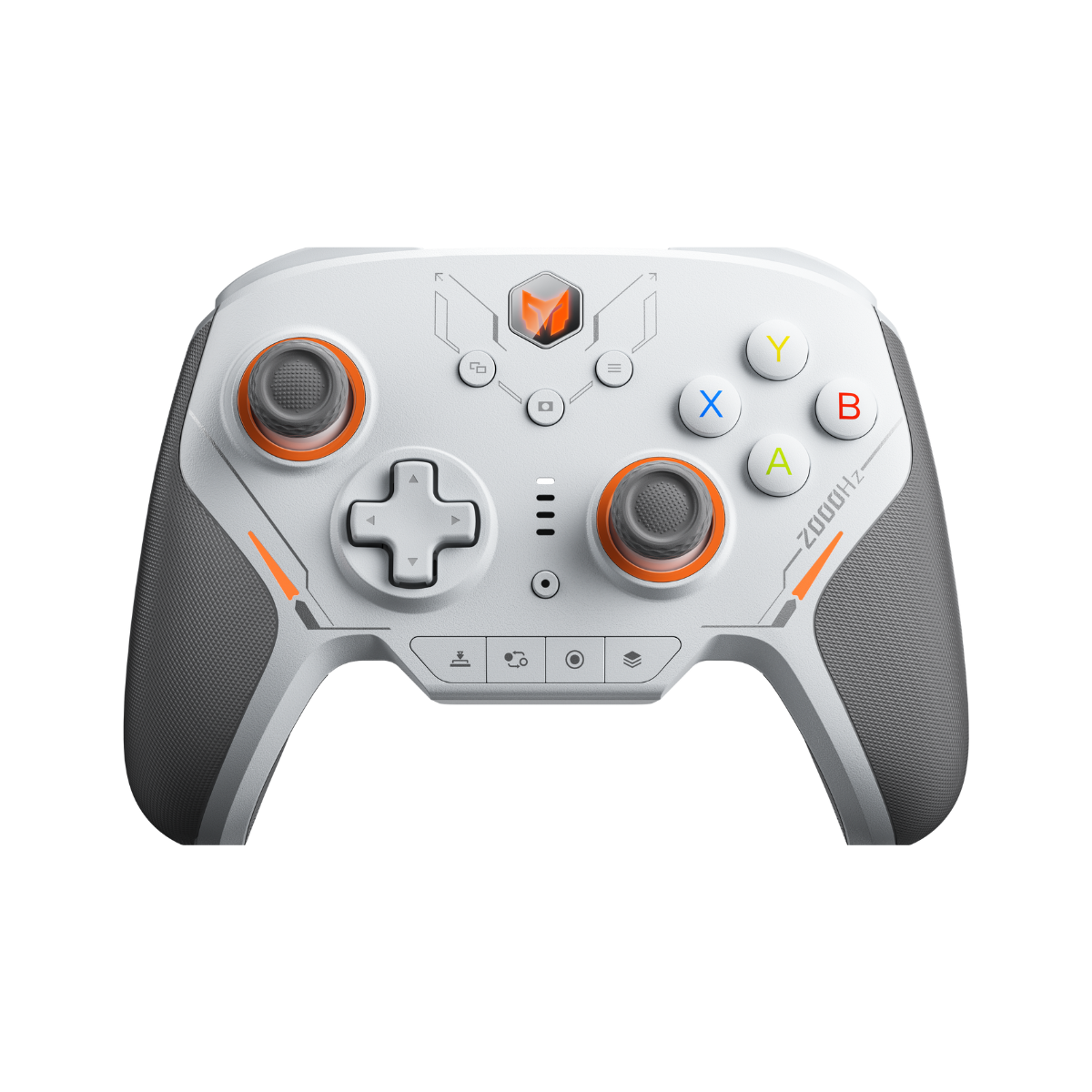
We've been running testing benches with the latest LEADJOY lineup to see how their chips handle these massive micro-data streams. Both controllers include optional, downloadable Tournament Firmware that locks the device into standard compliant boundaries for organized brackets — and a full-depth sandbox for your evening ranked grind.


Join the Conversation
Where do you stand on the input debate?
Are you testing out firmware customization or sticking to classic settings? Drop your thoughts and experiences below — share your tips, discuss your results, and let's help each other level up.

Leave a comment
All comments are moderated before being published.
This site is protected by hCaptcha and the hCaptcha Privacy Policy and Terms of Service apply.