




















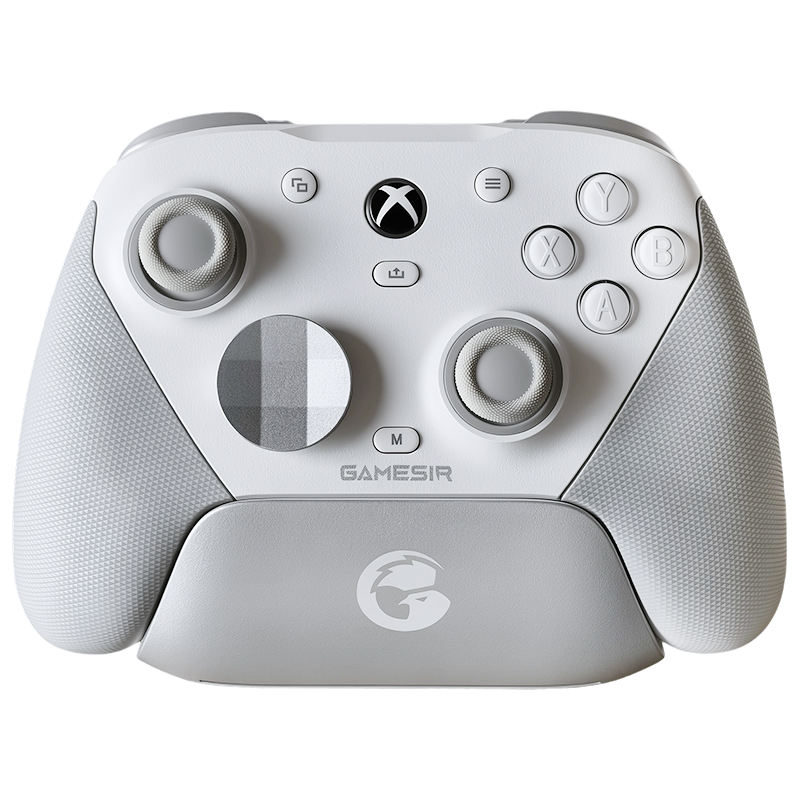










The Aesthetic & The "Heft"
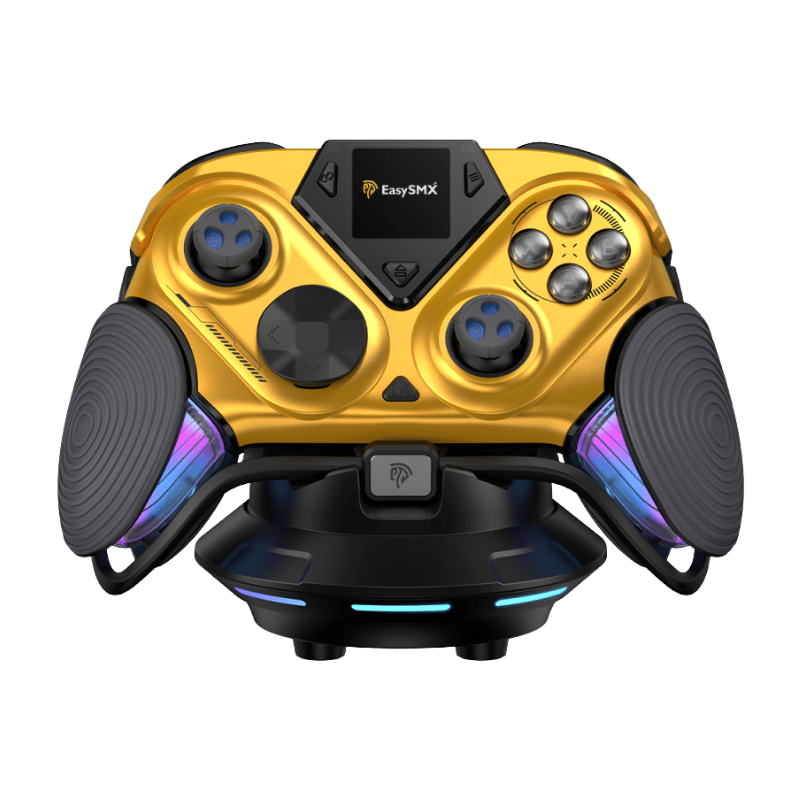
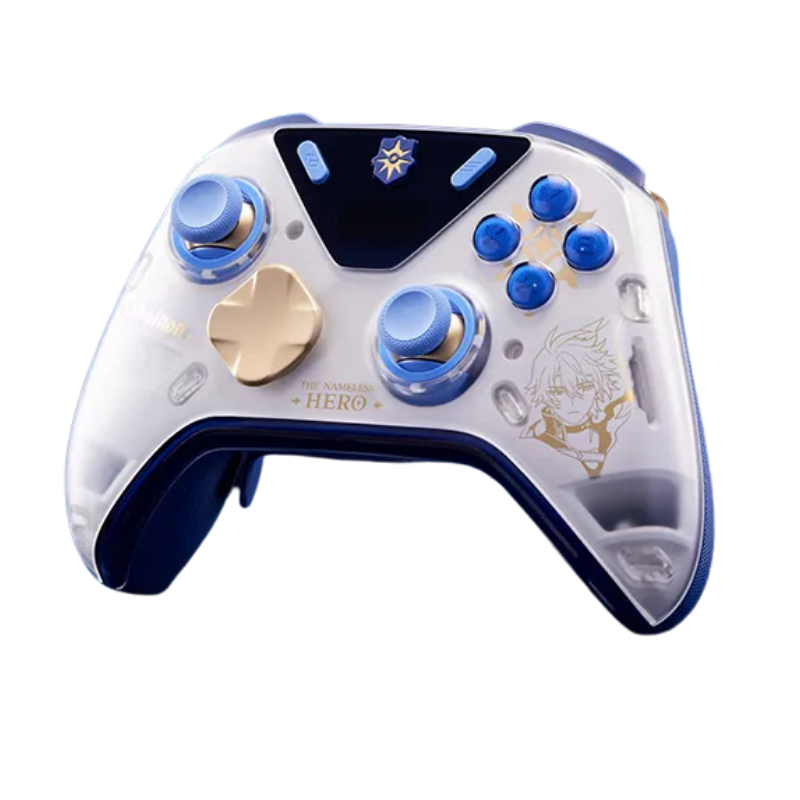
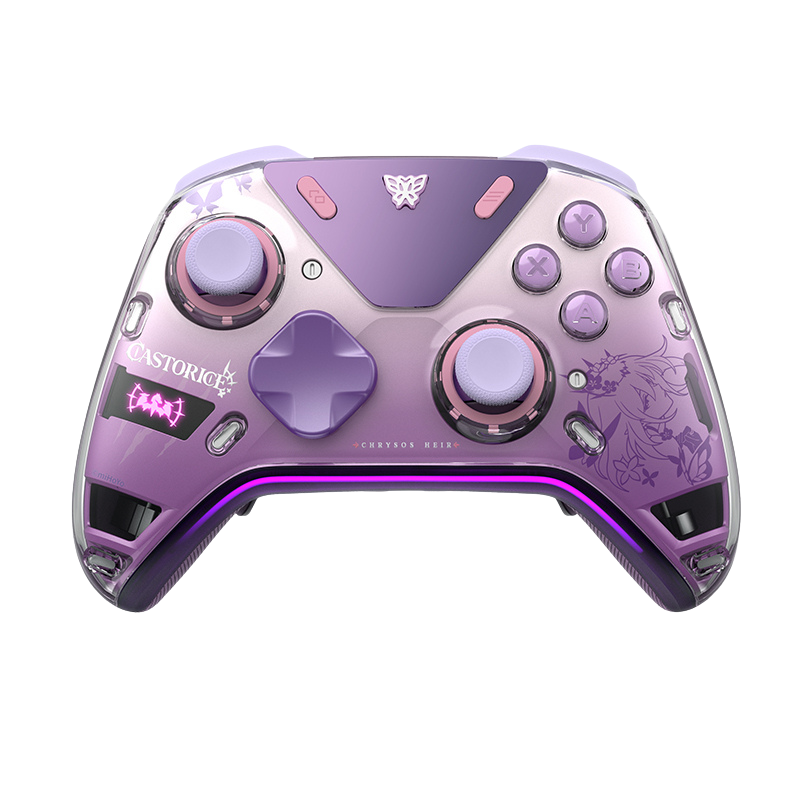
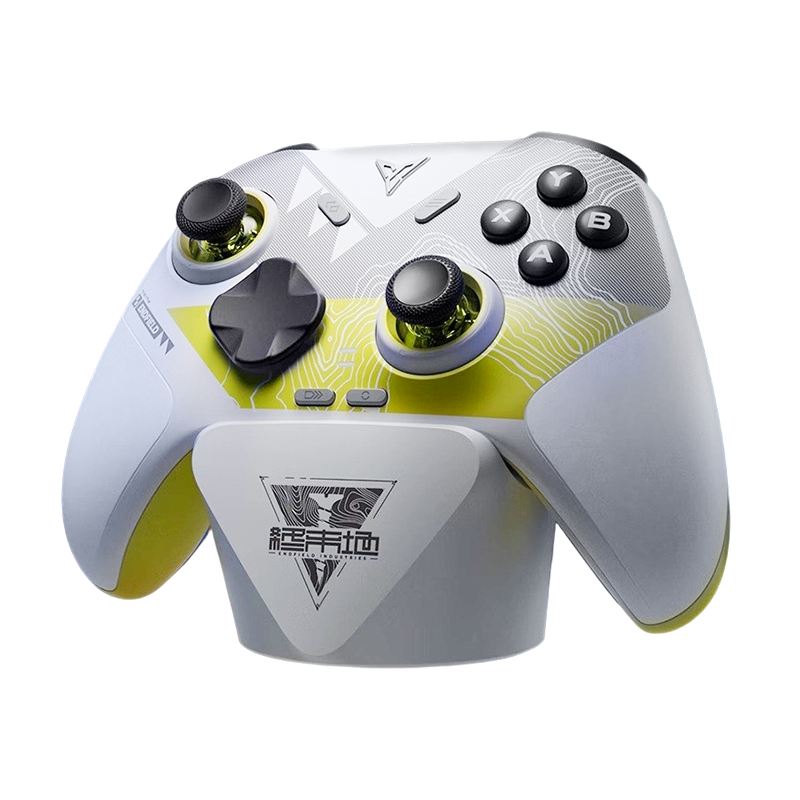
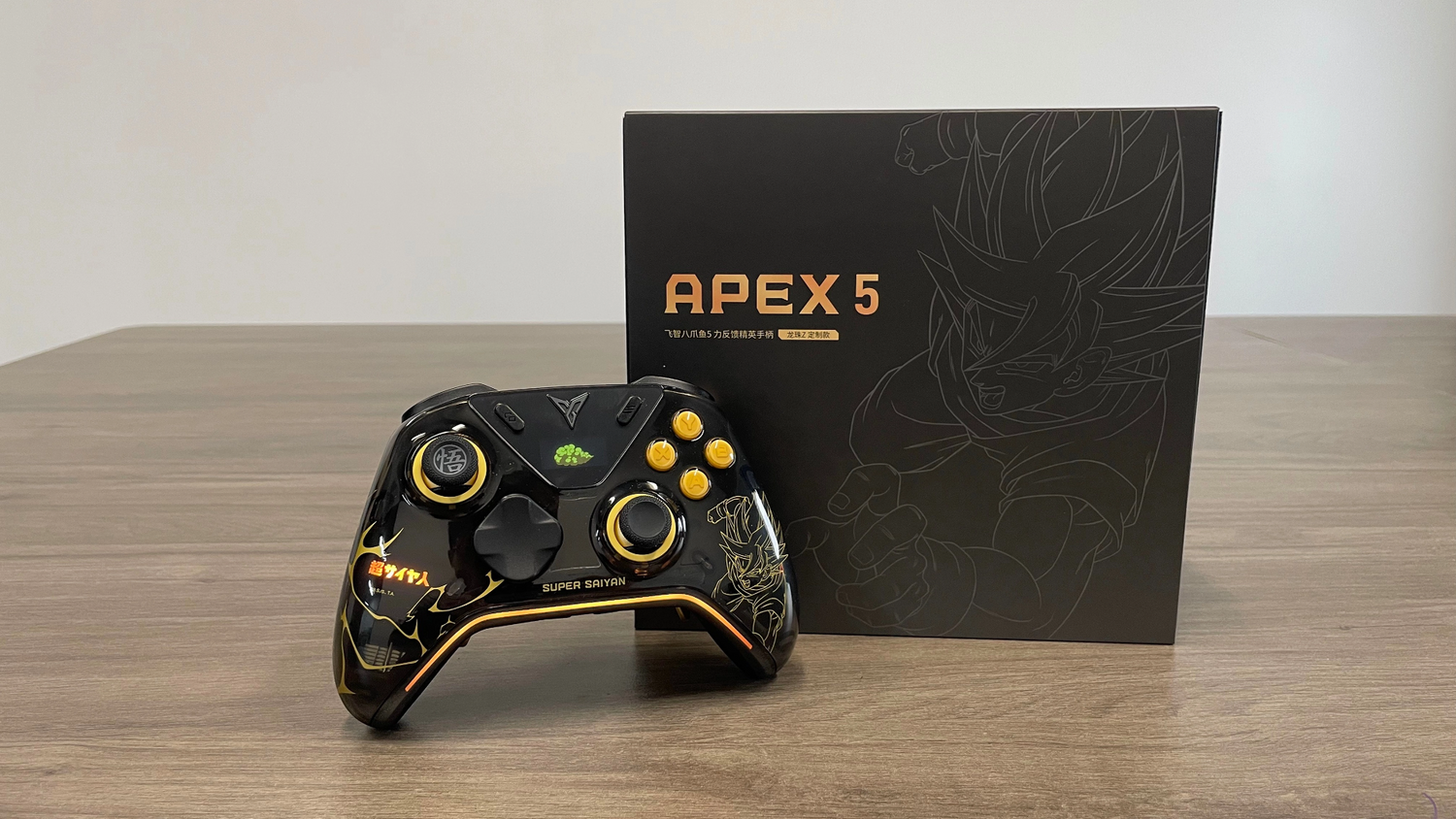
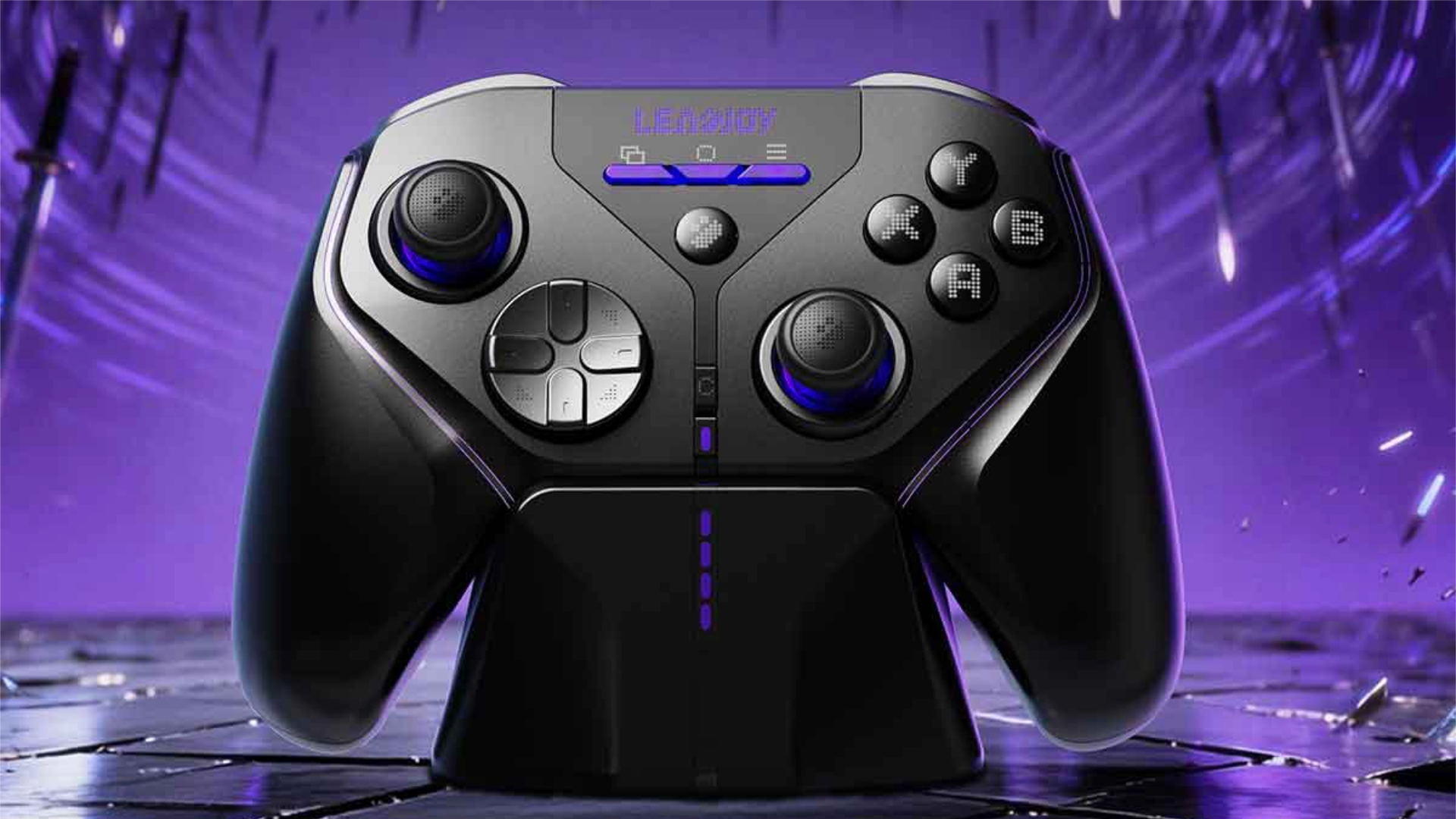
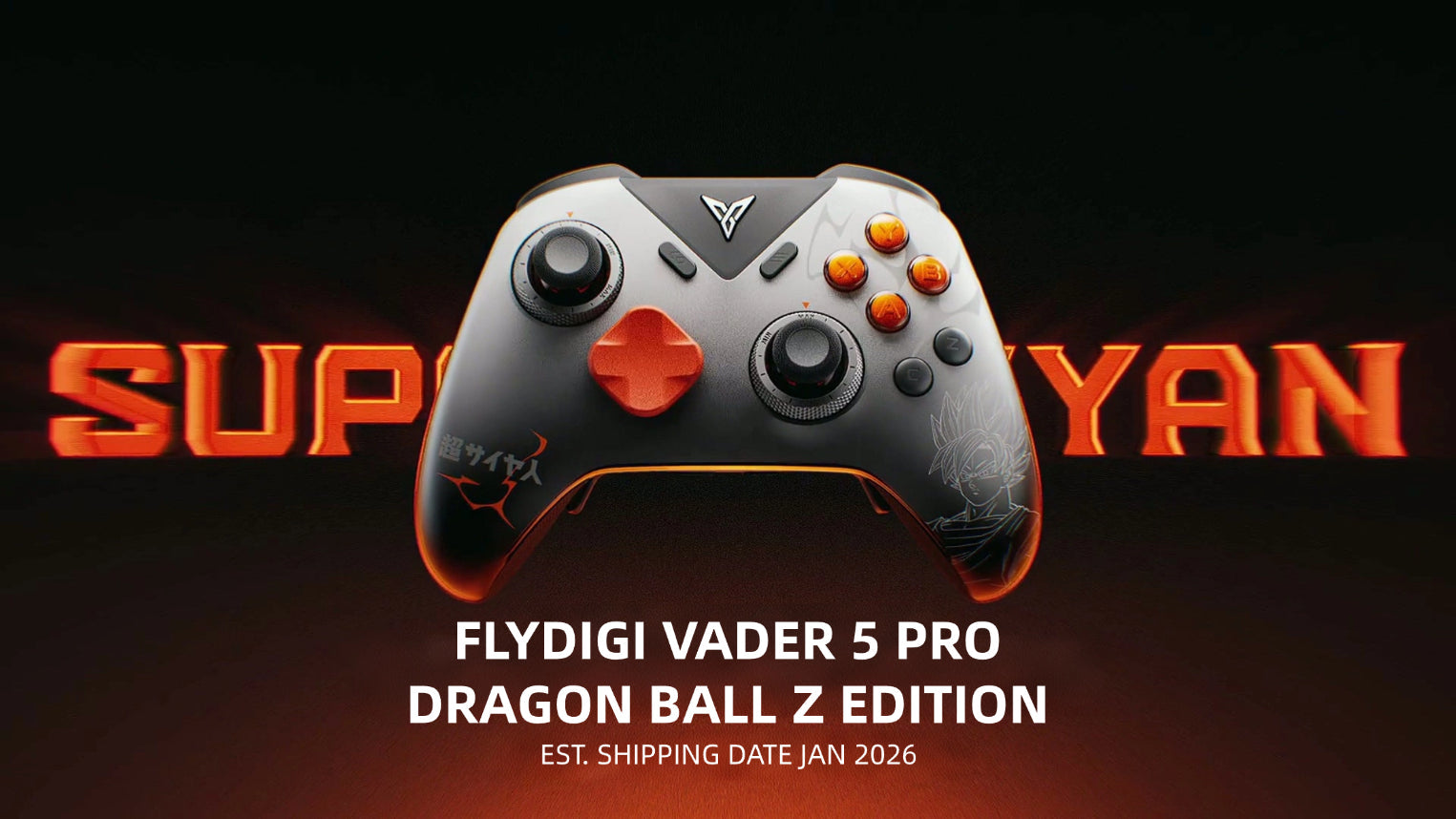
Opening this box is an experience. While the Apex 5 silhouette hasn't changed drastically from the Apex 4, the DBZ colorway is a genuine masterclass in restrained fan service. The front is a deep, matte black that makes the yellow lightning streaks pop — and it doesn't come off as loud or tacky. It's tasteful. It's the kind of thing you leave on your desk as a display piece, and people will ask about it.
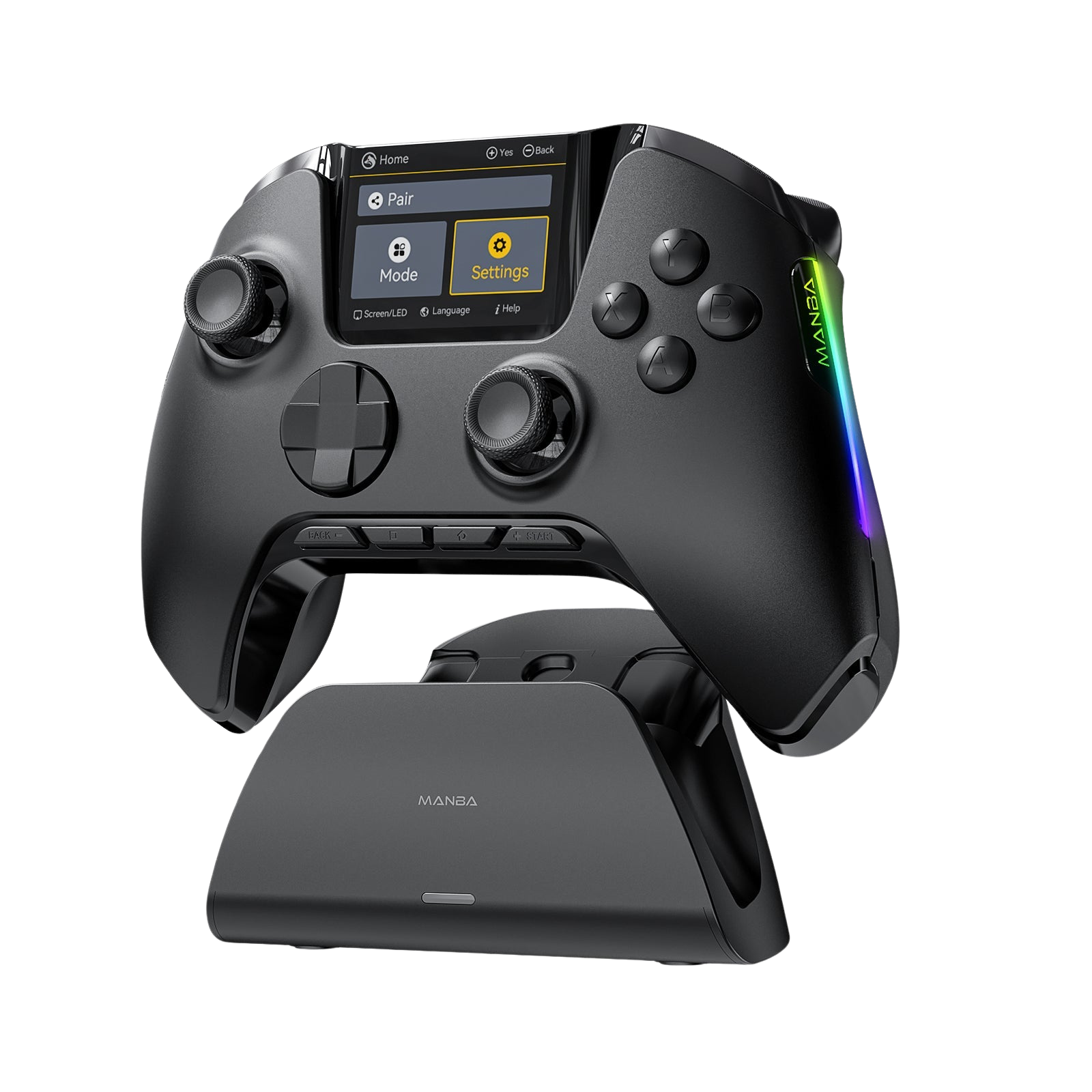
The 150fps onboard screen is incredibly sharp. Seeing the Flying Nimbus (Kinto-un) zip across the display when you power it on? That's a genuinely great touch for any DBZ fan.

That matte black + gold lightning combo is harder to photograph than it is to appreciate in person.
At around 336g, this controller has a serious, luxury density to it. It doesn't feel heavy in a fatiguing way — it feels solid, like a well-engineered piece of kit. The new rubberized grips on the back are a massive step up in comfort for those longer sessions. Definitely appreciated during extended play.
Low Latency & The "Raw" Algorithm
Flydigi is admirably transparent about their numbers this year. They claim 3ms wired latency, and in my testing, it delivers exactly that. Even accounting for the Hall Effect sensor redundancy, you're looking at sub-5ms total latency — solidly in pro-tier territory.
But the more interesting story here is the algorithm shift. Think of it like this: Flydigi essentially "turned off the traction control." By stripping away the aggressive anti-shake filters, the raw input data does jitter very slightly more in isolation — but the responsiveness and micro-adjustment precision are dramatically improved. For FPS games especially, this feels like the version they should have shipped a while ago. It finally feels like a true flagship built with competitive play as the primary goal, not an afterthought.

The Buttons: Refined, with a Catch
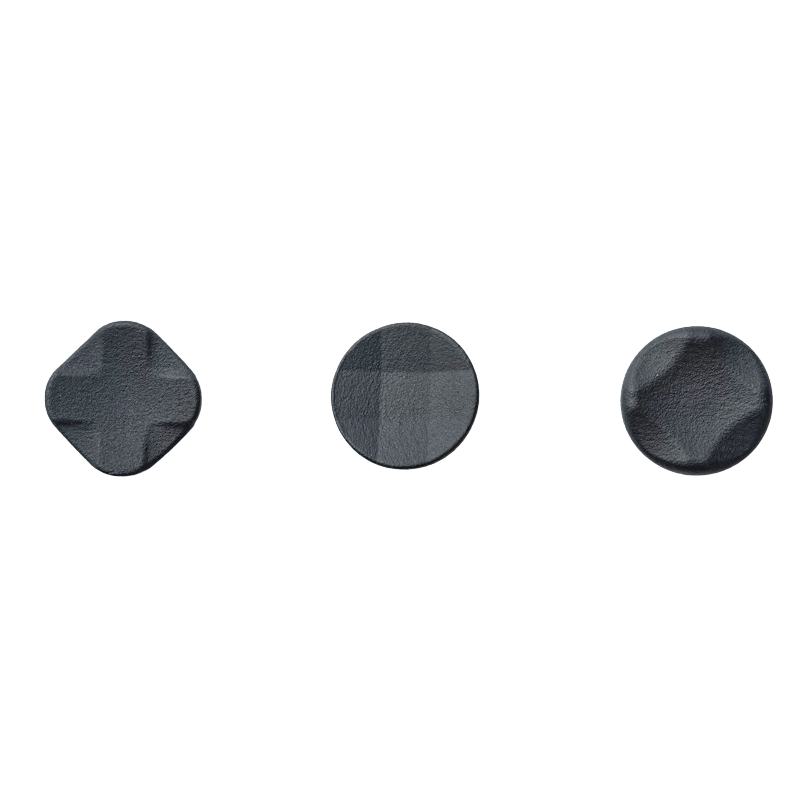
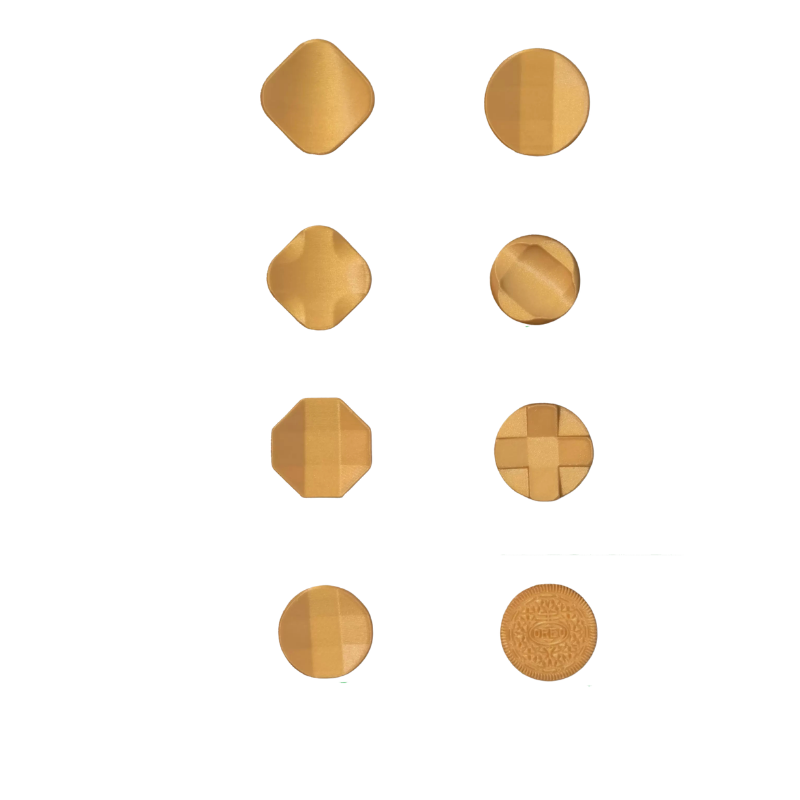
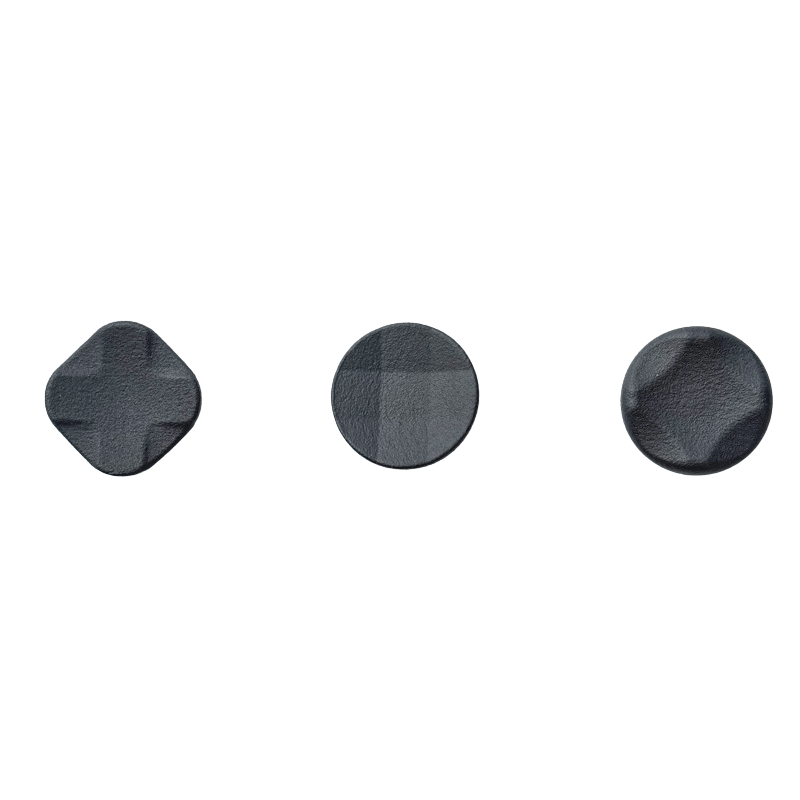
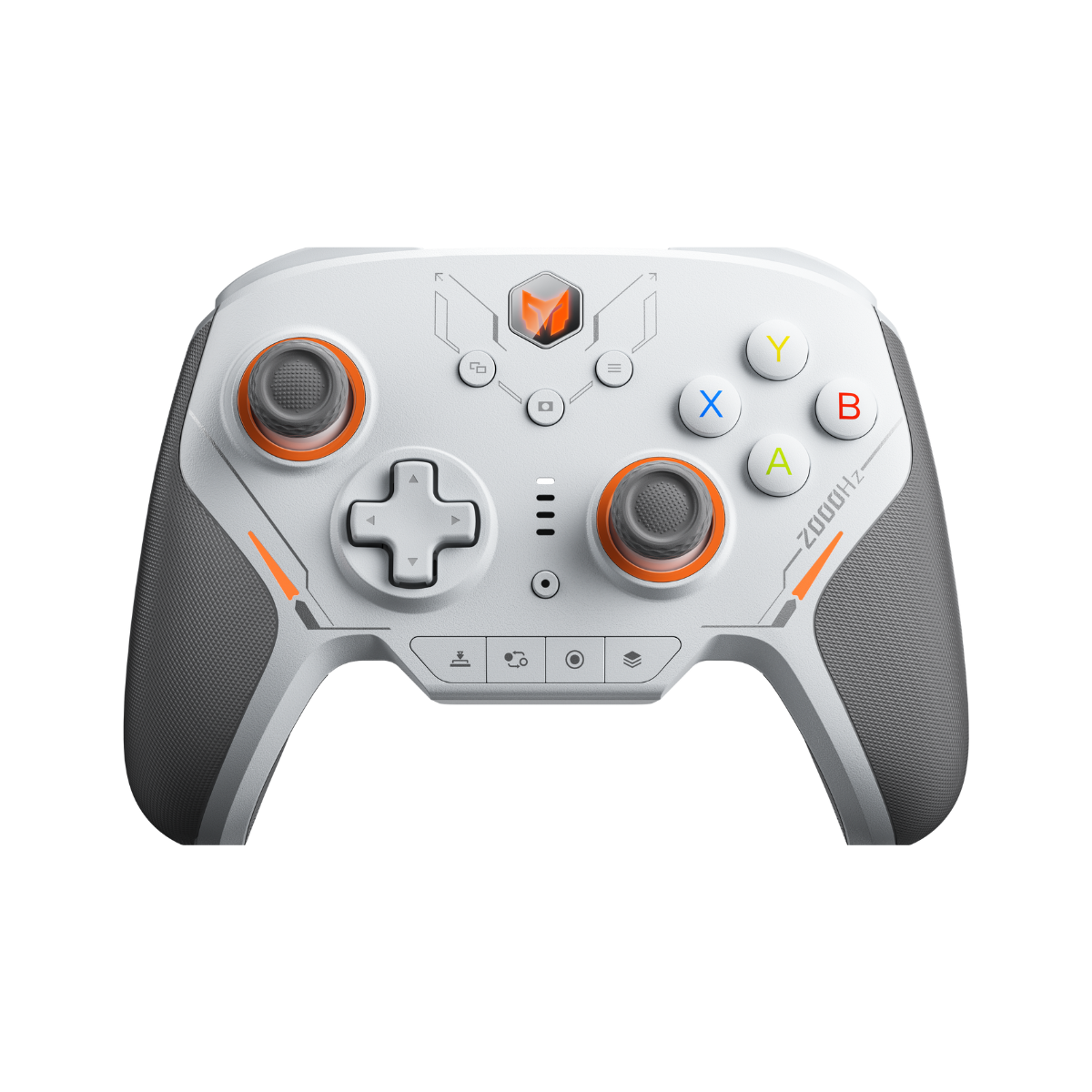
The D-pad is the real star of the show here. Flydigi moved to a rhombus shape with diagonal physical limiters, which virtually eliminates the accidental inputs that plagued the Apex 4. It's crisp, tactile, and reliable — a genuine upgrade that you'll notice immediately in fighting games and anything requiring precise directional input.

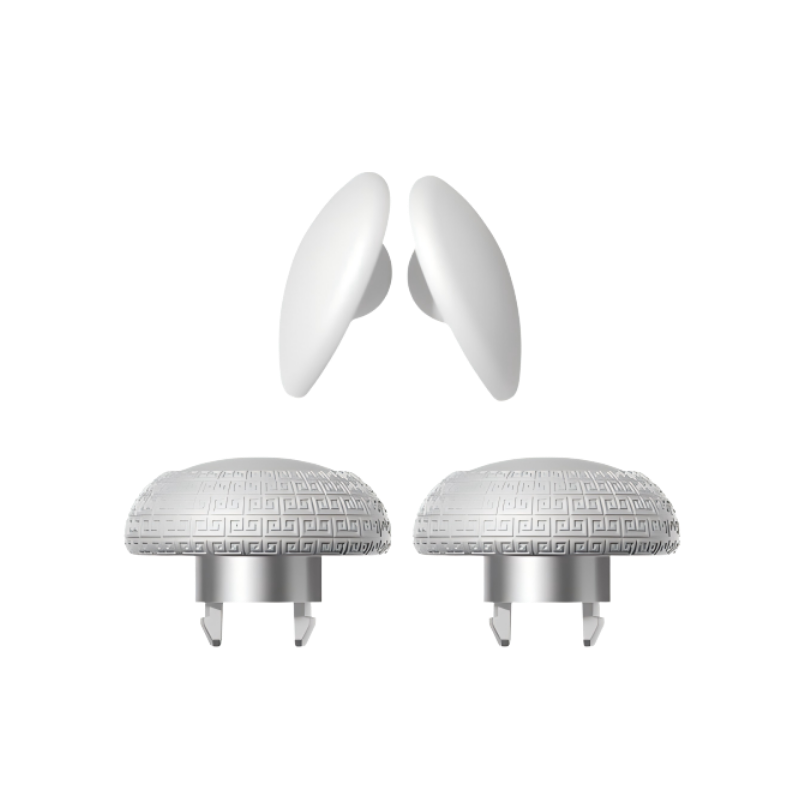
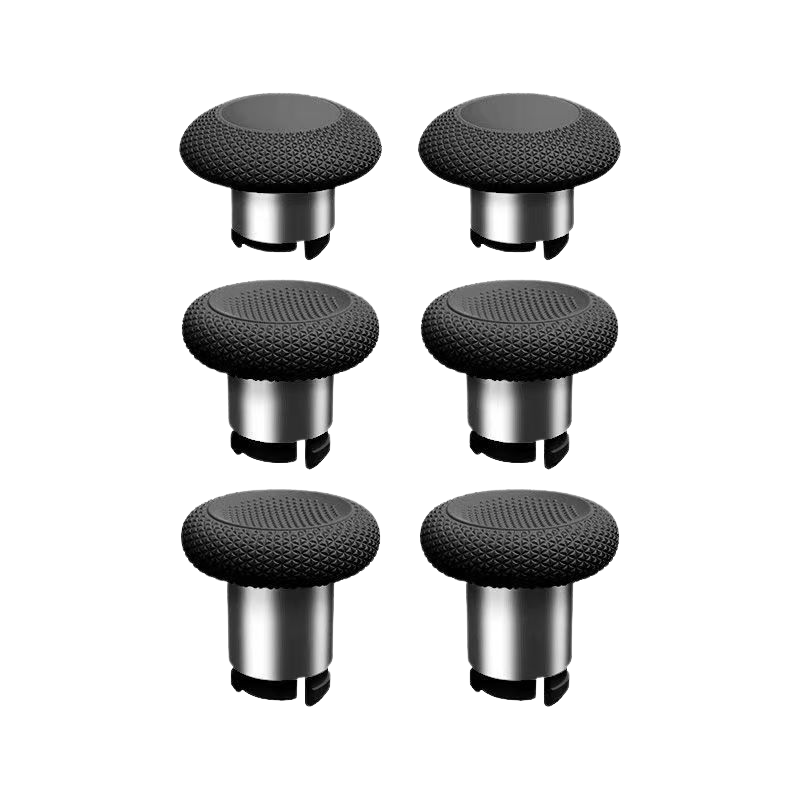
The joysticks are still Hall Effect, featuring the signature steel rings and POM glide rings for a smooth, consistent feel. That said, the "jelly effect" — that slight wobble on hard snapback — is still present if you flick them aggressively. It's a known characteristic of this design, and most players won't notice it in actual gameplay, but it's worth flagging for the detail-oriented folks.
Tension adjustment also still requires popping the faceplate and using a hidden screwdriver. For a controller at this price point, that feels a touch "lo-fi," but it's functional and the result is worth the extra minute.

The steel ring and POM glide ring combo gives a noticeably smooth, premium feel underhand.
The Back-Button Situation
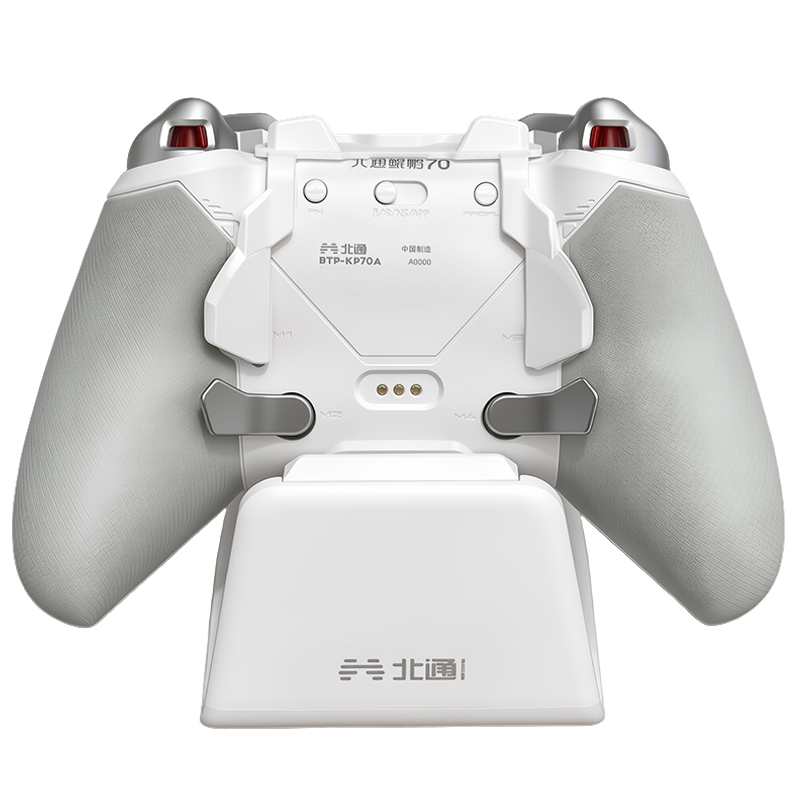
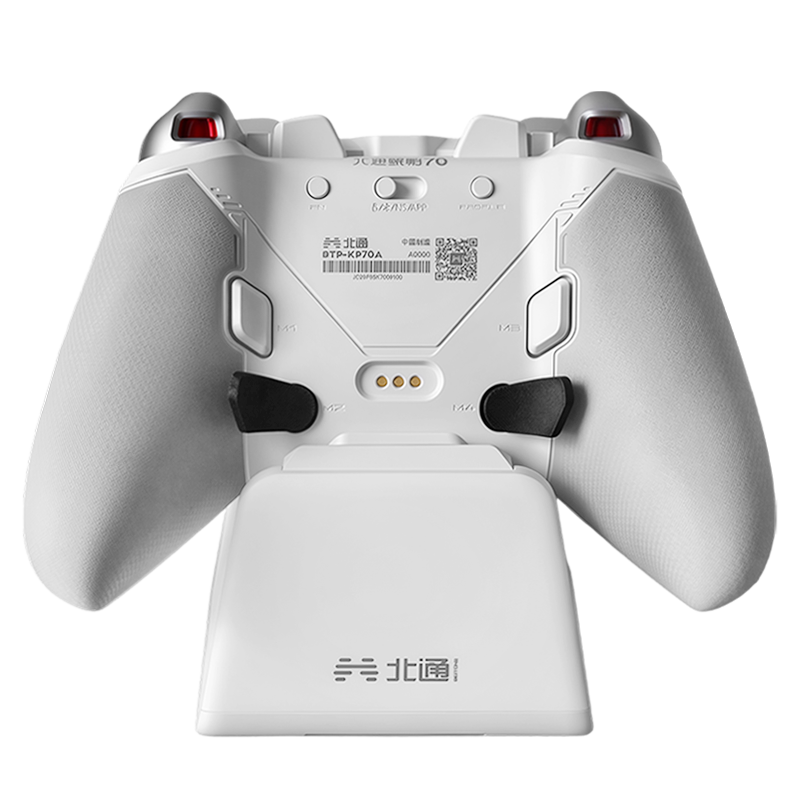
Let's address this directly: the lower back buttons use plastic paddles with a small amount of flex when fully pressed. The upper back buttons are excellent tactile switches — snappy, deliberate, satisfying. The lower paddles feel slightly less premium by comparison, and it's a contrast you notice on a $180 controller.

To Flydigi's credit, there's a reasonable engineering rationale: using metal or magnetic paddles in that location could introduce interference with the Hall Effect sticks. It's a deliberate trade-off, not a cost-cutting oversight. Whether that explanation satisfies you at this price point is going to depend on how much you value the rest of the package — and there's a lot of package to value.
Vibration & the Force Feedback "Moat"
The grip vibration has been completely overhauled, and it shows. The rumble is punchy and layered — easily the closest third-party experience to an Xbox Series controller I've felt. It actually enhances gameplay rather than just being a box-tick feature.

The Force Feedback Triggers continue to be where Flydigi's software moat is most visible. With over 50 natively supported games, the immersion here is miles ahead of competitors. There's no physical trigger lock, but setting the "Virtual Lock" to 20% in the Space Station app gives you a feel that's remarkably close to a physical hair-trigger — once you try it, you won't go back.
Quick-Reference Specs
| Weight | ~336g |
| Wired Latency | 3ms (sub-5ms with HE redundancy) |
| Joysticks | Hall Effect with steel & POM rings |
| D-Pad | Rhombus shape with diagonal limiters |
| Onboard Screen | 150fps display |
| Vibration | Overhauled grip motors |
| Triggers | Force Feedback (Virtual Lock support) |
| Native Game Support | 50+ (via Space Station app) |
| Platform | PC / Android / Multi-platform |

- Stunning DBZ colorway with real restraint
- Sub-5ms latency — genuinely pro-tier
- Best D-pad Flydigi has made
- Overhauled vibration rivals Xbox Series
- 50+ native Force Feedback games
- Excellent rubberized grip texture
- Raw algorithm = better FPS precision
- $50 premium over standard edition
- Lower back paddles feel slightly soft
- Jelly effect on hard joystick flicks
- Tension adjust requires faceplate removal
- No physical trigger lock
- Firmware updates required out of box
The Shopkeeper's Verdict — Which One Is Right for You?
Here's the honest breakdown. All three picks below use the same core Flydigi tech — the difference is what you're paying for beyond that.

If you love Dragon Ball Z and want a centerpiece for your desk that also happens to be a top-tier competitive controller — this is it. The aesthetic alone justifies the premium for the right person, and the tech underneath is the best Flydigi has shipped. A gorgeous flex that actually performs.
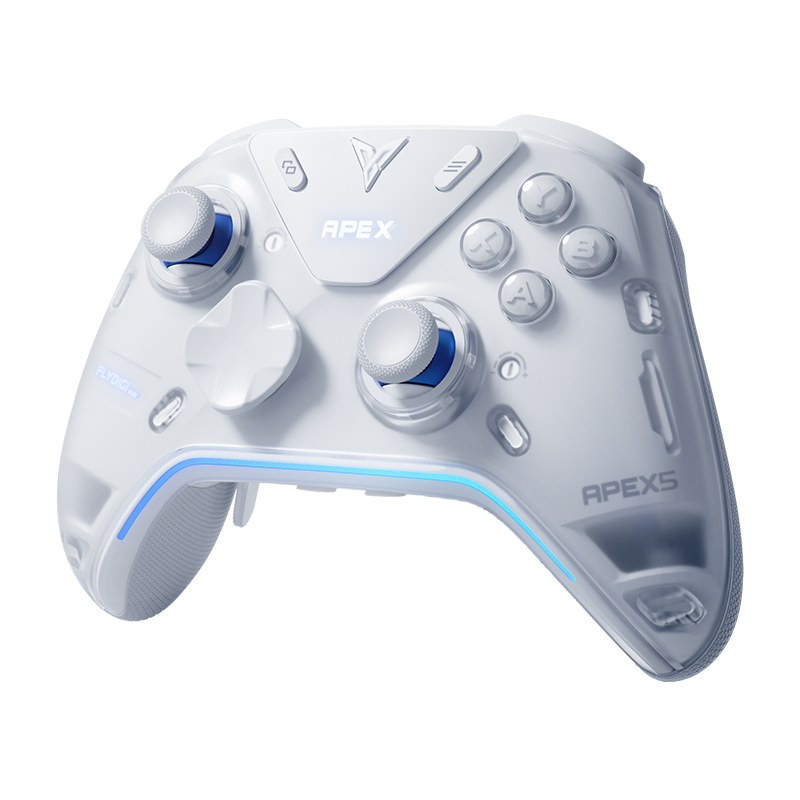
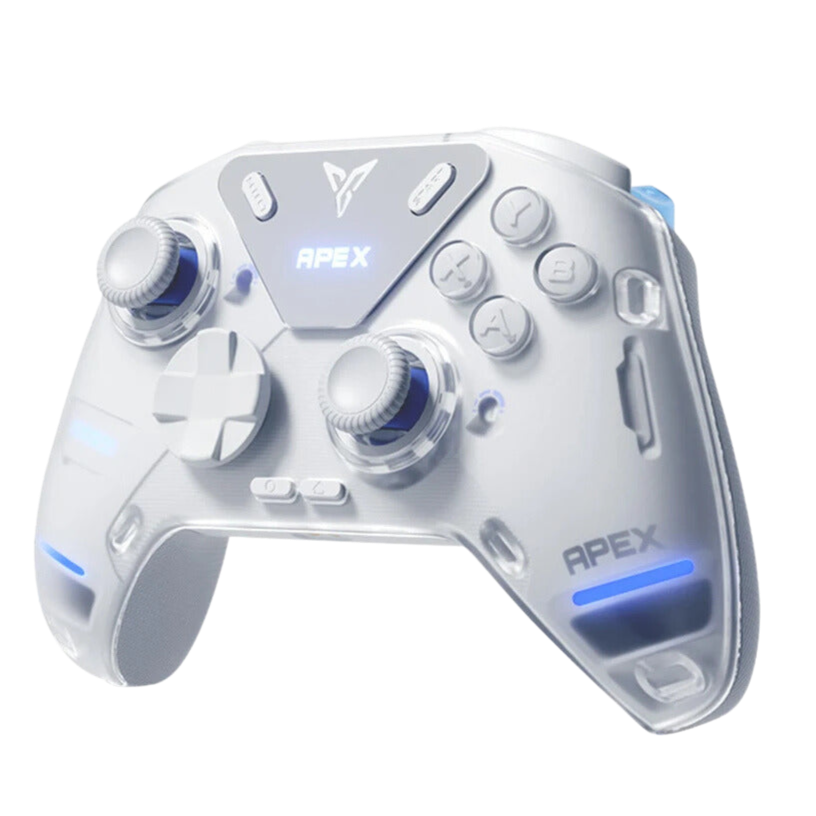
Shop DBZ Edition →If performance is your only priority and you want all the same tech without the IP premium, the Standard Apex 5 is the smarter play. You're getting identical internals for $50 less. No compromises, just a different coat of paint.
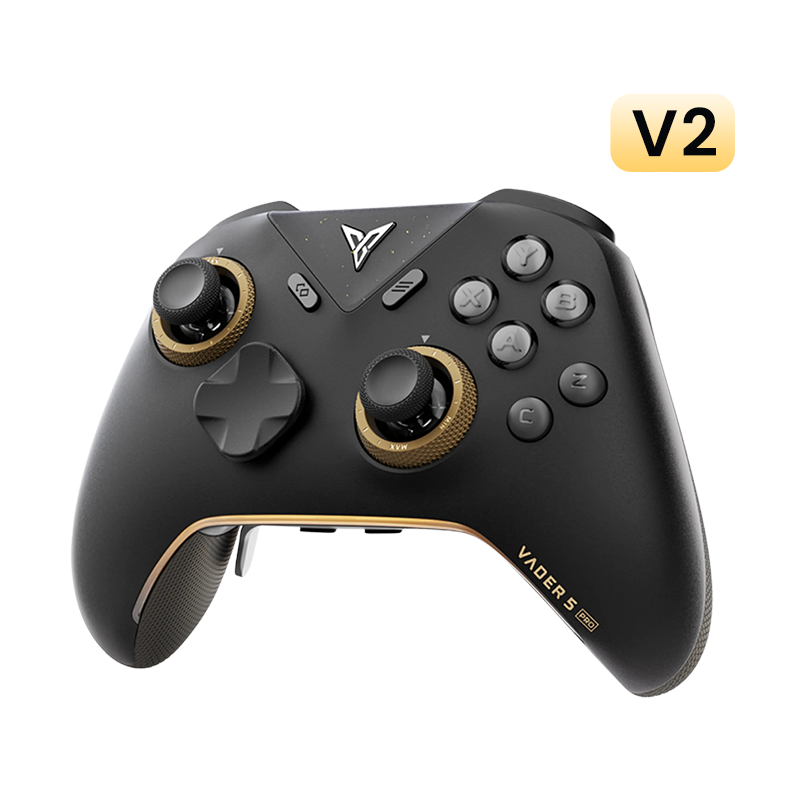
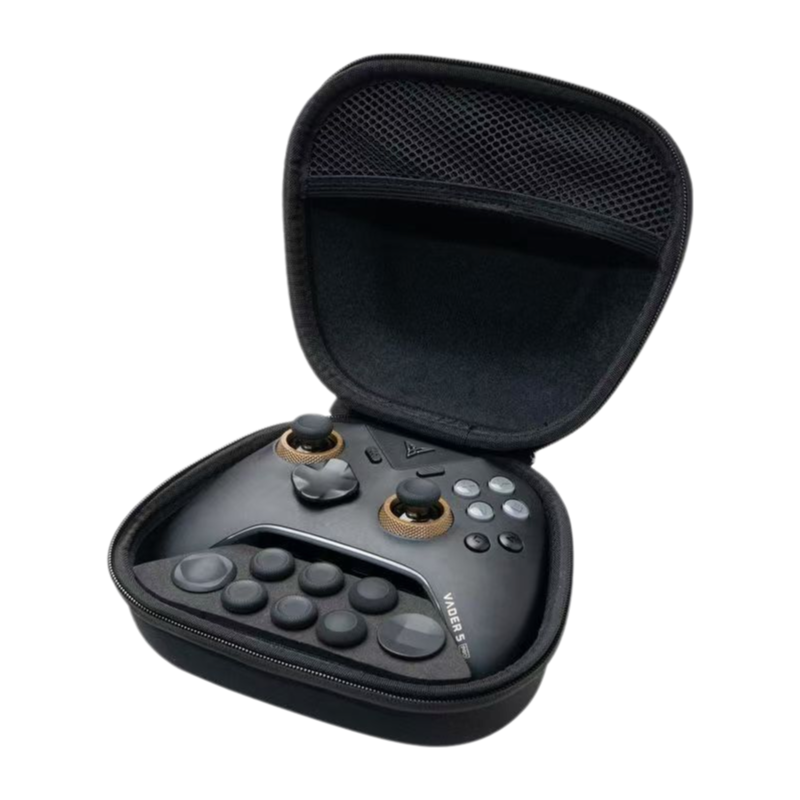
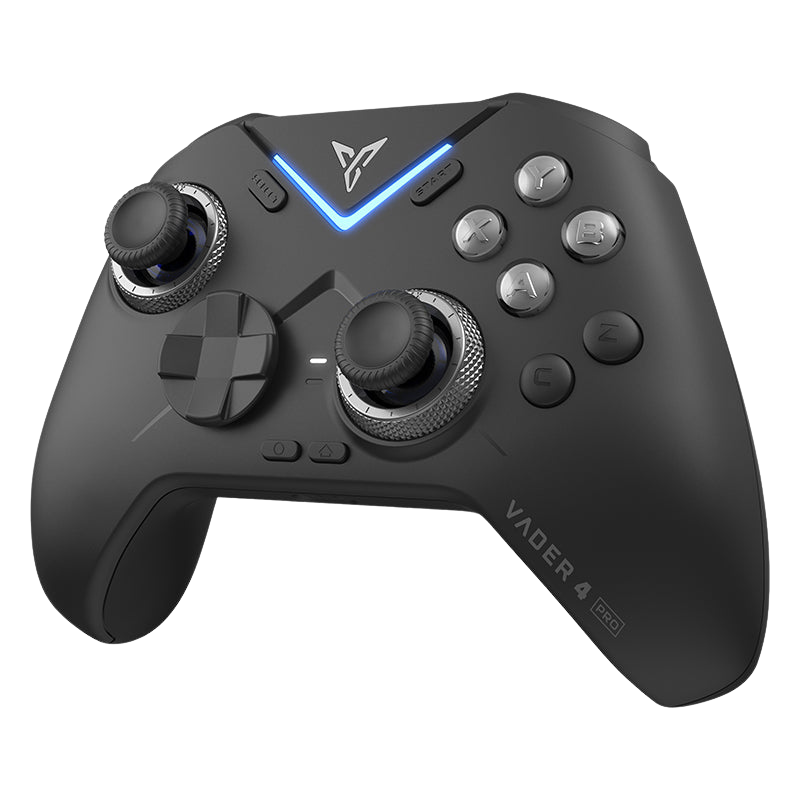
Shop Standard →If you don't need the onboard screen or Force Feedback triggers and just want raw, snappy FPS performance, the Vader 5 Pro is still one of the best value propositions in the game. Purpose-built, no-nonsense, highly recommended.
Shop Vader 5 Pro →Free shipping on orders over $79 · Fast dispatch from Singapore





Leave a comment
All comments are moderated before being published.
This site is protected by hCaptcha and the hCaptcha Privacy Policy and Terms of Service apply.