






























LEADJOY Xeno Plus AI Visual Recurve Review: Can AI Fix Inconsistent Controller Response Curves?
GadgetHyper Team
April 20, 2026 · LEADJOY Xeno Plus
Hey everyone — if you're like me, you probably have a "main" game where your muscle memory feels perfect (looking at you, Apex Legends). But the moment you switch to a 3A title or a different shooter, everything feels… off. The stick response is either too heavy, too twitchy, or just "weird" because every dev handles response curves differently.
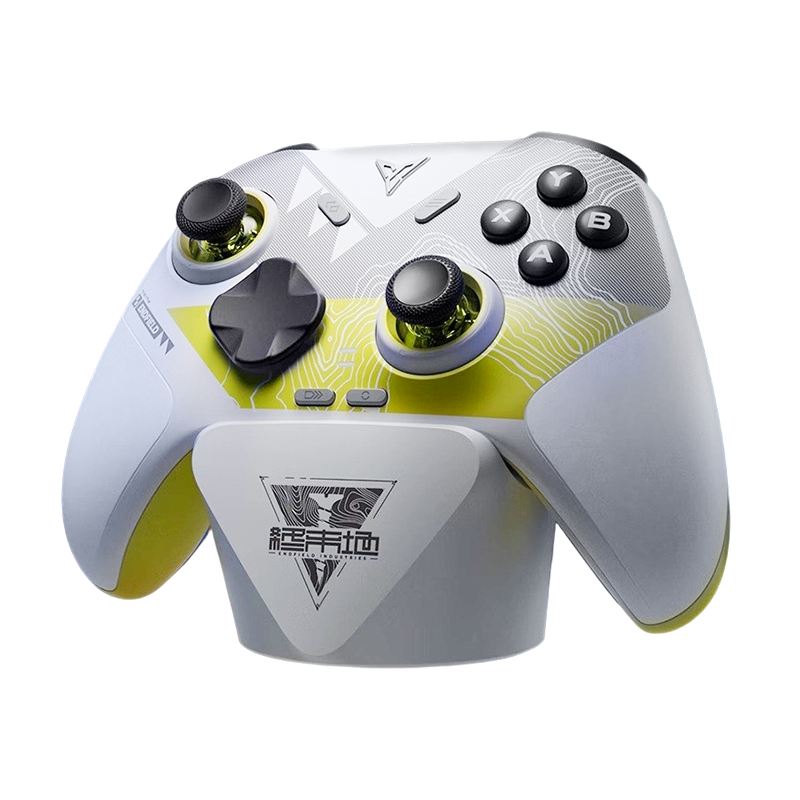
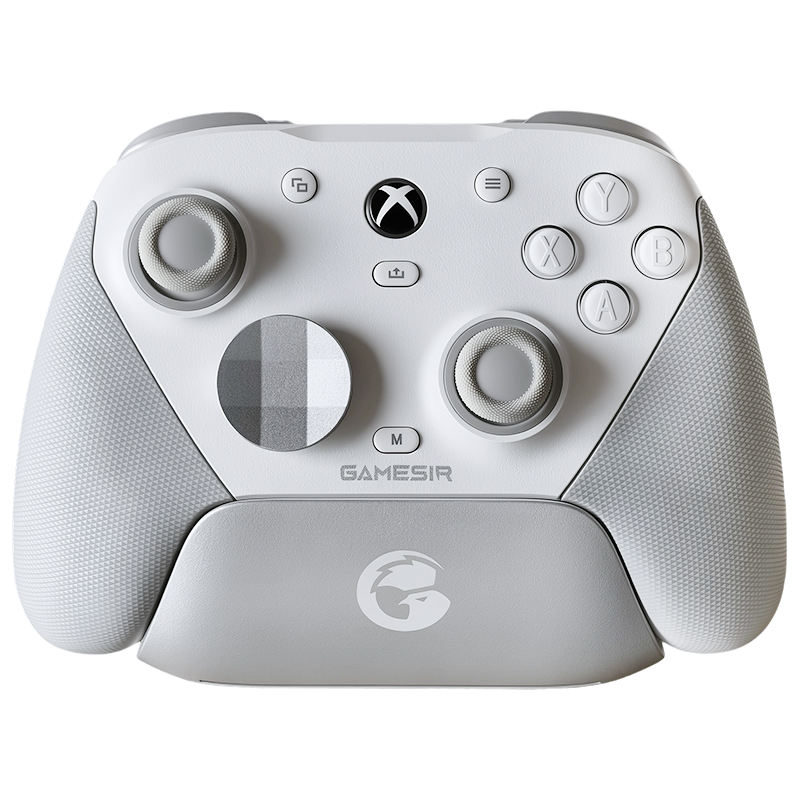
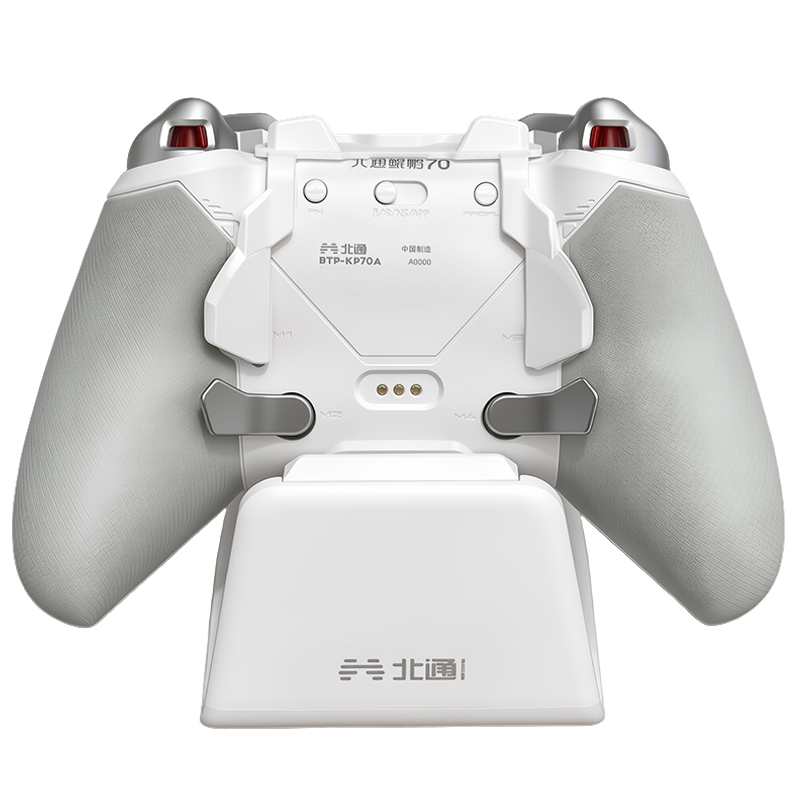
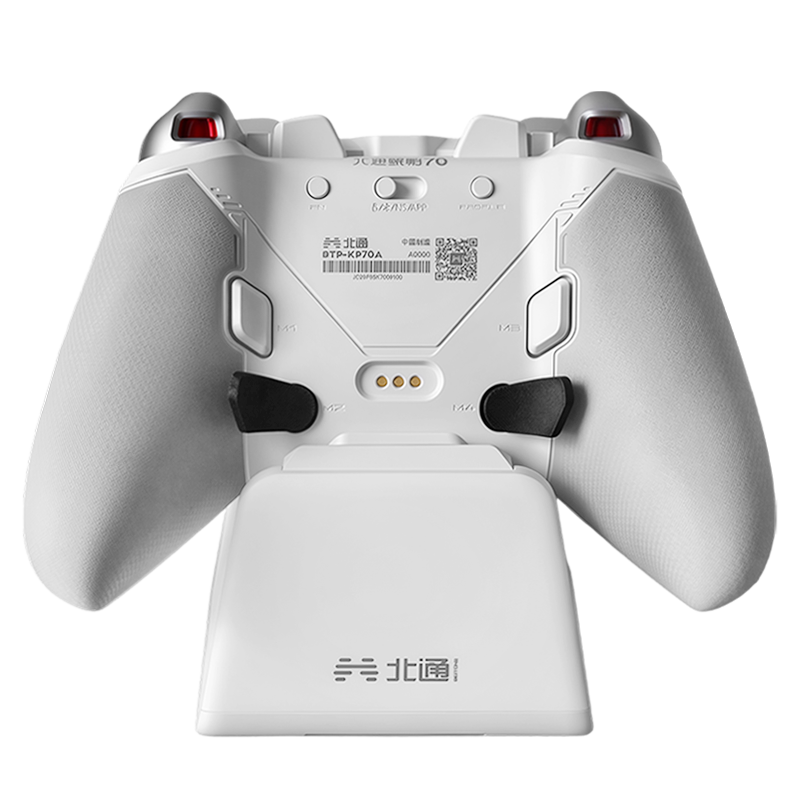
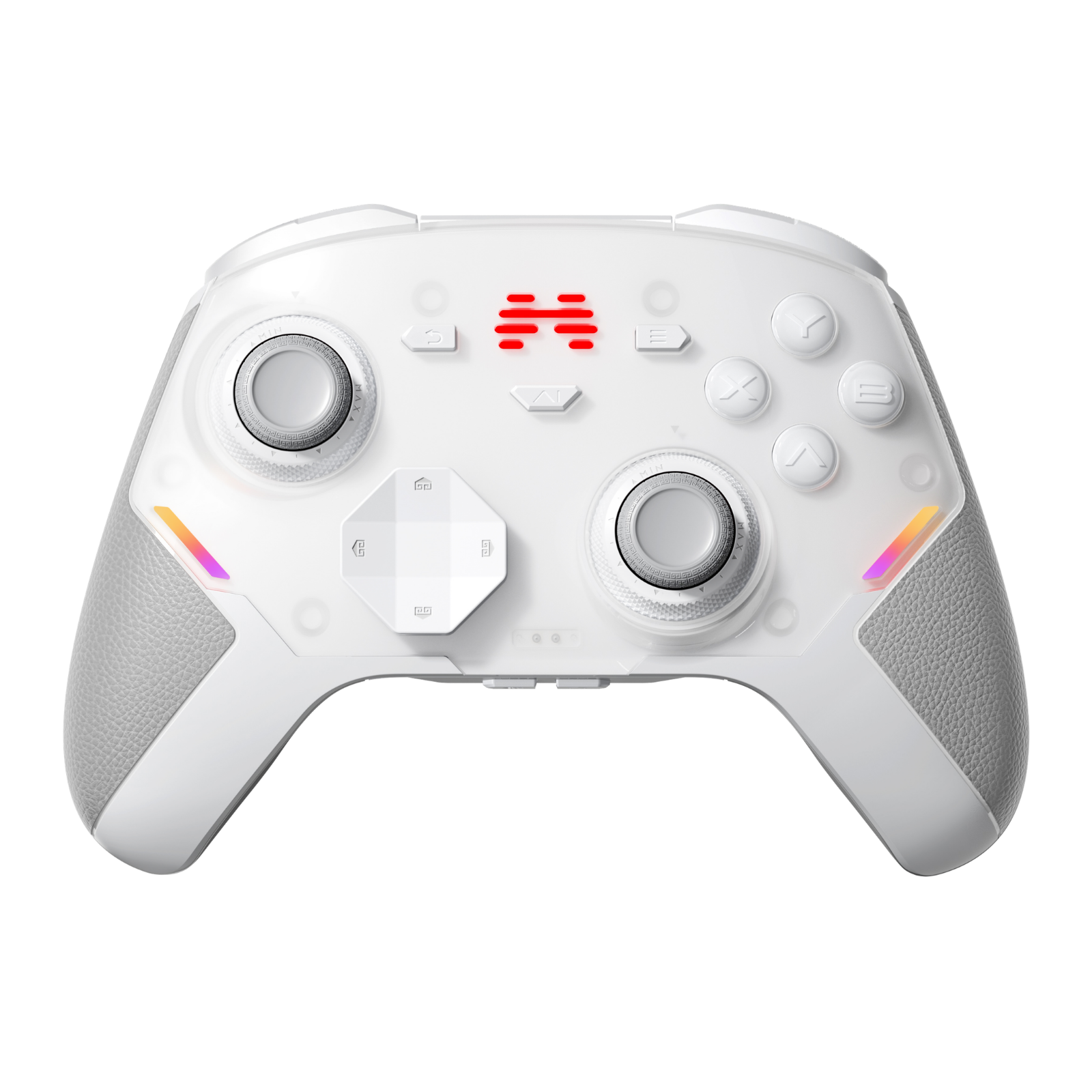
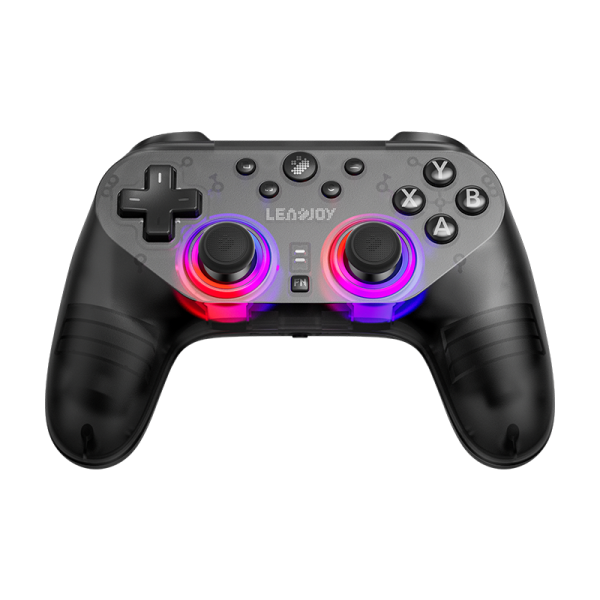
I've been testing the LEADJOY Xeno Plus recently, and their app has a feature called "AI Visual Recurve" that claims to solve this. I decided to put it through its paces to see if it's actually the future — or just a gimmick.
The Concept: Fighting Fire with Fire
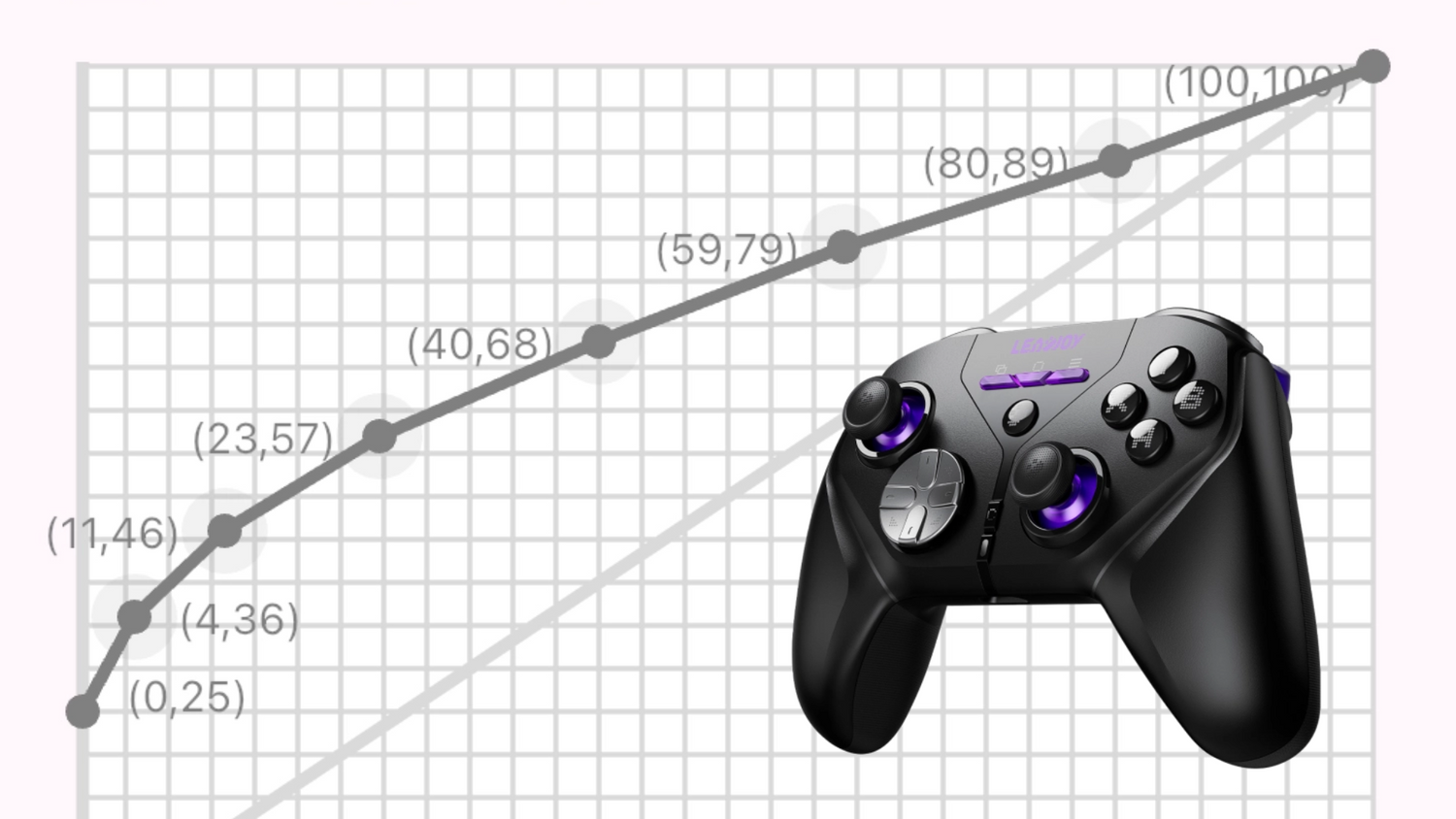
Essentially, the app tries to "see" how a game reacts to stick input and then generates a "Reverse Curve." If the game has a weird, non-linear curve, the app creates the exact opposite curve on the controller side. The result? A perfectly linear, consistent feel across every game you play.
The Process
Or: How I looked like a crazy person
The setup is… an experience. You connect the Xeno Plus via Bluetooth to your phone while it's wired to your PC.
The Deadzone Test
Standard stuff. I found my unit started drifting at a value of 26, so I backed it down to 25. Easy.

Deadzone calibration screen · Tap to enlarge
The "Phone Staring Contest"
To calibrate the curve, you have to go into a training range (I used Apex), look at a flat ceiling, and switch to fists. Then hold your phone perfectly level, pointing the camera at the center of your monitor.

Spin calibration in action · Tap to enlarge
The Spin
Once you hit "Start," the app takes control and starts spinning your character in circles. Fast at first, then slower and slower. The app is reading how the game responds — and building your custom curve from it.
"Standing there in a dark room holding my phone up to a spinning screen felt like I was performing some kind of digital exorcism."
— Reviewer's NoteIt's a bit "clunky," and I had a few "Test Failed" messages before I got it right. The UX is definitely in its early stages — but once it clicks, it clicks.
The Result: Does It Actually Work?
Once the test finishes, the app generates a Curve Preview. You get two options to choose from:
Option A — Apply Reverse Curve
Gives you a "True Linear" feel for the current game. Predictable, raw, no baked-in nonsense.
Option B — Apply Adaptive Curve
The magic button. Maps the feel of your previously calibrated game onto the new one. Your Apex muscle memory — everywhere.

Curve preview result screen · Tap to enlarge
For 3A games with notoriously "clunky" baked-in curves, this is a game changer. You don't need a 100% perfect mathematical fit to feel a massive improvement. The stick feels way more predictable and "raw" — like the dev noise has been scrubbed out.
"Definitely early-access vibes."
The "Auto Curve Test" is finicky and requires a steady hand — and a solid dose of patience. If you move the phone slightly, it fails. Not ready for the average plug-and-play user just yet.
Final Thoughts
Is it ready for prime time? Maybe not for the average plug-and-play user. But for those of us who obsess over "Game Feel" and want a consistent experience across our library — the potential here is huge.
LEADJOY seems to be onto something really clever by using the phone's "eyes" to bridge the gap between hardware and software. I'm optimistic that future firmware and app updates will smooth out the calibration process. Check out the LEADJOY Xeno Plus if you want to get in early on this.
Join the Conversation
Have you messed with AI-generated curves yet?
Or do you prefer manually tweaking your response curves in-app? Drop your experience in the comments below — we read every one.






Leave a comment
All comments are moderated before being published.
This site is protected by hCaptcha and the hCaptcha Privacy Policy and Terms of Service apply.