






























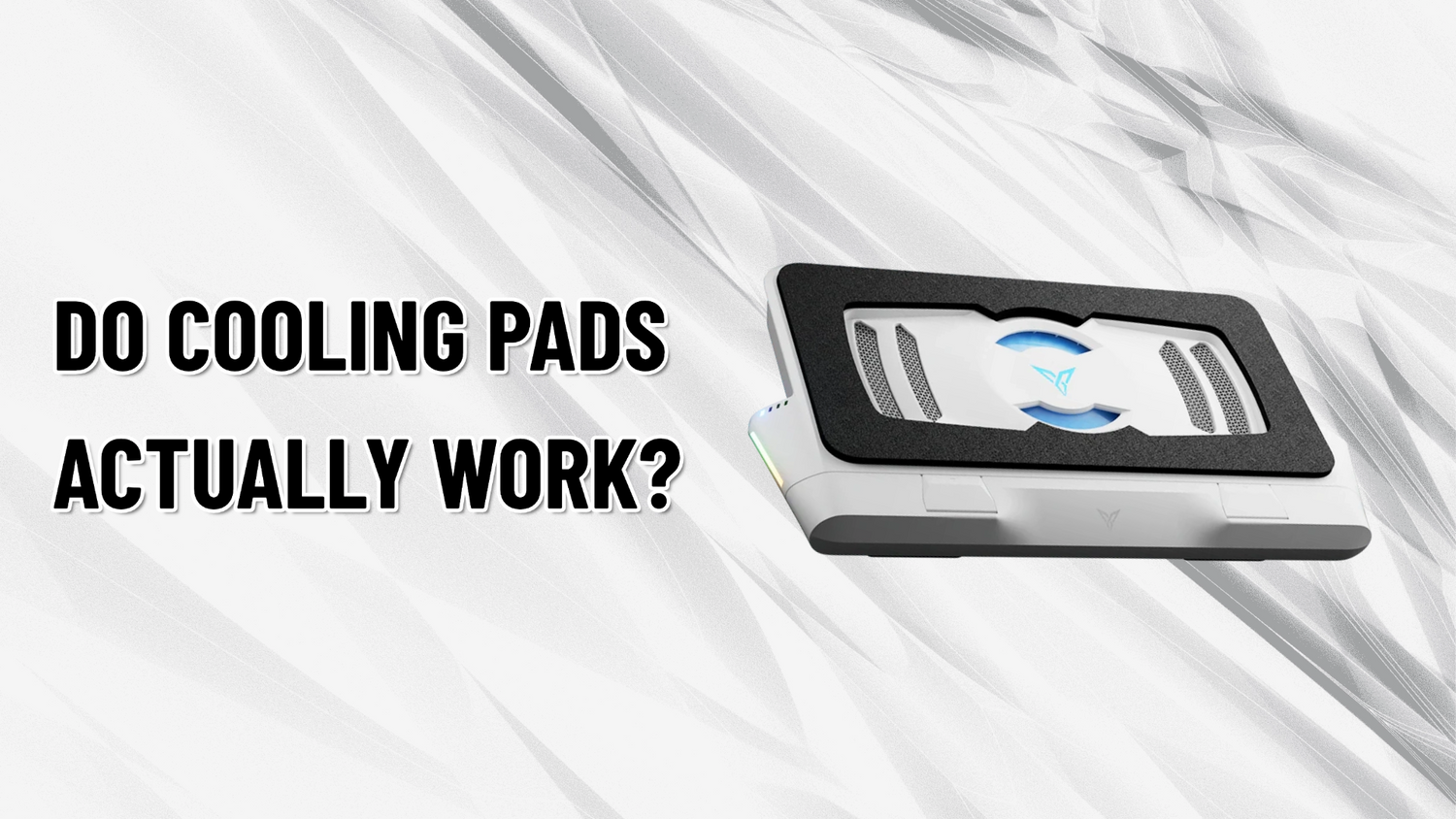
How Much Gaming Performance Are You Leaving on the Table?
GadgetHyper Team
May 27, 2026 · Laptop Cooling & Thermal Performance
You just dropped a couple of grand on a high-end gaming laptop packed with a top-tier Intel i9 processor and an RTX 40-series GPU. On paper, it's an absolute beast. But if you've actually spent a few hours in intensive worlds like Horizon Forbidden West, you already know the ugly truth: these modern portable rigs run incredibly hot.
Before long, the dreaded thermal throttling kicks in. Your clock speeds drop, your frame rates stutter, and that expensive hardware starts choking just to keep itself from melting.
This brings up a massive debate in the gaming community: Are laptop cooling pads actually worth it, or are they just placebos with RGB lights? To find out, we looked at the data from massive multi-cooler roundups and real-world stress tests. The short answer? They do work — but only if you avoid the trap of traditional designs.

Traditional Mesh vs. Sealed Gaskets
If you search for a laptop cooler online, you'll find two completely different types of technology. One is a massive waste of cash — the other is a genuine game-changer.
Budget Trap
Traditional Mesh Pads
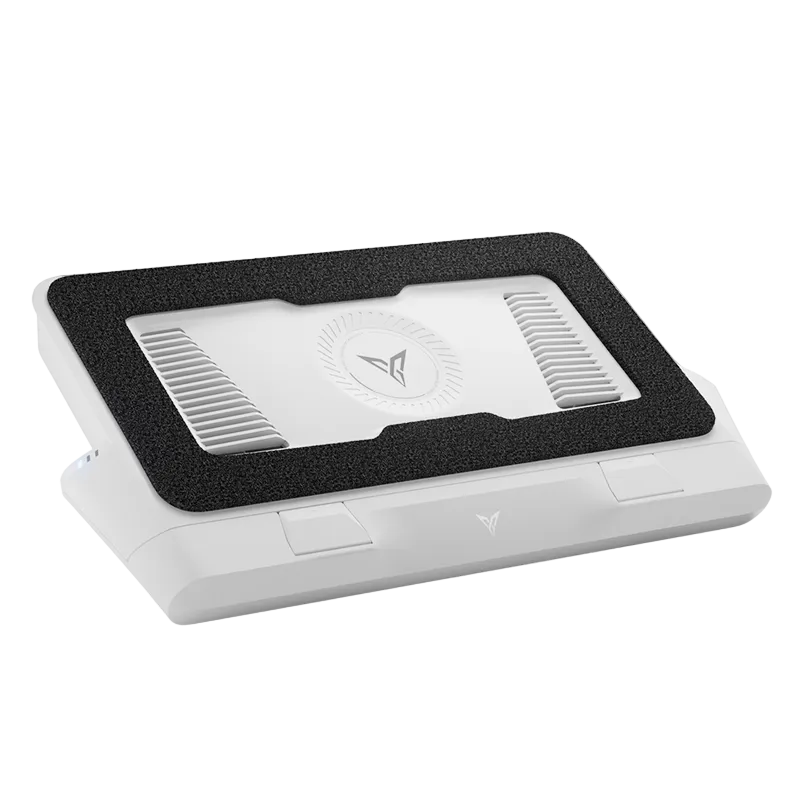
Cheap plastic platforms with one or two large, slow-moving fans. They run off a USB port and promise to keep things chilly.
The Reality: No seal means cool air escapes out the sides before entering your laptop's intake vents. Best case: a negligible 1–2°C drop.
Game-Changer
Sealed Specialty Coolers
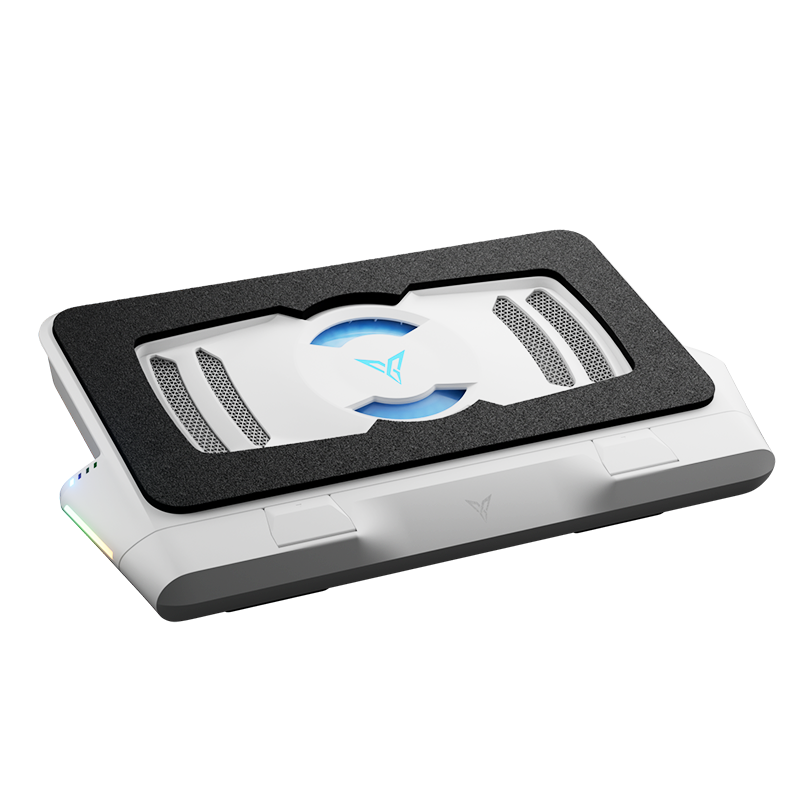
High-RPM industrial motors with a foam or rubber gasket that creates a tight seal against your laptop's bottom — force-feeding cold air directly into the intake vents.
The Reality: In standardized stress tests, sealed-gasket coolers dropped CPU and GPU temps by a staggering 15°C to 20°C vs. stock.

Why Cold Temperatures Mean Extra FPS
Dropping 20°C is great for component lifespan — but what does it actually do for your gameplay?
Modern PC hardware relies on aggressive, intelligent boosting algorithms — like Intel Turbo Boost and AMD Precision Boost. If the system detects both power headroom and thermal headroom, it will automatically push clock speeds higher and hold them there longer.
Benchmark Result
Under heavy workloads including 3D rendering and gaming, high-pressure sealed coolers allowed modern laptops to instantly utilize extra thermal headroom — boosting actual system performance by 4% to 5% over stock settings.
It essentially unlocks a free, stable hardware optimization — just by keeping the system cold.

The Catch: The "Jet Engine" Problem
⚠️ Why Most Sealed Coolers Still Fail
If sealed high-RPM coolers are so effective, why isn't everyone using one? Because until recently, they came with two massive compromises: insane noise and zero intelligence.
Jet Engine Noise: To achieve massive temperature drops, generic high-pressure coolers run their industrial fans at maximum speed at all times — sounding like a literal jet engine or a legacy console screaming for mercy.
No Intelligence: Most require a giant separate wall-power brick and offer zero smart controls — meaning you either endure deafening fan whine while watching a movie, or constantly reach back to fiddle with manual dials.
At GadgetHyper, we knew there had to be a way to get premium, sealed-gasket cooling power without sacrificing your hearing. That's exactly the problem Flydigi set out to solve.
The Ultimate Fix: The Flydigi BS3 Pro
It started with the groundbreaking Flydigi BS2 Pro, which proved that a pressure-sealed cooler could feature an intelligent, customizable software ecosystem. Now, the Flydigi BS3 Pro perfects the formula.
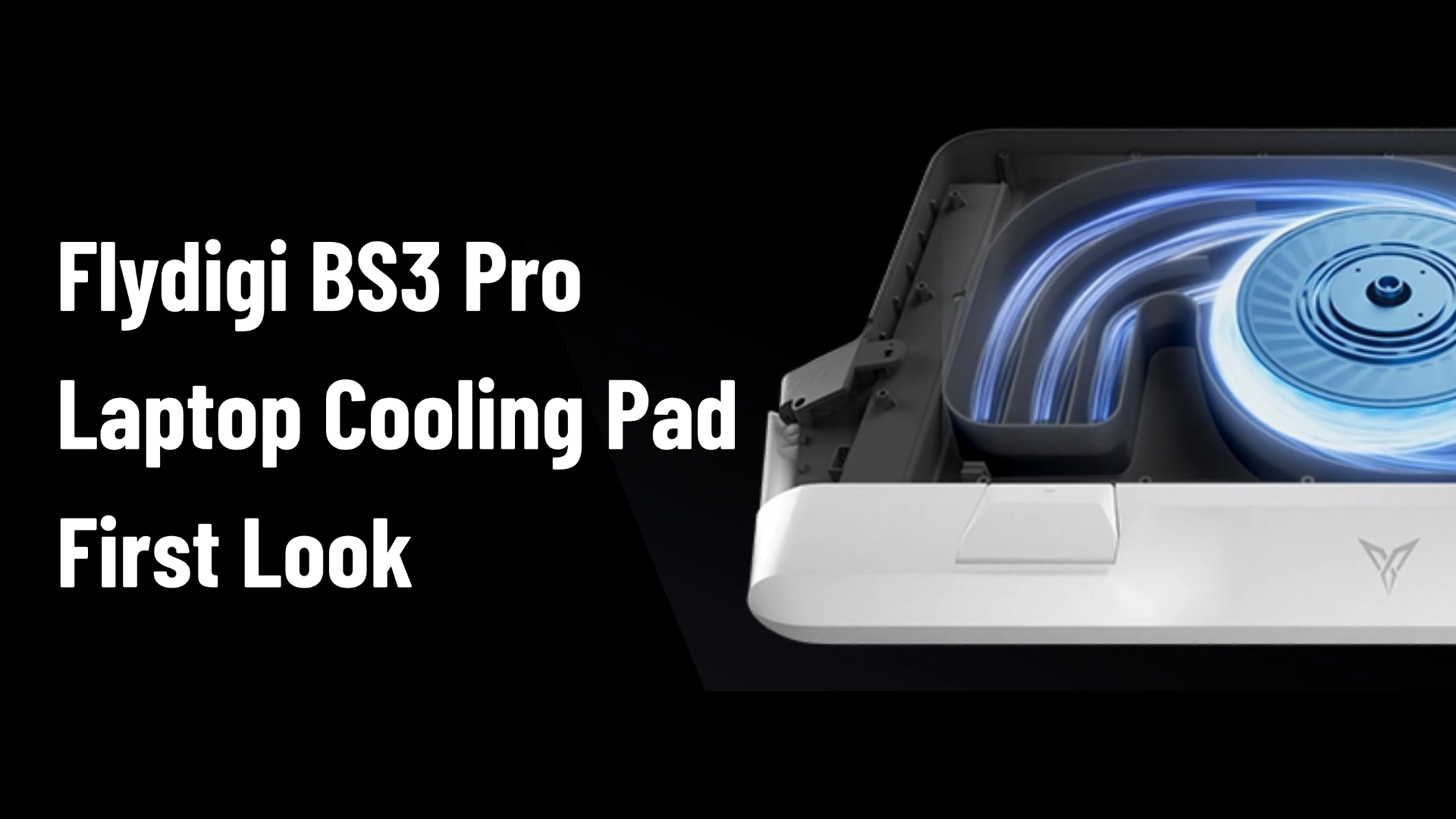
The BS3 Pro pairs a massive 27-blade high-density fan and a 4000 RPM ultra-high-speed motor to deliver thermal-crushing performance — capable of dropping temperatures by up to 48°C under peak loads. And it completely eliminates the jet engine pain point.

Acoustic Dampening
Built with detachable silencer chambers and proprietary streamlined aerodynamic blades that trap high-pitched fan whine and eliminate turbulent vibrations from the inside out. Maximum cooling, minimum acoustic footprint.
Smart Frequency 3.0
No manual adjustment required. Through the Flydigi Space Station software, the cooler automatically syncs with your laptop via Bluetooth — cranking RPM during gaming or video editing, then dropping to a whisper-quiet energy-saving speed the moment you switch to movies or standby.
Internal Protection
Features an upgraded, removable dust filter mesh that blocks dust from invading your laptop's internals — permanently extending your device's lifespan alongside every gaming session.
If you're running a modern gaming setup and want to stop leaving performance on the table due to thermal throttling, it's time to ditch the useless plastic mesh pads and get a cooler that actually works with your hardware — not against it.
Available Now at GadgetHyper
Unlock Your Laptop's True Hardware Potential
Flydigi BS3 Pro Laptop Cooling Pad · 27-Blade Fan · Smart Frequency 3.0 · Up to 48°C Drop
Shop the Flydigi BS3 Pro — $119.99





Leave a comment
All comments are moderated before being published.
This site is protected by hCaptcha and the hCaptcha Privacy Policy and Terms of Service apply.