



























Beyond CPU and GPU Temps: A Hands-On Analysis of the Flydigi BS3 Pro Laptop Cooling Pad
GadgetHyper Team
May 28, 2026 · Flydigi BS3 Pro · Laptop Cooling
Hello everyone, Ray here.
When managing a storefront for high-performance gear, a significant portion of my responsibility involves continuous product research and performance vetting. Recently, while analyzing the latest laptop cooling solutions on the market, I gathered and integrated a set of highly detailed benchmark data regarding the Flydigi BS3 Pro that I believe our community needs to see.
When evaluating laptop cooling, the industry heavily prioritizes CPU and GPU core temperatures. Manufacturers frequently highlight vapor chambers, proprietary liquid metal applications, and multi-fan arrays. However, there is a critical, often neglected component that directly dictates both the performance ceiling and the operational lifespan of your machine: the voltage regulator modules (VRMs), or the power delivery system.
While modern laptop architectures increasingly implement internal air-shunting designs to alleviate motherboard heat buildup, sustained gaming sessions under high power loads can still push VRM temperatures to alarming levels. The data compiled below looks at a hardware solution engineered to actively cool the entire motherboard footprint rather than just the primary silicon dies.
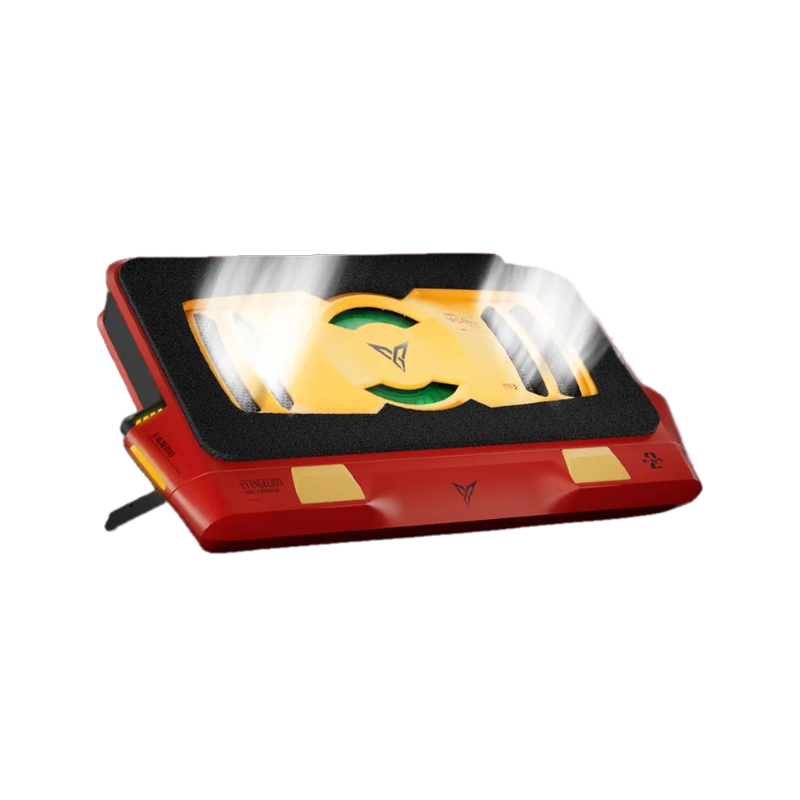
The Flydigi BS3 Pro Supercharged Laptop Cooling Pad has officially arrived, and by analyzing its structural updates alongside verified testing data, we can chart exactly what this generation brings to the table.
Research & Data Attribution Note:
The technical benchmarks, performance metrics, and hardware insights presented in this article are compiled, translated, and integrated from product research data originally published by the Bilibili hardware reviewer Dakang Review (大康评测). You can verify and view their comprehensive video analysis directly via the original link: https://www.bilibili.com/video/BV1S7Gi6SEPH

Architectural Upgrades & Design Changes
While the top-facing profile preserves the core geometry of the BS2 Pro, Flydigi has introduced several fundamental mechanical revisions to optimize thermal dynamics.

Matte Architectural Finish
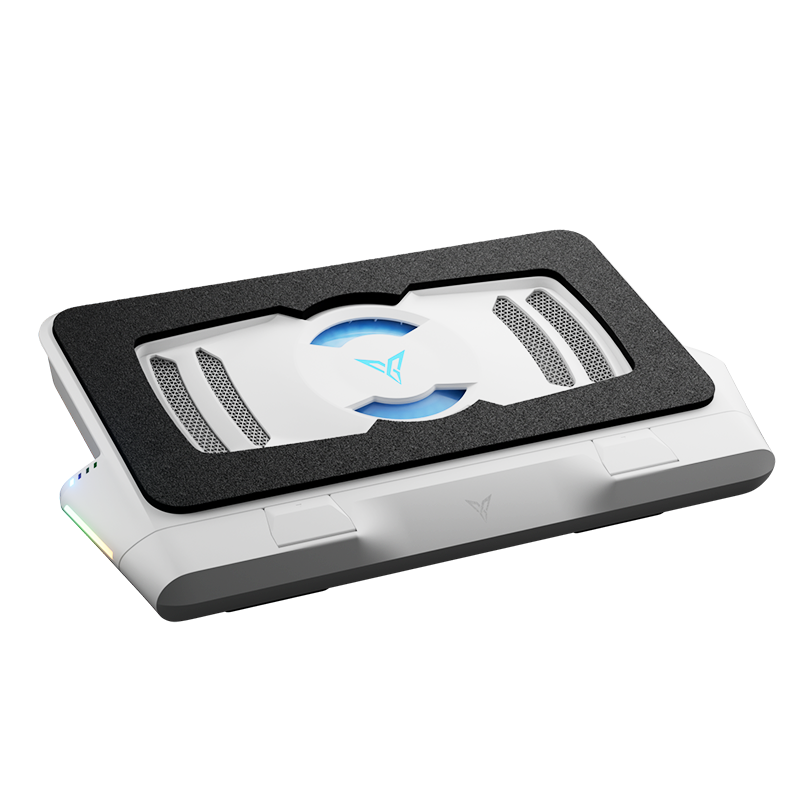
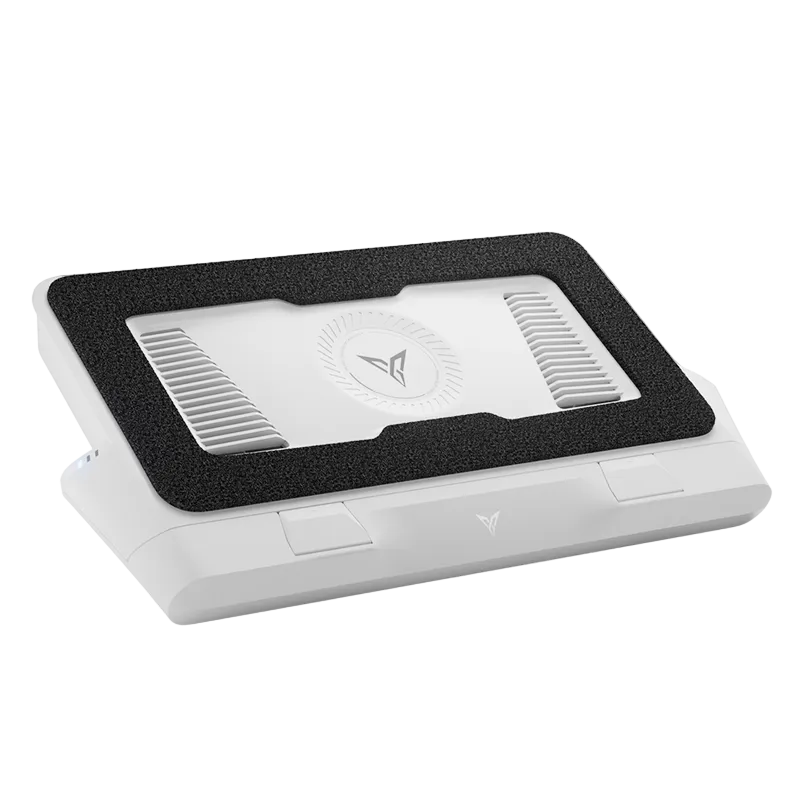
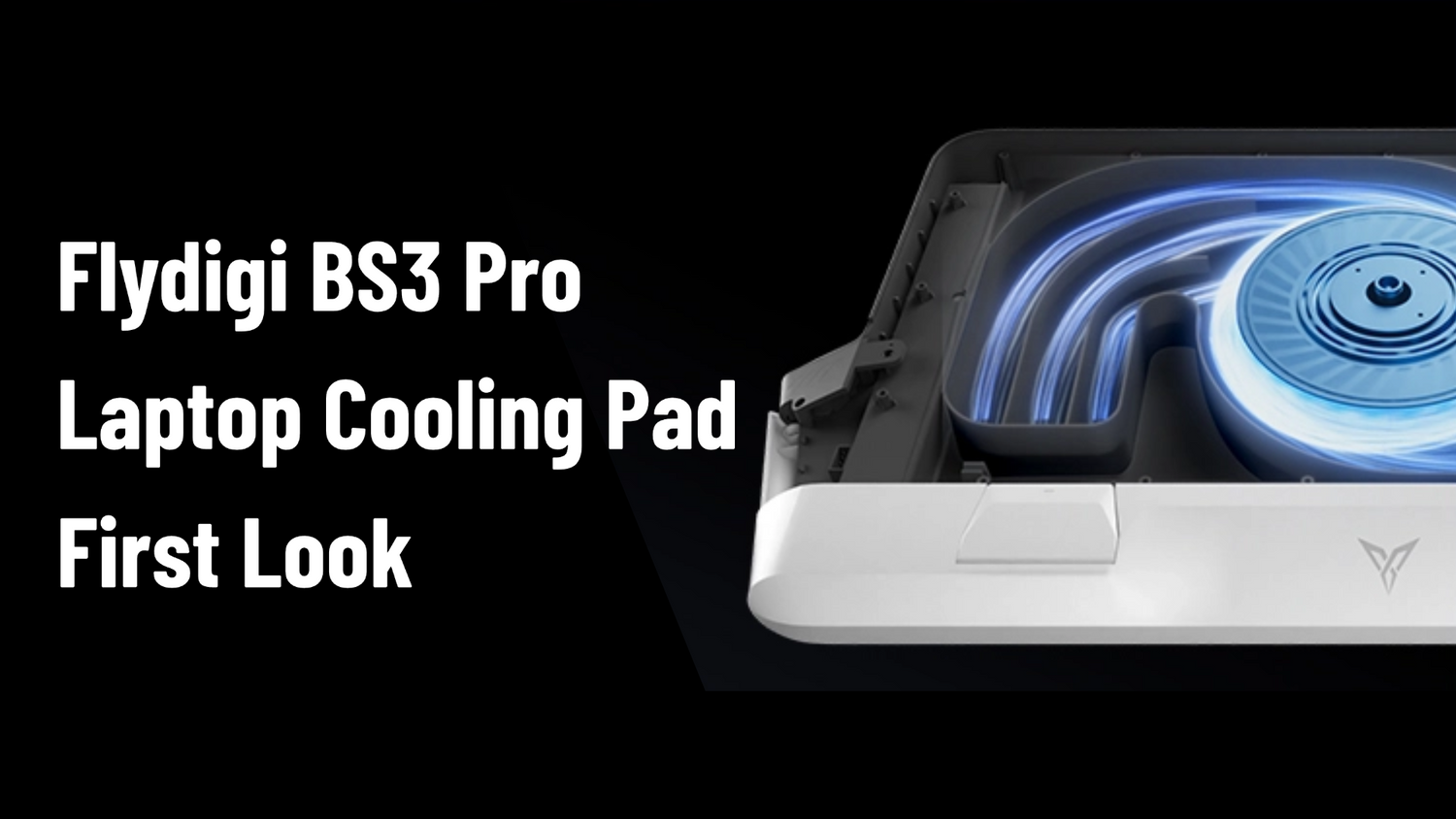
The multi-tone aesthetic of the BS2 Pro has been replaced with a clean, uniform matte white finish. The center housing features a clear viewing window showcasing the structural orientation of the internal high-pressure turbine fan.
Adaptive Fit System
Extendable mechanical bracket with multi-position limiters supports chassis footprints from 15-inch models up to 18-inch desktop replacements. Paired with a 3-level adjustable riser system and high-friction rubber dampeners.
Power Delivery Constraints
Powered via side-mounted USB Type-C. To unlock Level 4 Overclock Mode (4000 RPM), a dedicated 9V/3A PD wall adapter (~27–30W) is required. Drawing power from a laptop USB port restricts operation to Level 2 (2700 RPM) to prevent over-current trips.
Triple-Sided Air Intake System
The most significant structural improvement. The BS2 Pro drew intake air exclusively from the rear — risking recycling heated exhaust back into the cooling chamber. The BS3 Pro utilizes a three-way intake array across left, right, and rear panels, breaking this recirculation loop entirely.
Design Trade-off: Flydigi has omitted the external, tool-less quick-release dust filter mesh that characterized the BS2 Pro. Accessing the primary filter now requires removing the lower retention shell. Given that dust remediation is a low-frequency maintenance task, this does not compromise core performance — but it is a minor regression in ease of service.
Real-World Benchmarks: Flagship vs. Unmaintained Hardware
We conducted comparative testing across two radically different laptop configurations to measure the effectiveness of the high-pressure foam seal design.

Generational Comparison: Side-by-side verification confirms that the absolute maximum output of the BS2 Pro (4000 RPM) only aligns with the BS3 Pro operating between Level 2 and Level 3. The redesigned internal fan blades and expanded air paths represent a tangible leap in efficiency.
Acoustics & Real-World Gaming Application
To understand performance during actual software loads, we executed localized testing using Cyberpunk 2077 on the unmaintained test unit.
High-pressure turbofans are typically criticized for high noise levels. However, the dense foam seal isolates and dampens the high-pitched whine of the laptop's internal cooling fans — changing the combined acoustic signature in an unexpected way.
| Configuration | Noise (dB) | CPU | GPU | FPS |
|---|---|---|---|---|
| Stock Baseline | 53 dB | 87°C | 74°C | 156.05 |
| Level 1 | 49.8 dB | — | — | — |
| Level 2 — 2700 RPM | 52.2 dB | 78°C | 70°C | 158 |
| Level 3 — 3300 RPM | 55.2 dB | — | — | — |
| Level 4 — 4000 RPM | 59.2 dB | — | — | — |
Levels 1 and 2 both register below the stock laptop baseline — a subjectively smoother combined sound profile than the unassisted machine. At Level 4 (59.2 dB), an enclosed headset is highly recommended.
App Integration & Automated Control
When connected via Bluetooth to the Flydigi Space Station application, the BS3 Pro expands its standard 4-speed manual interface into a granular 12-tier adjustment matrix.
Smart Variable Frequency Mode 3.0
The software continuously polls internal hardware sensors. During low-load tasks, the fan drops to an unnoticeable idle (~41 dB). The moment an intensive task initiates and sensor thresholds are crossed, the turbine automatically ramps to match the current thermal load.
Fan Acceleration Curve — 4 Steps
Level 1 creates a gradual 90-second ramp from idle to maximum output; Level 4 reaches full velocity in 16 seconds. This dampens abrupt noise profile changes, reducing auditory distraction during transitions between workloads.
Final Verdict & Availability
High-pressure sealed turbofan systems offer a fundamentally more practical approach to laptop cooling than external closed-loop liquid cooling accessories. Liquid loops manage only the primary processors, leaving surrounding components in a high-temperature environment. The air pressure design of the BS3 Pro systematically flushes high-velocity ambient air across the entire PCB surface area — providing thermal relief to storage drives, memory modules, and power delivery components simultaneously.
Important Note: High-performance cooling pads are engineered to optimize system thermals and extend component lifespans, but they do not replace the need for regular internal maintenance and the periodic replacement of degraded factory thermal interfaces. If your VRM temperatures are at critical levels, internal paste replacement should be prioritized alongside external cooling.
Available Now at GadgetHyper · Global Shipping
Flydigi BS3 Pro Laptop Cooling Pad
27-Blade Fan · Triple-Sided Intake · Smart Frequency 3.0 · Up to 48°C Drop
View the BS3 Pro — $119.99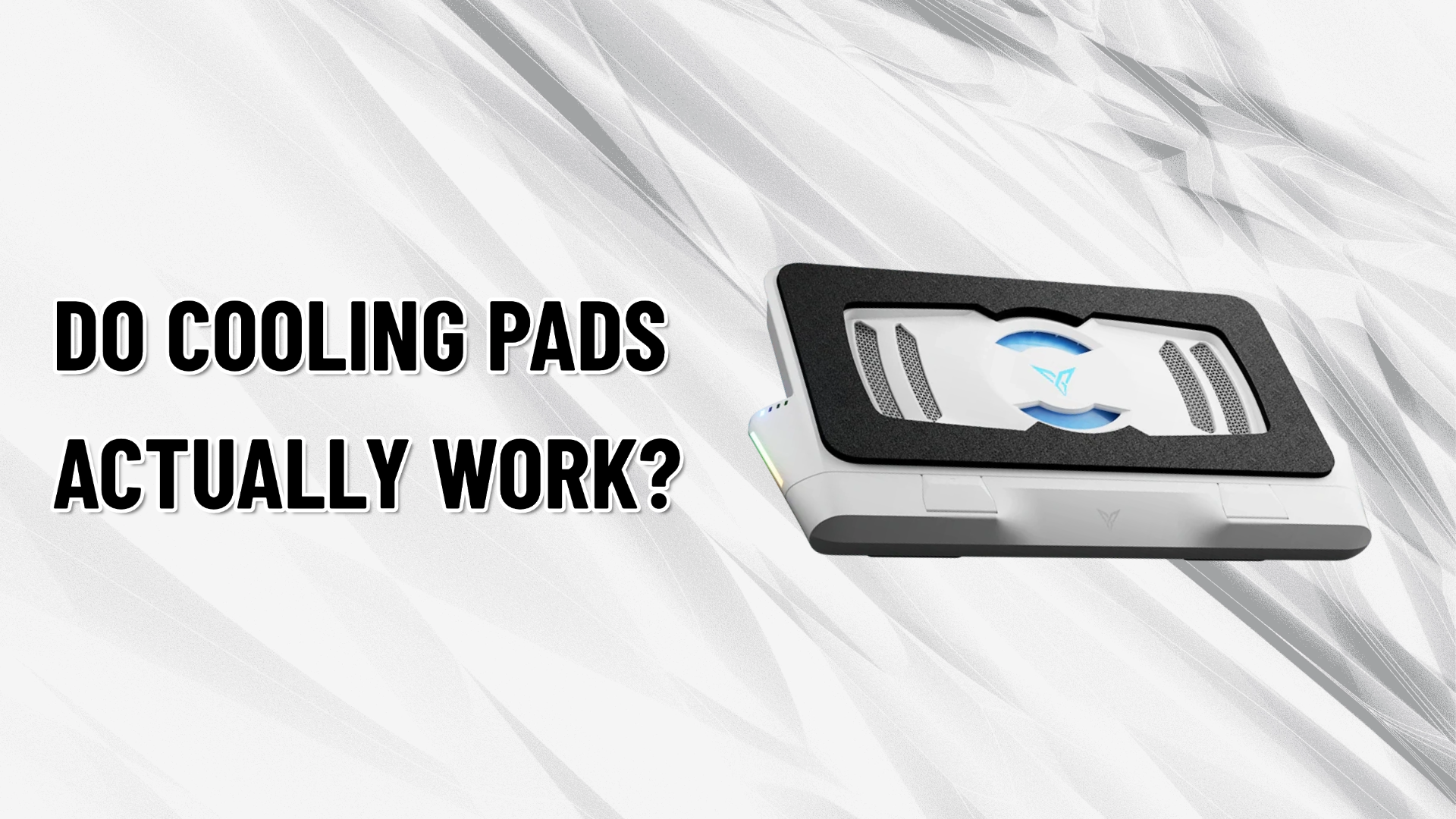


Leave a comment
All comments are moderated before being published.
This site is protected by hCaptcha and the hCaptcha Privacy Policy and Terms of Service apply.