


































The Xbox Unlock: Using the LeadJoy Xeno Plus Gaming Controller on Console via R20 Adapter
GadgetHyper Team
April 23, 2026 · Adapters & Connectivity
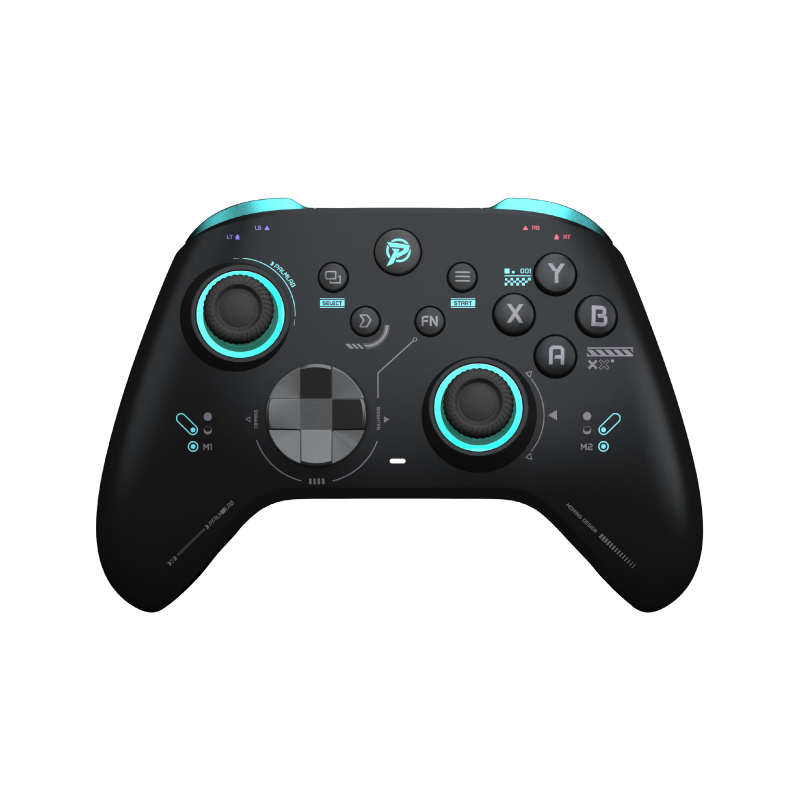
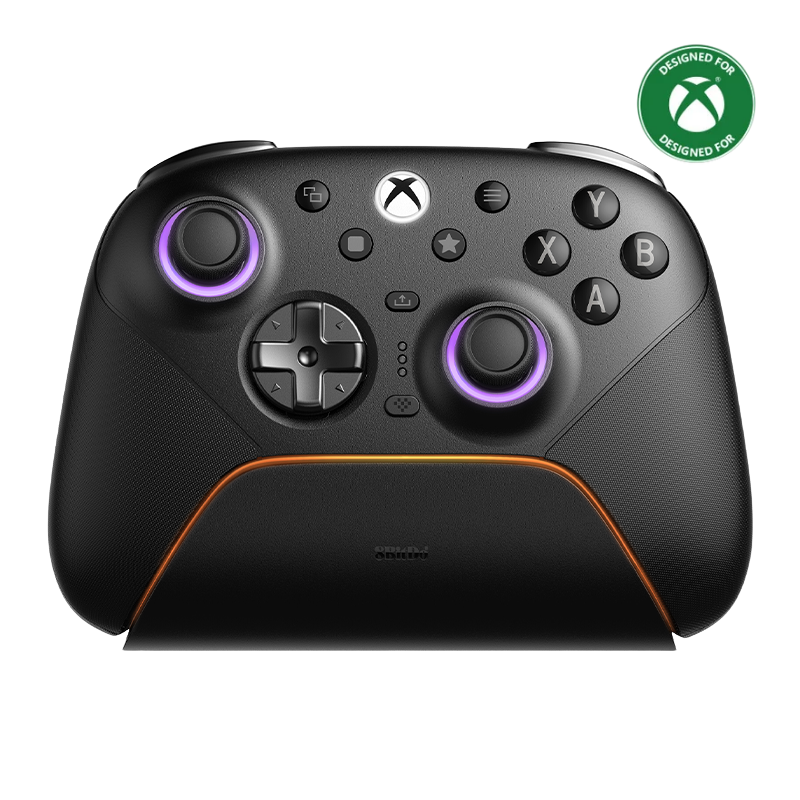
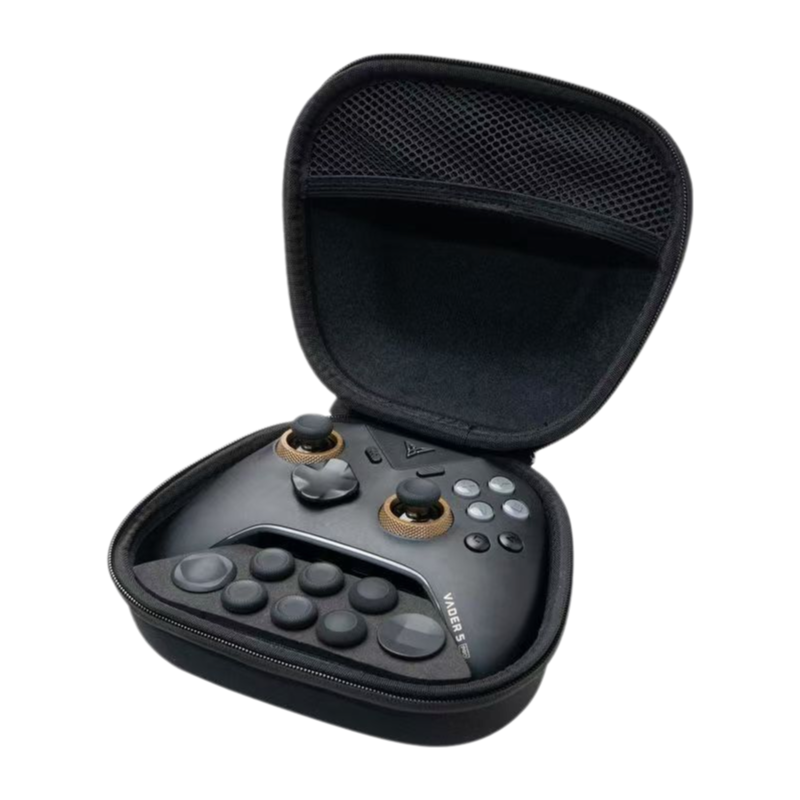
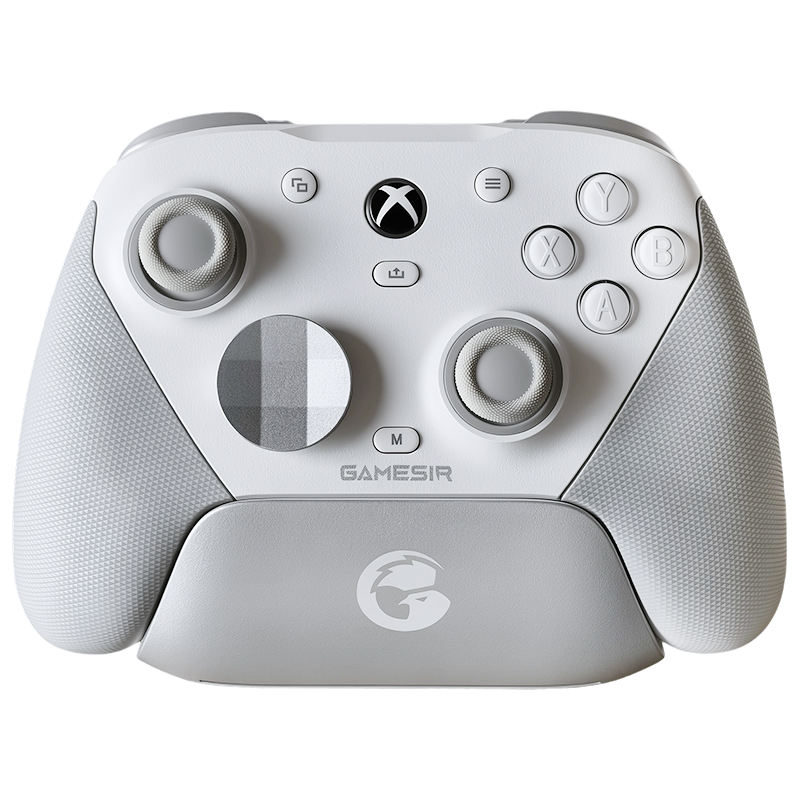
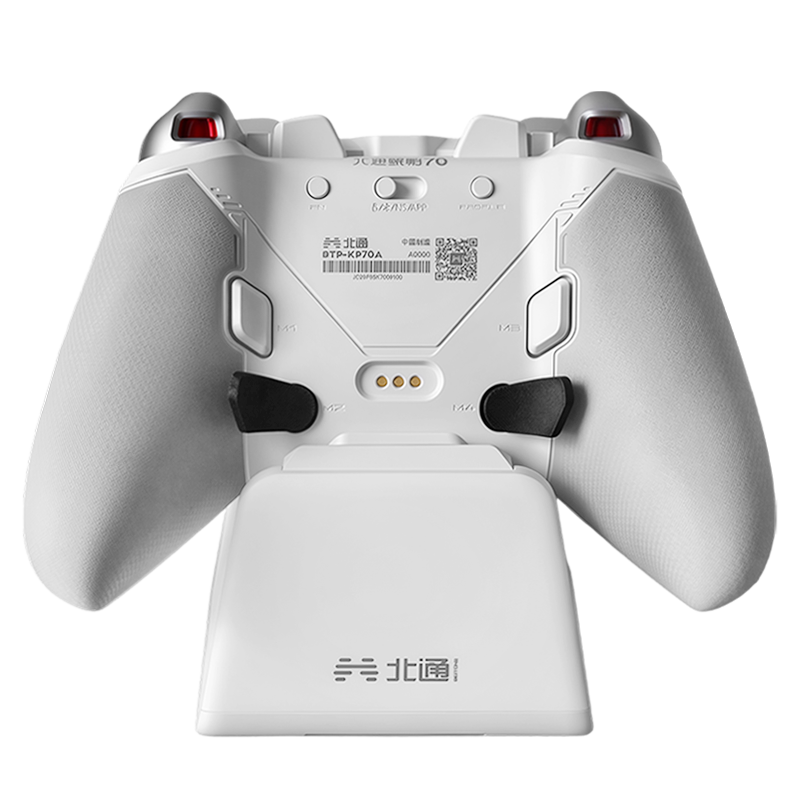
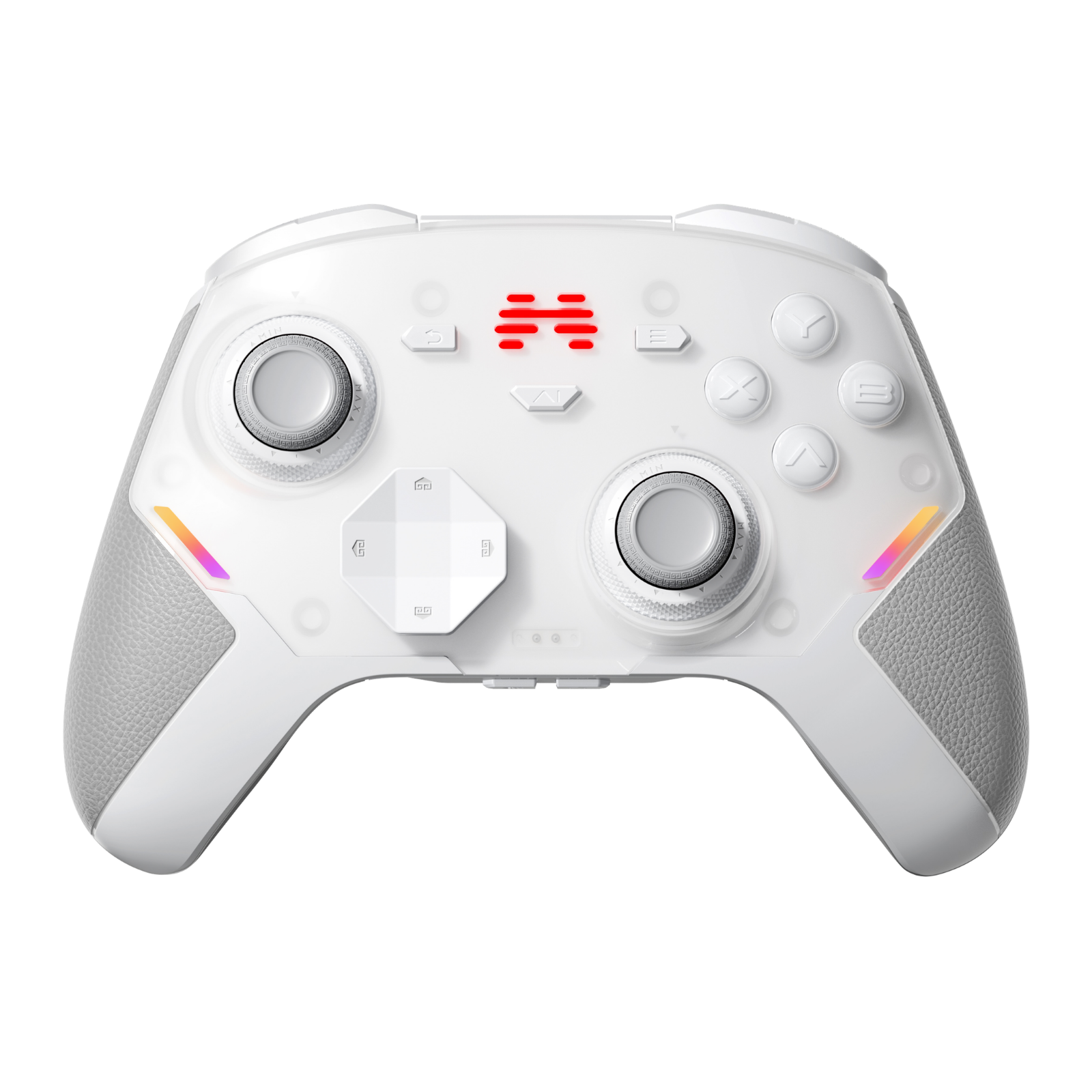
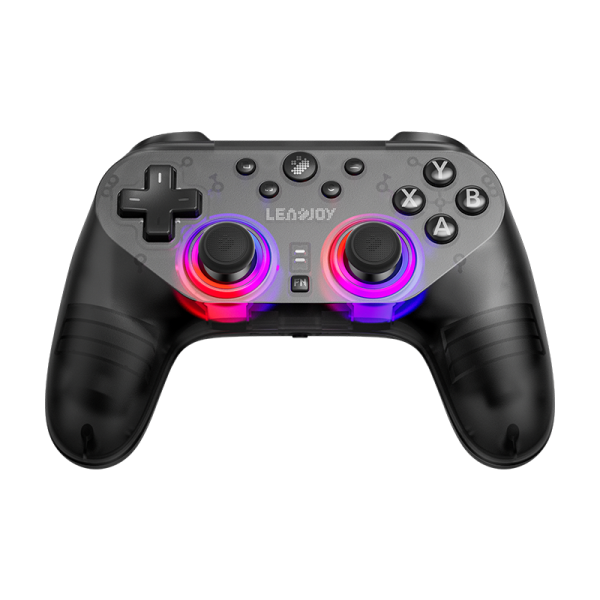
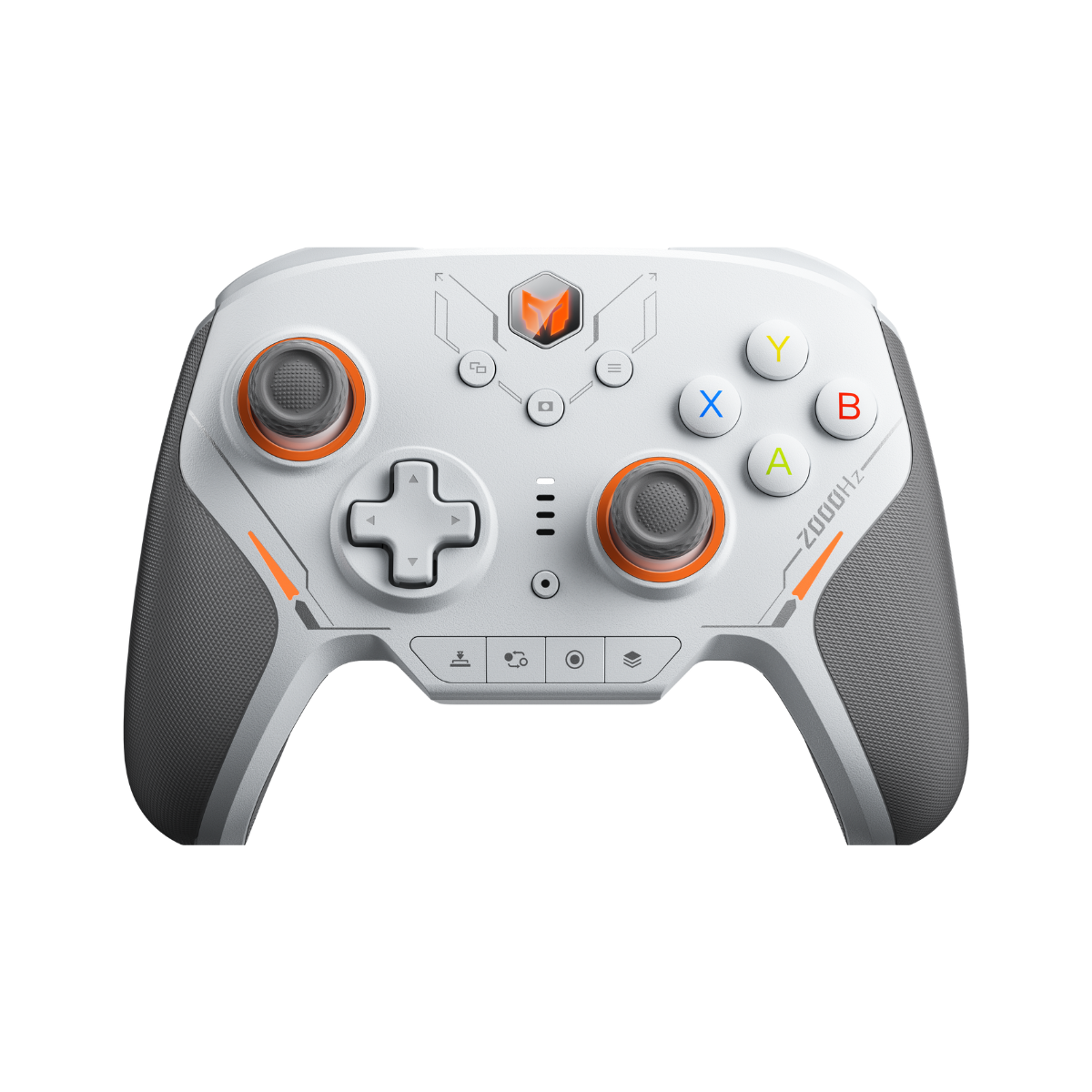
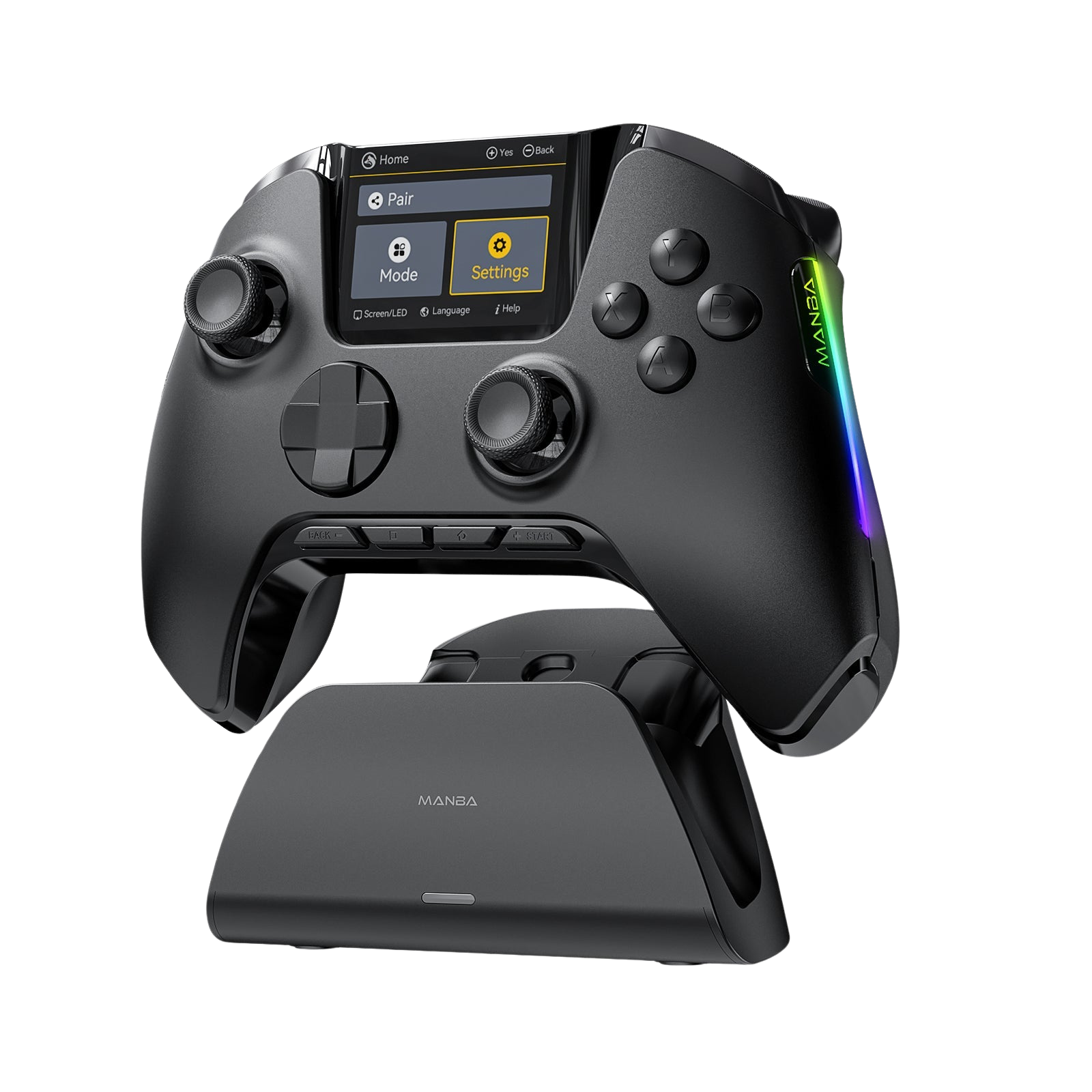
If you are an Xbox player, you've likely felt the frustration of Microsoft's strict third-party controller restrictions. While PC players enjoy the cutting-edge TMR stick technology of the LEADJOY Xeno Plus Gaming Controller, Xbox fans are often left wondering: "How do I get those TMR sticks on my Series X?"
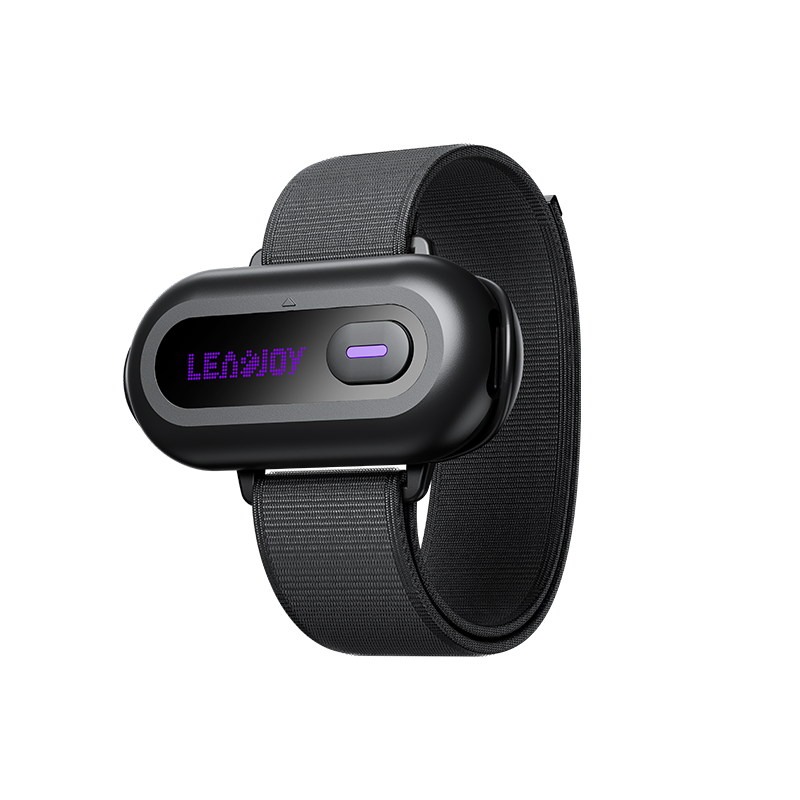
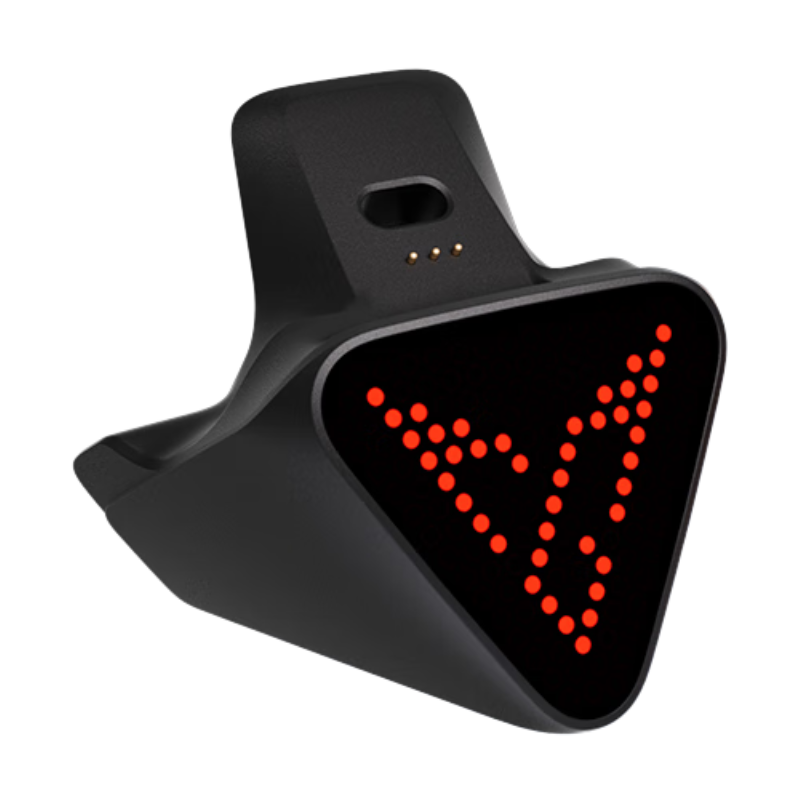
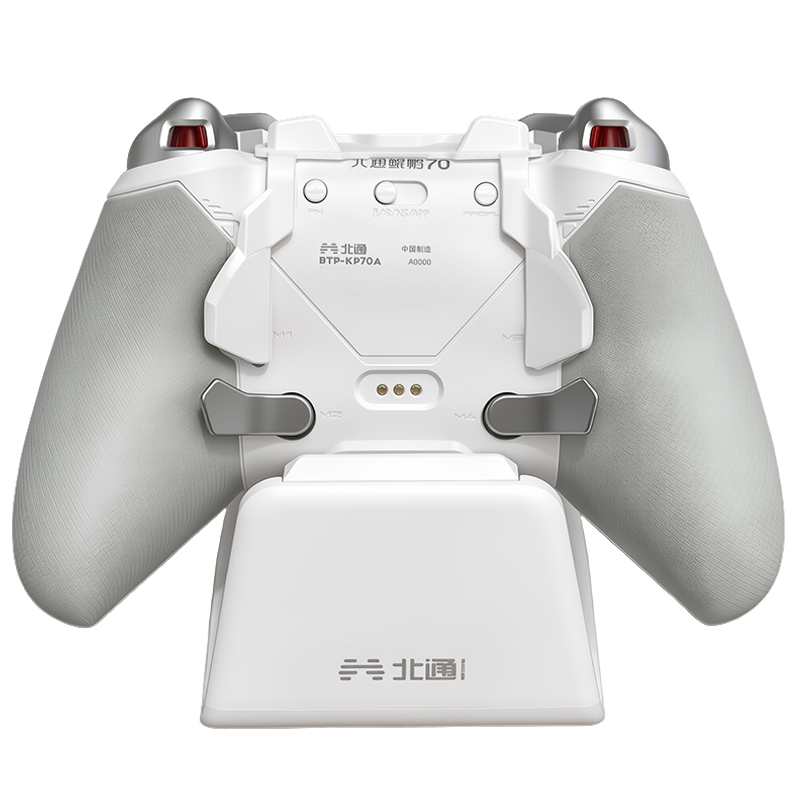
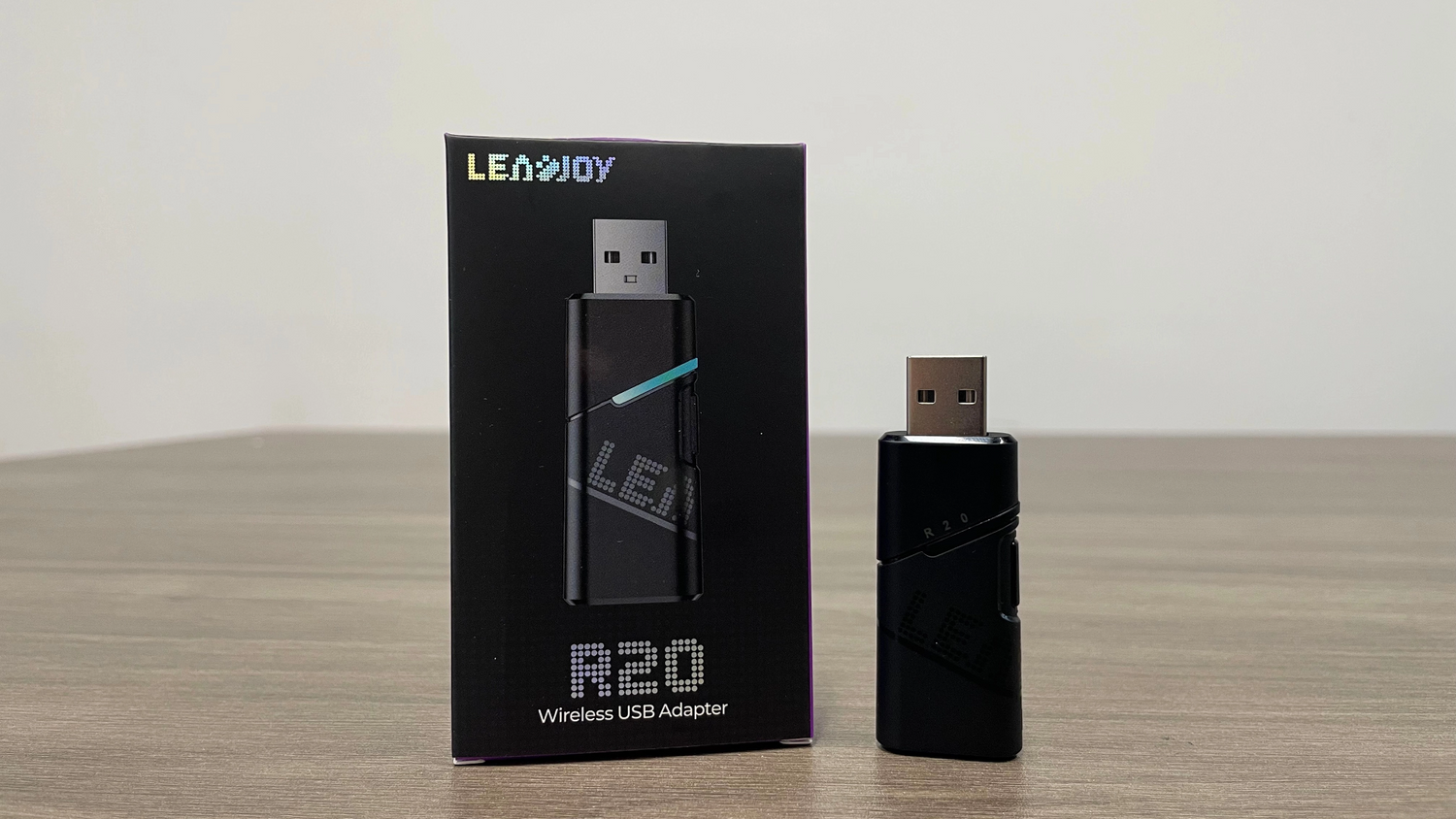
The GadgetHyper team has been testing the solution: the LEADJOY R20 Adapter. This passthrough dongle is the bridge that finally brings pro-tier performance to the console world. Here is our first-look experience.
Why the R20 Adapter is a Game-Changer for FPS
For competitive titles like Call of Duty and Apex Legends, every millisecond matters. Most third-party Xbox adapters add noticeable input lag — the R20 is engineered specifically to eliminate that bottleneck.
Up to 1000Hz Polling Rate
Unlike standard adapters that cap out at lower report rates, both the R20 and the Xeno Plus hardware support a maximum 1000Hz polling rate — meaning the hardware ceiling is as high as it gets.
Note: The actual polling rate achieved in practice depends on the console's own USB reporting limitations and system settings. The hardware supports 1000Hz, but the effective rate on Xbox Series X|S may vary depending on platform constraints.
Wireless Freedom
The Xeno Plus connects wirelessly to the R20, keeping your gaming setup clean and cable-free during active play.
Native Feel
In our initial testing, the connection remained stable with zero ghost inputs, delivering a native-like experience across Xbox Series X|S titles.
How to Connect: The Step-by-Step Passthrough Guide
Setting up the R20 requires an official Xbox controller for authentication. Follow these steps exactly.
Performance Report: Competitive Testing
LeadJoy R20 Adapter — Frequently Asked Questions
Everything Xbox players need to know before buying.
QWhich consoles are compatible with the LeadJoy R20 Wireless Adapter?
The LeadJoy R20 is fully compatible with Xbox Series X and Xbox Series S. It is the recommended solution for Xbox players who want to use the LEADJOY Xeno Plus Gaming Controller on console without sacrificing performance.
QDoes the LeadJoy R20 add input lag on Xbox Series X|S?
No — not in a meaningful way. Both the R20 and the Xeno Plus hardware are rated to support a maximum 1000Hz polling rate, which is significantly higher than most third-party Xbox adapters on the market. In our competitive testing across Call of Duty: Warzone and Apex Legends, we recorded no perceptible input lag or ghost inputs.
Important caveat: The actual polling rate your setup achieves on console is ultimately governed by the Xbox Series X|S platform's own USB input reporting limits and system-level settings — not the hardware alone. The R20 and Xeno Plus provide the highest possible hardware ceiling; the console determines the effective ceiling in practice.
QCan I use the LeadJoy R20 Adapter with a PS5?
No. The R20 is currently designed exclusively for the Xbox ecosystem. PS5 compatibility is not supported at this time. GadgetHyper will update this guide if future firmware changes expand platform support.
QIs the LeadJoy Xeno Plus compatible with all Xbox games via the R20?
Yes. The R20 passthrough setup is fully compatible with all Xbox Series X|S titles, including competitive shooters like Call of Duty, Apex Legends, and Halo Infinite. Because the adapter authenticates through an official Xbox controller, the console treats the signal as a native input.
QDo I need to keep the official Xbox controller plugged in during gameplay?
Yes. The official Xbox Series Controller connected to the R20's USB port is required for Microsoft's authentication handshake. It must remain connected throughout your session. It does not need to be in use — just plugged in.
QWhat is the difference between TMR sticks and standard Hall Effect sticks on Xbox?
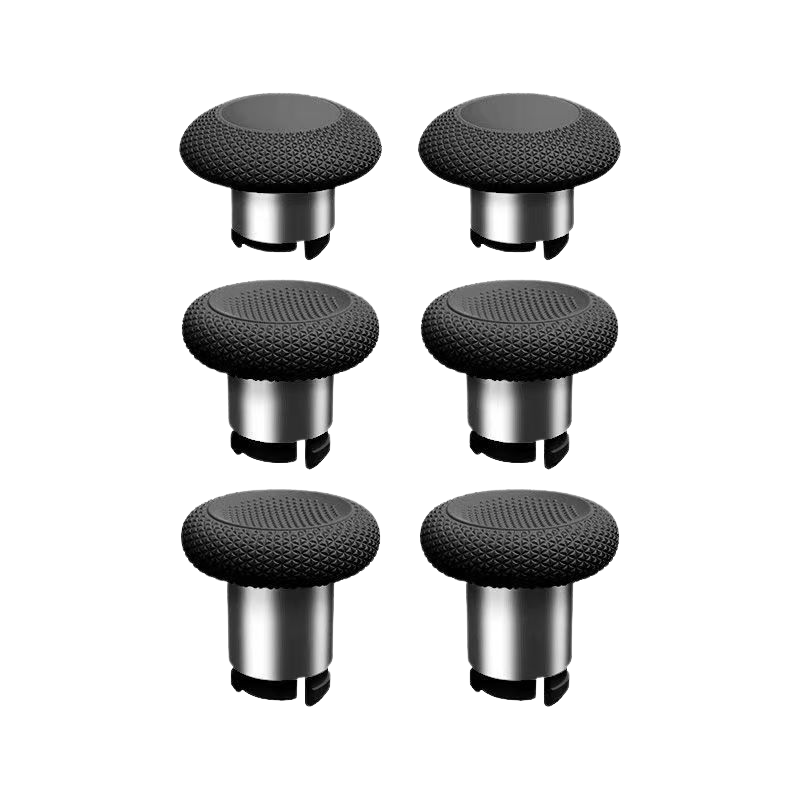
TMR (Tunnel Magnetoresistance) sticks offer superior precision and a wider dynamic range compared to standard Hall Effect sensors — both of which already outperform the potentiometer sticks found in most stock Xbox controllers. For FPS players, the jump to TMR via the Xeno Plus and R20 combo represents the most significant aim-hardware upgrade available on Xbox today.
Final Thoughts
The LEADJOY R20 is more than just a dongle — it is an unlock for the entire Xbox ecosystem. It allows console players to finally access the superior ergonomics and TMR stick technology of the Xeno Plus Gaming Controller without compromise.
We are still doing a deep dive into advanced features like 3.5mm audio passthrough and full button remapping — but for a plug-and-play wireless solution, the R20 is a rock-solid addition to any competitive Xbox arsenal.
Ready to Upgrade?
Bring TMR Precision to Your Xbox Setup
Get the LEADJOY R20 Wireless Adapter and Xeno Plus at GadgetHyper — shipped globally.
Shop the LEADJOY R20 Adapter






Leave a comment
All comments are moderated before being published.
This site is protected by hCaptcha and the hCaptcha Privacy Policy and Terms of Service apply.