





























LEADJOY Xeno Pro vs Xeno Plus: Same Mold, Two Different Answers for $10 Apart
LEADJOY is a young brand with old DNA: the team behind it came from BIGBIG WON (now Mojhon), the crew that built the Rainbow 2 Pro — a controller that reset expectations for what budget FPS controllers could be. The Xeno Plus was their opening statement; the Xeno Pro, released months later, is the same body with almost everything inside swapped or upgraded.
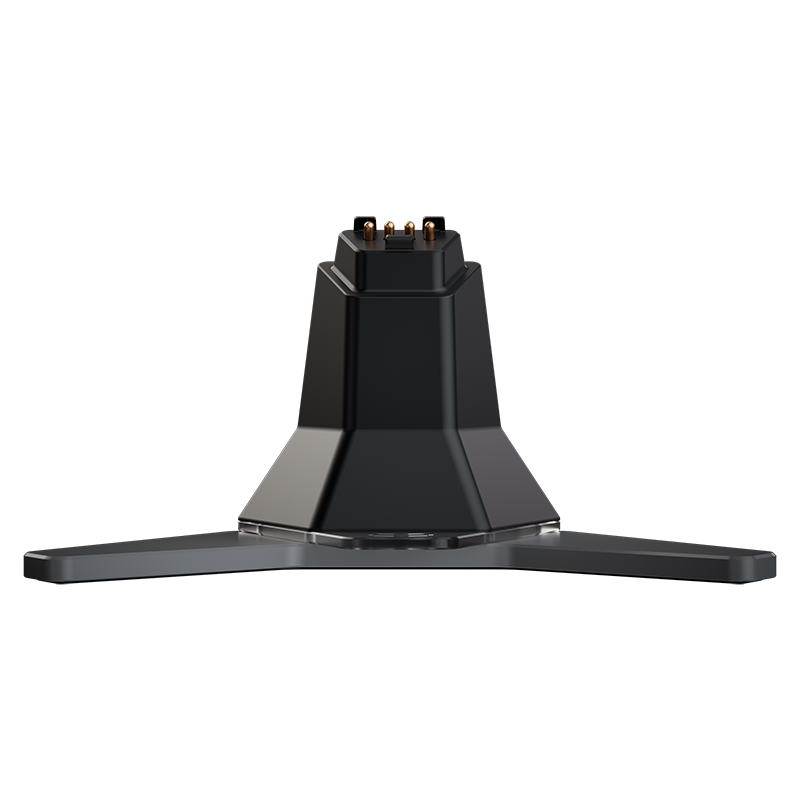
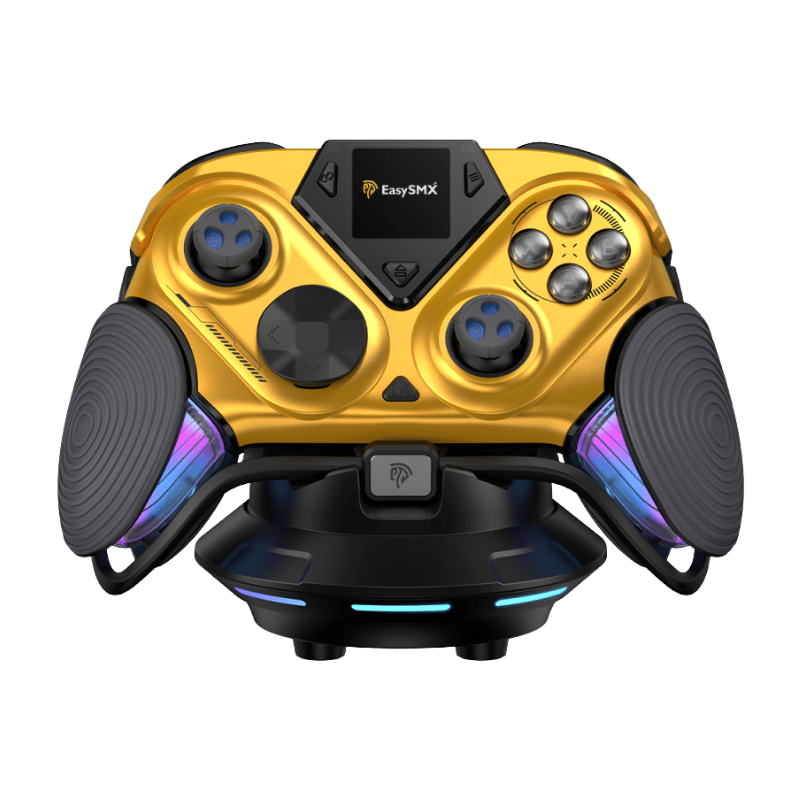
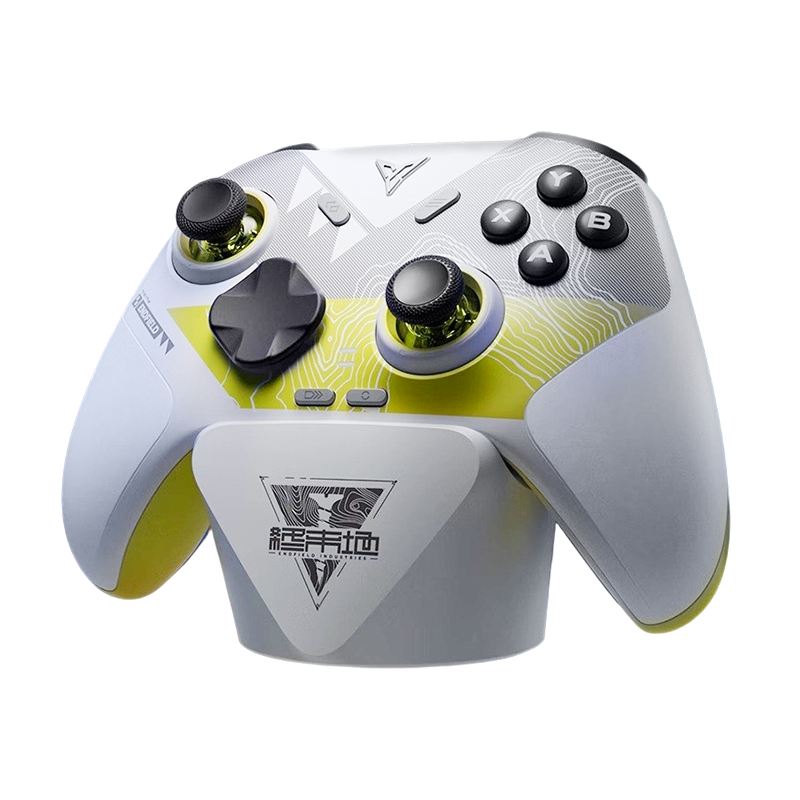
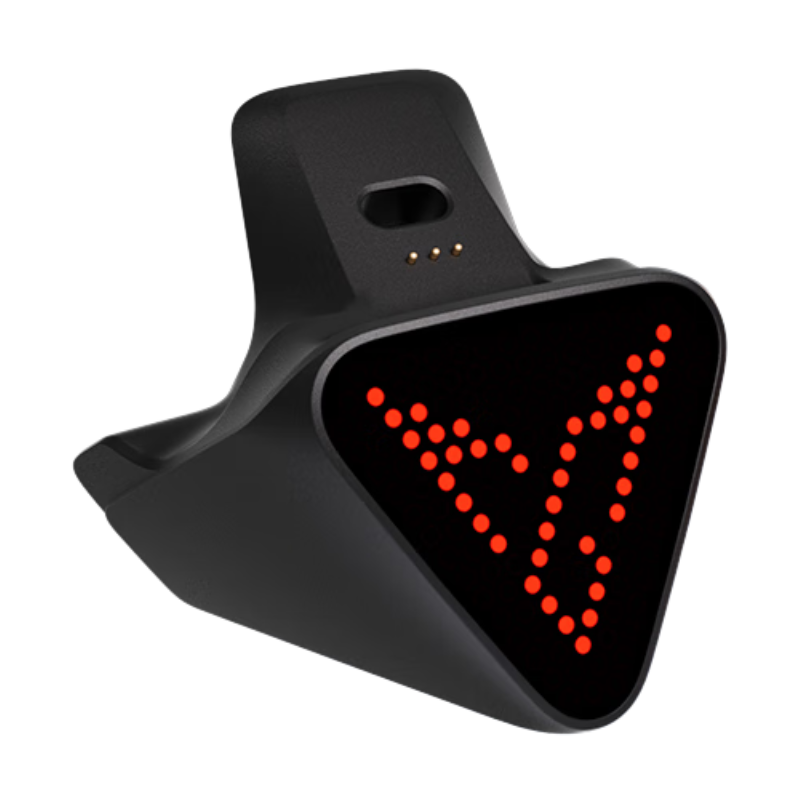
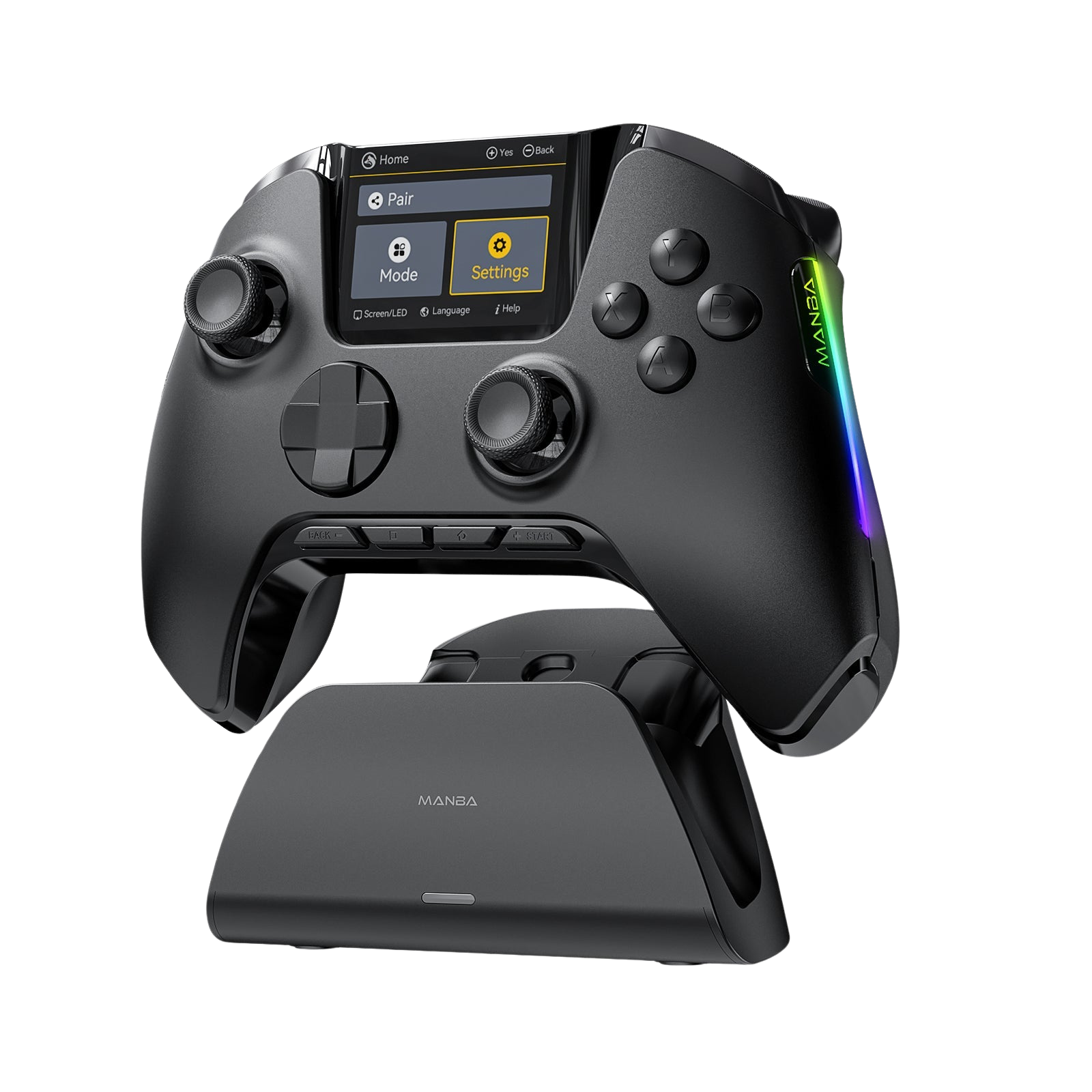
We sell both at GadgetHyper — the Xeno Plus at $59.99, the Xeno Pro at $69.99 with the charging dock included — so this isn't a "which should you buy" lecture. We've lived with both. Here's the honest breakdown, and the answer up front: neither wins outright. They split by player type, and by the end you'll know exactly which camp you're in.
Pure FPS specialist, sticks matter above all, want the sharper sensor and a lighter frame: Xeno Plus.
Play a bit of everything, fire from the shoulder buttons, want trigger rumble and adjustable stick tension: Xeno Pro. Now the long version.
Side by Side
| Xeno Plus | Xeno Pro | |
|---|---|---|
| Price | $59.99 | $69.99 (charging dock included) |
| Weight | ~233g | ~241g |
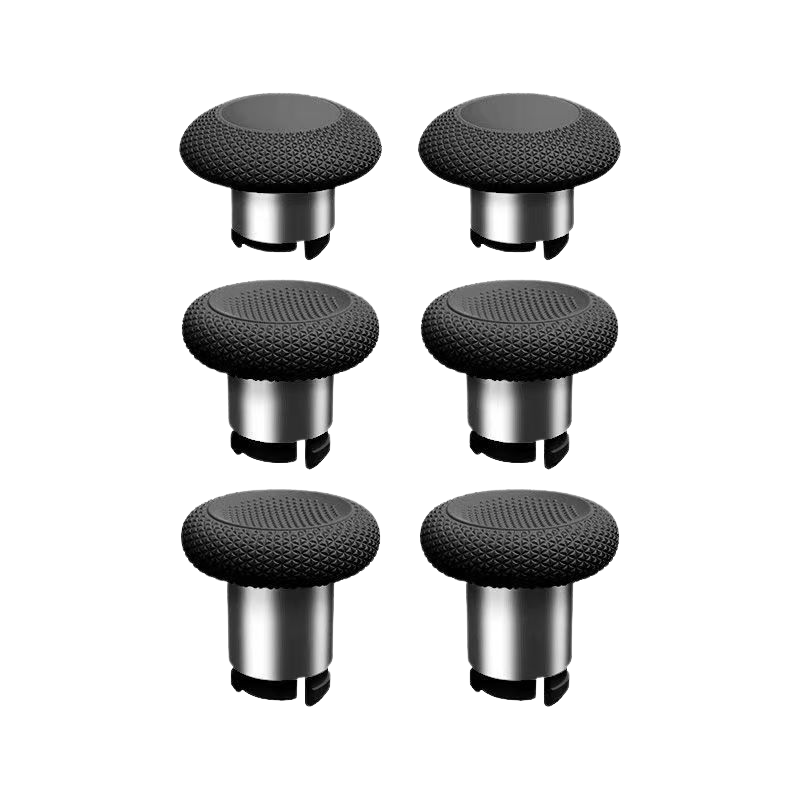
| Stick | JS13 Pro TMR, fixed tension | Ginfull KT26 TMR, adjustable tension (~40–80 gf ring) |
| ABXY | Micro switch, ~120 gf | Micro switch, ~90 gf |
| D-Pad | Light-touch, short travel | Micro switch, short travel |
| Shoulders | Light-touch | Micro switch |
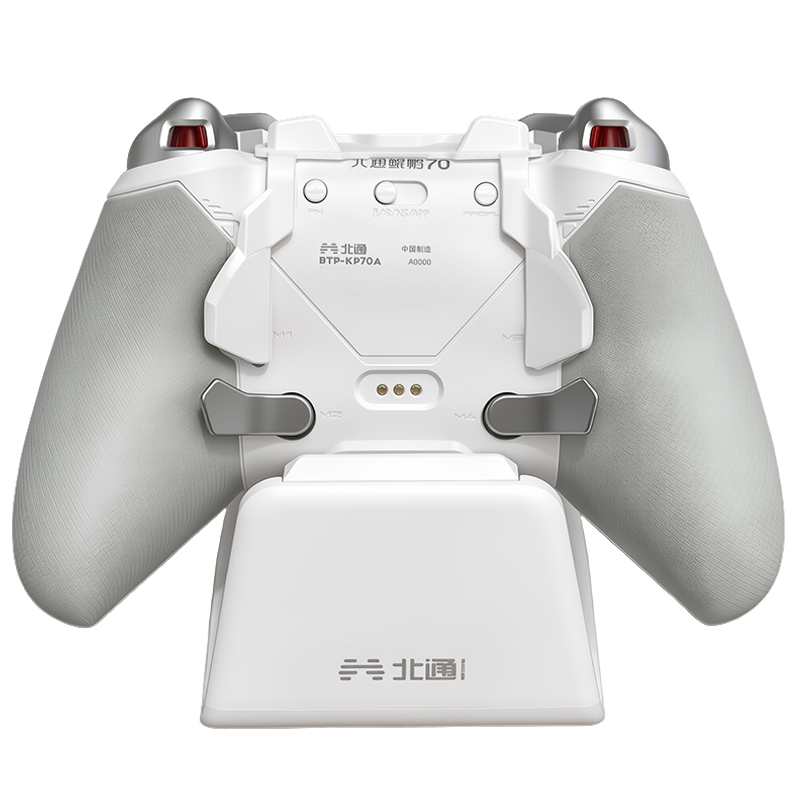
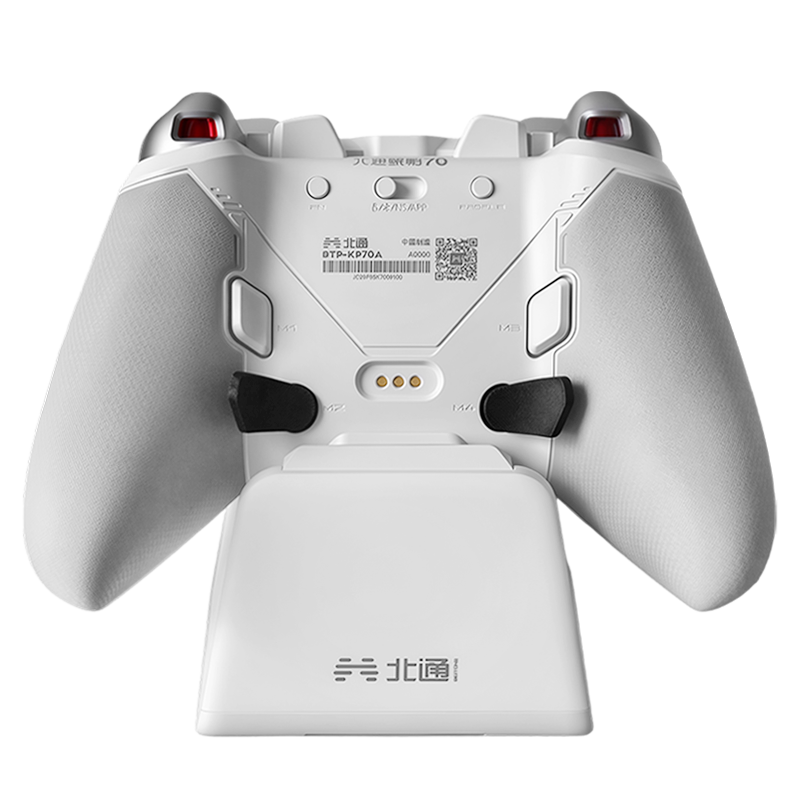
| Back Buttons | 4 — outer two micro, inner two light-touch | 4 — all micro |
| Triggers | Dual-mode (Hall linear + micro), no vibration | Dual-mode + two trigger motors |
| Grip Motors | 2, with instant-stop tuning | 2 + 2 trigger motors, instant-stop circuit |
| Polling | 1000Hz wired / 2.4GHz | 1000Hz wired / 2.4GHz |
| Software | LEADJOY app | LEADJOY app (identical) |

Small, Light, and Honest About It
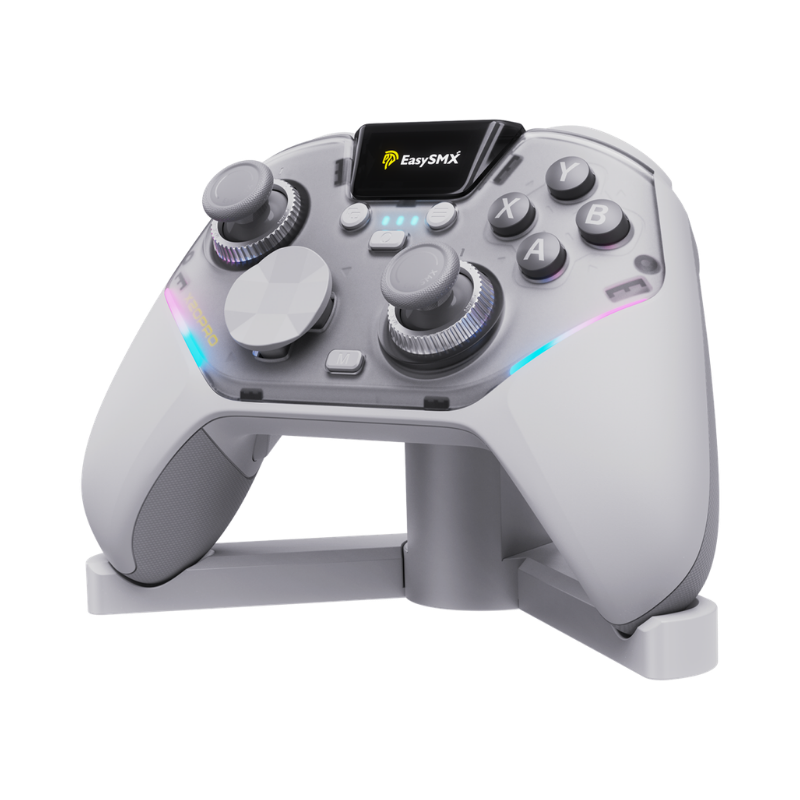
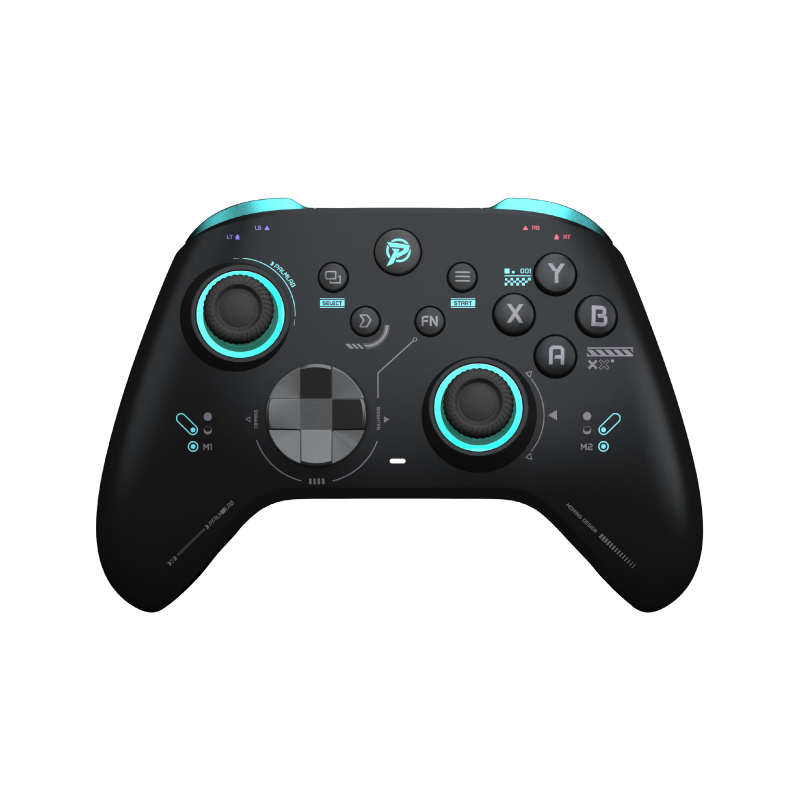
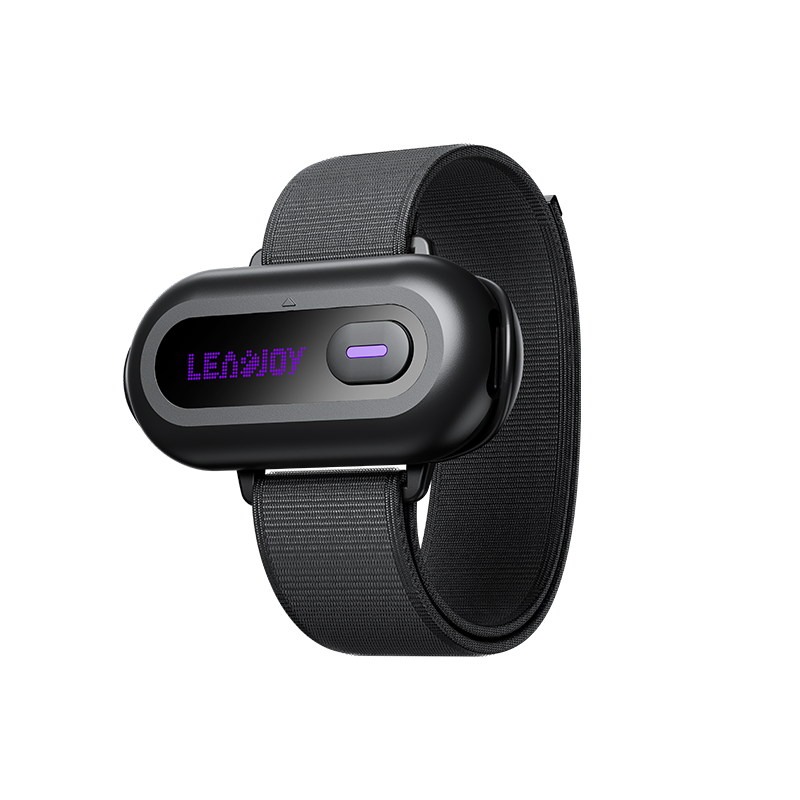
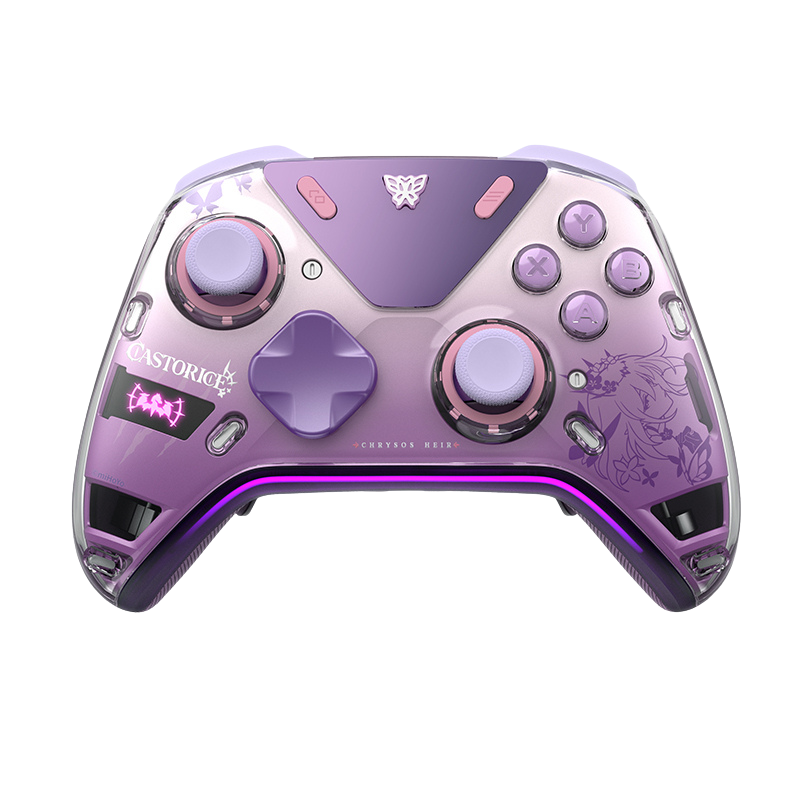
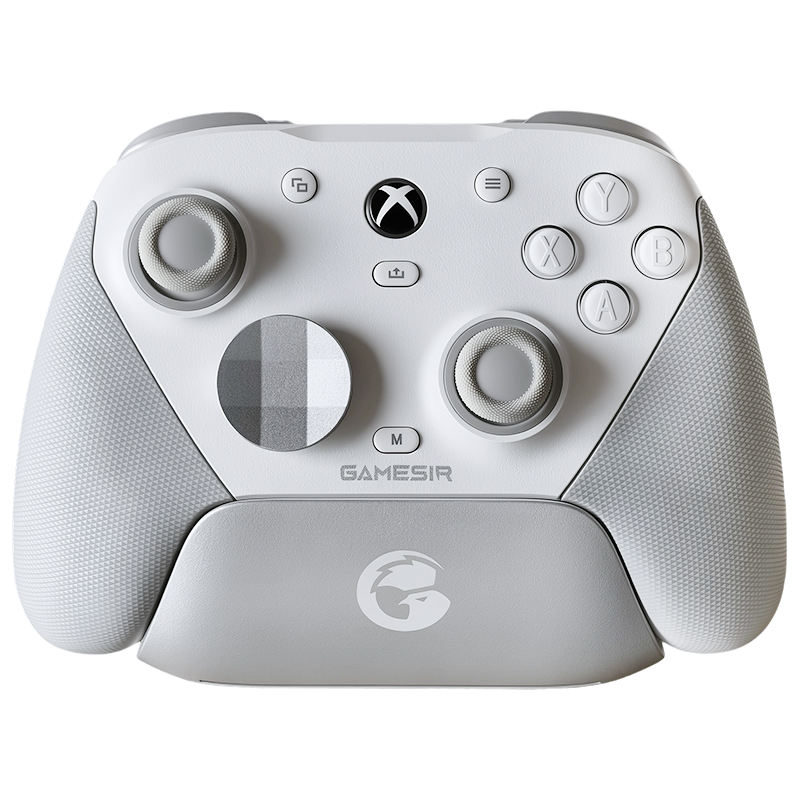
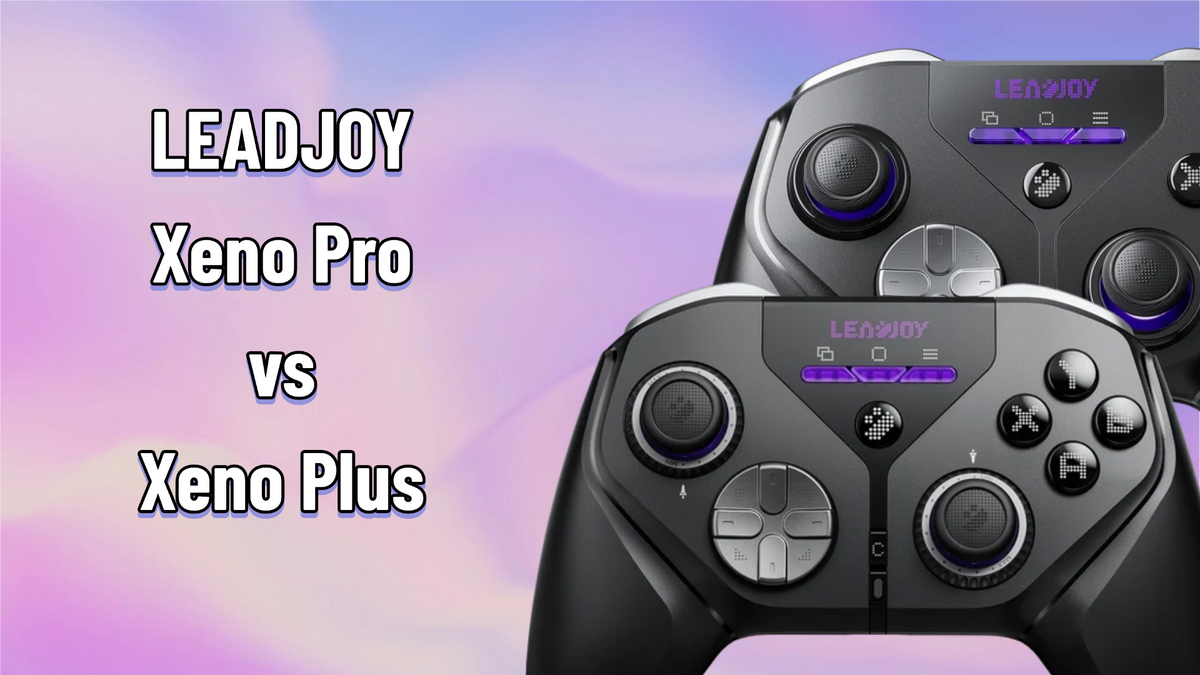
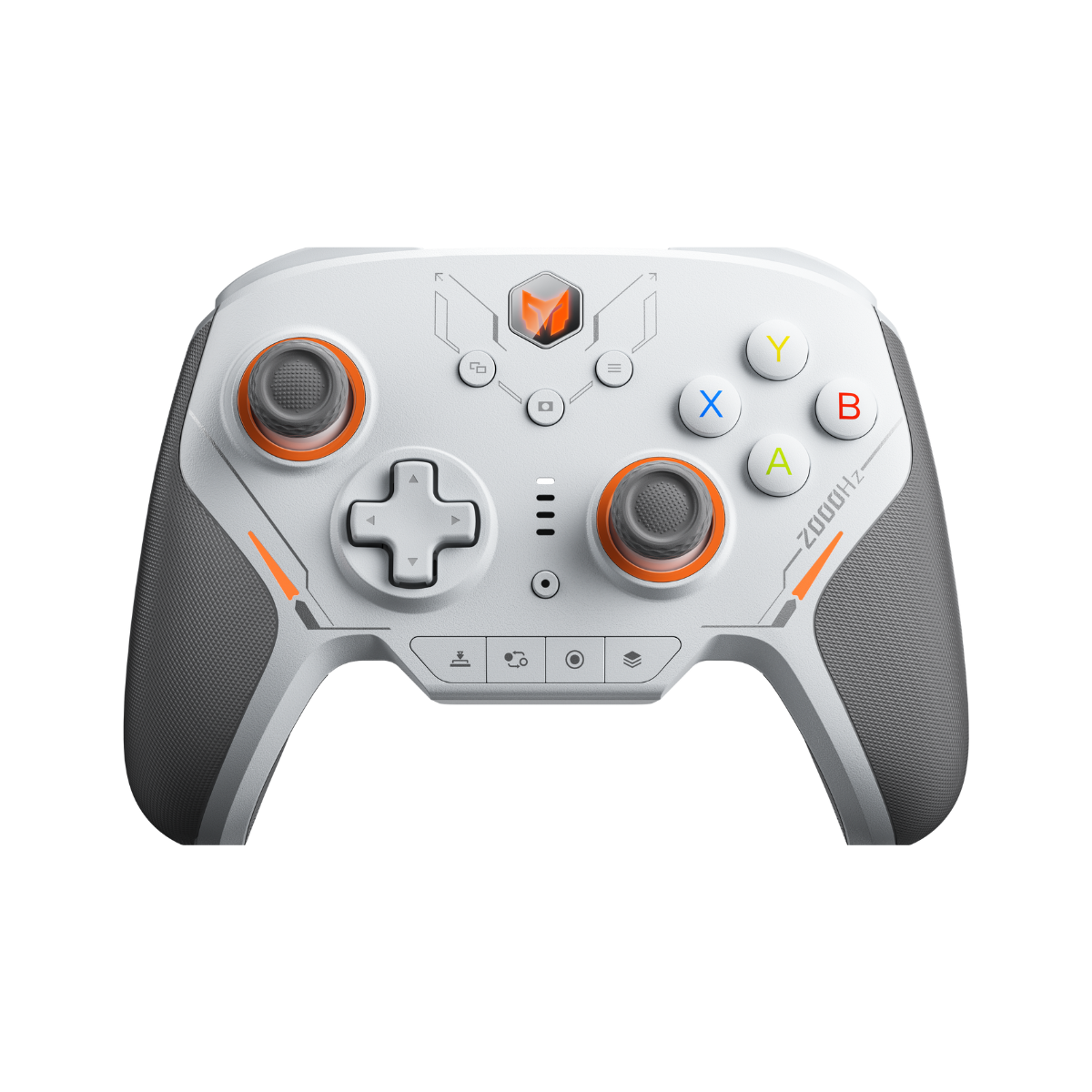
Physically these are the same controller — same compact, asymmetric shell designed for small-to-medium hands, same black-and-purple tech-noir look with the dot-matrix front panel, same four back buttons in a horizontal row. The Pro is ~8g heavier (the trigger motors), and you genuinely cannot feel the difference in hand.
One thing worth spelling out for anyone coming from an Xbox controller: this mold is noticeably smaller and flatter than a standard Xbox pad — reduced depth, narrower grip circumference. That's deliberate; it's built for speed and low fatigue over long sessions, not for filling a big palm. One of us on the team has small hands and plays claw/fingertip — for him this is the most nimble shell in the store. If you wear L/XL gloves, expect a session or two of adjustment. Most players adapt fast; small-to-medium hands will never want to go back.
Precision vs Personality (the Heart of This Comparison)
Everything else in this article is supporting cast. The sticks are the story.
Simply put, this is the current gold-standard stick sensor in the budget game. Linearity is top-tier — the response curve is about as straight as consumer sticks get — and the damping character is crisp and direct: a clean, slightly "snappy" feel with an honest, tactile ring when you sweep the outer edge. There's a reason this sensor keeps showing up in esports-minded controllers.
The Pro trades a whisper of that raw precision for something no fixed stick can offer: a geared ring around the base that dials tension from roughly 40 to 80 gf (we measured closer to 35–90), about 2.5 gf per click, no tools or software needed. Light for FPS tracking sessions, heavier for planted AAA movement, heavier still for holding a racing line.
Two honest footnotes from extended testing. First, the KT26's damping isn't perfectly uniform at mid settings — the center stays silky while the outer push firms up noticeably. In practice it bothered our aim exactly never, but purists running mid tension should know it's there. Second, even set to identical gram-force, the two sticks FEEL different: the KT26 runs a zero-contact metal ring design that glides with a silky, almost damped smoothness, while the JS13 Pro's physical contact ring feels more direct and mechanical. Neither is better — they're different instruments, and your thumb will have an opinion within minutes.
The verdict here genuinely splits: if you measure your worth in tracking consistency and want the most proven sensor in the business, the Plus's JS13 Pro still wears the crown. If you play across genres — or you've never quite found "your" stick tension — the Pro's adjustability is the more useful kind of good.

Where the Pro Earns Its Name
This section is more one-sided.
Shoulders: the single biggest upgrade on the Pro, and it isn't close. The Plus's light-touch bumpers are mushy and need a deliberate press — fine for ability buttons, bad news if you aim and fire from the shoulders. The Pro's micro-switch bumpers are crisp, fast, and clear. The one caveat, carried over from our Pro review: the switch sits off-center inside the bumper, so the outer edge actuates at only ~50 gf and feels soft until you adapt. Retail units are firmer than early samples, but light they remain.
ABXY: micro switches on both, but retuned from ~120 gf (Plus) down to ~90 gf (Pro). Same crisp character, noticeably less finger tax over long sessions.
Back buttons: same excellent four-across layout, but where the Plus puts light-touch switches in the inner pair, the Pro is micro across all four — the inner two tuned light (~60 gf) on purpose, since you push them inward rather than press down.
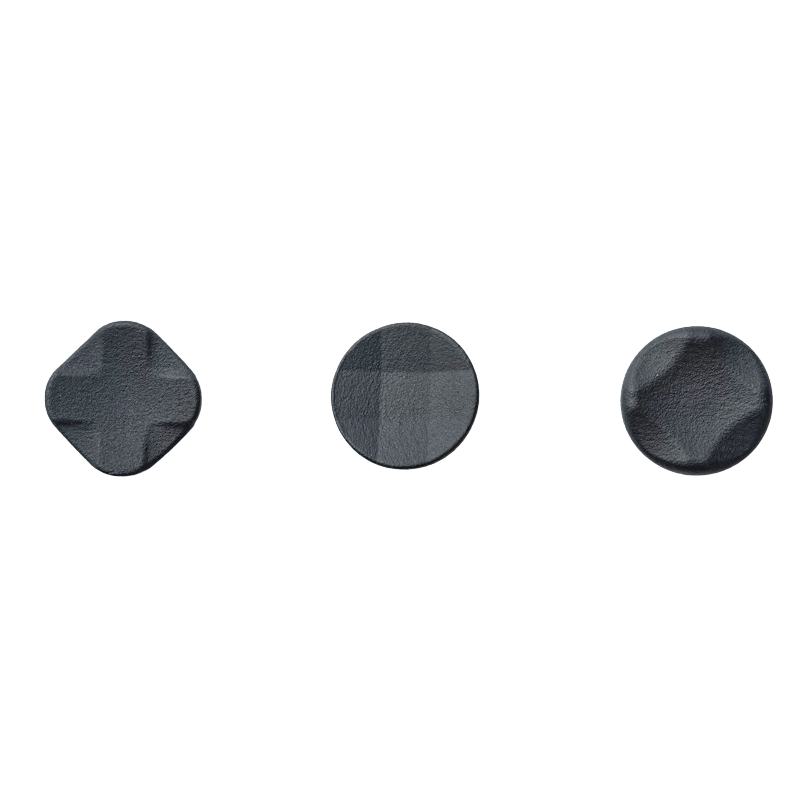
D-pad: a tie with different flavors. Both are short-travel; the Plus's light-touch gives a softer, quieter press, the Pro's micro gives a faster, clickier one. Fighting-game players will appreciate the Pro; nobody's losing a match over the Plus.
A Bigger Orchestra
Both controllers share the same dual-mode trigger hardware — flick a switch to swap between Hall linear and micro-switch modes. The Pro adds two small trigger motors (coin-type units) plus an instant-stop circuit across all four motors. The Plus: two grip motors only, though well tuned.
What that means in games: in the Pro, throttle rumble dies the instant you lift off — like a real pedal — and recoil pulses stay tight and separated instead of blurring together. Default trigger-motor strength is gentler than an Xbox controller's, and you can tune grips and triggers independently in the app, or switch everything off entirely. The Plus isn't bad here; it simply plays a smaller orchestra.

Grip vs Grime
The Plus's shoulder and trigger texture deserves its own paragraph, because it divides people. That grainy matte finish is genuinely grippy — our own first-impressions notes called it a "sticky granularity" that holds your fingers in place. But some players found it traps skin oil and dust and is a pain to clean. LEADJOY clearly heard them: on the Pro, the grain is flattened to near-smooth with just a trace of texture left. It wipes clean in one pass, at the cost of a little of that lock-in grip. We count it as a fix; if you loved the Plus's sandpaper-adjacent security, know that it's been traded away.

One Section, Because It's One App
Both run LEADJOY's identical software suite: full remapping to controller/keyboard/mouse, 500-step macros, turbo, deadzone and compensation controls, 8-point custom curves, gyro mapping (native or simulated, to stick/buttons/mouse), and the AI Smart Stick Curve that reads a game's built-in response curve and generates a counter-curve so every game can share one stick feel. It's stable, it updates firmware in-app, and at this price nothing else is close. No differences — both controllers get the full arsenal.
What Each One Gets Wrong
- Shoulder buttons: light-touch, mushy, and need real force — the single most common complaint.
- Inner back buttons are light-touch too, and take more deliberate aim to hit.
- No trigger vibration at all.
- The grippy texture traps grime (see above).
- ABXY at ~120 gf is on the heavy side for marathon sessions.
- Shoulder buttons are light, with a soft outer edge (~50 gf seesaw effect) — adapted to in days, but the first impression is "is this thing on?"
- KT26 damping goes uneven at mid tension settings; sensor precision is a hair below the JS13 Pro.
- Trigger motors are modest at default strength.
- ~8g heavier, if you're counting (you're not — nobody can feel 8g).
So Which One Are You?

Xeno Plus
$59.99You live in Apex, COD, or the range; you want the most proven stick sensor at this price; you don't fire from the shoulders. At $59.99 it remains absurd value.

Xeno Pro
$69.99Shooters on weekdays, AAA and racing on weekends; every button clicks; trigger rumble; dial-your-own stick tension. The dock in the box makes it the easier controller to live with.
Already own a Plus and wondering about upgrading? If the light-touch shoulders never bothered you and you play one competitive game religiously, stay put — your sticks are still elite. If you've ever bounced off a game because it "needed more immersion," the Pro was made for exactly that itch.
Still torn? Reach us by email support or on Discord — tell us what you play and we'll point you at the right one.





Leave a comment
All comments are moderated before being published.
This site is protected by hCaptcha and the hCaptcha Privacy Policy and Terms of Service apply.