





























Magnetic vs Mechanical Keyboards: What the Hype Train Didn’t Tell You About Daily Driving
GadgetHyper Team
July 1, 2026 · Hardware Insights
Hey everyone, Ray here from GadgetHyper.
If you look at any major gaming hardware trend list right now, half of the best-selling decks are Hall Effect (HE) magnetic keyboards. The hype is real, and the marketing machine is working overtime. But it begs a massive question for anyone looking to upgrade their setup:
Why is everyone suddenly obsessed with magnets? Are magnetic keyboards actually better than a good old-fashioned custom mechanical keyboard? And is it worth dropping your hard-earned cash to make the switch?
Let’s skip the confusing, jargon-heavy spec sheets and microsecond latency charts for a minute. As a casual player who spends just as much time typing scripts, editing, and running business operations as I do gaming, here is my honest, real-world comparison of how magnetic and mechanical keyboards actually stack up on your desk.
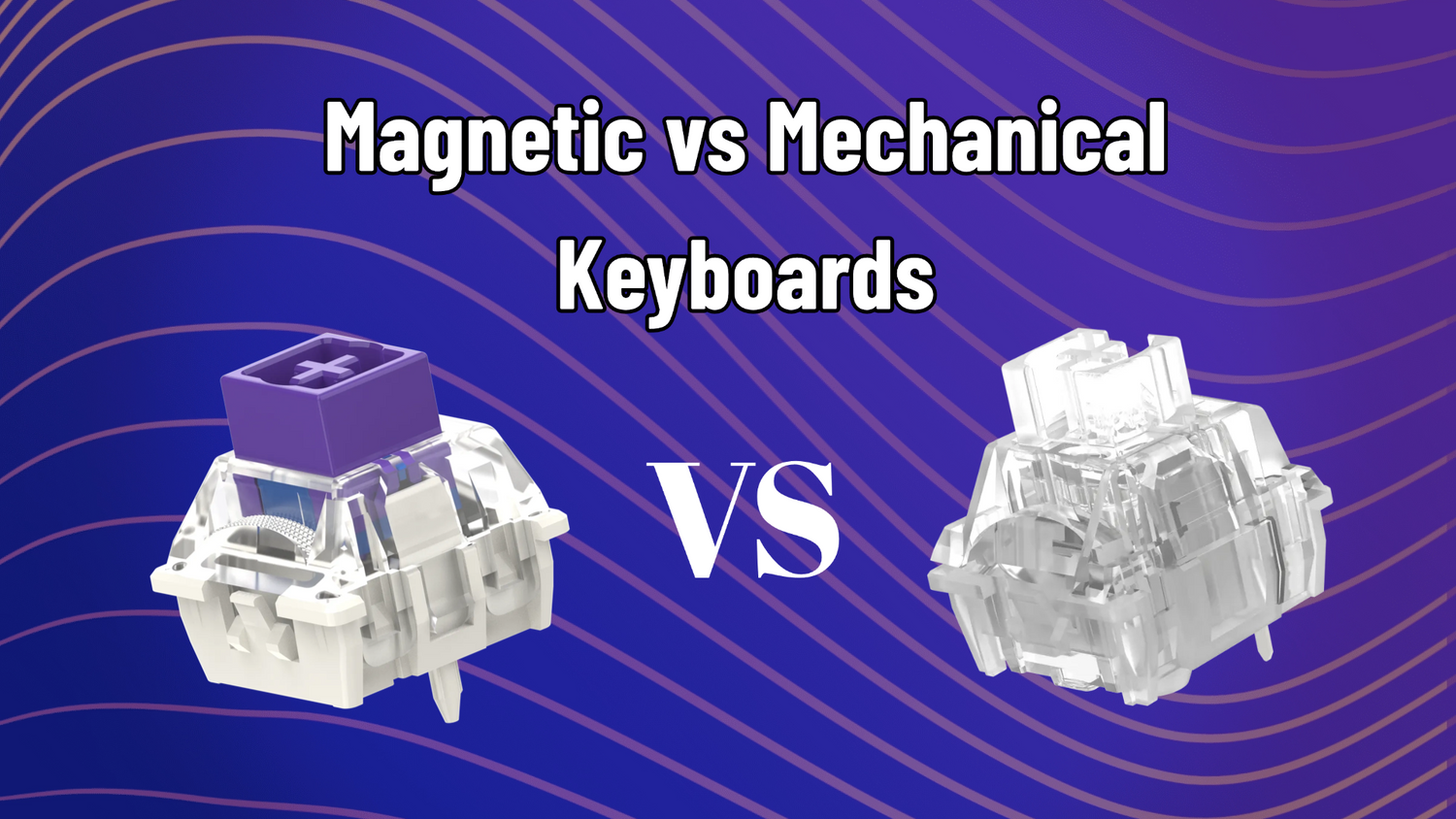
How HE Switches Work Behind the Scenes
To understand why Hall Effect technology is taking over the gaming industry, you have to look at how these two switch types register a keystroke.

The 0.1mm Rapid Trigger Trap
For competitive, fast-paced tactical shooters like Valorant or CS2, Rapid Trigger is practically a legal cheat code for perfect counter-strafing. But here is the reality check that most marketing campaigns gloss over: more sensitive does not automatically mean better.
A lot of gamers buy an HE board, instantly copy a pro player's 0.1mm hyper-sensitive preset, and wonder why they keep accidentally throwing utility or misclicking just by resting their fingers on the keys. There is a massive muscle-memory learning curve here, and the trial-and-error cost can be frustrating. If you are transitioning to a magnetic keyboard, don't fly too close to the sun on day one:
Ray's Clear-Cut Advice
"If you already own a fantastic custom mechanical keyboard that you love, and you aren't actively trying to climb the ranks in a sweaty tactical shooter, you absolutely do not need to buy a magnetic keyboard just for the sake of following the trend."
The Form Factor and Layout Sacrifice
Look at the current market landscape for magnetic keyboards. You will quickly notice that almost all of them are built in ultra-compact form factors—most notably the 68% layout.
Brands do this because hard-core competitive players demand maximum desk real estate so they can tilt their keyboards sideways. While a 68% layout looks incredibly sleek and usually gets the premium metal case treatment from top manufacturers, it introduces a significant compromise for daily productivity.
Losing a dedicated F-row means you have to constantly hold down function (FN) key combinations just to refresh a web page (F5) or trigger software shortcuts. It is a workflow friction point you have to be willing to live with if you want a dual-purpose board.
The Acoustic and "Feel" Tax
This is the category where traditional mechanical keyboards still completely wipe the floor with entry-level magnetic decks. The custom mechanical keyboard community has absolutely mastered the art of the "HiFi" sound profile. Gasket-mounted mechanical boards give you a beautifully deep, marbly, soft, and flexible bottom-out.
Early or cheap magnetic keyboards, on the other hand, usually feel like typing on rigid concrete. Because precise magnetic tracking requires absolute structural rigidity to keep the sensors aligned, the chassis are historically stiff, the acoustics sound hollow, and typing feels incredibly harsh.
Thankfully, innovative brands are stepping up. Decks like the Mchose ACE68 are now launching with specialized switches like the TTC Noble Horse HE switch. These internal upgrades utilize built-in silicone dampening structures to mute high-frequency plastic pings, getting shockingly close to the premium, muted sound of boutique mechanical switches.
How to Shop the Price Brackets
If you are ready to make the jump to magnets, here is how the market shapes up in mid-2026:
The Breakthrough Evolution: Flydigi FS68
If you want a premium magnetic keyboard that deliberately fixes the typical flaws of HE tech—specifically the concrete-stiff typing feel, hollow acoustics, and annoying desktop software clients—the Flydigi FS68 is a massive engineering breakthrough. Instead of copying standard, stiff HE architecture, Flydigi engineered a series of clever hardware solutions directly into this deck.

The Verdict
Sitting comfortably at the pinnacle of hybrid performance, the Flydigi FS68 is one of the very few high-performance magnetic options on the market that makes absolutely zero compromises as a daily driver for both intensive work and elite play.
Join the Discussion
Where do you land on the great switch debate?
Are you sticking with the plush, acoustic perfection of a gasket-mounted custom mechanical keyboard, or has the raw speed of specialized Rapid Trigger completely ruined standard typing decks for your hands? Let us know your real-world experience in the comments below!





1 comment
Andrew Heywood
I love this article, very informative.
Leave a comment
All comments are moderated before being published.
This site is protected by hCaptcha and the hCaptcha Privacy Policy and Terms of Service apply.