




























Beitong Pangu Interchangeable Modules Review: The Ultimate Standalone Component Guide
GadgetHyper Team
June 25, 2026 · Beitong Pangu · Modular Components
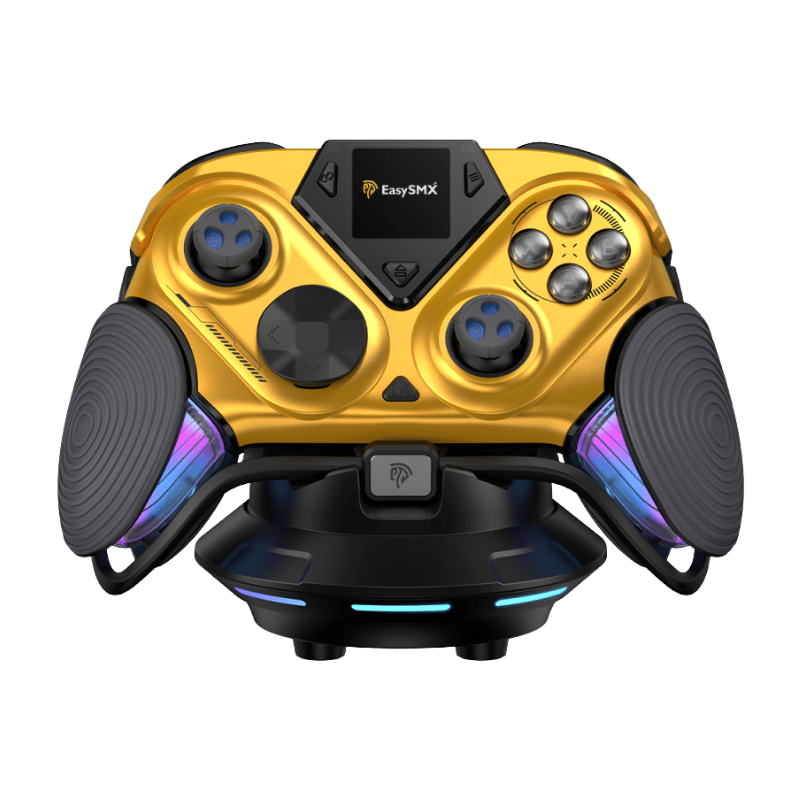
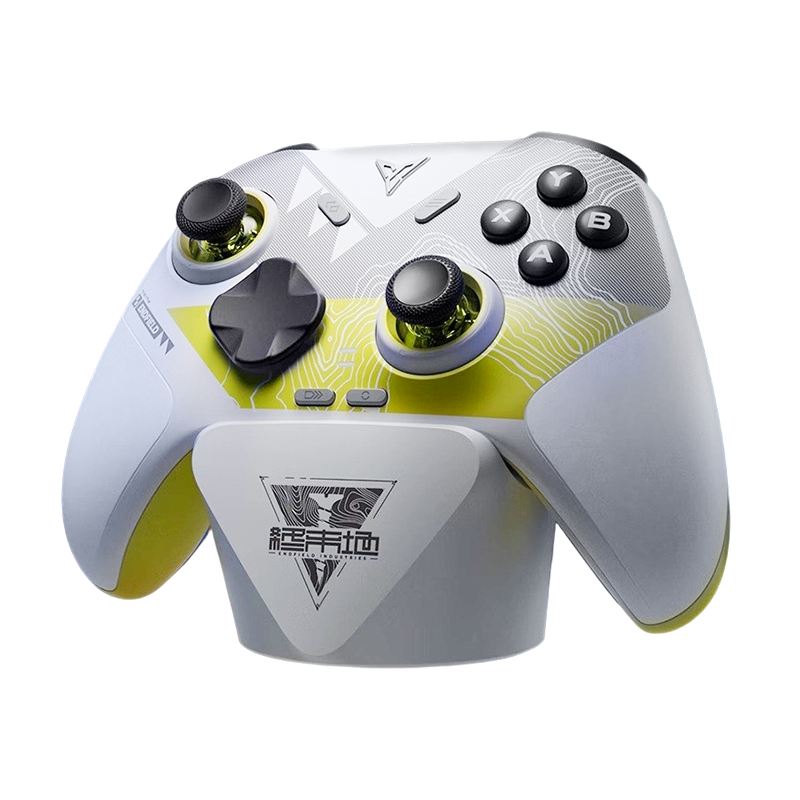
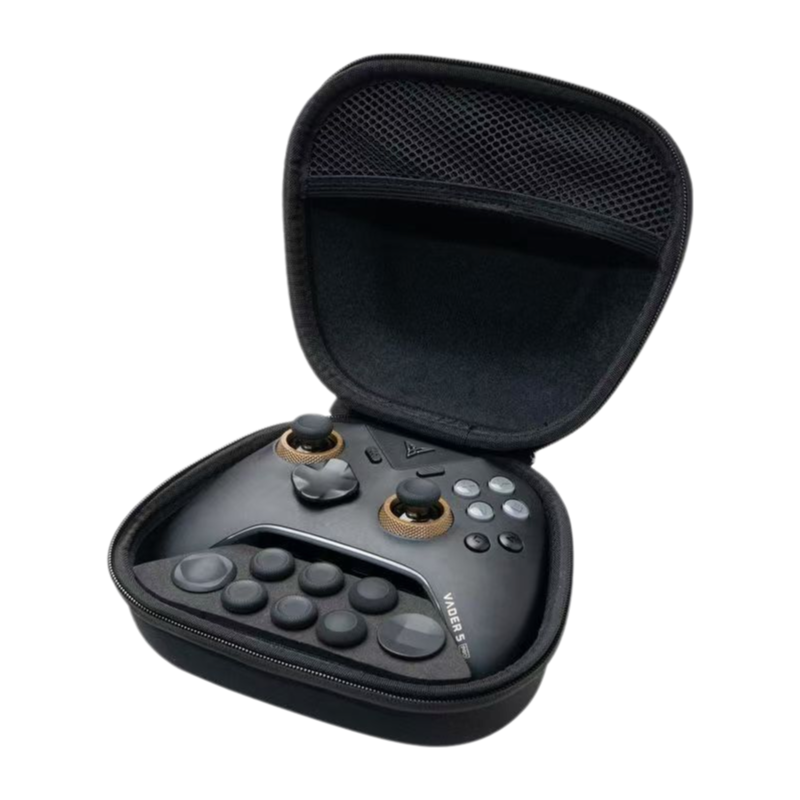
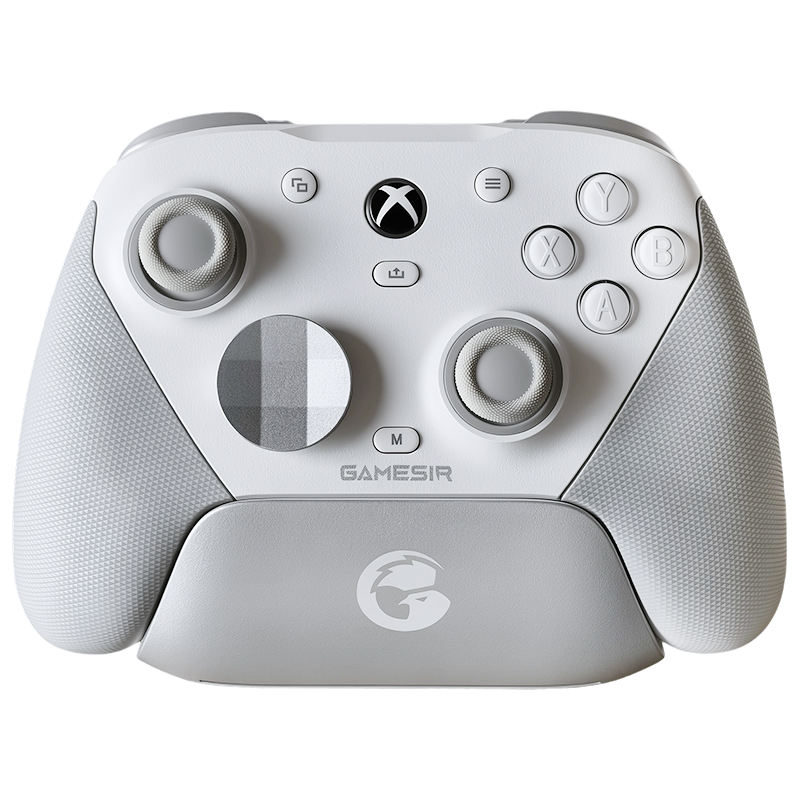
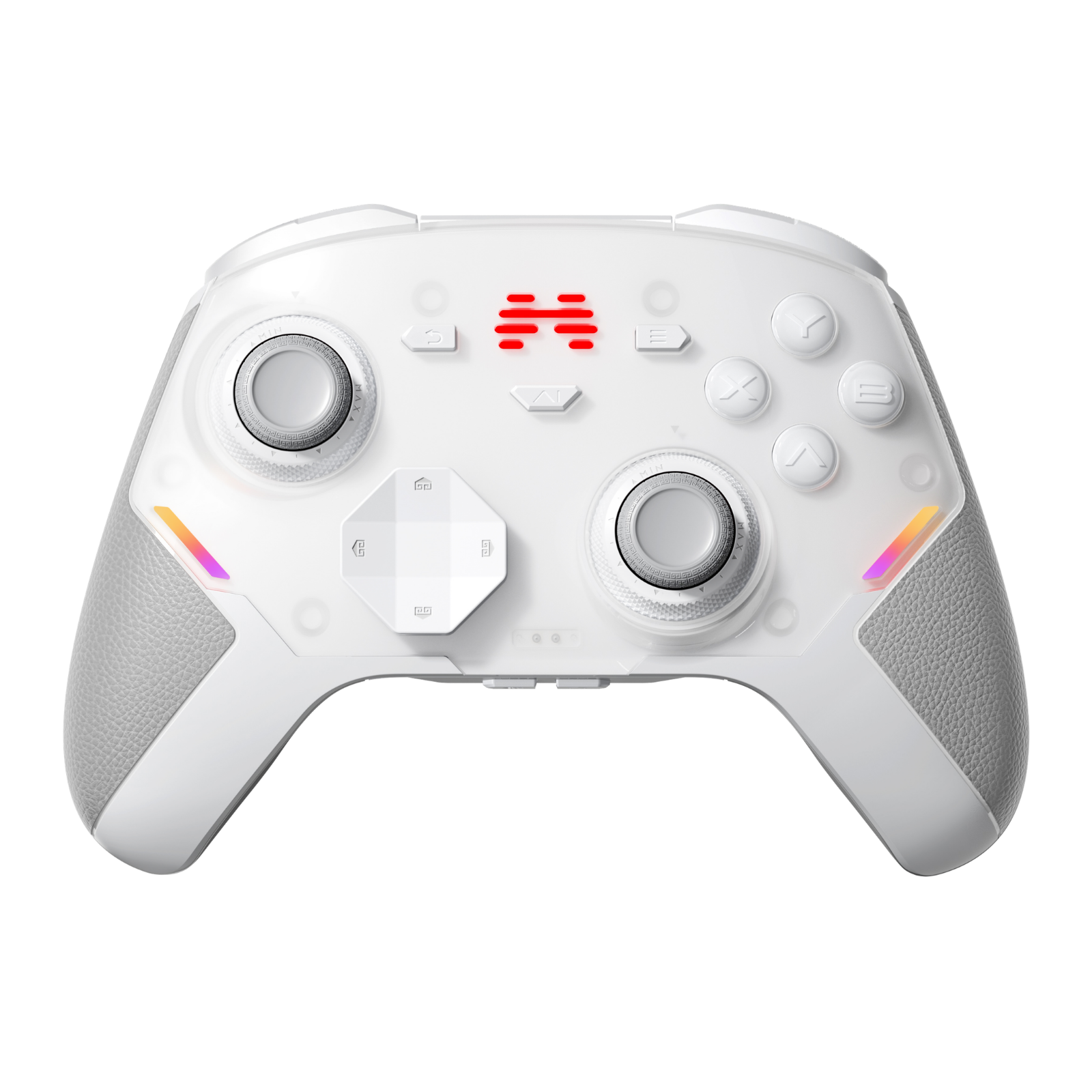
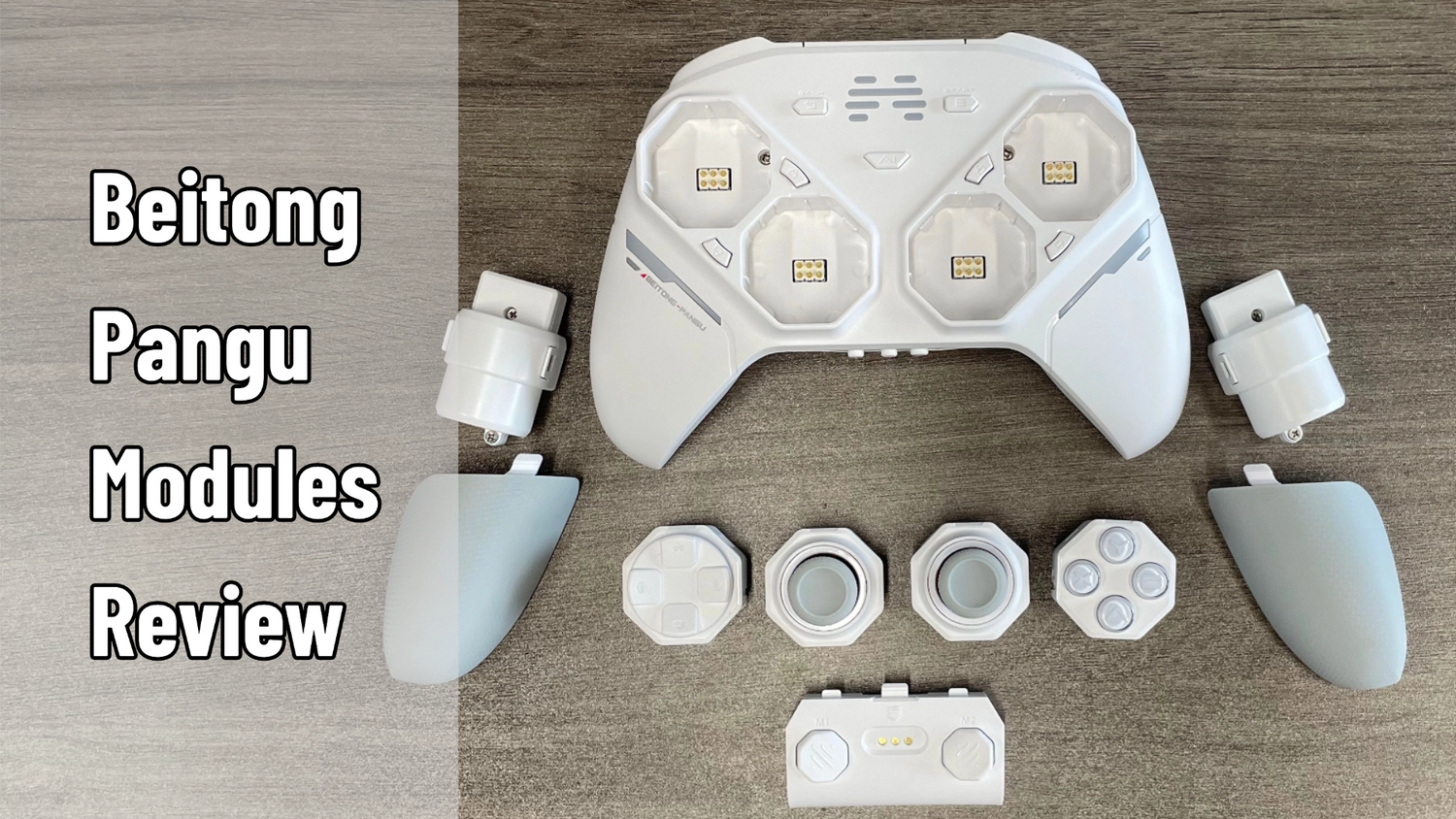
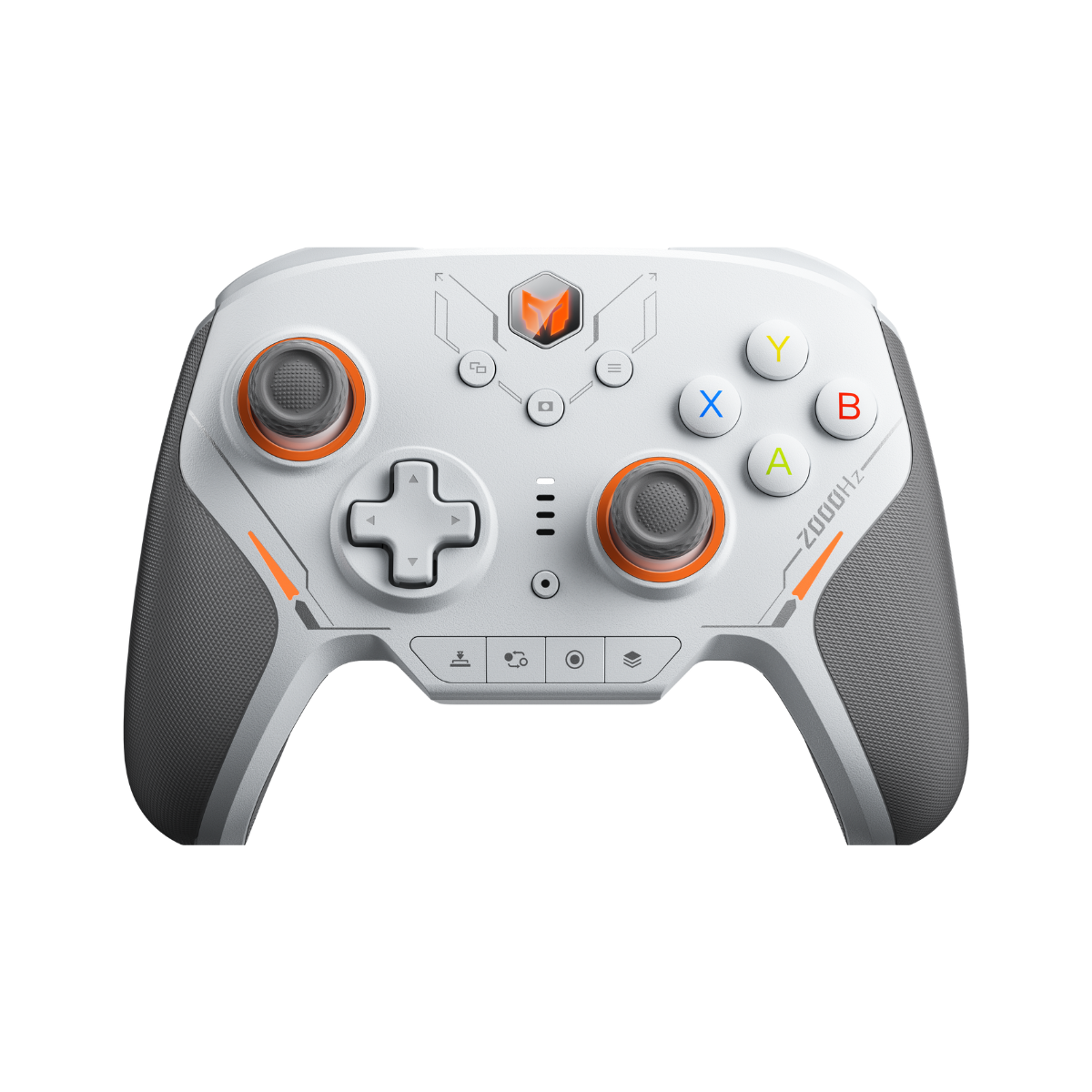
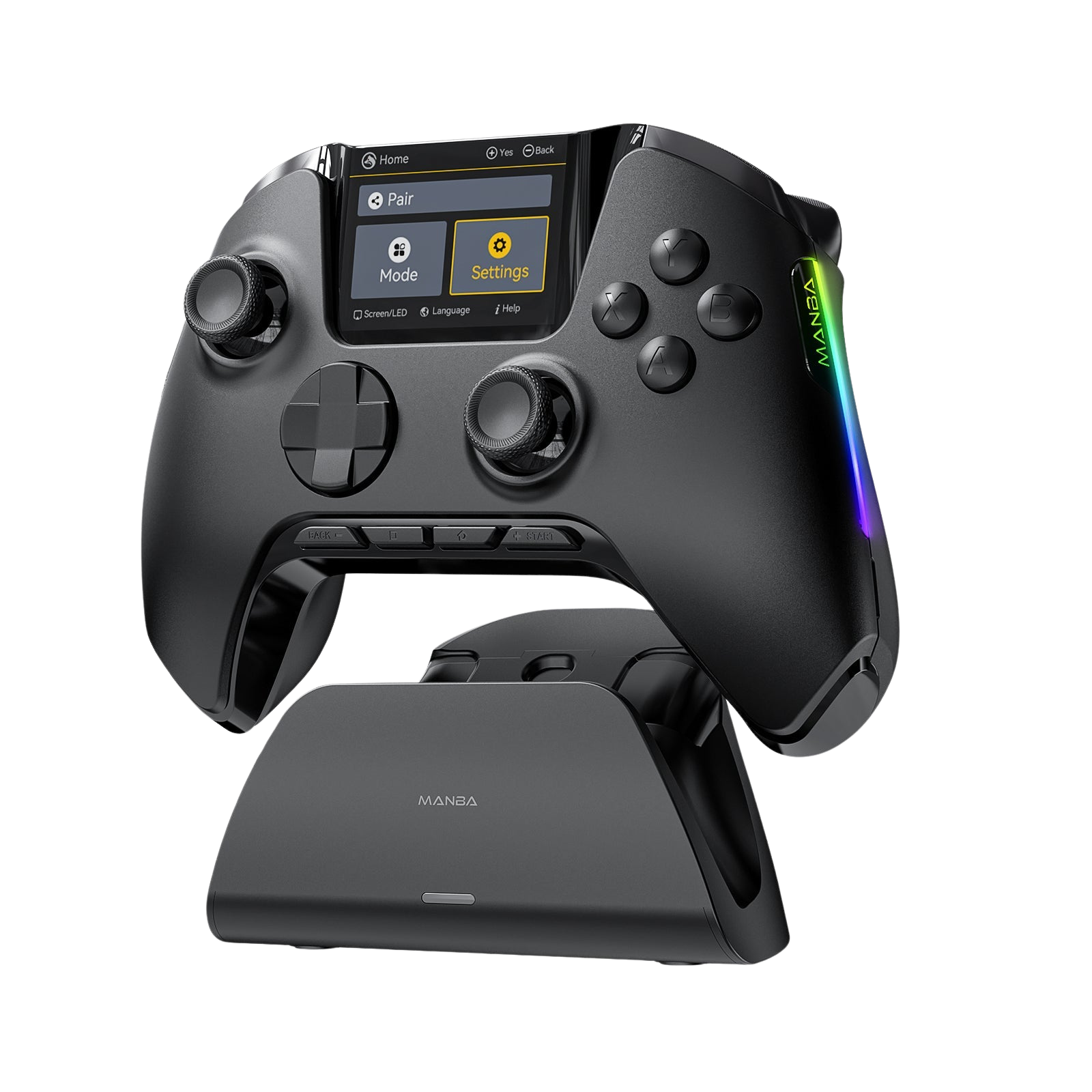
When looking at a completely hot-swappable peripheral like the Beitong Pangu, it is a mistake to review it as a standard, static gamepad. Without its components, the Pangu shell is just an empty plastic skeleton with a motherboard and a battery. The real magic lives entirely inside the individual, swappable accessory blocks.
If you already own the Pangu base kit or you are planning a custom build from scratch, you don't need to know how the shell looks. You need to know how the individual components perform under pressure. Below is our definitive standalone review and buying guide for every Beitong Pangu module available right now.

Pangu Module Spec Sheet
| Module | Tech | Actuation | Sound |
|---|---|---|---|
| Red Optical 3.0 ABXY | Infrared Optical | ~60g / 0.25mm | Loud, high-pitch click |
| Stock Mechanical ABXY | Micro-switches | ~110–120g | Medium crisp click |
| Conductive Rubber ABXY | Silicone Membrane | ~90g | Muted, soft thud |
| White Ring Stick (TMR) | TMR Magnetic | Light tension | Silent, ultra-smooth |
| Red Ring Stick (Capacitive) | Capacitive | Moderate tension | Silent, frictionless |
| Grey Ring Stick (Carbon) | Carbon Film (Alps) | Heavy tension | Traditional mechanical snap |
Action Button Modules (ABXY): Ultra-Light vs. Heavy Tactile
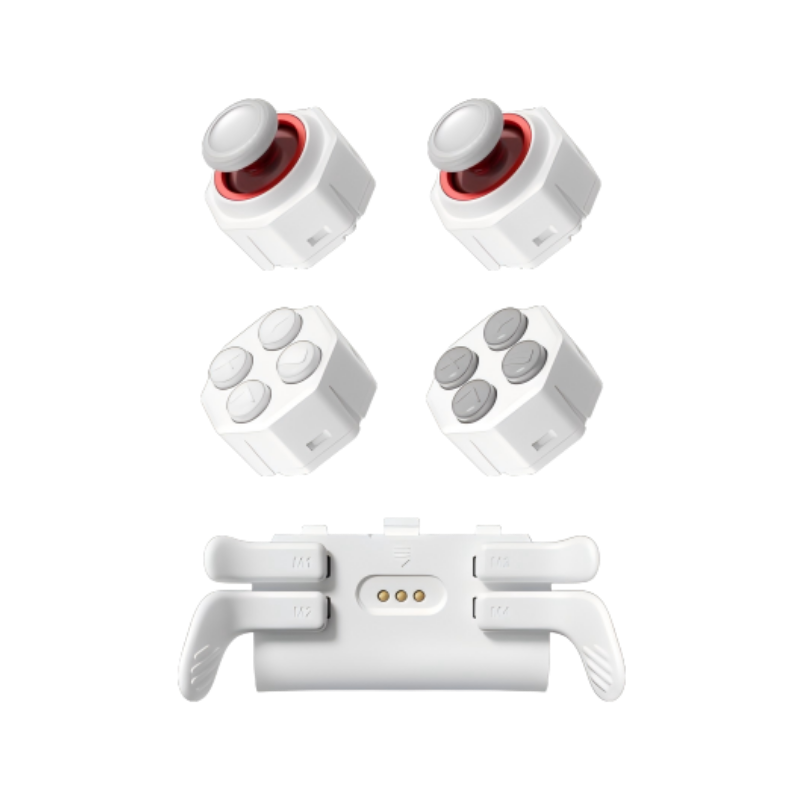
Beitong engineered three distinct flavors of action button arrays for the Pangu platform. Choosing the right one completely reshapes how your inputs feel during fast-paced combos.

🏆 Crown Jewel — Red Optical 3.0
"Infrared optical, 0.25mm actuation, ~60g force — incredibly light, fast, and spammable. Internal silicone dampening pads make the bottom-out feel smooth, not harsh."
Caveat: exceptionally loud — sounds exactly like high-end mechanical blue keyboard switches. Your gaming partner will hear every press.
Red Optical 3.0 — ~60g / 0.25mm
Best for: ARPG button-mashing, competitive FPS, fast action. Not for: quiet late-night sessions or light-sleeping roommates.
Stock Mechanical — ~110–120g
Great durability and clear physical confirmation. Undeniably heavy — can cause thumb fatigue for smaller hands during long sessions.
Conductive Rubber — ~90g
For retro purists and fighting game fans — emulates the traditional cushioned membrane bounce of classic gamepads while retaining Pangu's hot-swap capabilities.
Analog Joystick Modules: Building the "Hybrid Meta"
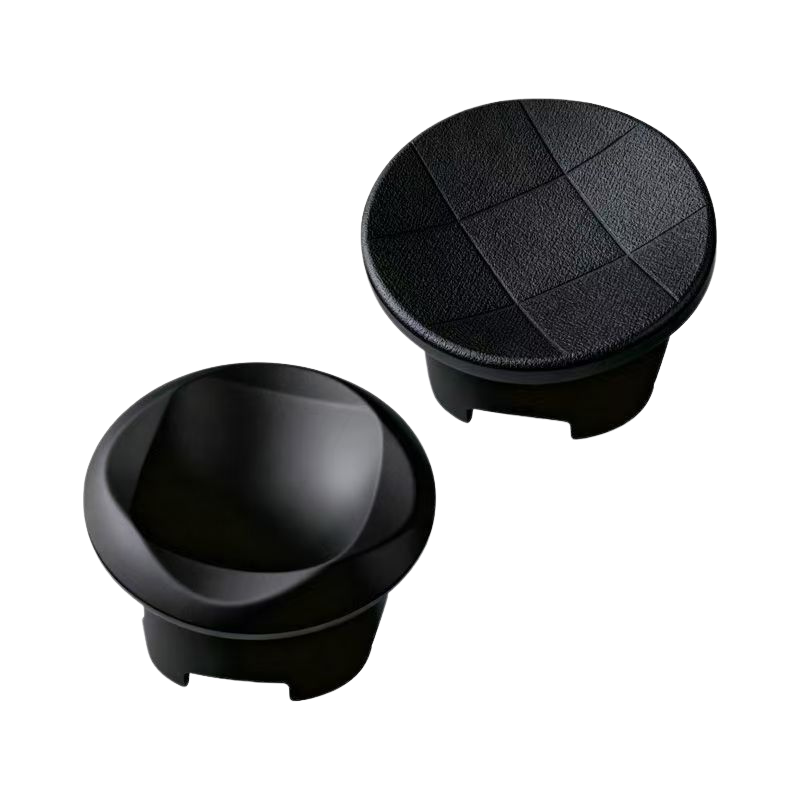
The Pangu supports three independent thumbstick modules and lets you slot different technologies into the left and right positions simultaneously. You don't have to settle for a symmetrical setup.
The Optimal Build: Hybrid Frankenstein Meta
"Instead of buying a matching pair, run Capacitive on the left and TMR on the right — two entirely different technologies working together to maximize each stick's natural strengths."

Red Ring — Capacitive (Left Side)
Recommended LeftPower-efficient, pristine resistance against Bluetooth/2.4GHz signal crowding. Smooth, frictionless sweep across the housing.
Unmatched for endless map navigation, looting, and continuous movement — ideal for Path of Exile, Diablo IV.
White Ring — TMR (Right Side)
Recommended RightAdvanced 12-bit sampling chip with 2048 distinct resolution levels per axis. Lighter structural tension for hyper-responsive micro-adjustments.
Premier choice for camera tracking, target acquisition, and precision recoil control in FPS games.
Grey Ring — Carbon Film (Traditional)
Legacy OptionPhysical contact wipers with shorter lifespan due to mechanical wear. Stiff, high-resistance feedback loop that legacy FPS players swear by.
D-Pad Modules: The Cursed "Split-Pad" Trick
Beitong offers two dedicated D-Pad solutions, plus a secret, highly customizable hardware modification technique.

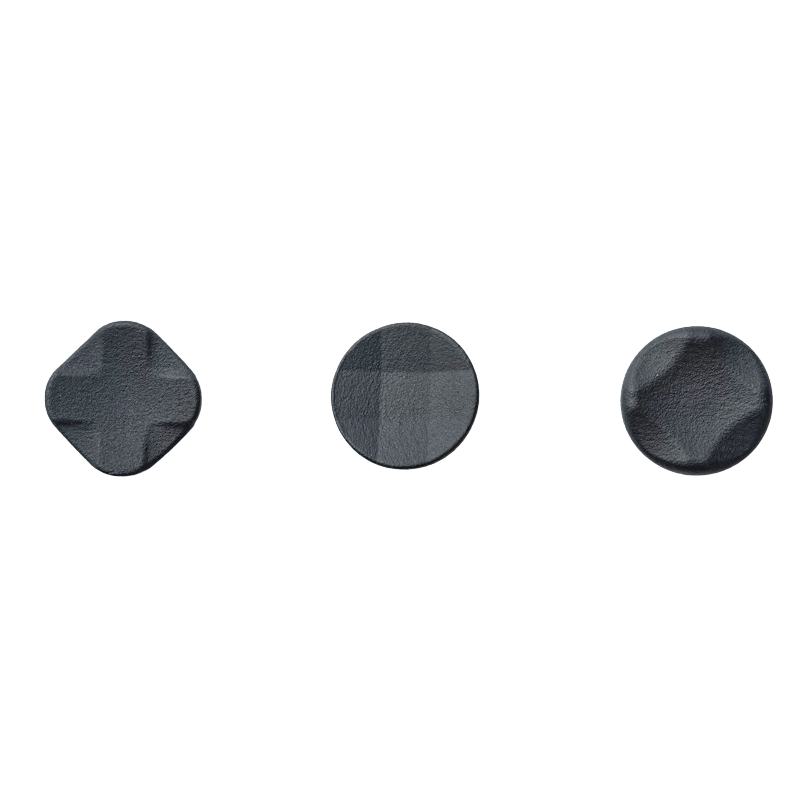
Omnidirectional D-Pad
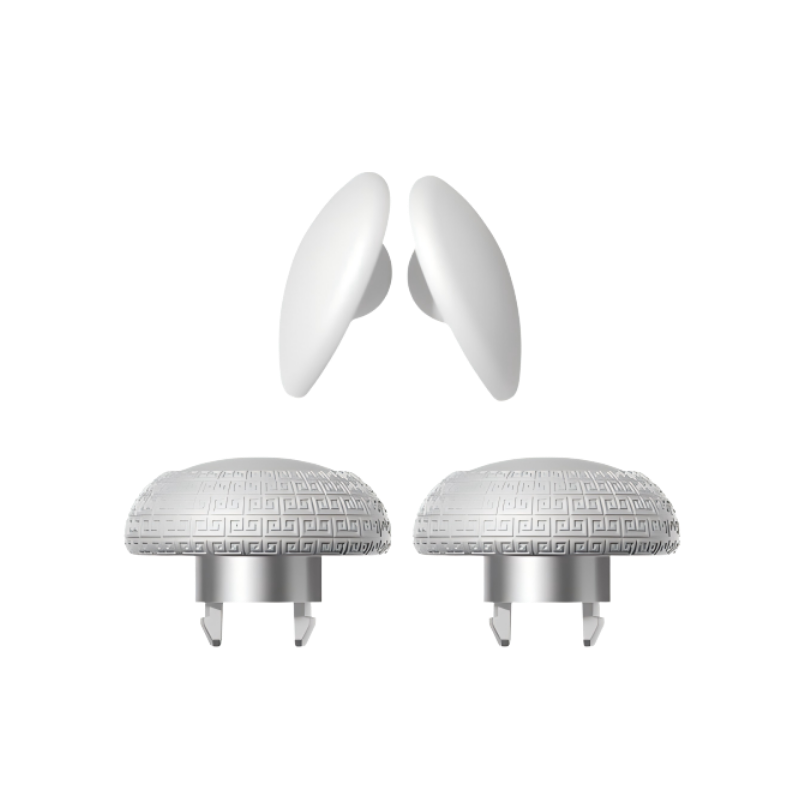
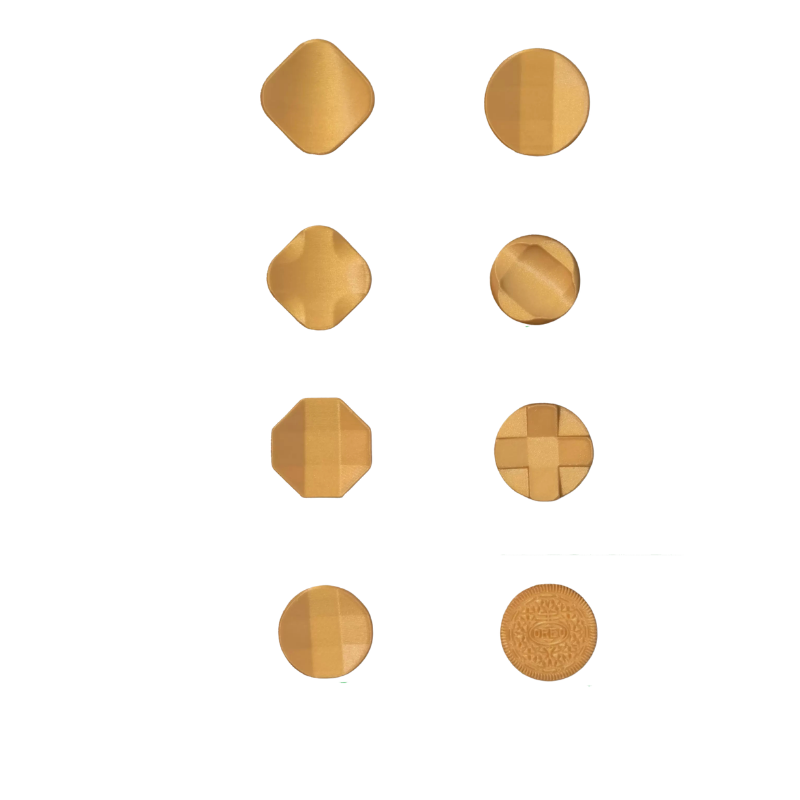
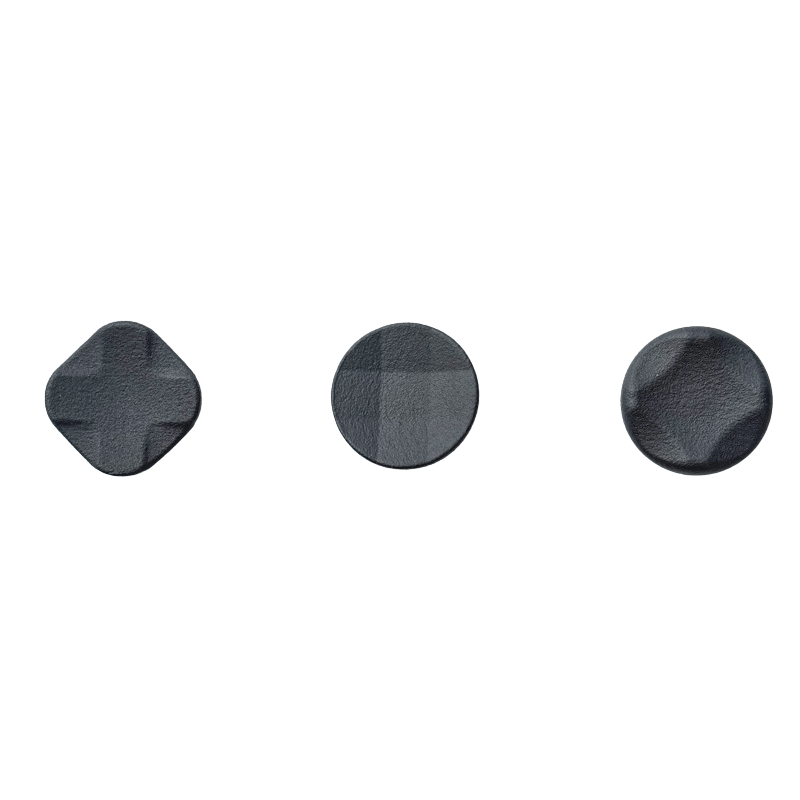
Internal pivot axis with micro-switches — built natively for fighting game quarter-circles and half-circles. Ships with three interchangeable physical caps: faceted dish, classic cross, and hybrid.
Floating D-Pad
Locks individual directional inputs tightly to their main axes — slightly stiffer, prevents accidental diagonal triggers. Ideal for 2D platformers or menu navigation.
The "Split D-Pad" Trick
Physically insert a second ABXY face-button module into the left D-Pad bay. By remapping the buttons to directional inputs in the app, you create a completely isolated, split digital D-Pad that completely eliminates misinputs.
Structural Expansion Modules: Bumpers & Rear Paddles
The modularity of this system extends right to the outer edges of the controller housing through direct hardware additions.

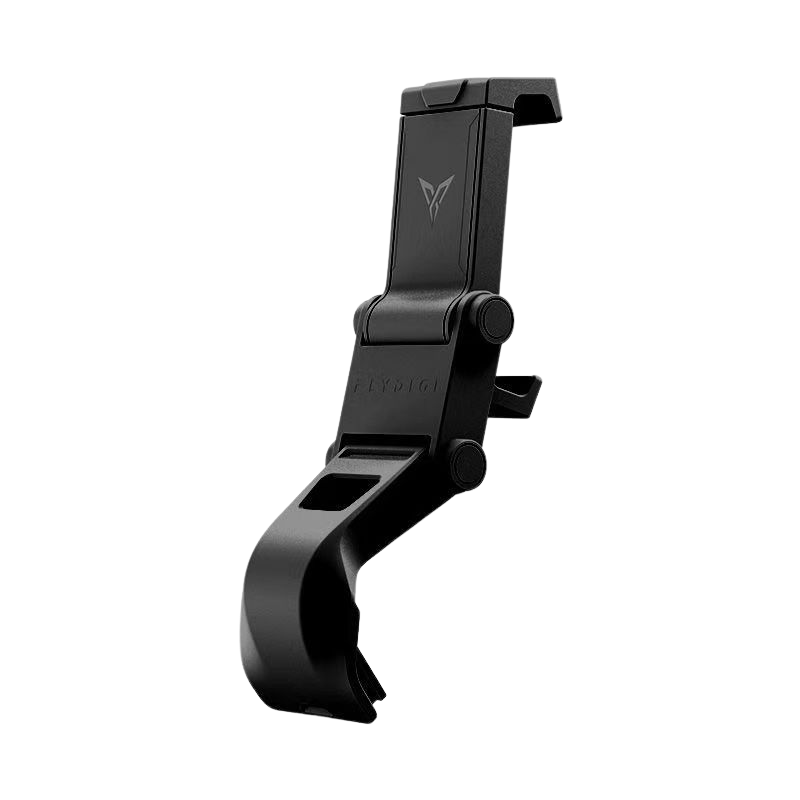
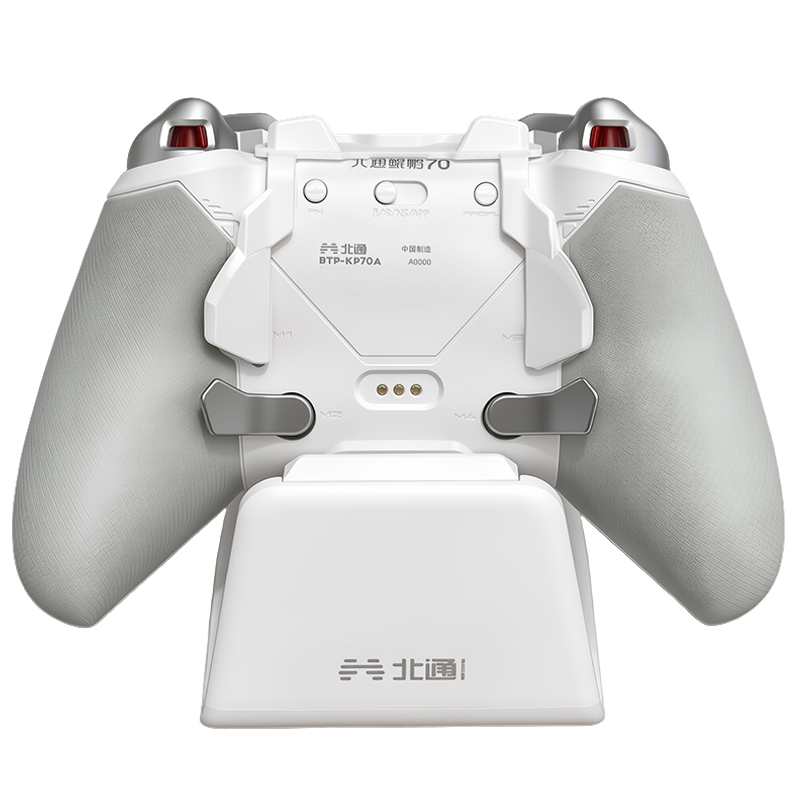
⚡ Top C-Port Shoulder Expansion Module
Clips directly onto the top USB-C port. Features an integrated female USB-C passthrough — never lose wired mode or charging capability.
Adds two extra micro-switch tactical bumpers natively right next to your index fingers — invaluable for parrying or dodging macros in Soulslike games.
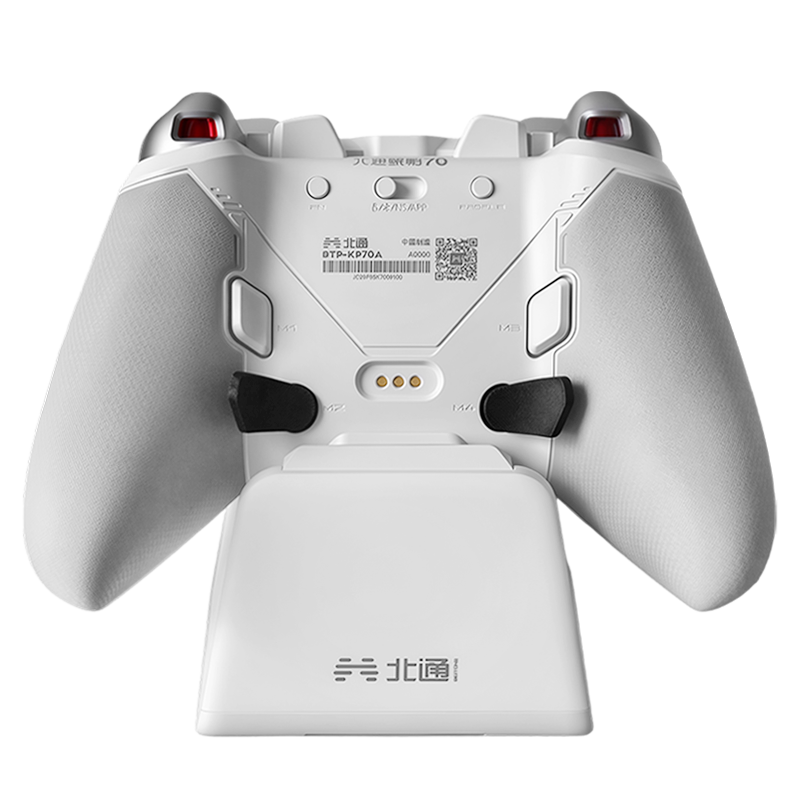
🎮 4-Paddle Modular Rear Block
Rounded profile wraps beautifully along the inner handle grips — gives ring and pinky fingers a secure place to exert leverage.
The 4 paddles are molded into a single physical unit — they cannot be extracted individually.
⚖️ Hot-Swap Vibration Motors
Remove the magnetic rubberized grip panels and pull the asymmetric rumble motors straight out of their contact slots without cutting a single wire. Drops total weight significantly for competitive builds while keeping the controller fully functional.
Software Optimization & Layout Synchronization
Because these components operate on individual communication chips, the system instantly visualizes your physical configuration inside the software suite the moment a module snaps into place.
Hot-swap detection is instant — plug any module in and it appears in the UI immediately with its current calibration data.
Non-standard layouts (e.g., both thumbstick modules on the top row) require opening the companion app to manually designate which block acts as left or right analog.
Save independent profile memories per layout — swap physical modules mid-game and have your custom sensitivity curves load automatically.
Join the Conversation
What's your ideal Pangu module loadout?
Are you going full Optical 3.0 ABXY + TMR right stick + Capacitive left stick? Or are you keeping it traditional? Drop your build in the comments — and let us know if you've tried the Split D-Pad trick.





Leave a comment
All comments are moderated before being published.
This site is protected by hCaptcha and the hCaptcha Privacy Policy and Terms of Service apply.