






























EasySMX Dune 8K First Impressions: 8K Polling, a Built-In Screen, and a UFO Charging Dock. Yes, Really.

Hey everyone — Ray from GadgetHyper here. EasySMX finally made a flagship controller, and after a few days of daily use on PC, I'm honestly impressed. It's also not perfect — so let's talk about both.
If you know EasySMX, you probably know them as the "surprisingly good for the price" brand all over Amazon. The Dune 8K is them going the opposite direction: instead of chasing the lowest price, they chased spec sheet and style. One landed on my desk a few days ago, and I've been putting it through its paces ever since — what it does well, where it falls short, and everything in between. You be the judge. (For reference: $99 here on our store.)
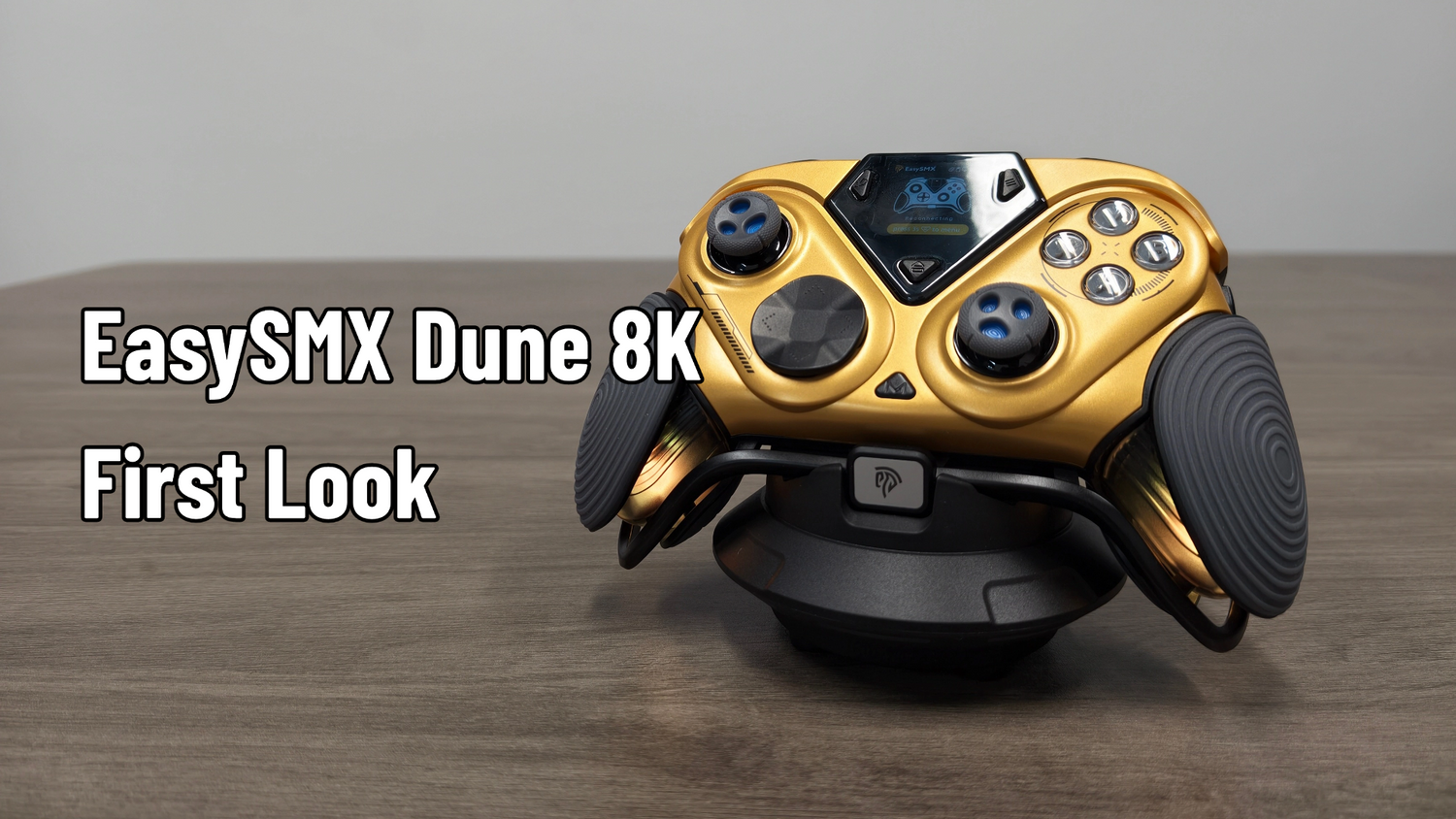
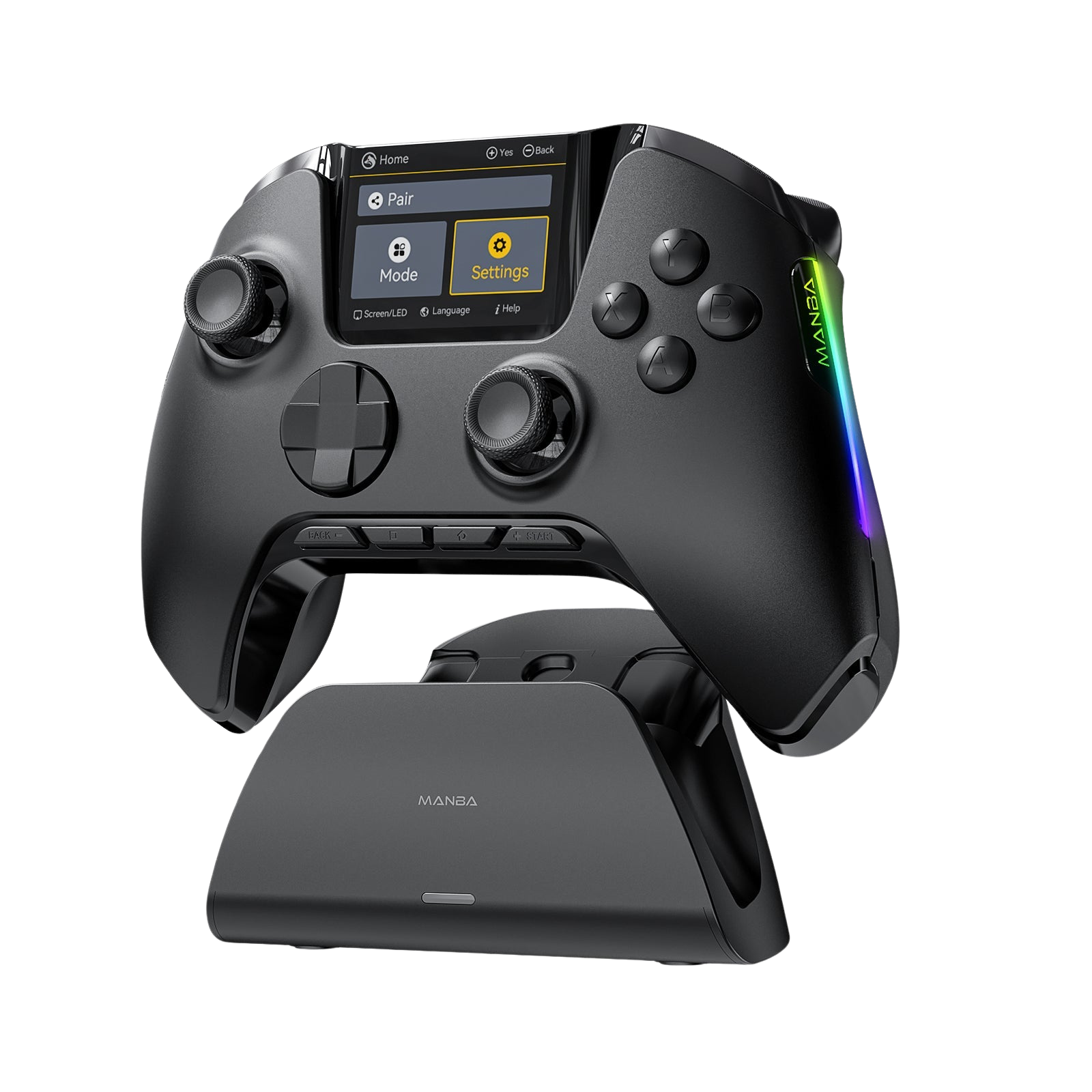
The Dune 8K is EasySMX's first swing at a flagship controller — true 8K polling on both wired AND 2.4GHz wireless, TMR sticks, clicky everything, a built-in screen that replaces companion software entirely, and a charging dock shaped like a UFO. It looks like a sci-fi movie prop and feels legitimately premium in hand.
There are some real rough edges though — the D-pad, two stiff mini shoulder buttons, and face buttons that fatigue my thumbs — so read the gripes section before getting too excited.
What's in the Box
- The controller itself
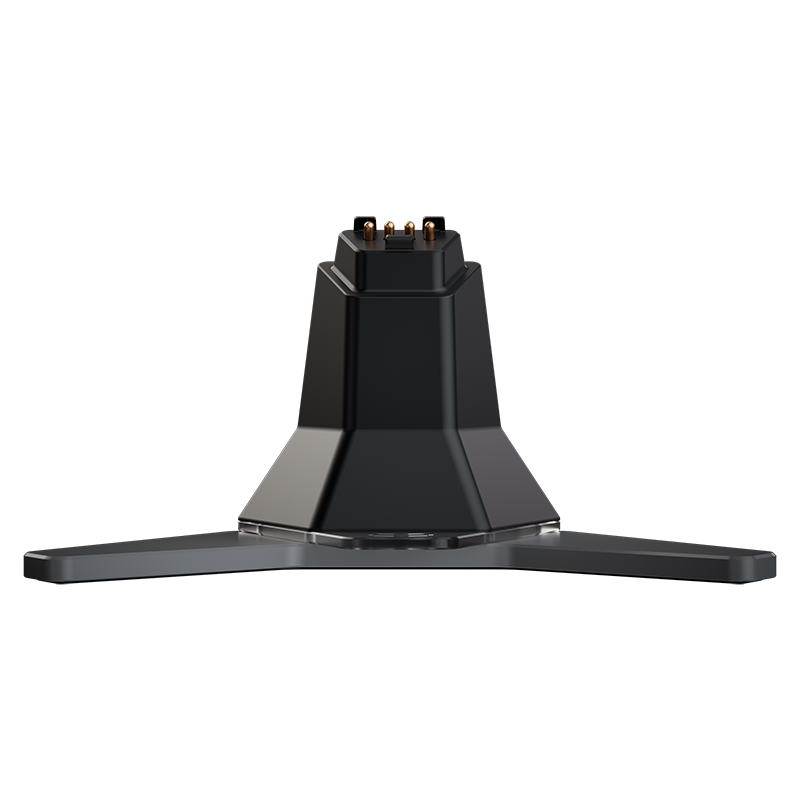
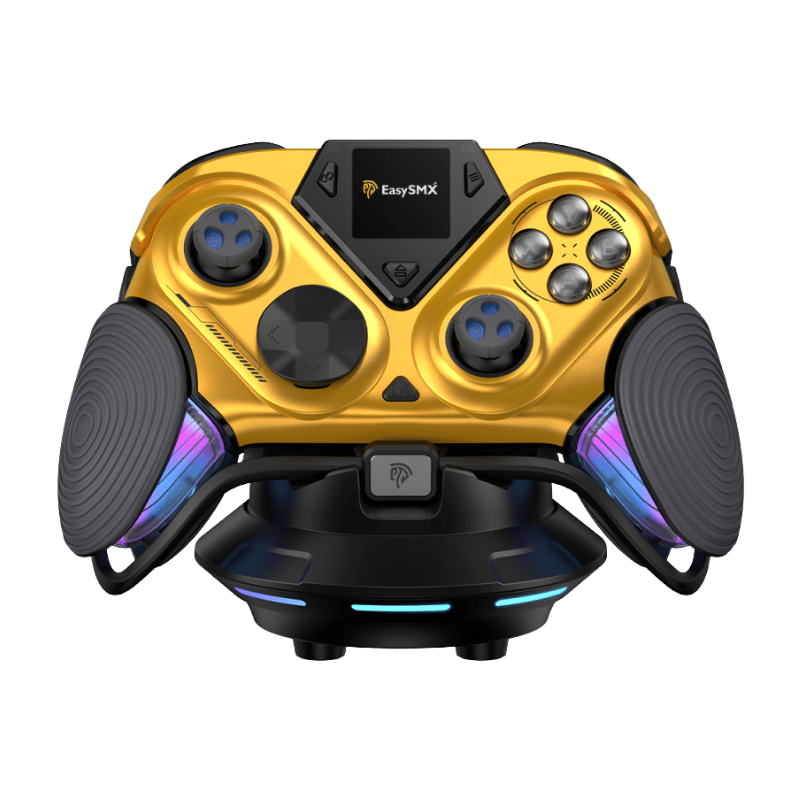
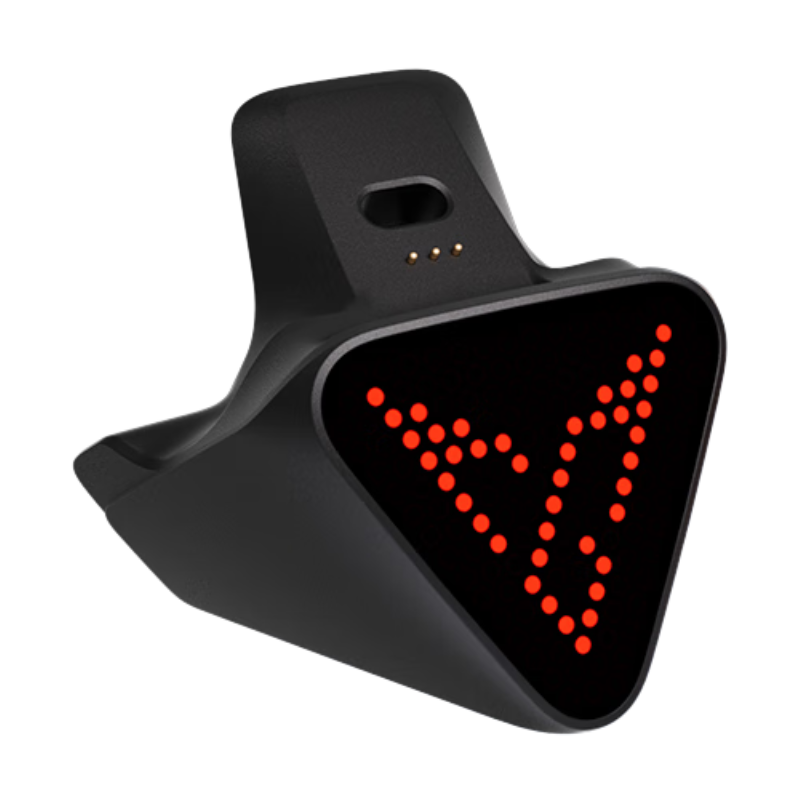
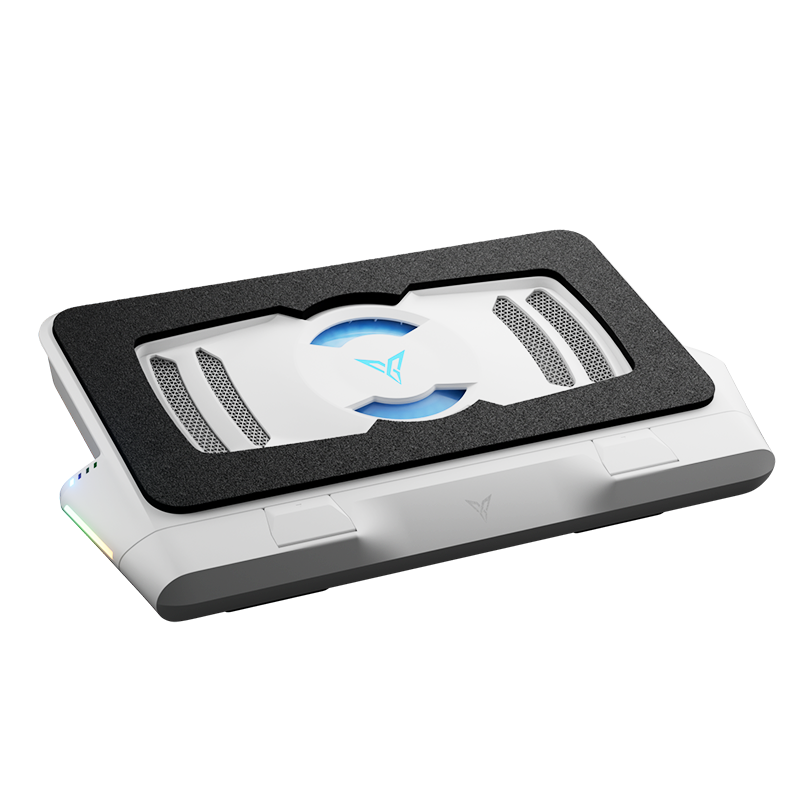
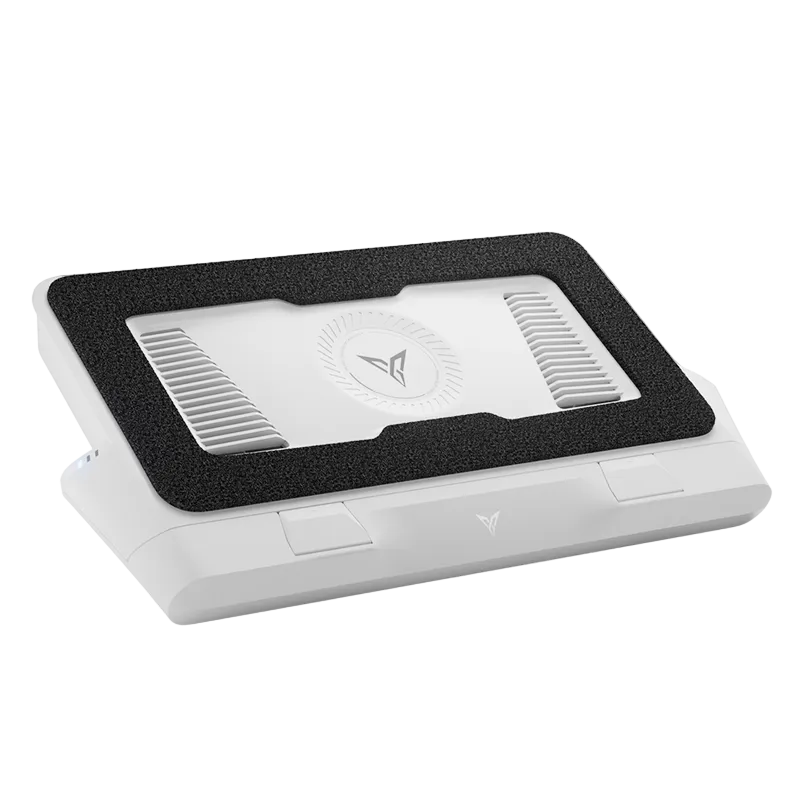
- A UFO-shaped magnetic charging dock — the 2.4GHz dongle plugs into the dock and doubles as a signal extender, which is a nice touch
- The 2.4GHz dongle, plus a proper 8K-capable USB cable
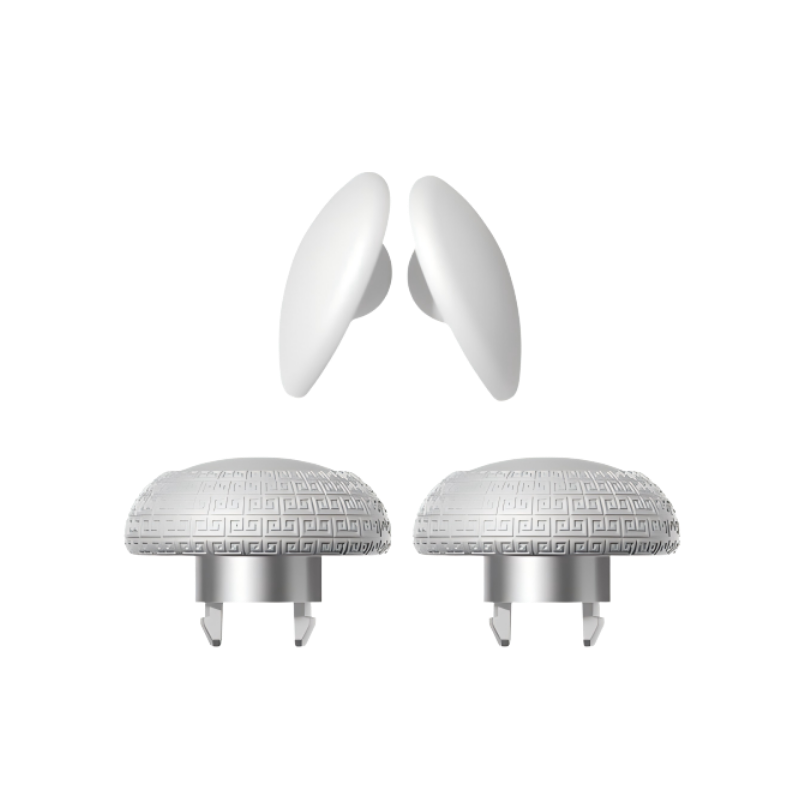
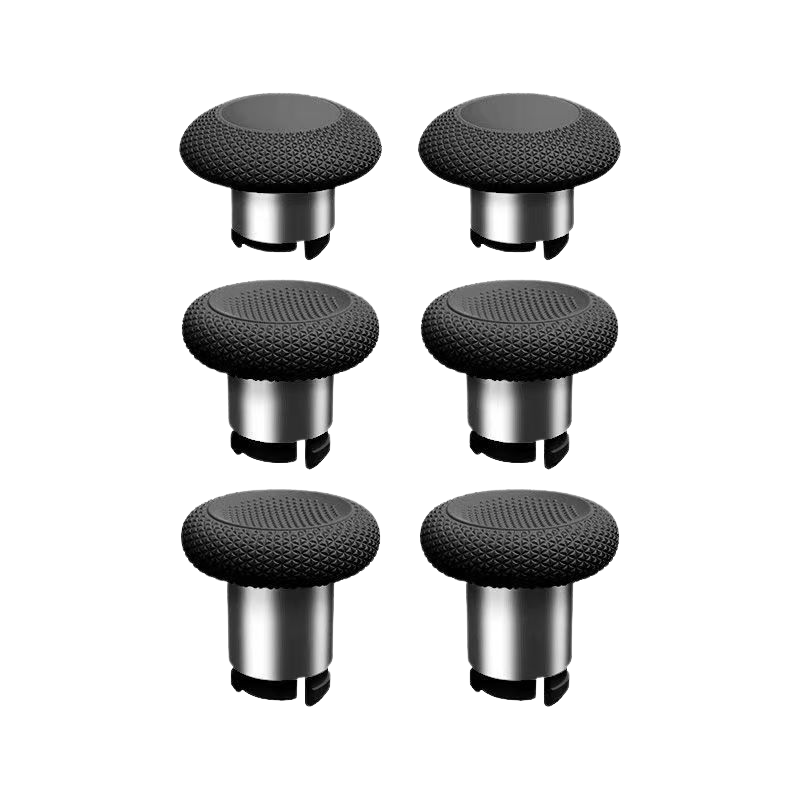
- Extra stick caps, including taller ones for FPS and racing
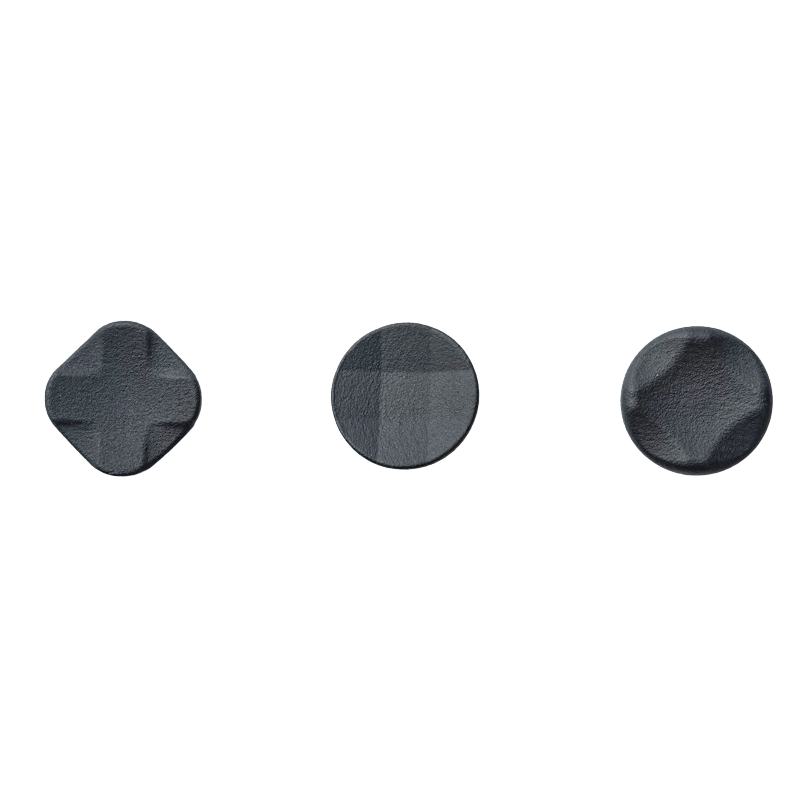
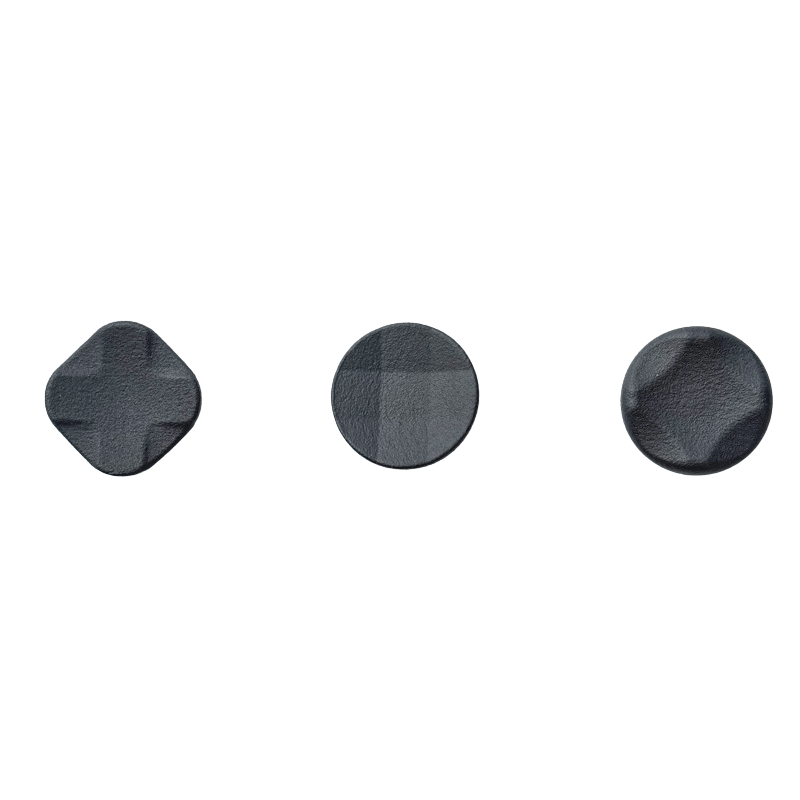
- A swappable cross-style D-pad
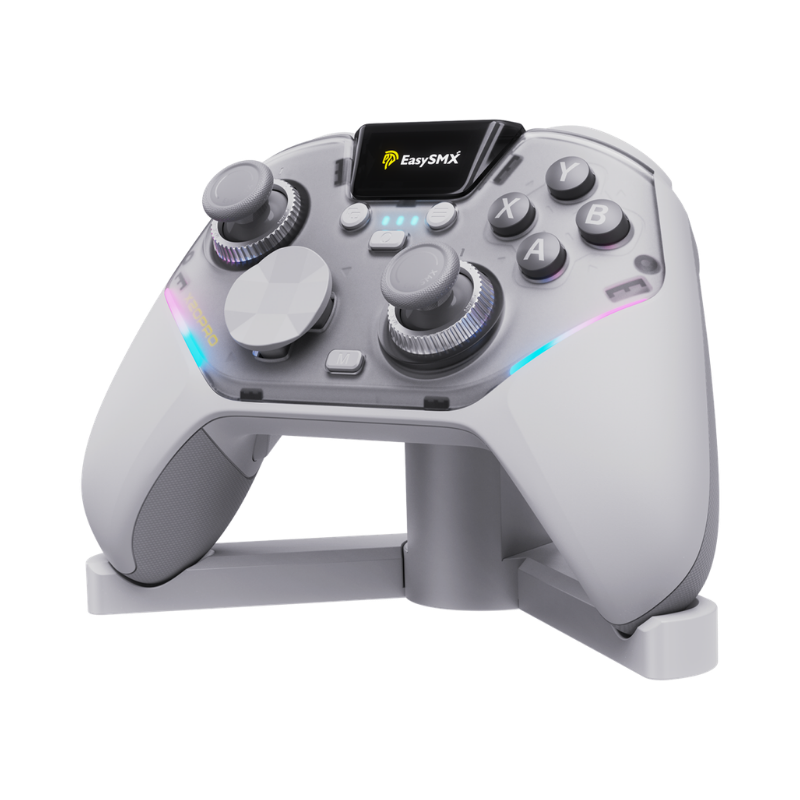
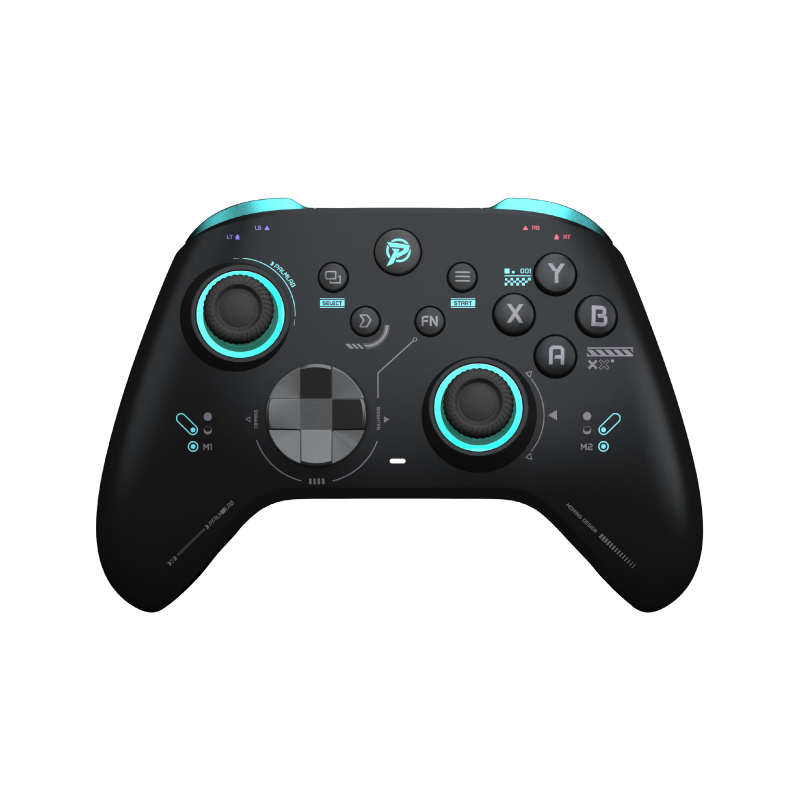
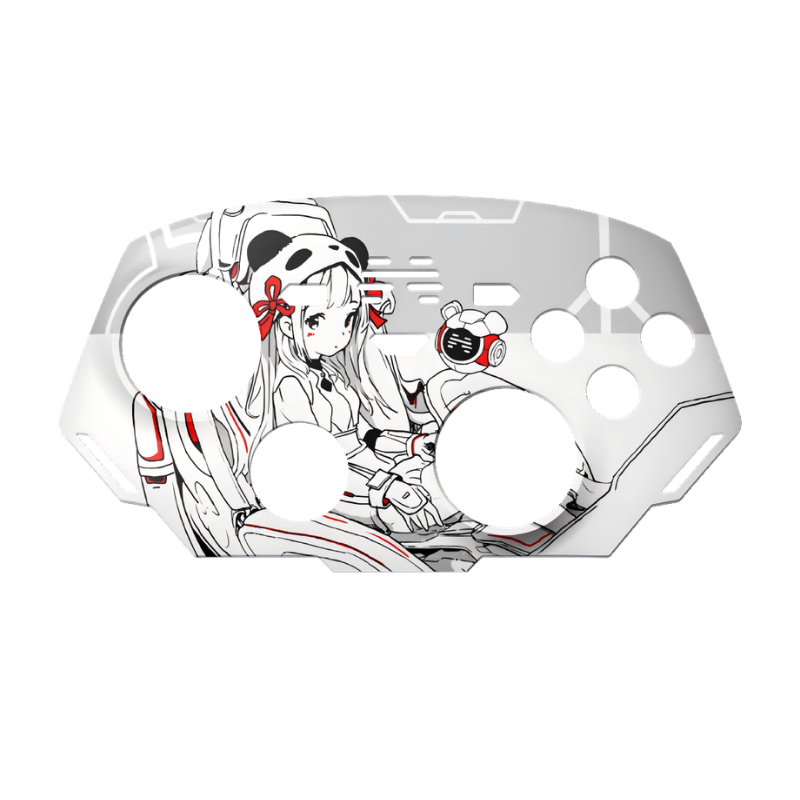
- A spare matte-black magnetic faceplate — it ships wearing a glossy gold one

The Look: Love It or Hate It, It's Not Boring
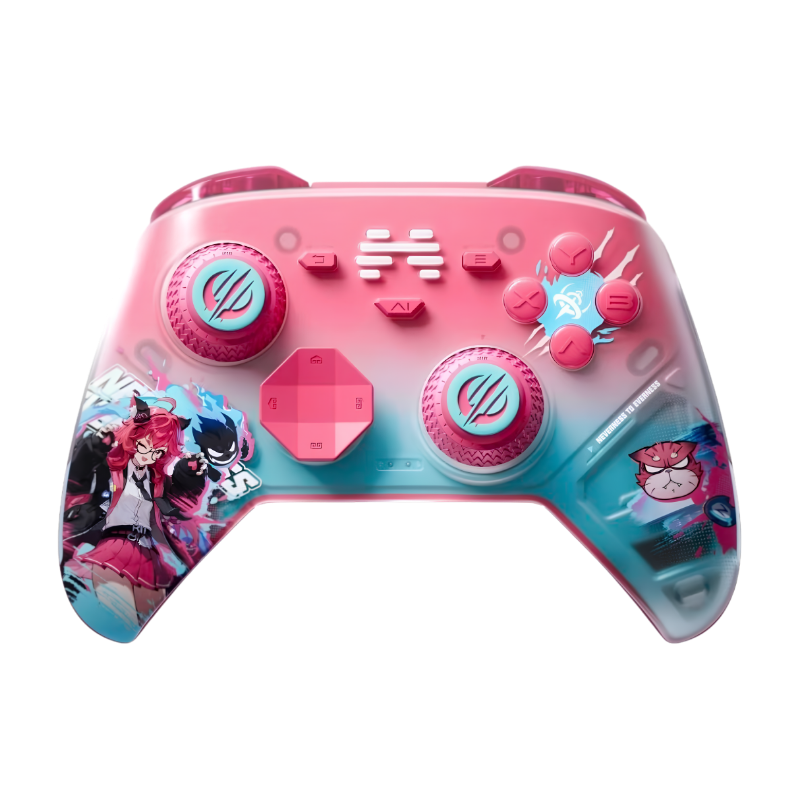
This thing has a full interstellar-mecha design language — sand-dune ridge lines running across the shell, "floating" grips, hollowed-out cutouts, RGB strips on the grips, and an RGB ring on the dock that lights up in sync when you seat the controller. The 1.4-inch screen and menu buttons are tucked into a black mecha-style module in the center, so even sitting on the dock it reads more like a desk toy than a controller.
The faceplates snap on magnetically (six magnets) and swap in about ten seconds — though see the gripes section for my feelings on the gold one. It weighs about 272g, with zero top-heaviness, in a shell slightly larger than an Xbox pad:

How It Feels in Hand
This was my biggest worry, because usually "weird-looking controller" means "ergonomics sacrificed." Nope. Under the exoskeleton it's a familiar asymmetric layout, and the grips are wrapped in a firm rubberized texture front and back. The palm area uses a three-section structure, so instead of the usual "resting your hand on a beer belly" feel, it has some actual definition to it.
Wide grips, good palm support, and the cutouts double as ventilation — no sweaty-palm syndrome over long Path of Exile 2 sessions. For reference: I have small hands and use a six-finger grip, and I had zero reach problems. The back buttons sit naturally under my middle fingers.

Buttons, Quick Rundown
Micro switches with a silicone layer — very short travel, low-profile caps, crisp click with a cushioned bottom-out (~110–120gf). Extremely fast… with a catch. See gripes.
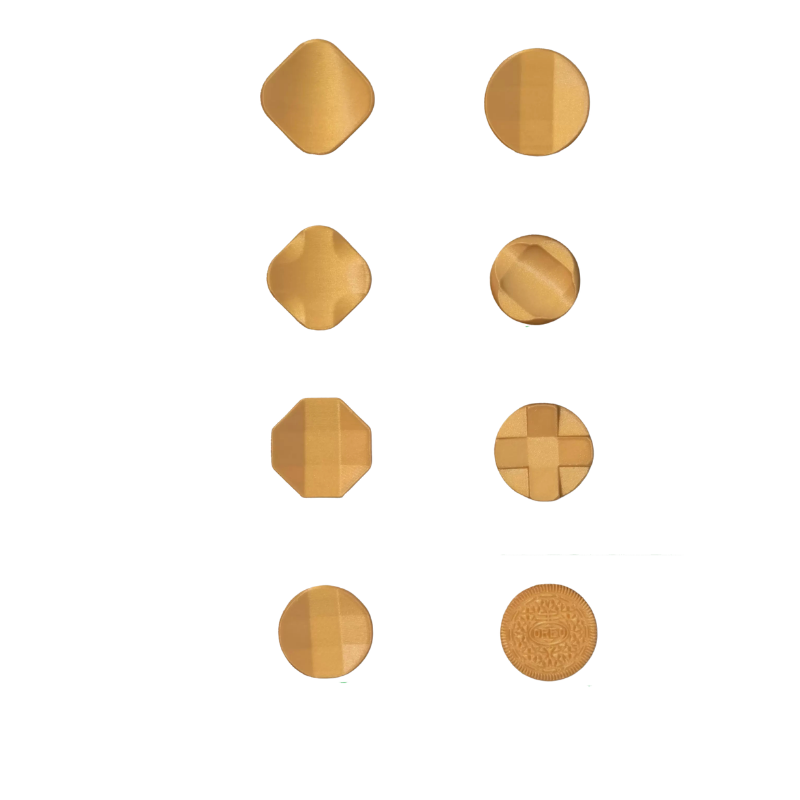
Tact switches with a default disc cap that has an origami-like fold to help your thumb find diagonals; a classic cross cap is included. Also see gripes — my least favorite part of the pad.
GuliKit TMR sticks with metal anti-friction rings. ~60gf tension that deliberately feels closer to ALPS potentiometer sticks than other TMR/Hall sticks — smooth, well-damped, with basically ruler-straight linearity. You can set a true 0% deadzone per stick, which is how I run it in Apex Legends.
Clicky — basically micro-switch feel.
Dual-mode: flip a switch between Hall linear (racing) and micro-switch (FPS). The micro mode has essentially zero dead travel — touch it, it fires. Both triggers also have their own rumble motors.
M3/M4 are big and sculpted, sitting right where your middle fingers rest. ~100gf — easy to press deliberately, hard to press by accident.

The Screen Is Genuinely Useful, Not a Gimmick
On-controller screens usually suck. This one replaced the companion app for me. The full menu covers connection modes (PC XInput/DInput, Switch, Android, iOS), button remapping, macros (~30 steps), turbo, gyro-to-stick mapping, per-stick center and outer deadzones, circle/square outer gates, trigger deadzones, vibration (5 levels), polling rate (1K/2K/4K/8K), calibration, and RGB.
The three I actually use all the time: remapping buttons, stick calibration, and polling-rate switching — all done on the controller in seconds. No alt-tabbing out of a game, no software install.
If the controller ever stops outputting in-game, check that you didn't leave it in the screen's button-test mode.

About That 8K Polling — Reality Check
Yes, it's real 8000Hz on both wired and the 2.4GHz dongle, with a claimed 0.125ms minimum latency. I play wired on PC, which is the mode where 8K matters most. But know what you're getting: it uses dynamic polling, so it idles low and ramps up with input rather than holding 8000Hz constantly. Independent testers have measured roughly:
Impressive — just not a flat 8K. And past 1–2KHz, honestly, most humans can't feel the difference; I certainly can't claim to. But if you play competitive FPS, the headroom is there, and this is one of very few controllers doing true dual-mode 8K. For competitive play, stick to wired or the dongle; Bluetooth is for phones and couch sessions, with standard BT-level latency. On the subject of wireless: no disconnects, pairing weirdness, or firmware hiccups of any kind so far.
Battery is 1200mAh, and the dock setup basically makes battery a non-issue: drop it on the UFO when you're done and it charges and shuts down; pick it up and it auto-reconnects. Infinite-battery lifestyle.
The Gripes (Because Nothing's Perfect)
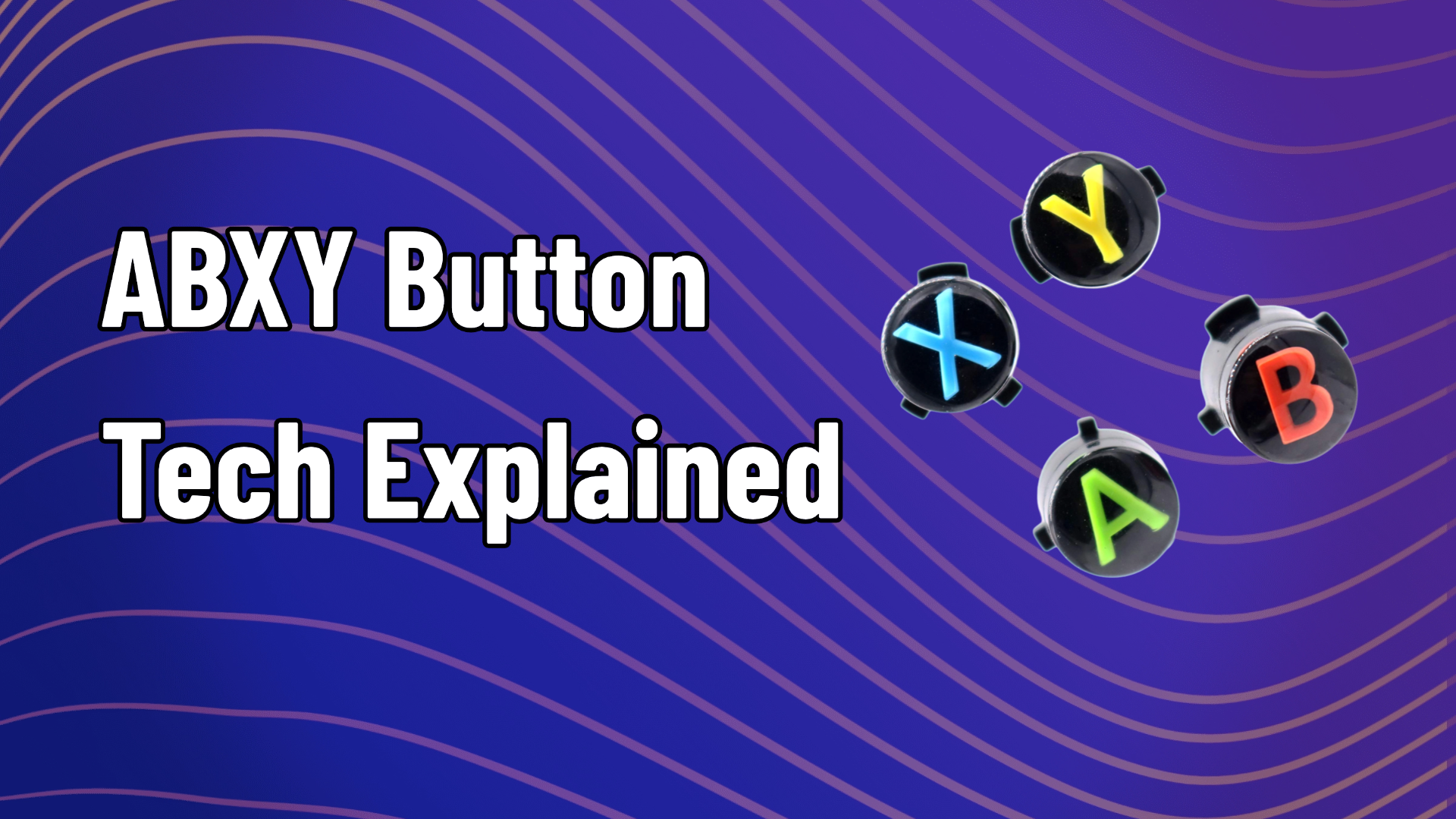
ABXY Travel Is Too Short for Long Sessions
The short-travel, low-profile face buttons are fantastic for response speed, but after a few hours of PoE 2 my thumbs genuinely feel it — the flat caps and minimal travel give your fingers less cushion to work with than taller, domed buttons. Speed has a price.
The D-Pad Situation Is Mediocre
Swapping caps is tool-free and there's no wrong way to orient them — but there's no orientation marker and no reassuring "click" when the cap seats. Worse, the cap sits low enough that on hard presses its edge grinds against the faceplate. I played Street Fighter 6 with it and my inputs came out clean enough, but the D-pad feel is the weakest part of this controller for me.
The M1/M2 Mini Shoulder Buttons Are Stiff
They require noticeably more force than the rest of the controls. Not a dealbreaker, but worth knowing if your games lean on them heavily.
Default Vibration Is Oddly Weak
It's a quad-motor setup (2 grip + 2 trigger motors) with 5 strength levels, but at the default level 3 it barely registers. Bump it to 4–5 and it comes alive, with a higher-frequency character that's closer to HD rumble than the usual chunky buzz.
It Will Collect Dust
All those cutouts and matte textures are going to collect dust and hand grime. Wipe it down occasionally.
So Where Does That Leave It?
EasySMX went from "best budget option" to building something that trades blows with actual flagships on features — true dual-mode 8K, TMR sticks, dual-mode triggers, a genuinely useful screen — in a shell that looks like nothing else on the market. It also has real rough edges: the D-pad, the stiff M1/M2s, face buttons that trade comfort for speed.
Whether that package makes sense at $99 comes down to how much you personally value the unique stuff versus the polish of the usual suspects — and as promised, that call is yours, not mine.
True dual-mode 8K polling · GuliKit TMR sticks · Built-in screen · UFO charging dock
Questions about the Dune 8K? Drop them in the comments — happy to answer.





Leave a comment
All comments are moderated before being published.
This site is protected by hCaptcha and the hCaptcha Privacy Policy and Terms of Service apply.