




























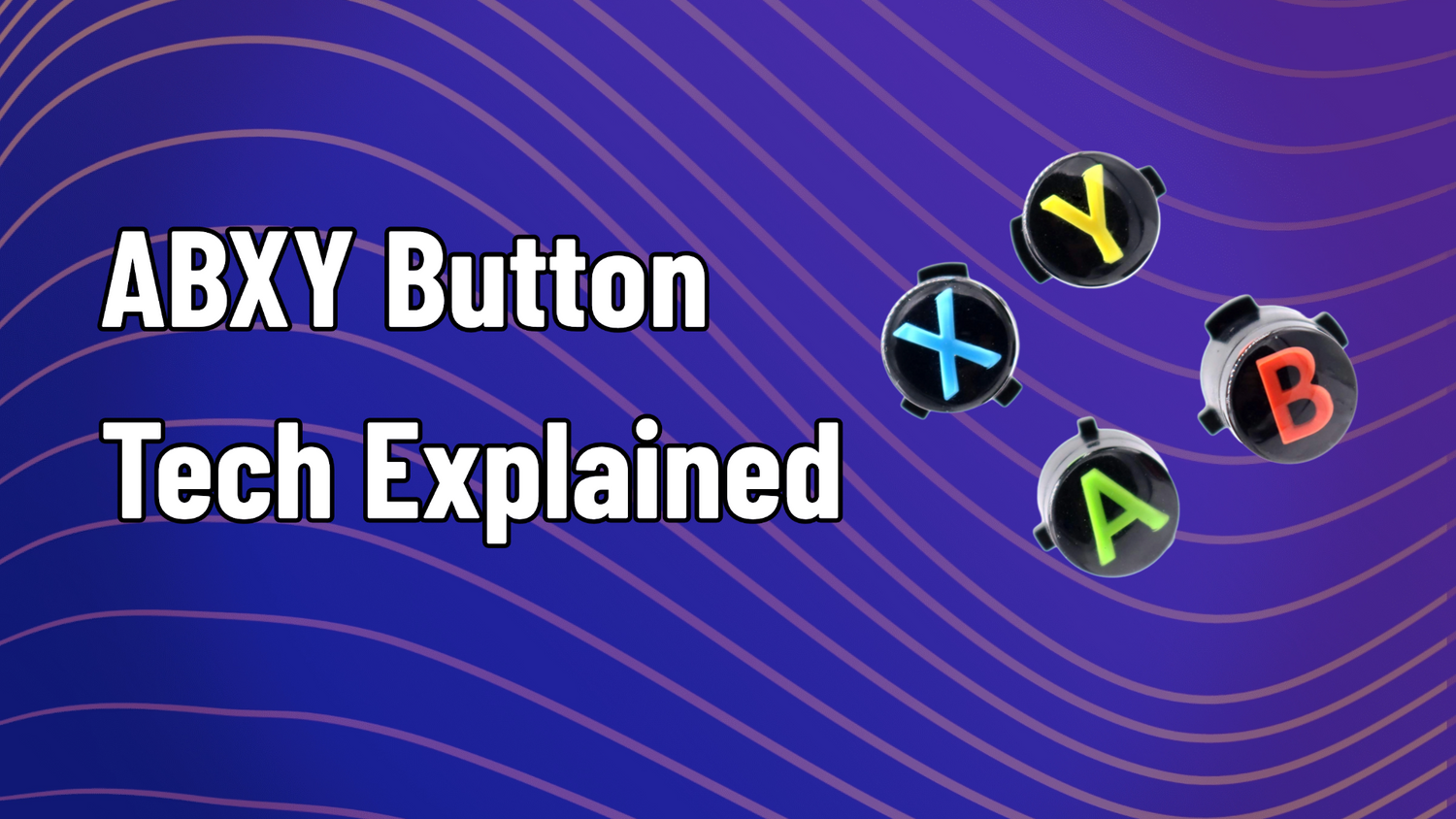
What's Actually Inside Your ABXY Buttons: Rubber Dome vs Microswitch vs Optical, Explained
Hey everyone — Ray from GadgetHyper here. We argue about stick drift all day, but nobody talks about the buttons you press 10,000 times a session.
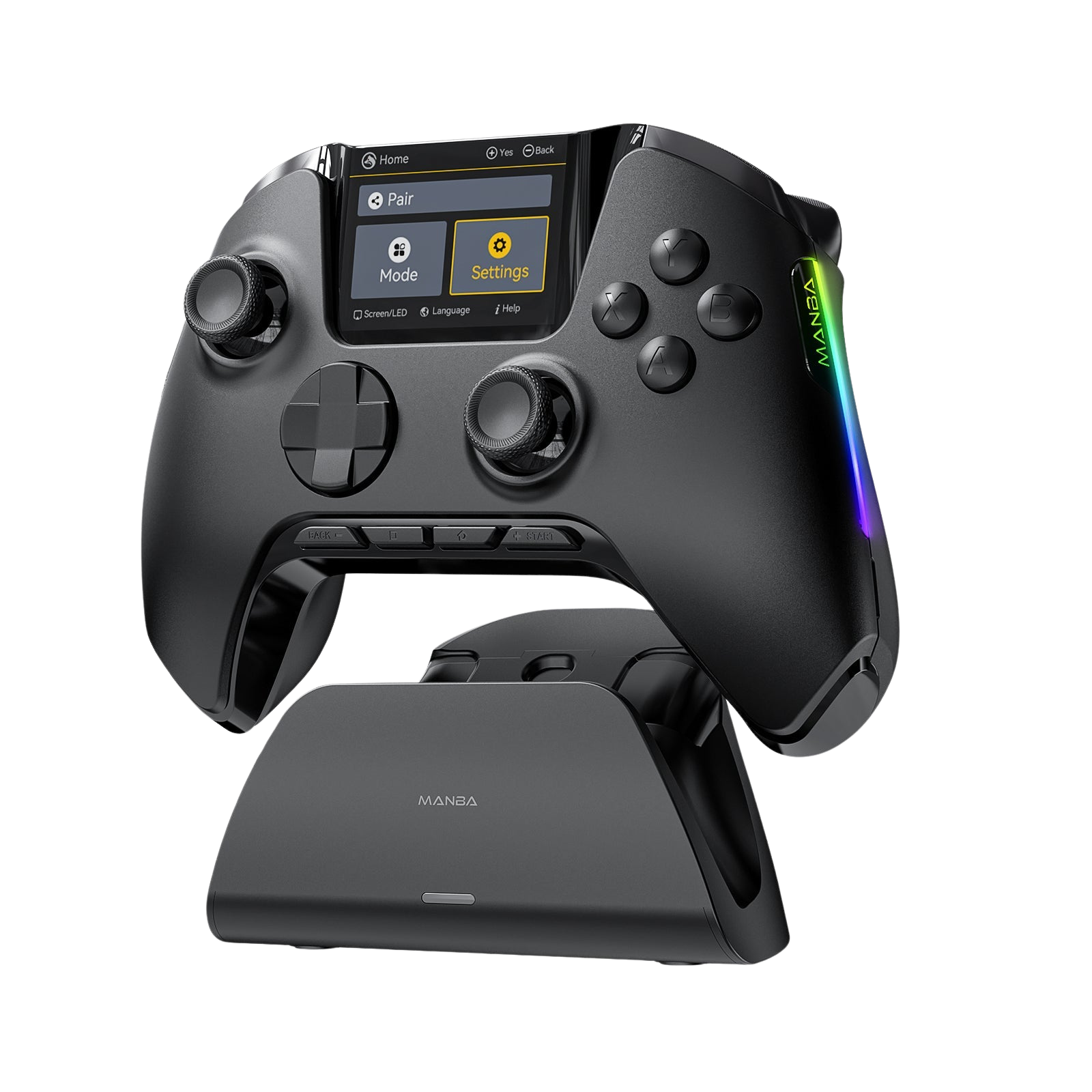
We get a lot of questions from customers about why different controllers' buttons feel so different — mushy vs clicky vs… nothing at all. The answer is that almost every controller on the market builds its ABXY buttons on one of three technologies, and each comes with genuinely different strengths. Here's a casual breakdown of how they work, what they're good at, and which one might actually matter for the games you play.
Almost every controller face button uses one of three technologies — conductive rubber (soft, quiet, cheap, ~1M press lifespan), mechanical microswitch (clicky, fast, crisp, 5–10M presses, but can tire your thumbs), or optical (triggers on a beam of light, theoretically immortal, expensive and rare).
None of them is "best" — it depends on what you play and what your thumbs like. Bonus FAQ at the bottom: why Hall effect face buttons are NOT a thing, no matter what that one listing told you.
The Old Master
This is the classic. Under each button sits a little rubber nipple with a conductive pad; press the button, the pad touches the PCB, the circuit closes, the input fires. That's it. It's the same basic idea as the soles of your sneakers: squish, rebound, repeat.
This is what the Big Three — Xbox, PlayStation, Nintendo — all still use, and what the vast majority of controllers on the market ship with. The strengths are real: it's quiet (your roommates and family thank you), soft on the fingers during long open-world sessions, and cheap, which is why decent controllers exist at every price.
The weaknesses are just as real. The squish means no clean confirmation — sometimes you genuinely can't tell if an input registered. Rubber is also a wear item: it physically fatigues over time, loses its rebound, and that's when you get dropped inputs or accidental double-presses mid-combo. Lifespan is roughly a million presses, which is fine for a year or two of normal play. And of the three schools, it's the slowest to respond. Soft, mushy, slow — but affordable and silent. There's a reason it's the default.
The Crowd Favorite
Take the idea behind your gaming mouse click and shrink it into a controller. No rubber: instead there's a metal dome or spring leaf that snaps into contact the instant you press. Crisp, tactile, audible click — you don't wonder whether it registered, you KNOW.
The numbers manufacturers quote: noticeably shorter travel, response times in the 10–30ms range (claimed 30–50% faster actuation than rubber), and a lifespan around 5–10 million presses — several years of heavy use. For fighting games, action games, anything where you're chaining fast inputs, the confidence of that instant, repeatable confirmation is a genuine upgrade.
The catch: that click is loud. Late-night gaming becomes an acoustic event. Actuation force is higher, and the feel is stiffer overall. Cheaper implementations can feel wobbly or hollow, and aging metal contacts can develop double-click issues over time.
Having daily-driven both this and rubber: microswitch is my favorite — but the implementation matters more than the spec. A well-designed one with a bit of cushioning under the cap feels incredible. A bare, stiff one will genuinely tire your thumbs out over a long session. "Mechanical" on a spec sheet tells you what it is, not how it feels.
Worth noting: some newer controllers hybrid the two — a microswitch mechanism with a silicone layer for cushioning. Tuned well, that's the best of both worlds.
The Space Monk
The newest school throws out physical contact entirely. Under the button there's an infrared LED and a photosensor; pressing the button moves a tiny shutter that breaks the beam. Beam breaks, signal fires — like walking through an automatic door sensor.
On paper, this is the endgame: no contact means no wear, which means a theoretically unlimited lifespan. Claimed response is sub-1ms with no debounce delay, and because actuation is optical, every single press is exactly as consistent as the last. No oxidation, no metal fatigue, no rubber collapse.
The problems are equally futuristic: it's expensive enough that it only shows up in flagship-tier controllers, it's sensitive to dust, it's harder to repair, and the feel is divisive — with no physical mechanism doing the work, some people describe it as "pressing air." It's also just… new. Long-term reliability at scale is still being proven.
Full honesty: I haven't daily-driven an optical-button controller yet, so this section is the spec-sheet story rather than lived experience. If you've got one, I want to hear from you in the comments.
Why Aren't There Hall Effect ABXY Buttons?
Since Hall sensors took over sticks and triggers, people reasonably ask where the Hall effect buttons are. Short answer: it's the wrong tool. Hall sensors are analog — they measure how far something moved. Face buttons are digital: pressed or not pressed, 1 or 0. You gain nothing by knowing your A button is 47% pressed, and you lose the natural tactile click that has to be artificially simulated.
It's been tried, sort of: the PS2 had fully pressure-sensitive face buttons. Almost nothing used the feature, and Sony dropped it by the PS4 generation. That's not technological backwardness — it's the industry collectively deciding the engineering redundancy wasn't worth it.
If a listing brags about "Hall effect buttons," be skeptical.
The Three Schools, Side by Side
| Rubber Dome | Microswitch | Optical | |
|---|---|---|---|
| Feel | Soft, cushioned, quiet | Crisp, tactile, audible click | Perfectly consistent — "pressing air" to some |
| Noise | Near-silent | Loud click | Quiet |
| Lifespan | ~1 million presses | 5–10 million presses | Theoretically unlimited |
| Response | Slowest of the three | 10–30ms; claimed 30–50% faster than rubber | Sub-1ms, no debounce delay |
| Cost | Cheap — the industry default | Mid-range | Flagship-tier only |
So Which One Should You Care About?
Rubber Dome
Genuinely fine. It's the default for a reason.
Microswitch
A good microswitch is the best value upgrade in controller buttons right now.
Optical
If you can find one — and you like the feel.
From "about 5ms" to "under 1ms" isn't just numbers on a box — it's controller buttons approaching the limits of what human reaction time can even perceive. But spec sheets aside, there's no perfect technology, only the one that fits your games, your house, and your thumbs.
So, which school are you? Team soft-and-quiet, team CLICK, or team beam-of-light? And be honest: has button feel ever actually made you keep or ditch a controller?






Leave a comment
All comments are moderated before being published.
This site is protected by hCaptcha and the hCaptcha Privacy Policy and Terms of Service apply.