






























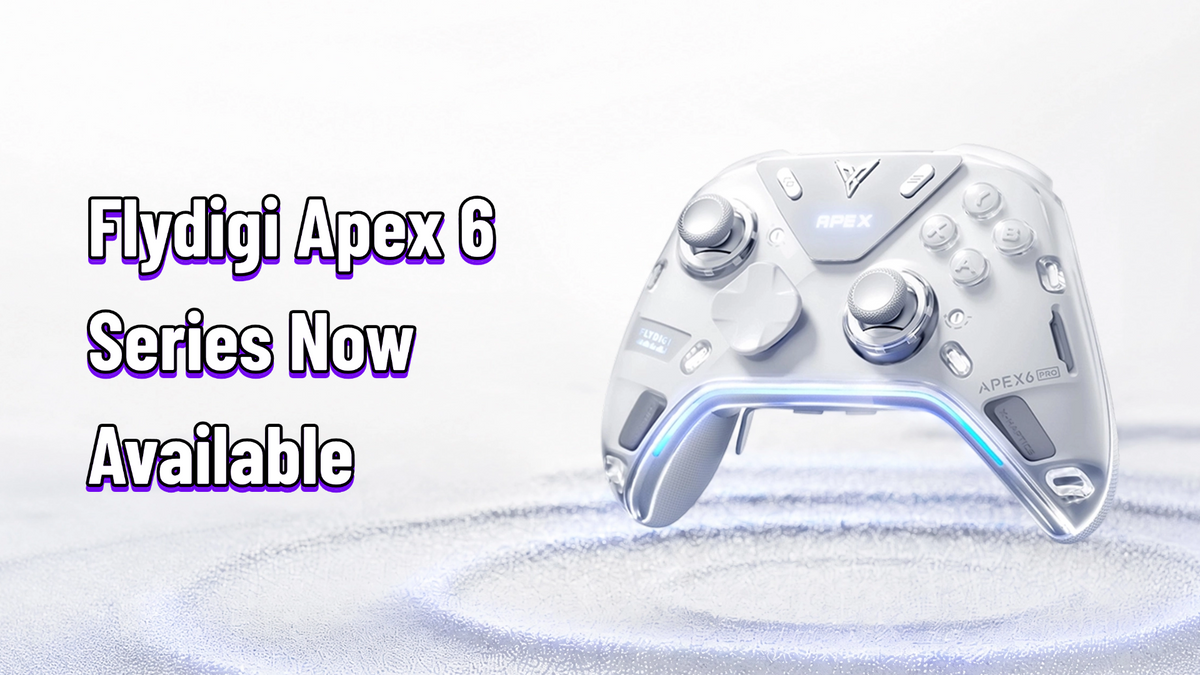
Flydigi Apex 6 Pro Hands-On Review: Are Quad Voice Coil Motors the Future of Controller Haptics?
If you've followed Flydigi at all, you know the Apex line is where they put their weird ideas first. Force-adaptive triggers, force-adjustable alloy sticks, the floating D-pad — every generation ships with something no other controller has.
The Apex 5 was easy to recommend last year, which made us wonder: what could the Apex 6 possibly add? The answer, it turns out, is motors. Lots of motors.
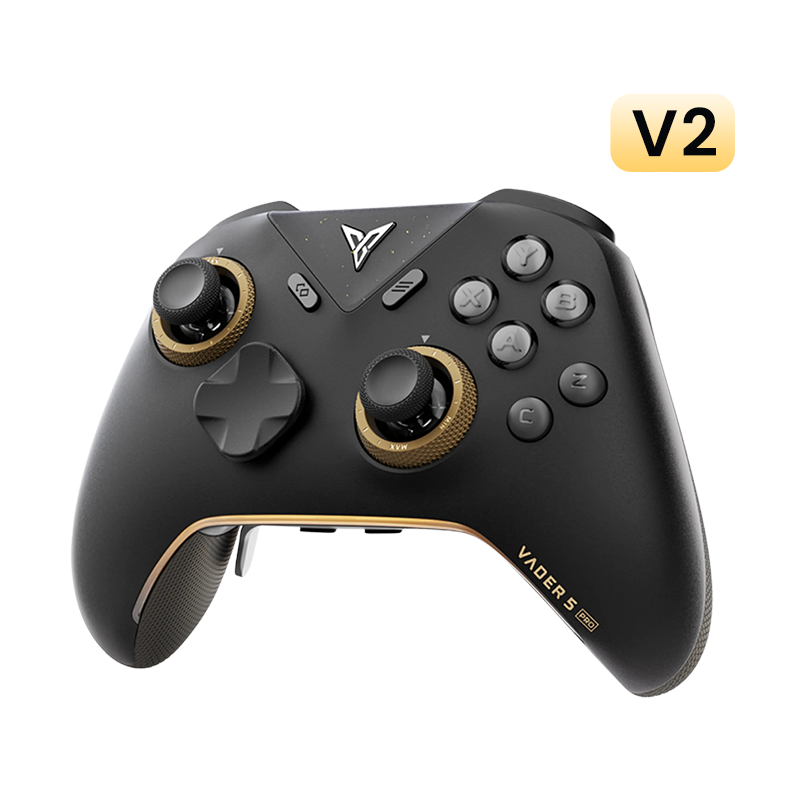
Quick transparency note before we dive in: we sell the Apex 6 Pro at GadgetHyper ($159.99, with the standard Apex 6 at $149.99 and the Phantom Blade Zero limited edition at $209.99). So instead of telling you whether it's "worth it," we'll lay out what it genuinely does well and where it falls short, and let you decide. We bought our unit, spent real time with it across Elden Ring, Black Myth: Wukong, Forza Horizon 5, Apex Legends, and Street Fighter 6 — and here's our honest first-impression report. This is a hands-on, not a long-term durability review.
The good: the four-motor XHaptics system delivers texture and layering no rotor controller can match — nothing else on PC comes close right now. Dual-mode triggers finally fix the "force feedback is neat but I turned it off" problem, and the TMR stick upgrade quietly perfects the hardware.
The bad: global audio haptics picks up background music, official per-game profiles are still few, stick tension adjustment still needs the faceplate off, and 1000Hz polling is a conservative ceiling for a 2026 flagship.
Bottom line: a bet on voice coil motors everywhere — and after a few days with it, we think the bet mostly pays off.

What's Actually New (and What Isn't)
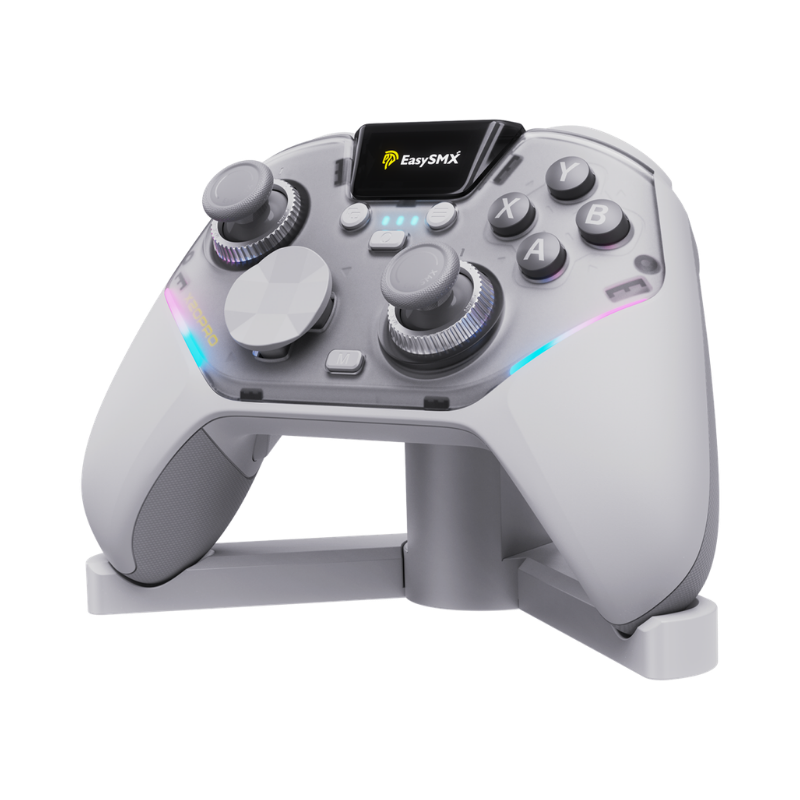
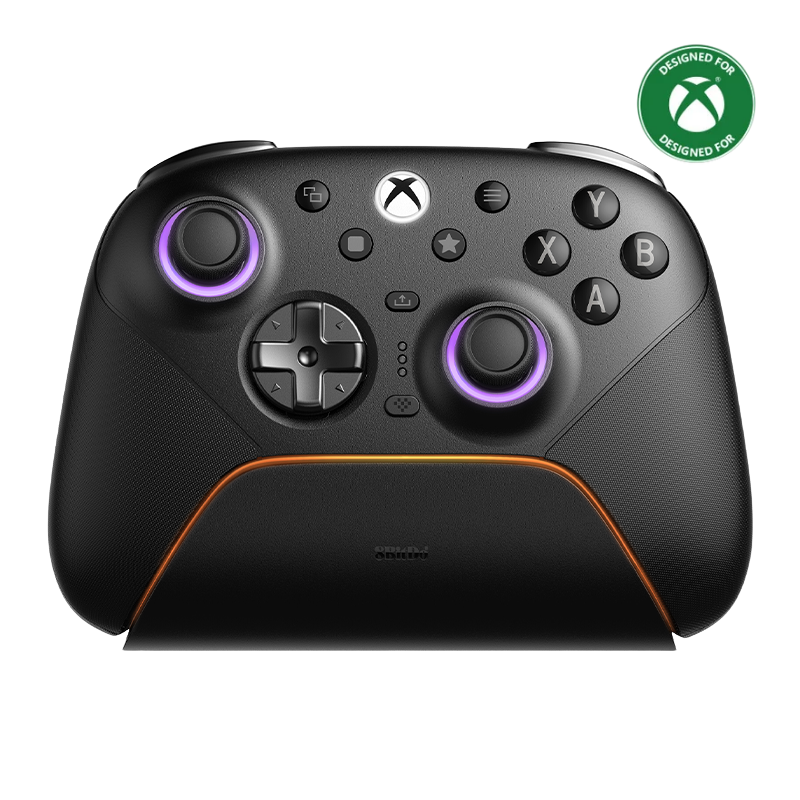
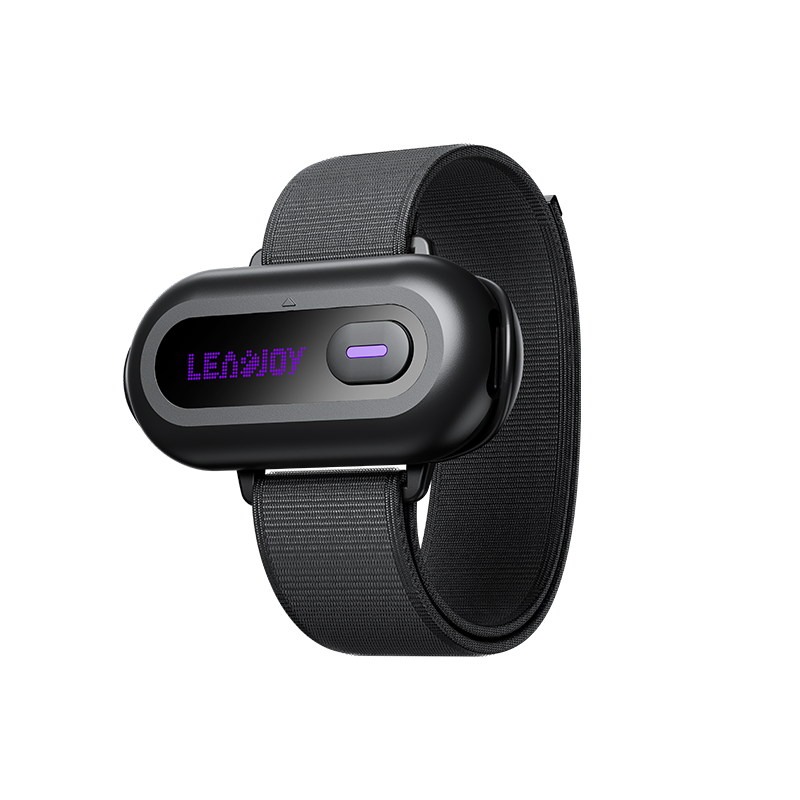
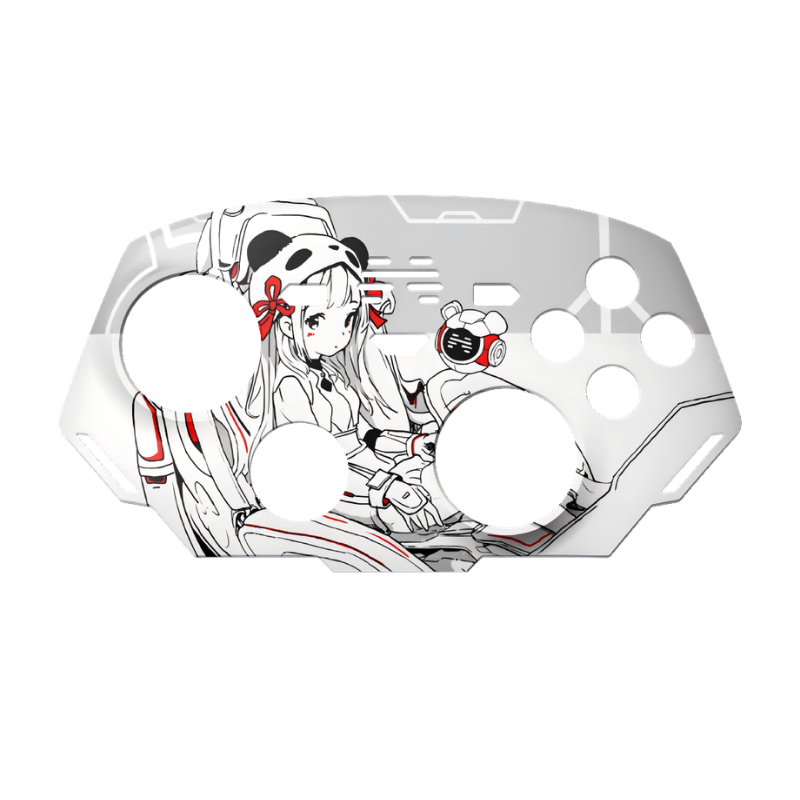
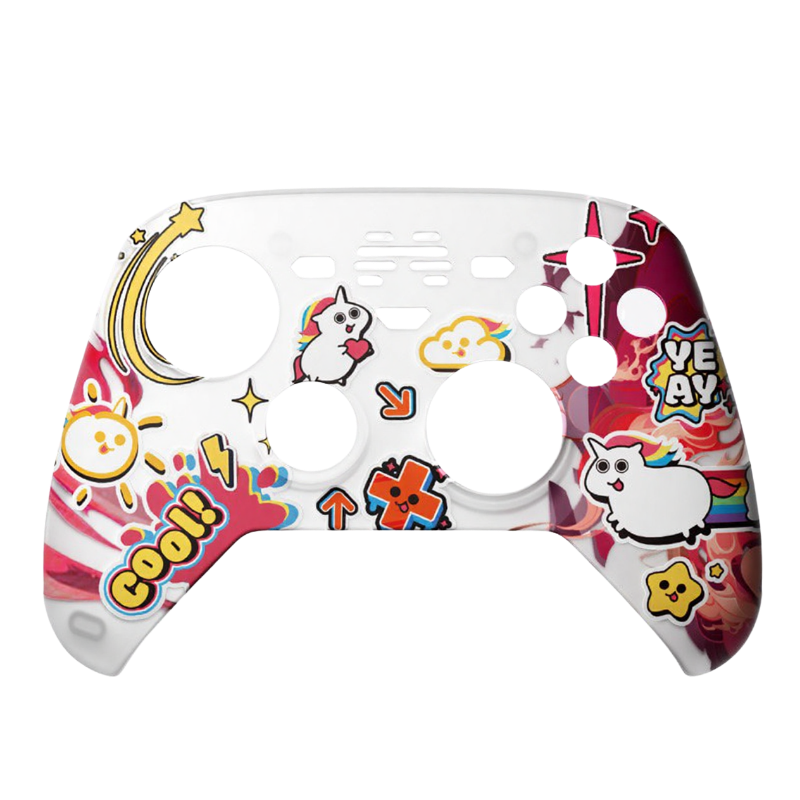
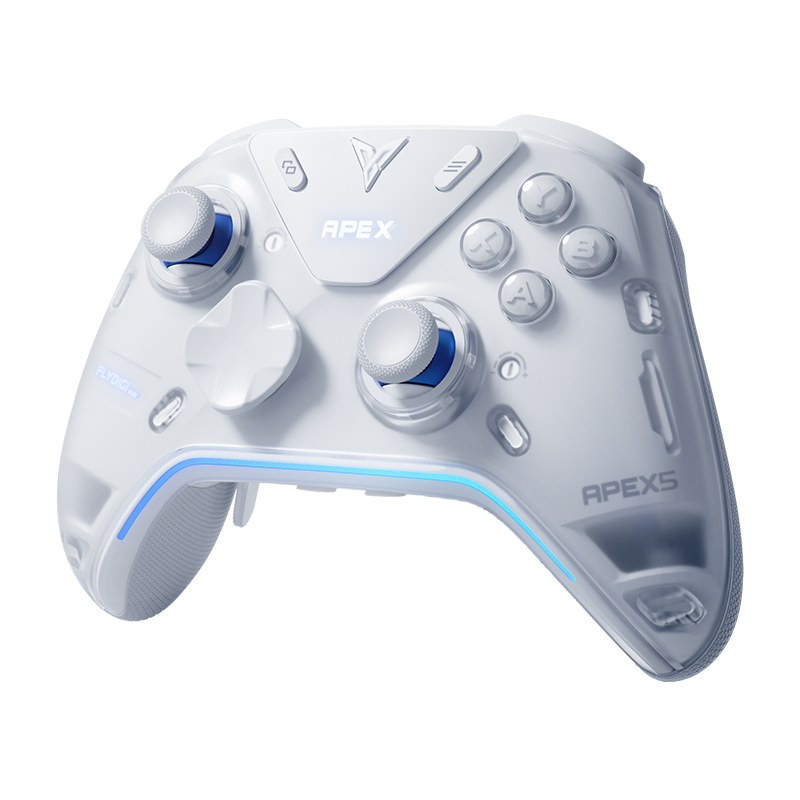
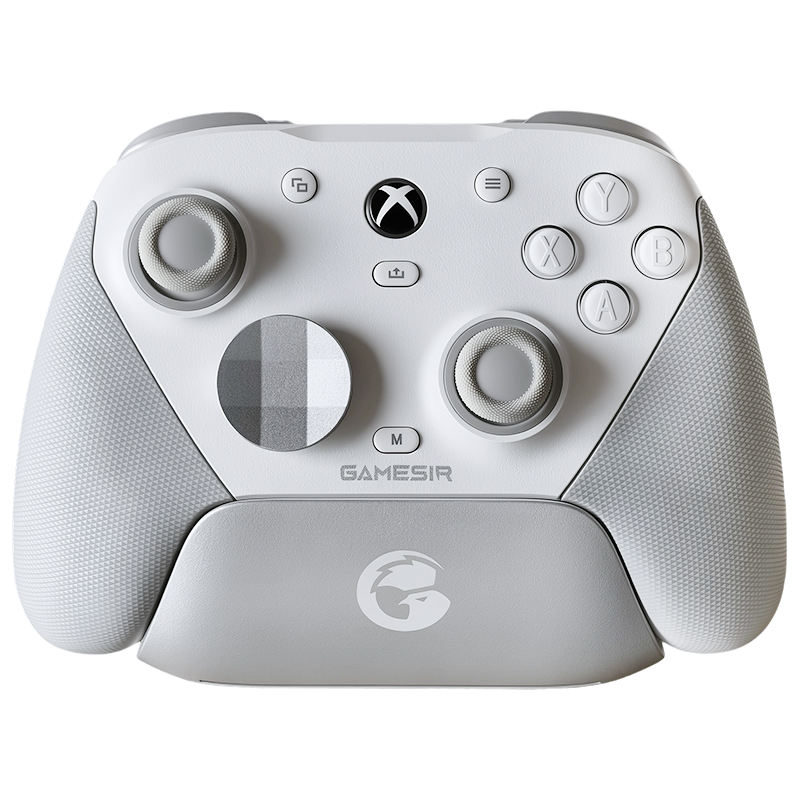
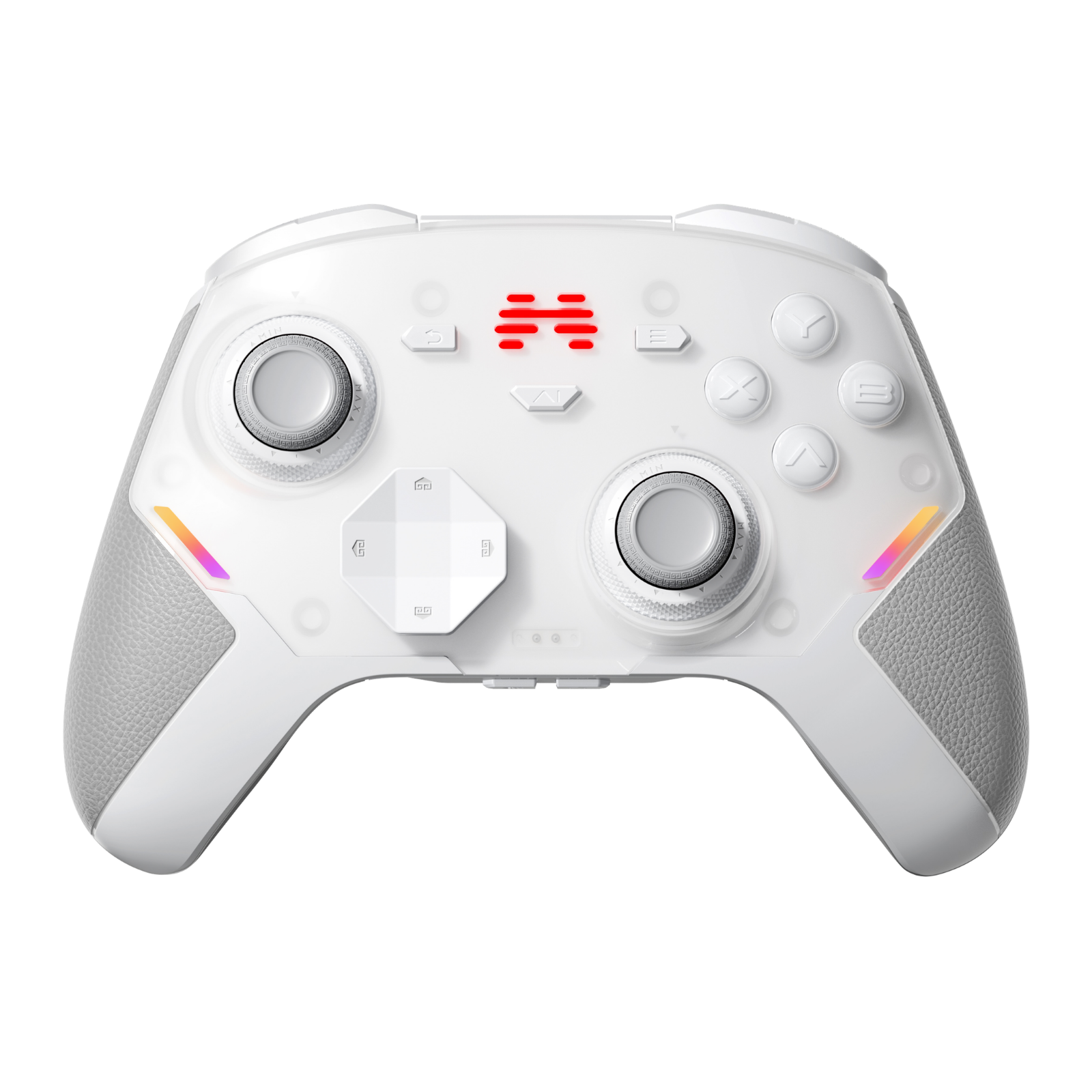
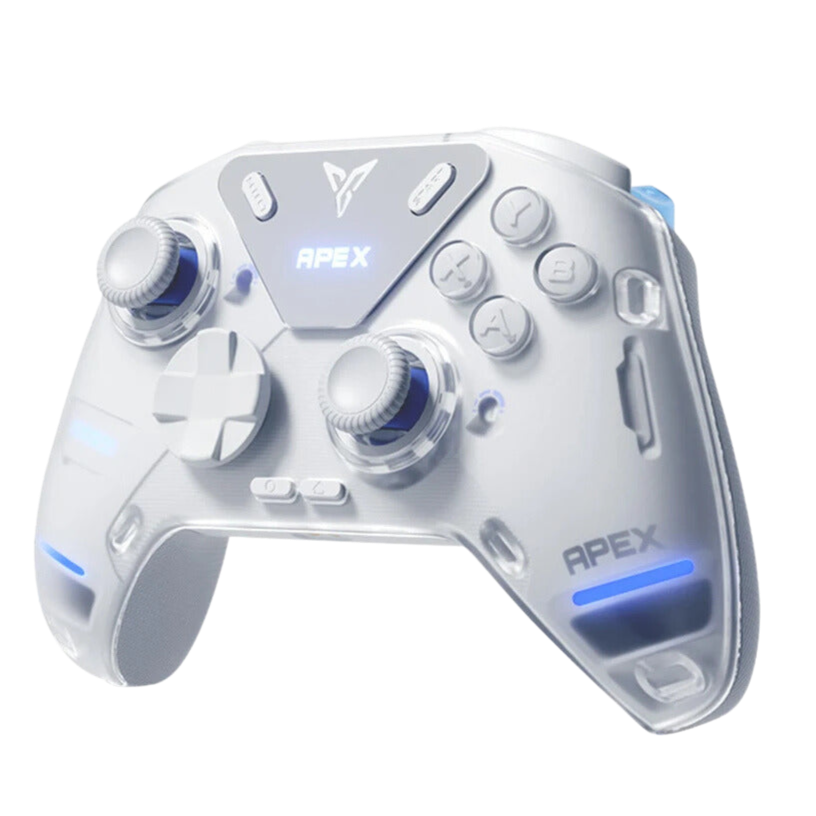
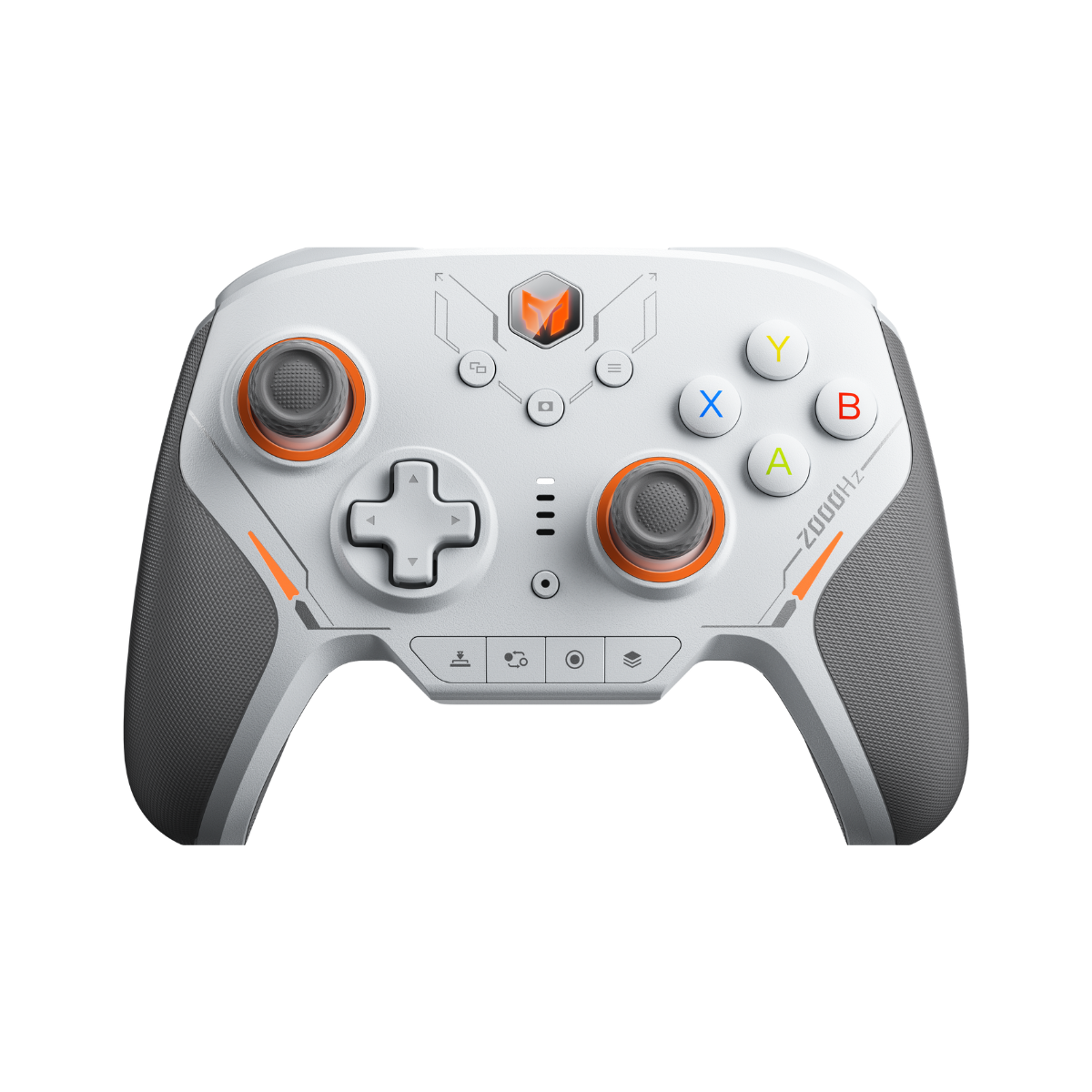
Let's get this out of the way: if you put the Apex 6 Pro next to an Apex 5, you'll need a second to tell them apart. Same design language, same mirror-finish screen with customizable GIF display, same white frosted swappable faceplate (yes, Apex 5 faceplates fit), same hidden phone-stand slot, same overall shell. Flydigi clearly liked this design, and honestly, so do we.
The differences are almost all inside:
- Four VCM wide-band voice coil motors — two in the grips, one in each trigger. This is the headline feature, branded "XHaptics." (The standard Apex 6 keeps traditional asymmetric rotor motors in the grips and only puts VCMs in the triggers — that, plus nothing else, is the entire difference between the two models.)
- Dual-mode triggers, finally. The much-praised micro-switch/linear toggle from the Vader 5 Pro and Direwolf 4 has made its way to the Apex line.
- Force-Adjustable Alloy Stick 3.0 — same lever-based physical structure, but the sensor is now TMR instead of Hall effect.
- A 1500mAh battery to feed those four motors, and a 216MHz main controller.
- Weight went DOWN, not up: our Apex 6 Pro comes in around 320g, versus roughly 336g for the Apex 5. Removing the old force-feedback servo assembly paid off.


Buttons, D-Pad, and Sticks: The Short Version
ABXY: same recipe as before — Kailh micro switches paired with a silicone spring arm — but noticeably lighter and softer than the Apex 5. There's still a tiny bit of wiggle, but the feel is excellent: crisp, consistent, and easy to spam.
D-pad: unchanged, and that's a compliment. The pivot-style D-pad remains one of our favorites on any controller, full stop. It's what we reach for in Street Fighter 6 — clean diagonals, no accidental inputs, no drama.
Shoulder buttons: light-touch switches, same story as the Apex 5, with slightly better consistency across all the extra inputs.
Sticks: the star of the "quiet upgrades." The 3.0 version of Flydigi's force-adjustable alloy lever stick now reads via a TMR sensor with up to 12-bit resolution. Physically it feels identical to the previous generation — same smooth lever action, same absurd centering precision (we're talking returns to center within a fraction of a percent). But linearity is visibly improved over the Hall-based version; on a tester, the response curve is basically a straight line. Tension is still adjustable across roughly 30–100 gf.
The catch, unchanged from before: adjusting that tension still means popping off the faceplate and using the little tool. It's a minor annoyance, but in 2026 we were hoping for tool-free adjustment.
Down from ~120 gf on the Apex 5.
Main shoulder buttons, light-touch.
The two small bonus shoulder buttons.
Upper pair ~100 gf; detachable lower paddles ~85 gf.

Triggers: Dual-Mode Meets Voice Coil
The old force-adaptive trigger is gone. In its place is what Flydigi calls the VCM force-switch trigger: a Hall-effect linear trigger with a VCM voice coil motor inside for haptics, plus a physical toggle on the back that switches it into a short-travel micro-switch mode.
We'll say it plainly: the micro mode is fantastic. It's the same lever-style micro switch from the Vader 5 Pro, with a crisp break, a soft bottom-out thanks to the internal spring plate, and a snappy return. Travel is only around 1mm. The trigger caps themselves were re-molded — wider and flatter than the Apex 5's, with a textured anti-slip surface — and they support your index finger much better.
The important detail: haptics still work in micro mode. On the Apex 5, force feedback fought your finger — holding a trigger against resistance during long sessions genuinely tired your hand out, and plenty of players (us included) ended up turning it off. The new system doesn't touch travel or resistance at all; it just vibrates. You get the immersion without the workout.
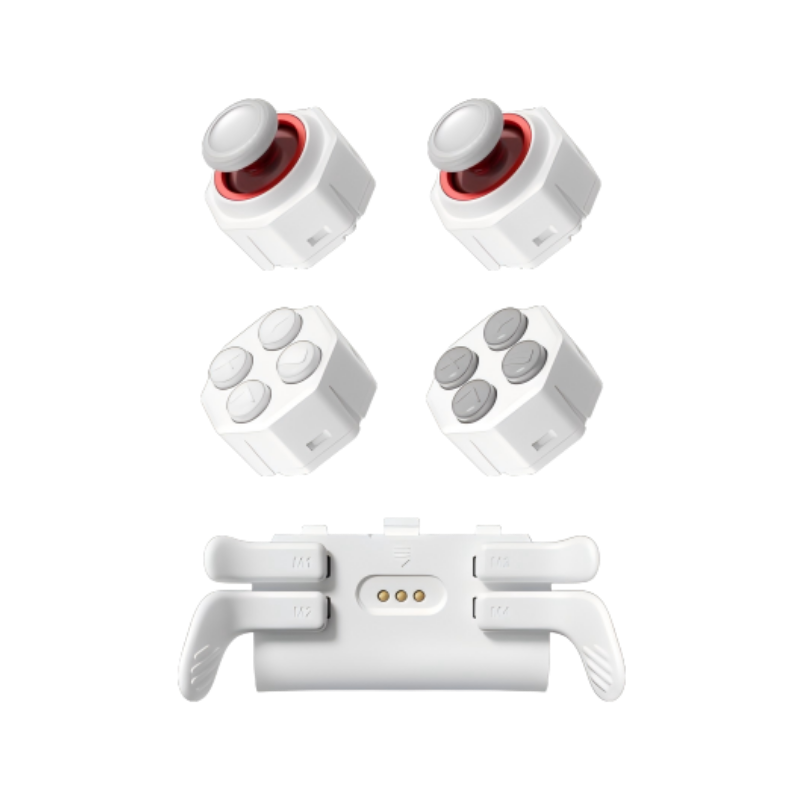
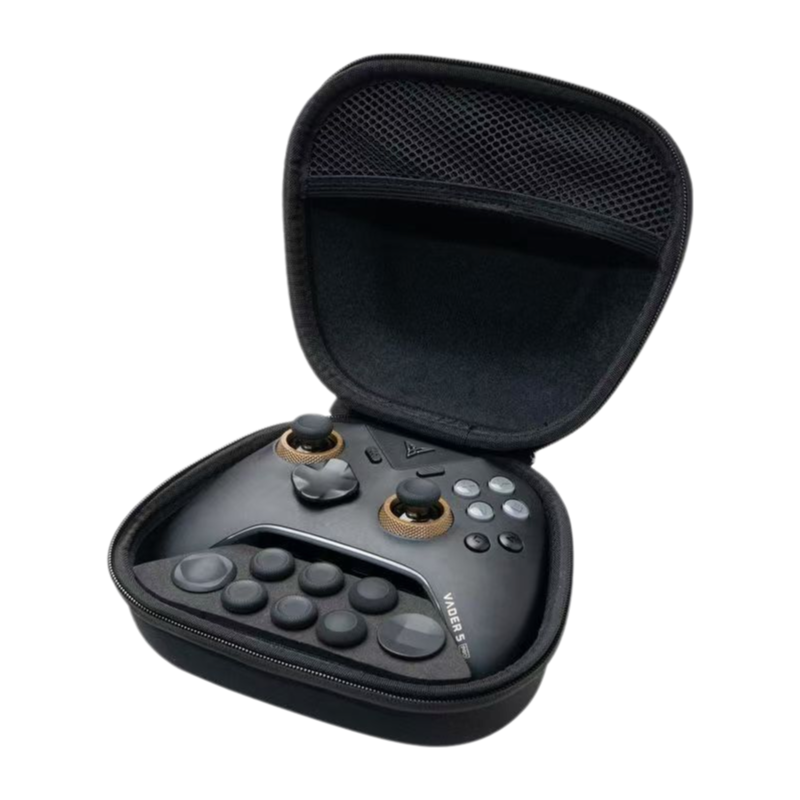
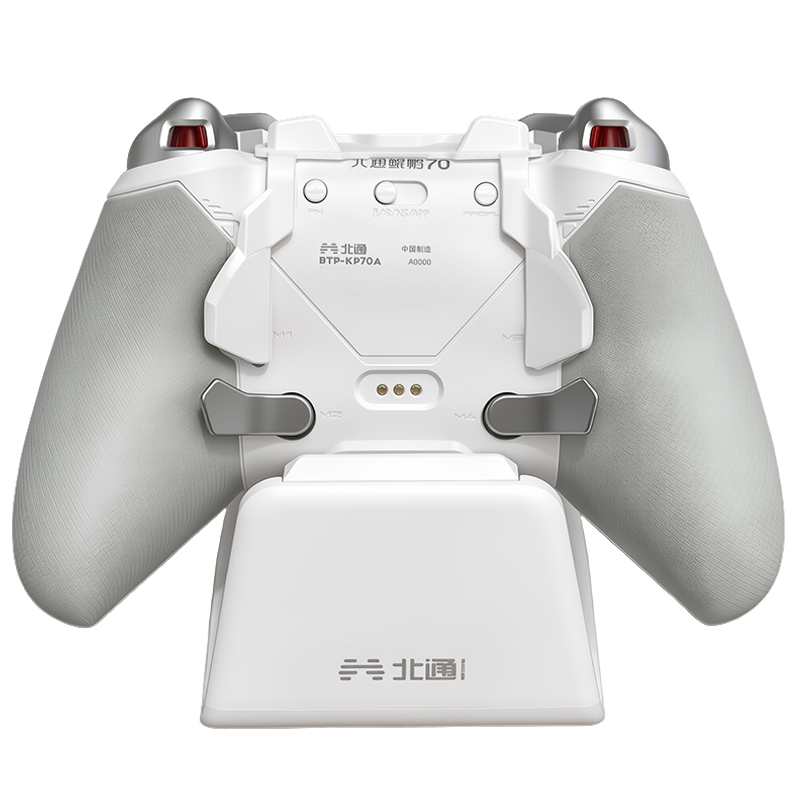
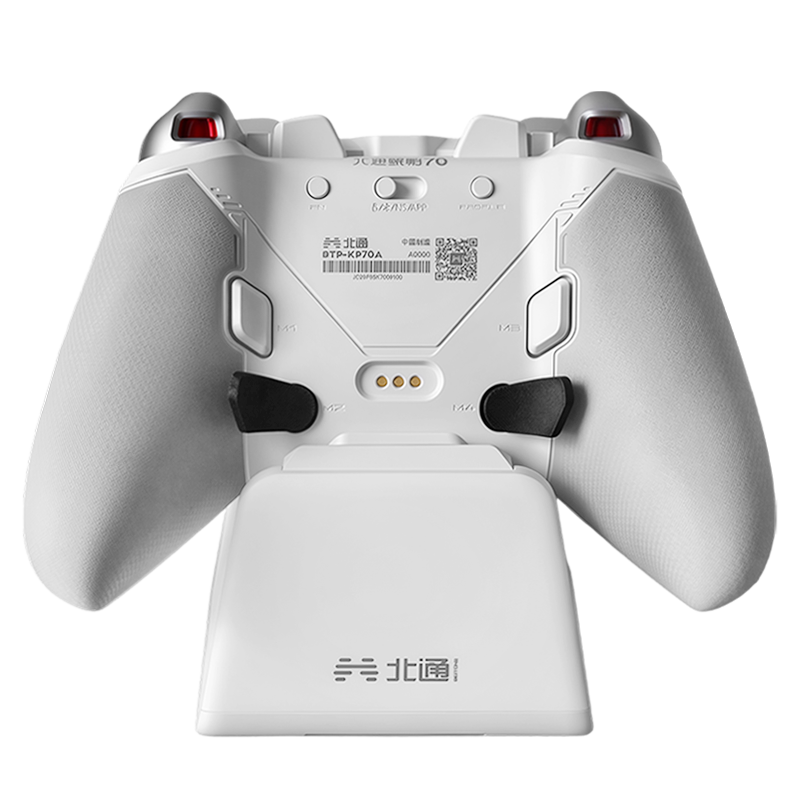
Back buttons: four of them, all light-touch, all re-tuned to be lighter than before. The paddle stems are thicker now — a quiet fix for durability complaints — and the paddle mold was tweaked for a better fit against your fingers. Note the new paddles are NOT cross-compatible with Apex 5 paddles.

Four Voice Coil Motors, Three Ways to Use Them
This is the whole reason the Apex 6 Pro exists, so let's spend some time here.
Each VCM motor is structured a bit like a tiny speaker driver — a large diaphragm on spring plates, driven by a magnetic field. Compared to traditional rotor motors, voice coils start and stop almost instantly, reproduce much finer texture, and cover a far wider frequency range. Compared to the narrow-band linear (LRA) motors you find in, say, a Joy-Con, these are bigger, wider-band units closer in spirit to what Sony puts in the DualSense.
In the Apex 6 Pro, the division of labor is: grip motors handle the world (road surfaces, footsteps, explosions, wind), trigger motors handle your hands (weapons, throttle, brakes). And there are three distinct ways the haptics can be driven:
For titles like Forza Horizon 5, the controller reads telemetry data directly from the game — same approach the old force-feedback triggers used, except now it's driving voice coils instead of servo resistance. This is the cleanest, most precise mode: grip and trigger motors are driven independently, every scene type can be individually tuned, and the detail is remarkable. Gear shifts in FH5 land as distinct mechanical "clicks" in your palms. Rumbling across dirt, tarmac, sand, and water each reads differently.
Flydigi's team has hand-tuned profiles for specific games (Black Myth: Wukong is the showcase here). The controller analyzes the game's audio in real time, but with per-game filtering so only relevant sounds — impacts, footsteps, ability effects — trigger haptics. In Wukong, a game whose native vibration is honestly mediocre, the difference is night and day. Snow crunches under your feet, staff hits land with genuine snap, and menu screens stay quiet because the profile knows to ignore ambient audio.
The nuclear option: the controller listens to ANY system audio — any game, any video — and converts it into haptics on the fly, with several style presets (different filter thresholds, frequency weightings, and compression behaviors). Old games with no vibration support at all suddenly have it. Watching an action trailer with the controller in your hands is a genuinely weird, genuinely cool experience.
The separation between left/right channels and the four motors creates a layered, almost directional sense of touch that no rotor setup can replicate. In Elden Ring, walking from stone onto sand onto grass produces distinct texture changes; weapon impacts arrive through the triggers a split-second apart from the environmental rumble in the grips.
The global mode is not magic. Because it reacts to ALL audio, background music will also make the motors rumble — a boss-fight drumline becomes a constant buzz in non-combat wandering, and in slower RPGs the ever-present BGM means ever-present vibration. Flydigi's mitigation is a "rotor emulation" grip mode, where the grips follow the game's native vibration signal and only the triggers use audio haptics. You lose some of the full-body immersion, but you get rid of the false positives. The per-game profiles (Mode 02) largely solve this too — the problem is there just aren't that many official profiles yet, and so far the official tuning focuses mostly on the grip motors, leaving trigger haptics feeling a bit generic in some games.
Also worth knowing: if you actually prefer the raw punch of rotors — and for stuff like sniper shots and big explosions, rotor motors' slower, heavier swell DOES have its own charm — the standard Apex 6 ($149.99) keeps rotor grips with the same VCM triggers. Flydigi deliberately left that door open.


Polling, Latency, and Numbers
Wired and 2.4GHz wireless both run at a true 1000Hz polling rate. No, there's no 2K or 8K mode — a mildly disappointing ceiling for a 2026 flagship, even if polling rate has never really been the Apex line's headline act. That said, the actual latency numbers are excellent; our testing at 1000Hz showed:
Average latency at 1000Hz.
Average latency at 1000Hz.
Average latency, wireless dongle.
Average latency, wireless dongle.
That's about as low as 1000Hz gets. In practice, wireless play in Apex Legends felt indistinguishable from wired. (Bluetooth is also onboard for mobile/Switch, but stick to the dongle or cable on PC — Bluetooth polling drops way down, as with every controller.)
Early units shipped with slightly imperfect center calibration out of the box. Flydigi's web driver has one-click firmware updates and an auto stick-calibration toggle — update first, and we'd also recommend setting stick resolution to 12-bit while you're in there.
Space Station 5.0: All Web, No Install
Flydigi's config tool is now fully web-based — no download, no install, and you can literally open it from the controller itself with FN + LOGO. (An offline client is in development for the connection-shy.)
The feature list is honestly first-tier among controller software:
- Full remapping with a Shift layer, plus keyboard, mouse, and even multimedia bindings (volume, play/pause, sleep — things that normally require an FN key you can't map).
- Advanced trigger modes per button: single-click, double-click, long-press, press/release pulses, toggle-latch.
- Three-stage trigger travel mapping — light press, mid press, and full press can each fire a different input.
- Stick curves with adjustable points, deadzone and anti-deadzone compensation, outer-ring mapping, and directional zone mapping (push up = a key press, if you want).
- Gyro mapping to either stick or mouse, with its own curves and activation key.
- Macros, turbo, RGB lighting, GIF upload for the screen, per-profile quick-switching via controller hotkey.
- The entire XHaptics suite: global audio haptics, per-game profiles, trigger haptic styles (machine gun, pistol, blade, and more), grip attenuation, and the Forza-style data-driven telemetry mode.
It's a lot. The good news is the basic view is genuinely approachable, and the advanced stuff stays out of your way until you go looking for it.
English localization still has a few rough spots. It's minor and never blocks you from finding a setting, but you'll run into the odd untranslated or awkward line here and there.
XHaptics needs a separate engine app. To use the headline XHaptics features, you'll need to install the Flydigi XHaptics Engine — Flydigi treats it as a "driver." Don't worry: the first time you enable XHaptics inside Space Station, the page prompts you, walks you through the download and install, and drops you straight into the XHaptics settings page when it's done. One real issue in our testing: on some Windows 10 machines the engine may fail to run due to a compatibility problem (it doesn't affect every Win10 PC, but we hit it); Windows 11 ran without any trouble. We've reported this to the Flydigi team and hope for a quick fix.

What We Don't Love
To keep this honest, here's the full gripe list after our time with it:
- Global audio haptics picks up BGM. Covered above — it's the single biggest caveat of the XHaptics system until more per-game profiles land.
- Official game profiles are few, and trigger-side tuning lags behind the grips. The foundation is excellent; the library needs time.
- Stick tension adjustment still requires removing the faceplate. Minor, but annoying.
- ~320g is lighter than the Apex 5, but still a heavy controller. Past the three-hour mark, you'll feel it.
- 1000Hz polling in a year where rivals are shipping 2K/8K. The real-world latency is superb, but the spec sheet takes the L.
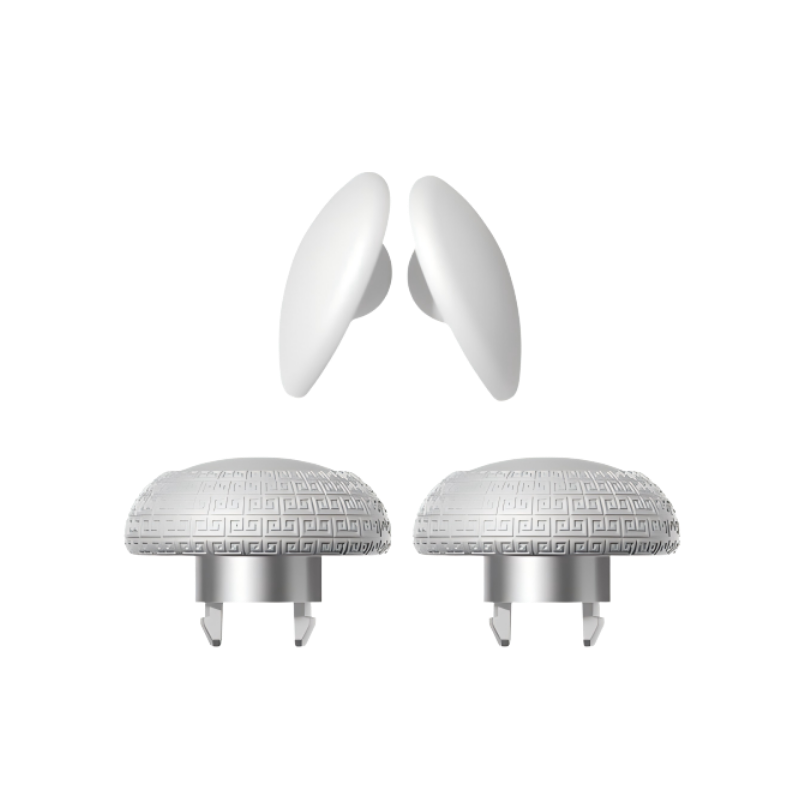
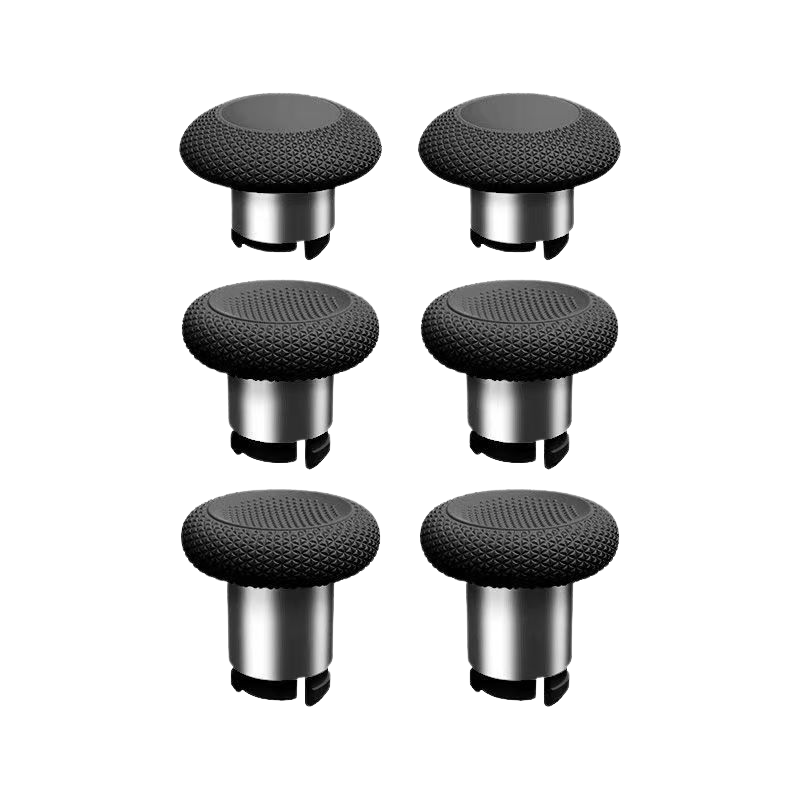
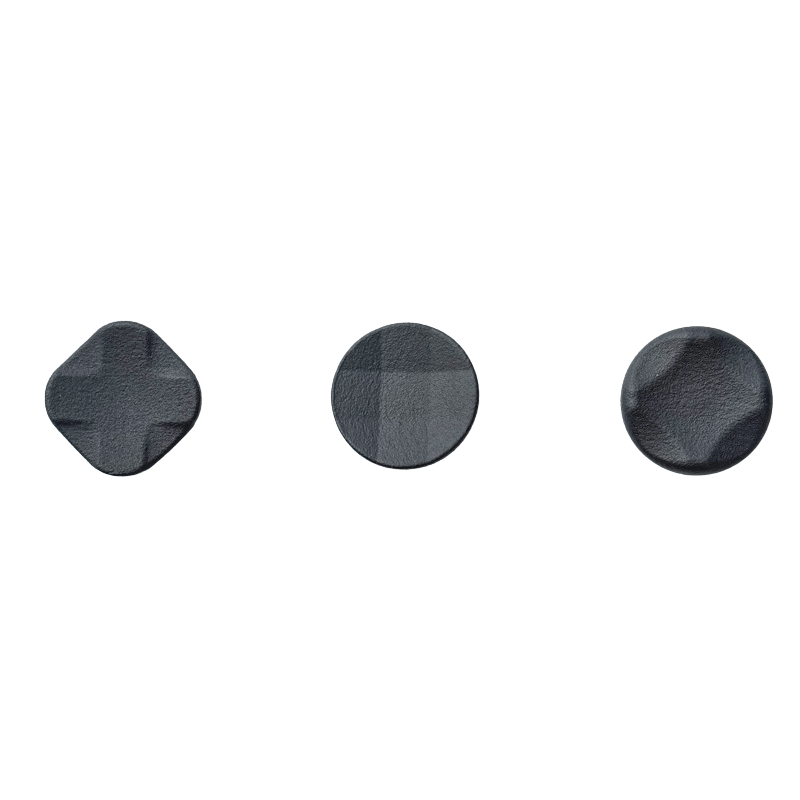
- One small thing for thumb grip cap buyers: the stick caps are the smaller Xbox-style size, not PS5-size — shop accordingly.
Apex 6 Pro vs Apex 6
Same shell, same buttons, same sticks, same dual-mode VCM triggers, same software. The ONLY difference is the grip motors: four voice coils (Pro, $159.99) versus two voice coil triggers + two rotor grips (standard, $149.99).
If you play a lot of atmospheric single-player games — Elden Ring, Wukong, Horizon — the Pro's quad-motor immersion is the real deal and our pick. If you mostly play competitive shooters where haptics are set-and-forget, or you simply prefer the classic rotor thump, the standard 6 keeps $10 in your pocket and loses very little.
Get Yours
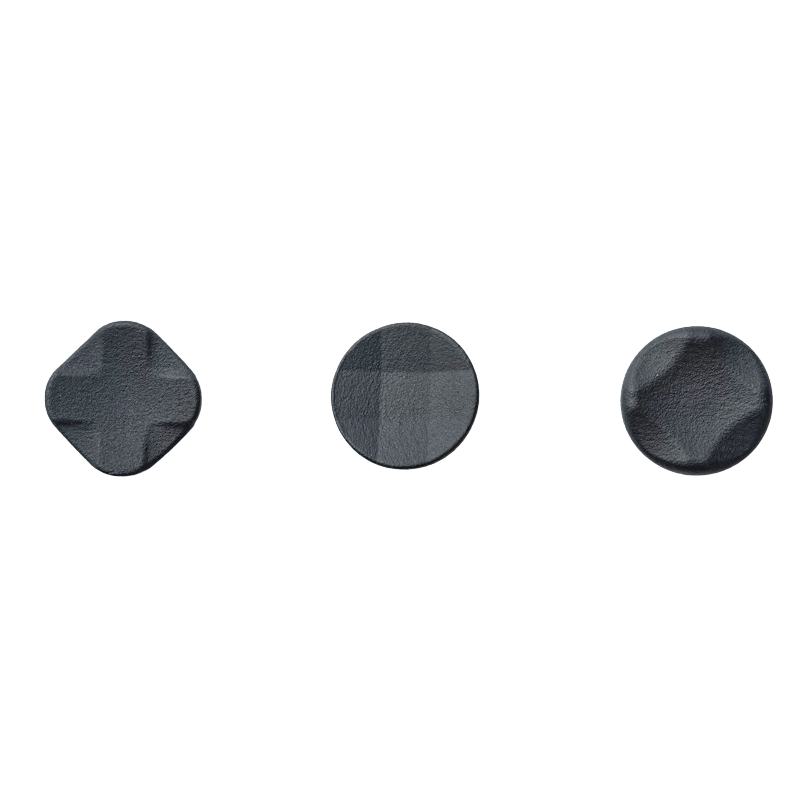
Order ANY Apex 6 series controller — including the limited editions — before October 20, and a D-Pad Set (a $9.99 value) comes free with your order, from us. No code needed.

Apex 6 Pro
$159.99Quad VCM haptics, dual-mode triggers, TMR sticks — the full flagship.

Apex 6
$149.99VCM triggers plus classic rotor grips — same flagship, traditional thump.

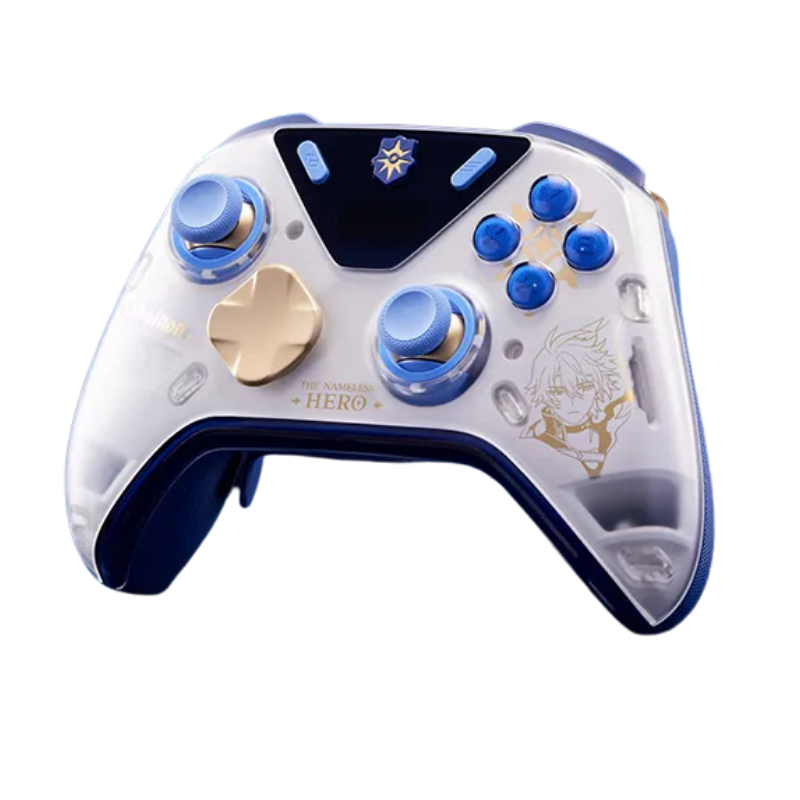
Apex 6 Pro × Phantom Blade Zero
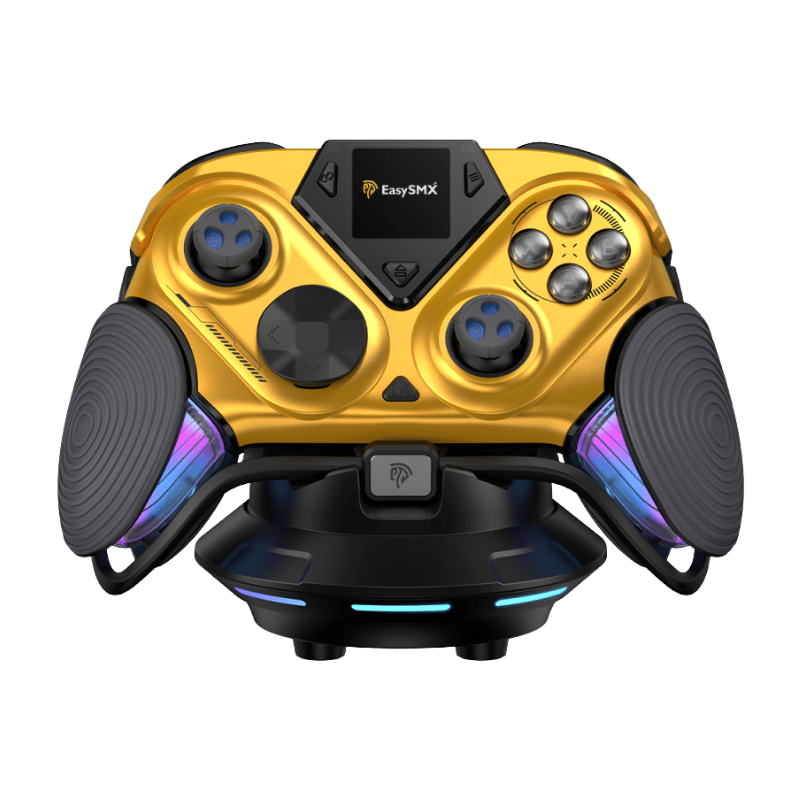
$209.99The quad-VCM flagship in exclusive Phantom Blade Zero livery.

Apex 6 Pro × Zenless Zone Zero
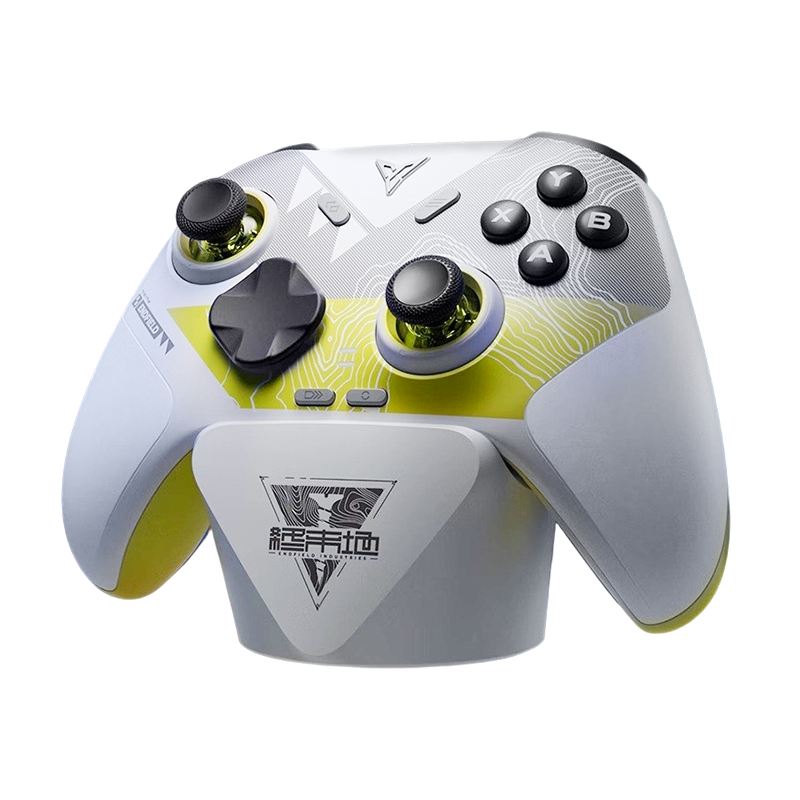
$259.99The quad-VCM flagship in exclusive Zenless Zone Zero livery.
The Bet Mostly Pays Off
The Apex 6 Pro is not a reinvention — it's a bet. Flydigi bet that the future of controller immersion is voice coil motors everywhere, backed by AI audio analysis that works with any game instead of waiting for developers to integrate an SDK. After a few days with it, we're convinced the bet mostly pays off: the four-motor XHaptics system delivers texture and layering that rotor controllers simply can't produce, the dual-mode trigger finally fixes the "force feedback is neat but I turned it off" problem, and the TMR stick upgrade quietly addresses the last complaint anyone had about the hardware.
What's unfinished is the software library around it — the global audio mode needs smarter music filtering, and the per-game profile list needs to grow. Both are firmware-and-software problems, and Flydigi has a decent track record of shipping exactly those updates.
Is it the new flagship benchmark? In haptics, nothing else on PC comes close right now. We'll update this piece as the game profile library expands.





Leave a comment
All comments are moderated before being published.
This site is protected by hCaptcha and the hCaptcha Privacy Policy and Terms of Service apply.