






























We Took Apart the Flydigi Apex 6 Pro — Here's What's Actually Inside
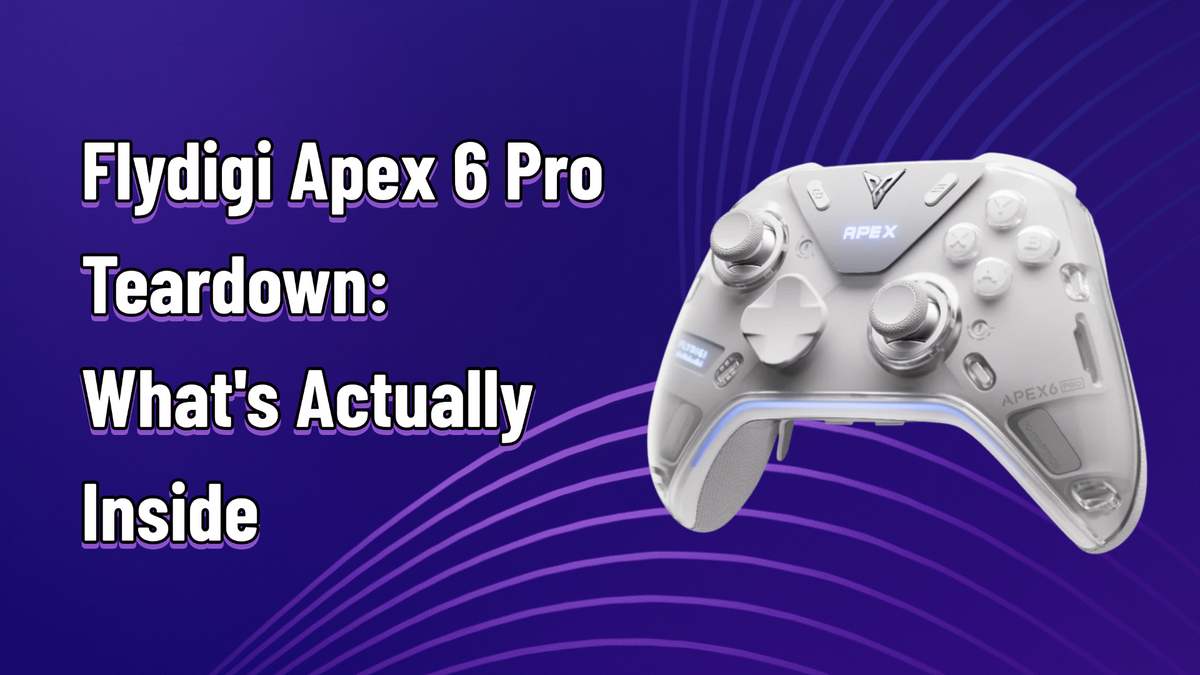
Spec sheets tell you what a controller promises. A teardown tells you whether the engineering backs it up. We went under the hood of the Flydigi Apex 6 Pro to see the hardware behind X-Haptics — and found three clever internal fixes that Flydigi never advertised.
This teardown is adapted, with authorization, from a teardown video by Bilibili creator 穿睡衣的芋头 (Chuan Shuiyi de Yutou) — watch the original video. We've reorganized it by theme and added our own context.
(And yes, we sell the Apex 6 Pro — links at the bottom, but the engineering is the star today.)

Six Torx and Two Phillips Later
Six Torx screws up front (conveniently parked next to the faceplate magnets, so they can't wander off) and two Phillips screws hidden behind the phone-stand cover, and you're in. First things greeting you: a 1500mAh battery — the fuel tank those four motors demand — and a ribbon cable running the rear FN/turbo keys and back buttons.

The Four Voice Coil Motors, Up Close
This is what we came to see, and the details are better than expected.
Fully metal-enclosed, dual-direction voice coil units, each sitting in its own dedicated motor chamber molded into the shell. Tap one and it rings with a solid, dense thunk — these are serious pieces of hardware, physically comparable in scale to what Sony puts in the DualSense.
A different design: smaller, flatter, single-direction voice coils bonded directly to the trigger housing itself. No wasted space, no intermediate frame — the motor effectively becomes part of the trigger, which is exactly why trigger haptics feel so immediate.
One platform, two motor designs, each tuned to its job: the big enclosed units fill your palms with environmental weight, the flat trigger units deliver sharp, fingertip-level transients. Hearing the motors driven on a test bench — with the signal amplified through a metal tin — the layering between native game rumble and audio-driven haptics is unmistakable.


Three Fixes Flydigi Never Advertised
Engineering changes you can only find by opening the shell:
On the previous dual-mode design (Vader 5 series), the controller inferred which trigger mode you were in from software: pull the linear trigger past ~20% and it would register as linear mode. The side effect: your first linear press didn't register until it crossed that threshold — a small but real delay. The Apex 6 Pro adds two tiny physical sensor switches: flick the mode toggle and an opening in the mechanism presses (or releases) the switch. Pressed = micro mode, released = linear. Mode recognition is now instant, with zero first-press lag.
On older layouts, the trigger's Hall sensor sat on the mainboard, close to the left stick — and trigger magnets could bleed interference into the stick's readings. Now both Hall sensors live on ribbon cables at the top of the controller, physically separated from the stick assembly, with a metal shielding plate underneath for good measure. Left-trigger input can no longer nudge your left stick. That's the kind of fix nobody puts on a box, and everyone benefits from.
Way back on the Apex 4, pressing the stick down (L3) would drag the X-axis slightly sideways — pressing and aiming fought each other. The current stick module triggers the press switch through a small levered plastic arm: press travel is shorter, and the X-axis sensor sits rock-still through a press. Watching a tester while mashing L3: the crosshair doesn't move a pixel.


Buttons, Switches, and the Small Stuff
- ABXY: Kailh green-dot micro switches, as before — but the silicone spring arm underneath was re-engineered with a firmer black material at the bottom-out point. That's the hidden reason this generation's buttons feel crisper and more defined than the Apex 5's.
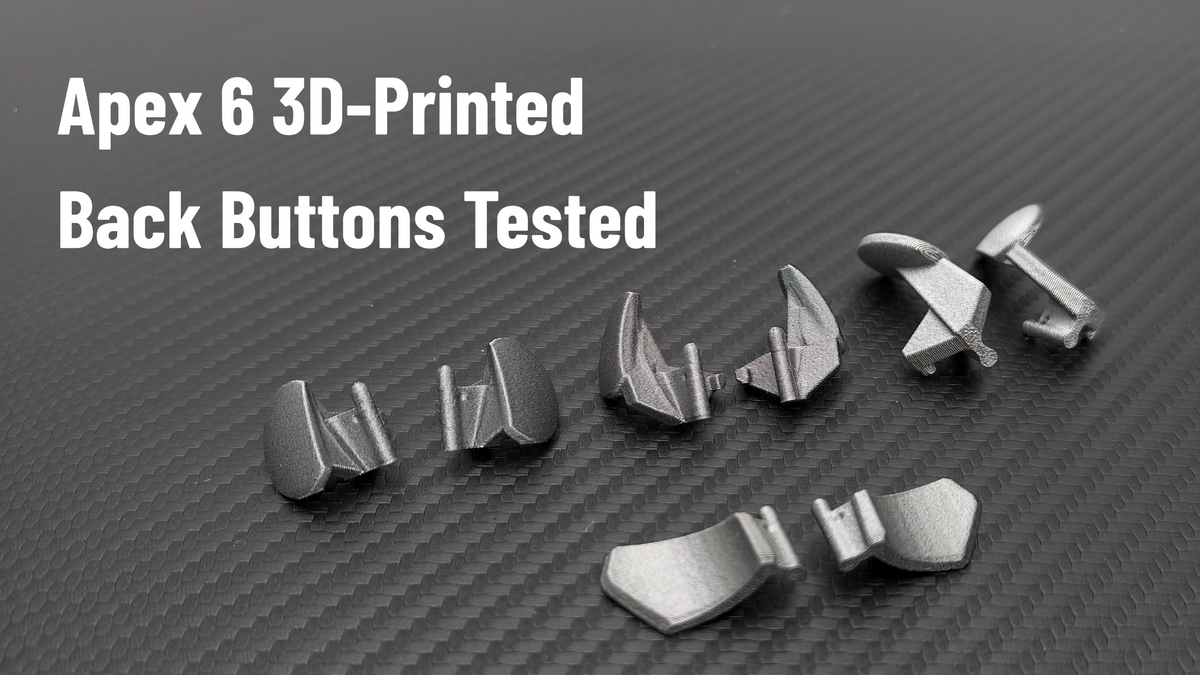
- Back buttons: the switch spec changed to metal light-touch units with a rubberized contact surface, and consistency across all four is visibly better than the last generation. The detachable paddles seat onto a spring-loaded steel ball that clicks into a dimple on the paddle — a tiny detent system that keeps them planted and gives a satisfyingly precise feel on install.
- Menu/logo keys: metal light-touch switches with soft rubber bases underneath, so they don't feel harsh and clicky-hard against your finger.
- Light guide: a single light-pipe strip runs the width of the controller for the RGB underglow, with blackout tape applied to prevent light bleed. The nameplate gets its own two RGB LEDs.
- Shoulder and mini-shoulder switches: new spec this generation, and the support bracket behind them is shaped to backstop the switch — even a full-force slam can't over-travel and damage it.
- Triggers: rubber buffer pads at the top limit and on the shell, so both directions of travel end quietly.
- Board layout: main and sub boards connect via pin headers (no soldered ribbons between them), and the stick tension screwdriver still lives in its magnetic dock inside the shell.
Polling checks out at a true 1000Hz class, and stick tension measured roughly 28–98 gf across the dial — in line with the official 30–100 gf spec once you account for manufacturing tolerance.

And It's a Good One
Honest context: X-Haptics launched with rough edges — the global audio mode could over-trigger on background music, and per-game tuning was thin on the ground. What matters is what's happened since: Flydigi has been shipping firmware at a real clip (their beta channels are mostly everyday players, not just creators), and the latest X-Haptics algorithm update restructures everything into three clean modes:
- Pure Mode — follows only the game's native vibration signals. Voices and music never trigger the motors. The "no false positives" option.
- Sound Mode — haptics driven entirely by audio analysis. This is the one that gives rich vibration to games with NO native vibration support at all.
- Full Sense Mode — native rumble with audio haptics layered on top: ambient sound and scene interactions add texture over the game's own feedback. Maximum immersion.
In other words, the biggest launch-day complaint (BGM bleed) now has a dedicated mode built to kill it. The hardware was ready at launch; the software is catching up fast — and it's arriving as free firmware updates, not a new SKU.
Tidy Work, With Intent
Teardowns of previous Apex generations showed tidy work; this one shows tidy work with intent. Metal-enclosed motors in dedicated chambers, hardware fixes for three different legacy quirks, re-spec'd switches almost across the board, and a haptics platform that's improving weekly in software. The Apex 6 Pro isn't a reskin of the Apex 5 with new motors dropped in — it's the same beloved silhouette rebuilt around a genuinely new idea of what controller haptics can be.








Leave a comment
All comments are moderated before being published.
This site is protected by hCaptcha and the hCaptcha Privacy Policy and Terms of Service apply.