





























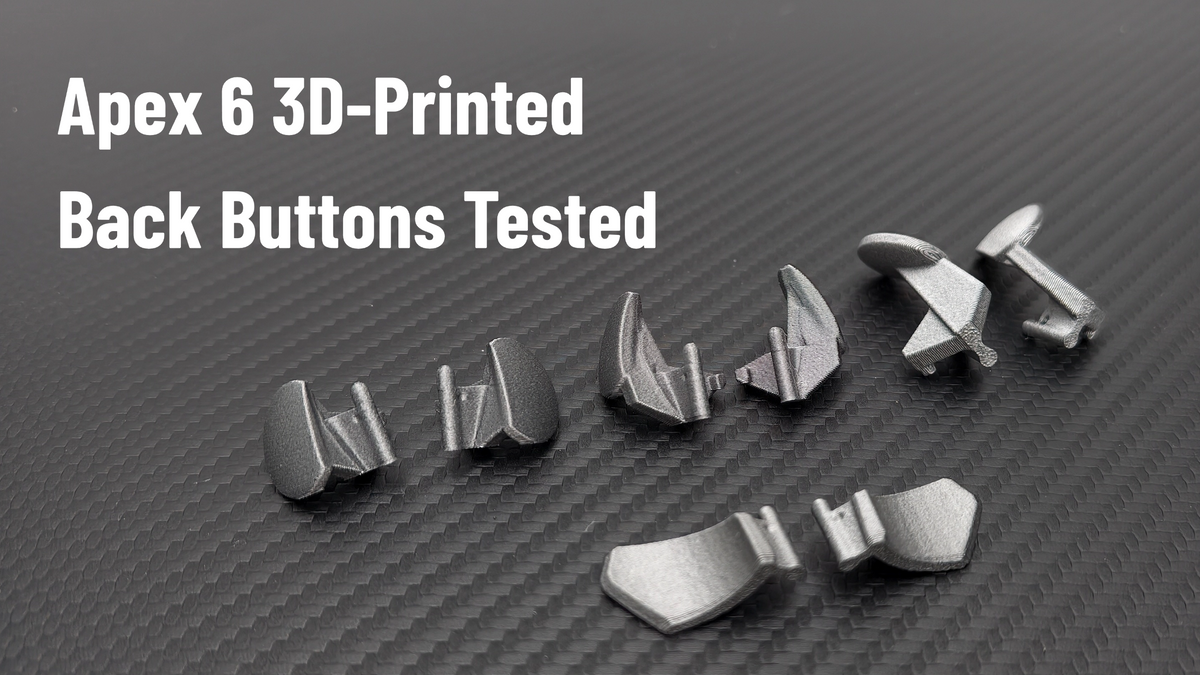
3D-Printed Back Buttons for the Flydigi Apex 6 Series: Four Shapes, One Favorite
Hey everyone, Ray from GadgetHyper here.
Some of you remember our 3D-printed back button set for the Vader 5 Pro — we tested all four shapes and wrote the whole thing up (that guide is here). Since the Apex 6 series launched, the same question kept landing in our Discord and inbox: "Are you doing the buttons for the Apex 6?"
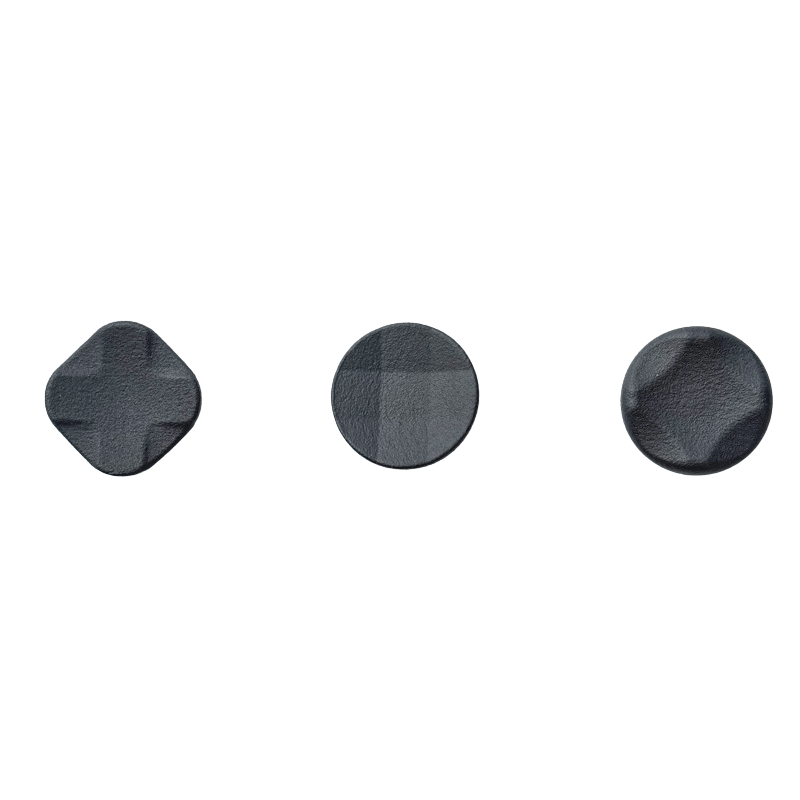
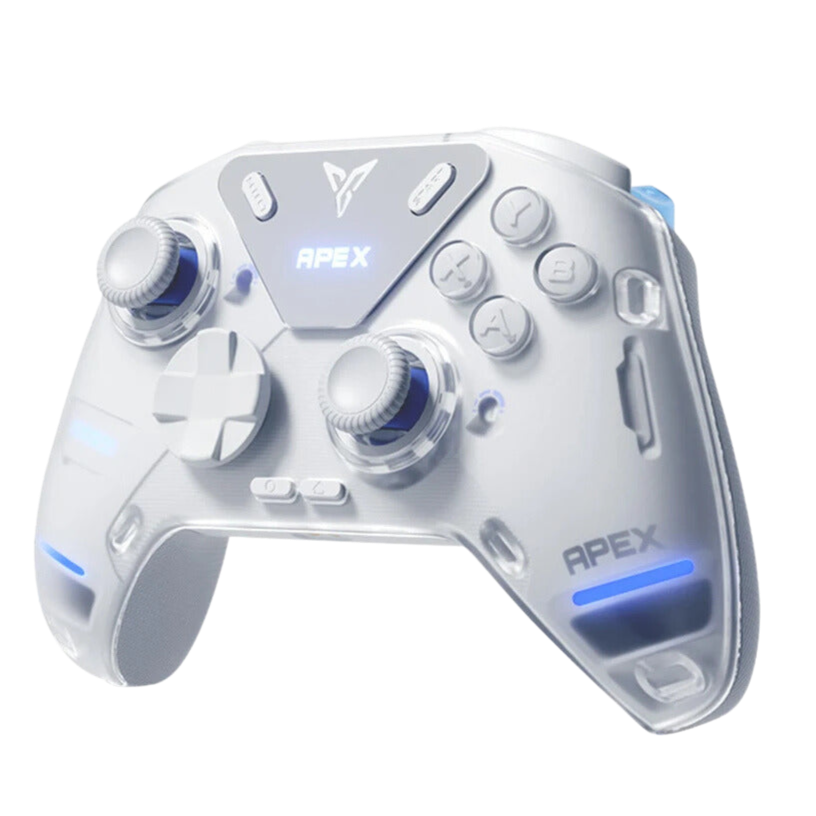
Yes. They're here — all four designs, re-tooled for the Apex 6 series, in our store now. This post is the hands-on companion: what each shape feels like on the new controller, and how to pick yours.
Nobody Needs These as Insurance Anymore
When these buttons first appeared for the Vader 5 Pro, part of the appeal was peace of mind — early Vader owners were nervous about back button durability. That chapter is closed: Flydigi's V2 batches moved to glass-fiber-reinforced back buttons, and the Apex 6 series ships with that tougher construction from day one.
So why do they still sell? Feel. Leverage, finger posture, grip style — the stock paddle shape is one answer, and it doesn't fit every hand. That's the entire pitch now: not "stronger," but "shaped for you."
Read This Before Ordering
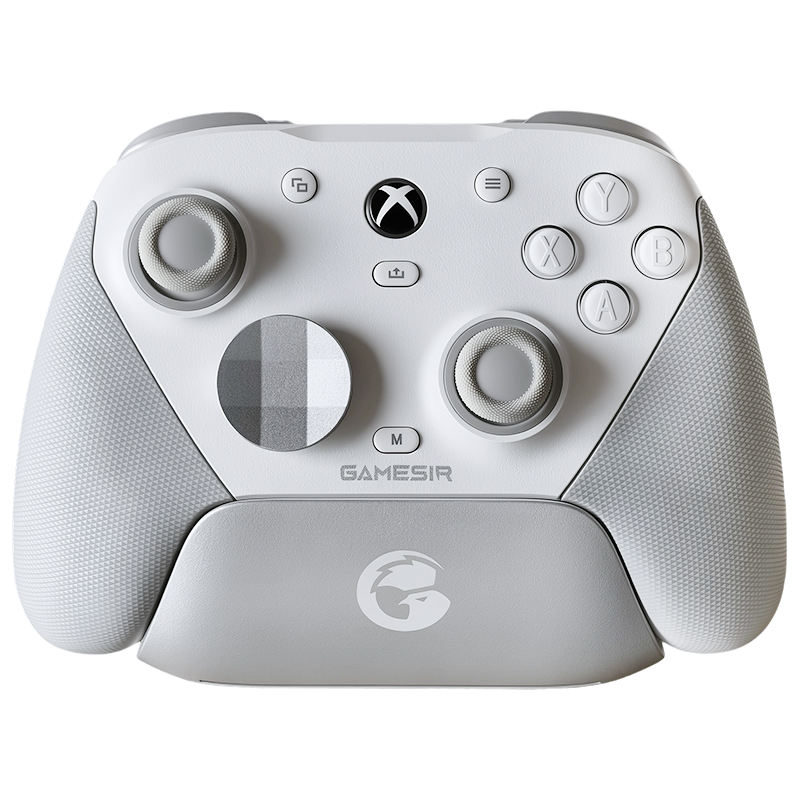
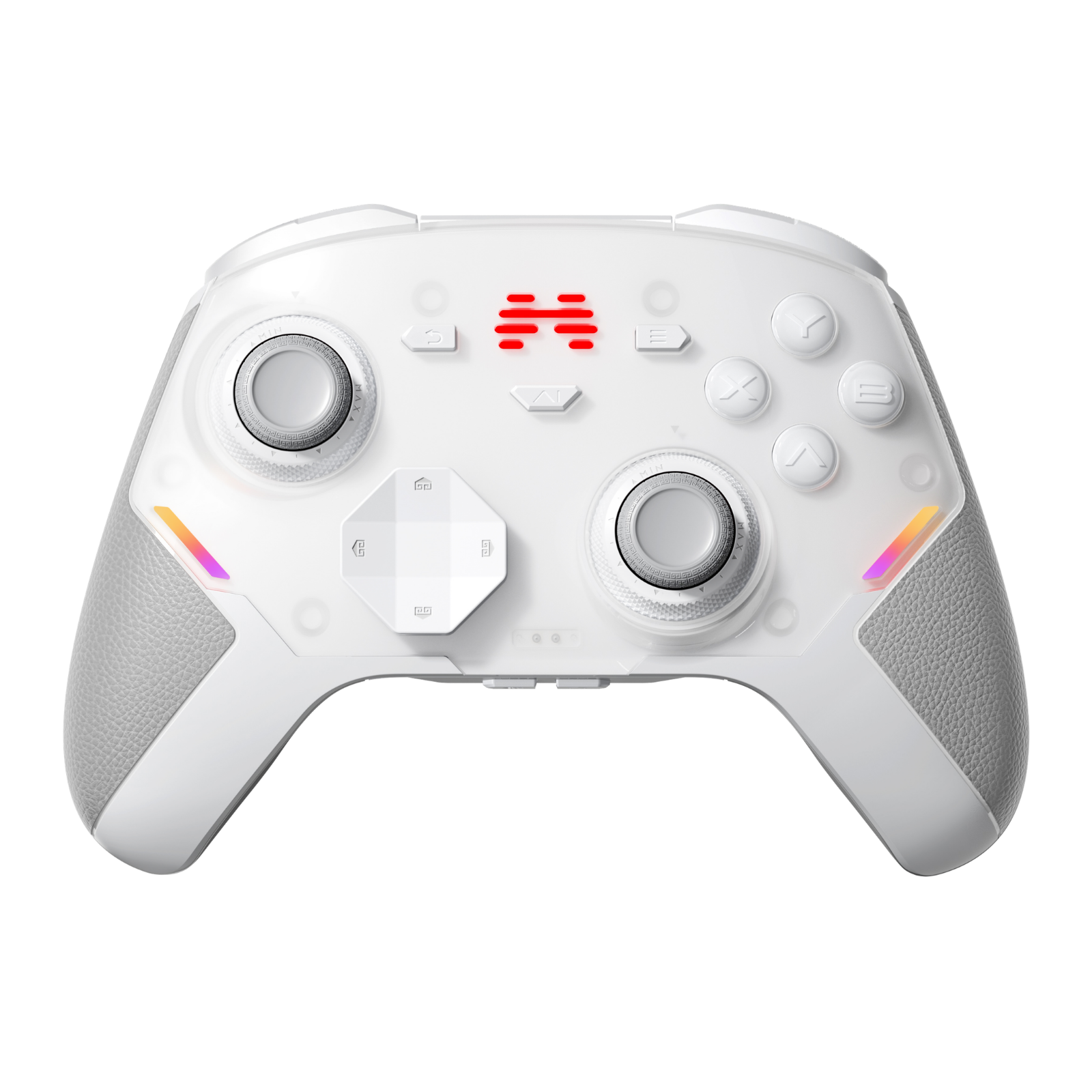
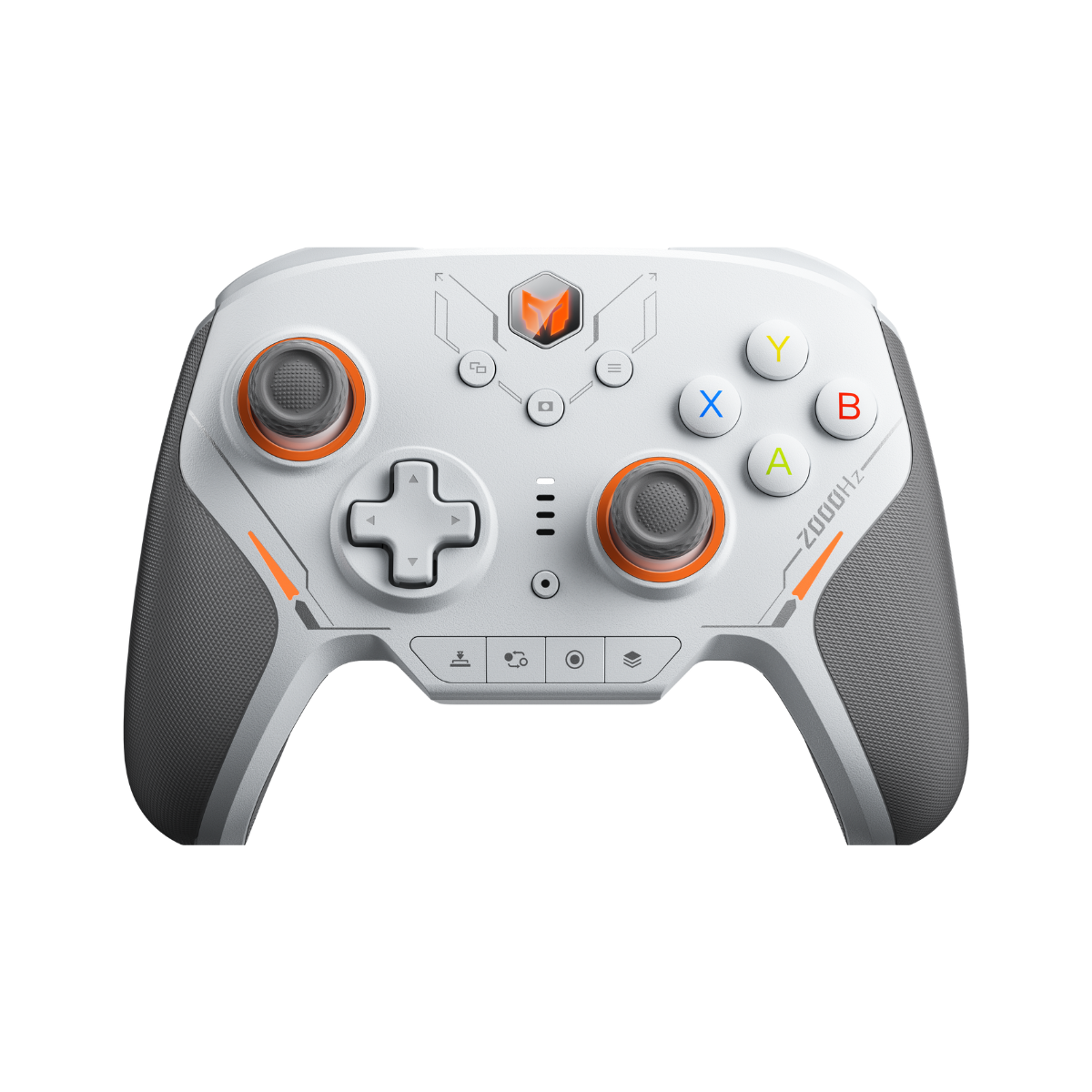
FITS: every Apex 6 series controller — Apex 6, Apex 6 Pro, and all limited collab editions.
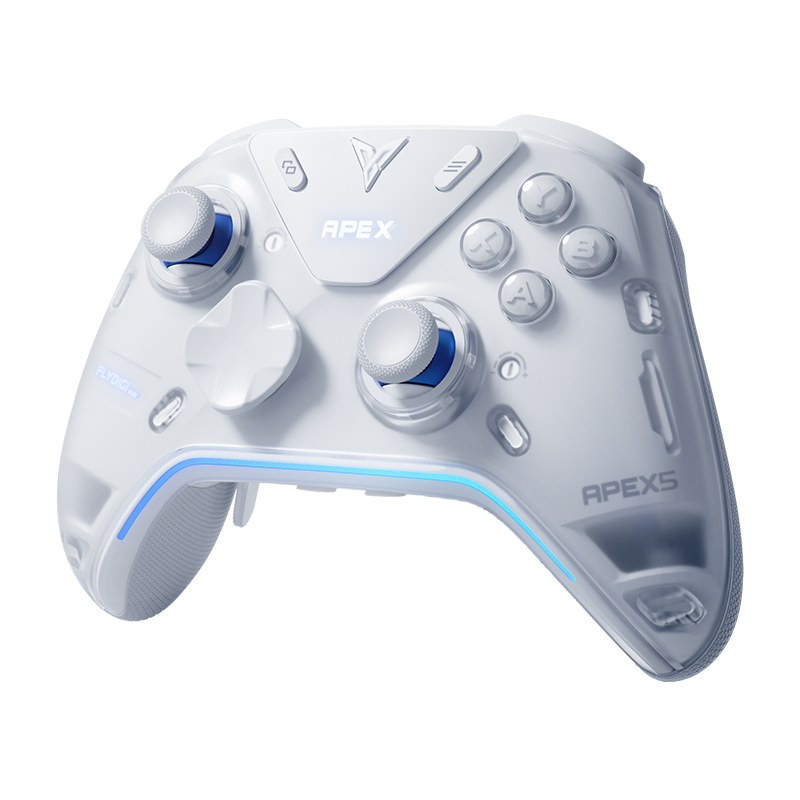
DOES NOT FIT: the Apex 5, and the Vader 5 Pro. The back button slot was re-tooled for the Apex 6 generation, so despite looking similar, the paddles are NOT cross-compatible between generations. (Vader 5 Pro owners: your version is the one from our original mod guide, linked above.)
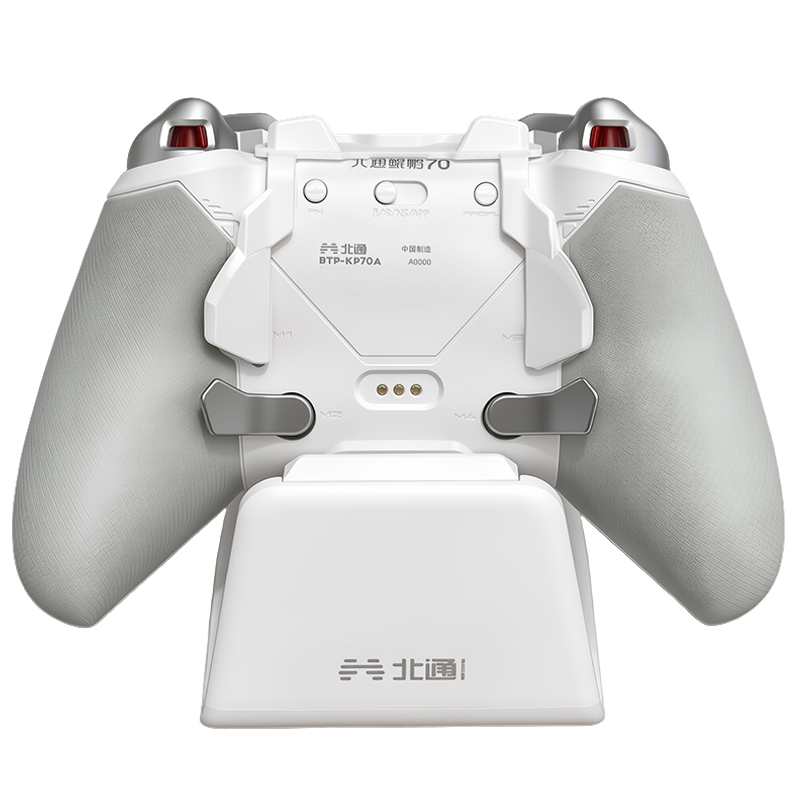
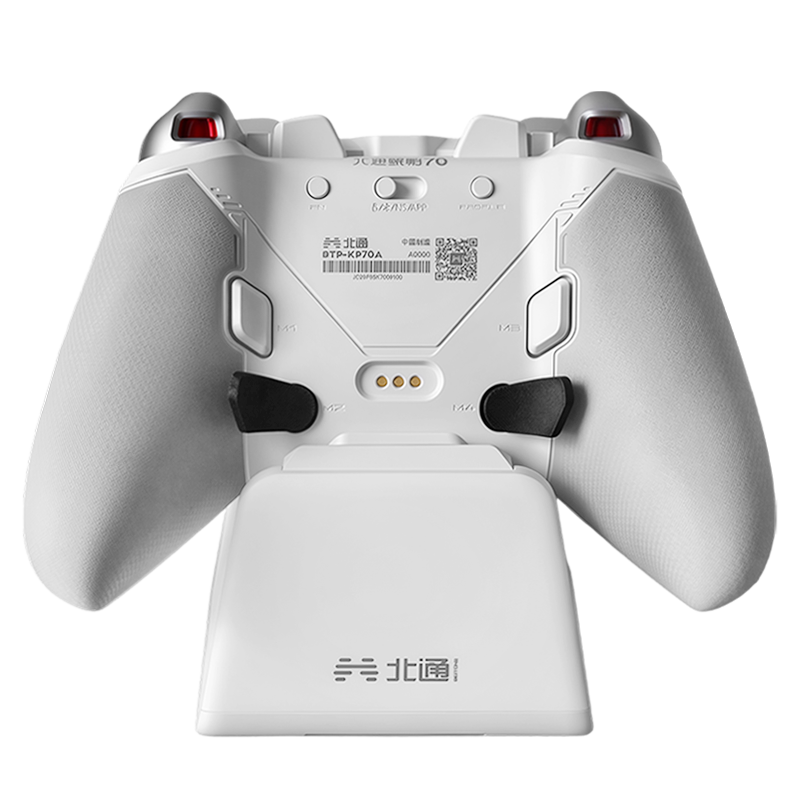
Installation is the same satisfying process as stock — the Apex 6's paddle slot uses a spring-loaded steel ball that clicks into a dimple on the paddle, so each button seats with a precise little snap. Once in, they're planted.
On the Apex 6
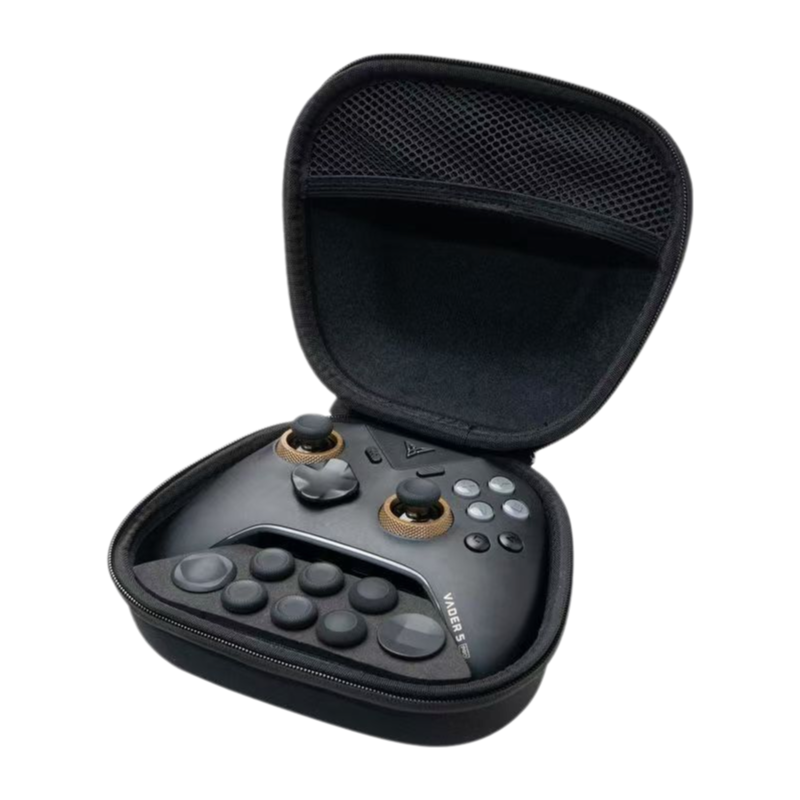
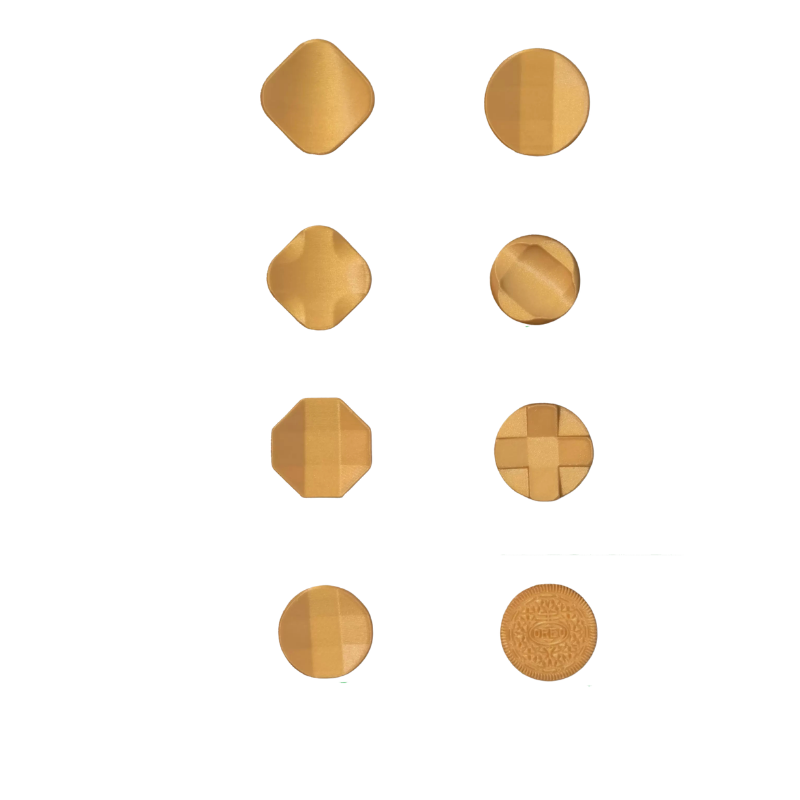
Quick refresher on the lineup, with notes specific to how they sit on the Apex 6 shell. (Full disclosure up front: these are first-impressions feel notes, and we make these with our supplier partner — we're obviously not neutral here, but everything below is genuinely what my hands tell me.)

The "Long"

Extends right to where your middle finger naturally rests on the grip, giving you the longest lever arm of the four. The result is the crispest, most tactile click of the set — hair-trigger energy, in a good way.
The trade-offs: being FDM-printed, tolerances vary slightly unit to unit — on one of my test buttons there's a faint downward wobble on the press. Not a dealbreaker, but I'll always mention it. And while the Long technically doesn't block the fixed M1/M2 buttons, reaching around it with your ring finger feels like finger gymnastics on smaller hands.
The "Medium"

Enough surface for a solid middle-finger press, but short enough that pivoting up to M1/M2 doesn't require contortion. If you actually use all your back inputs, this is the one that gets out of the way least.
The trade-off: the click is a hair softer than the Long — shorter lever, different physics. Most people stop noticing within a session. If you're buying one shape blind, buy this one.
The "Short"

Small rounded nubs, very much in the spirit of the DualSense Edge's back buttons. Clean, out of the way, and great if your fingers naturally land high on the grip.
The reality check: I have smaller hands, and my fingers only catch the top edge of these — a proper press means shifting my whole grip forward, which wastes one of the Apex 6's best features (its shell ergonomics). Big-handed players who ride high on the grips will get along with these better than I do.
The "Stock+"

Closest to the stock Flydigi layout, with an upward flare for players who prefer a classic four-finger back-button posture.
The reality check: familiar, but the spacing between the inner and outer buttons is tight — I recorded more accidental double-presses on this set than any other. If you love the stock shape and just want the FDM material feel, it's that. Everyone else should look at Medium first.
Same as Ever
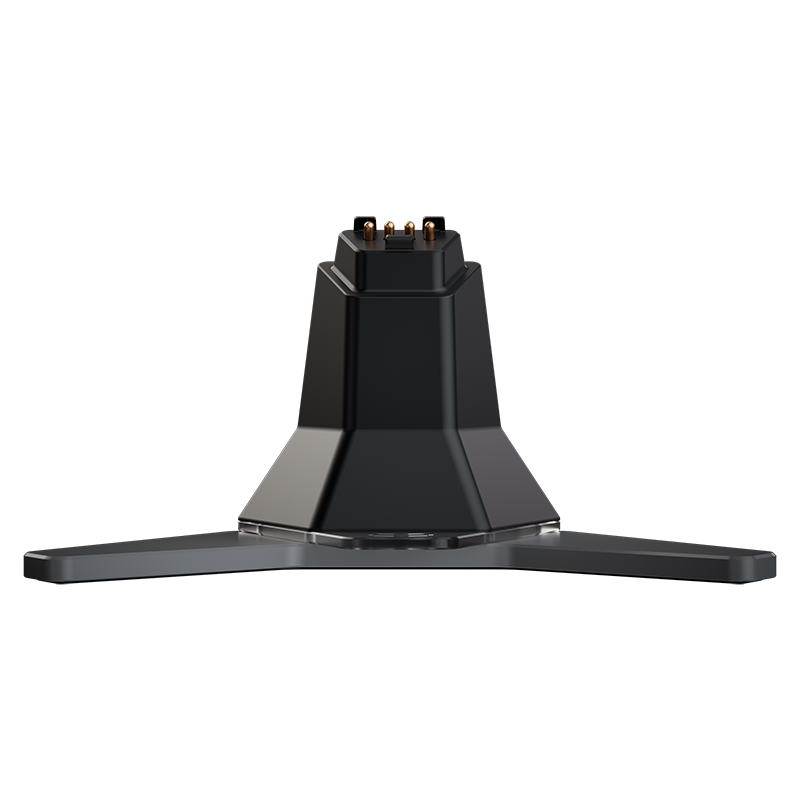
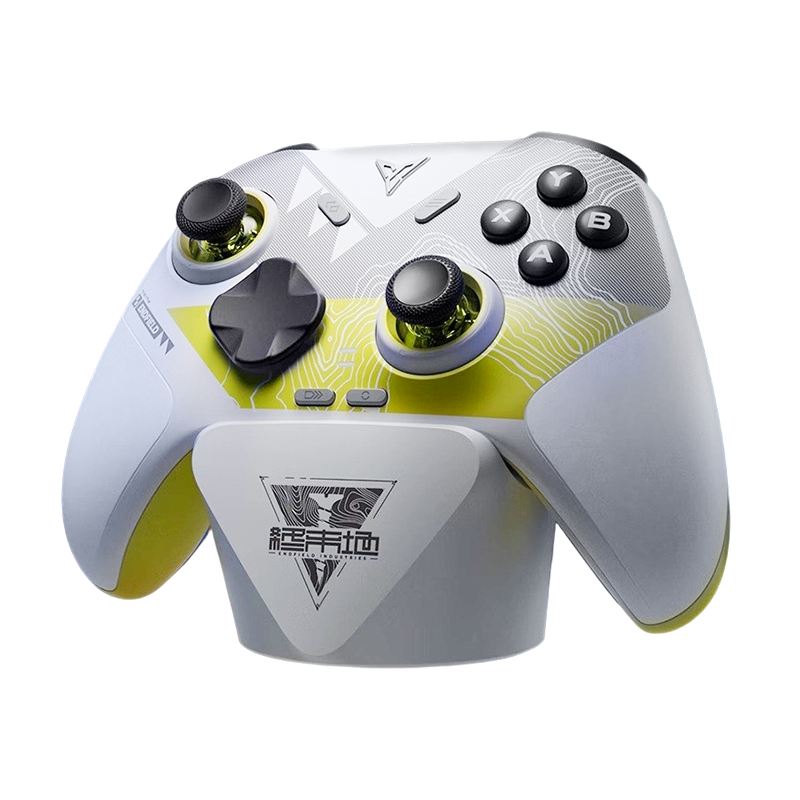
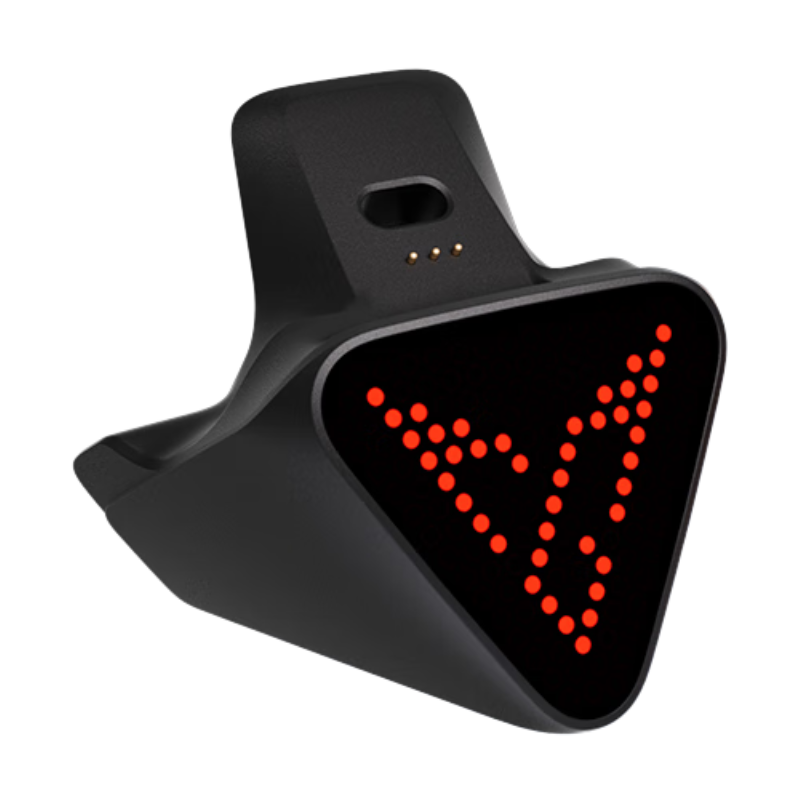
- Charging dock: only the Stock+ shape still fits the official Flydigi charging dock while installed. Long, Medium, and Short need to come off first — they're pull-off, snap-on, so it's a five-second job, but dock users should know.
- Material: don't let "3D-printed" scare you. The FDM material has proven surprisingly robust in the year-plus we've been selling the Vader version — not the brittle plastic people picture. And since the Apex 6's slot retention is the steel-ball detent design, day-to-day feel with these is just like it was on the Vader: solid, no rattle, no drama.
Match the Shape to Your Hands
- Want the crispest possible click and have medium/large hands: Long.
- Use all four back inputs actively, or buying blind: Medium.
- Big hands, high grip, hate anything touching your ring finger: Short.
- Love the stock shape, just want the material and the snap: Stock+.
Me? The Medium lives on my Apex 6 Pro. The Long is the most fun to press; the Medium is the one I stopped thinking about — and for a back button, "stopped thinking about it" is the highest praise I've got.

3D-Printed Back Buttons for Apex 6
Long / Medium / Short / Stock+ — sold individually. Pick the one shaped for your hands.
Questions about fit, grip styles, or which shape matches your hands? Find us in the GadgetHyper Discord — this is literally our favorite kind of conversation.





Leave a comment
All comments are moderated before being published.
This site is protected by hCaptcha and the hCaptcha Privacy Policy and Terms of Service apply.