






























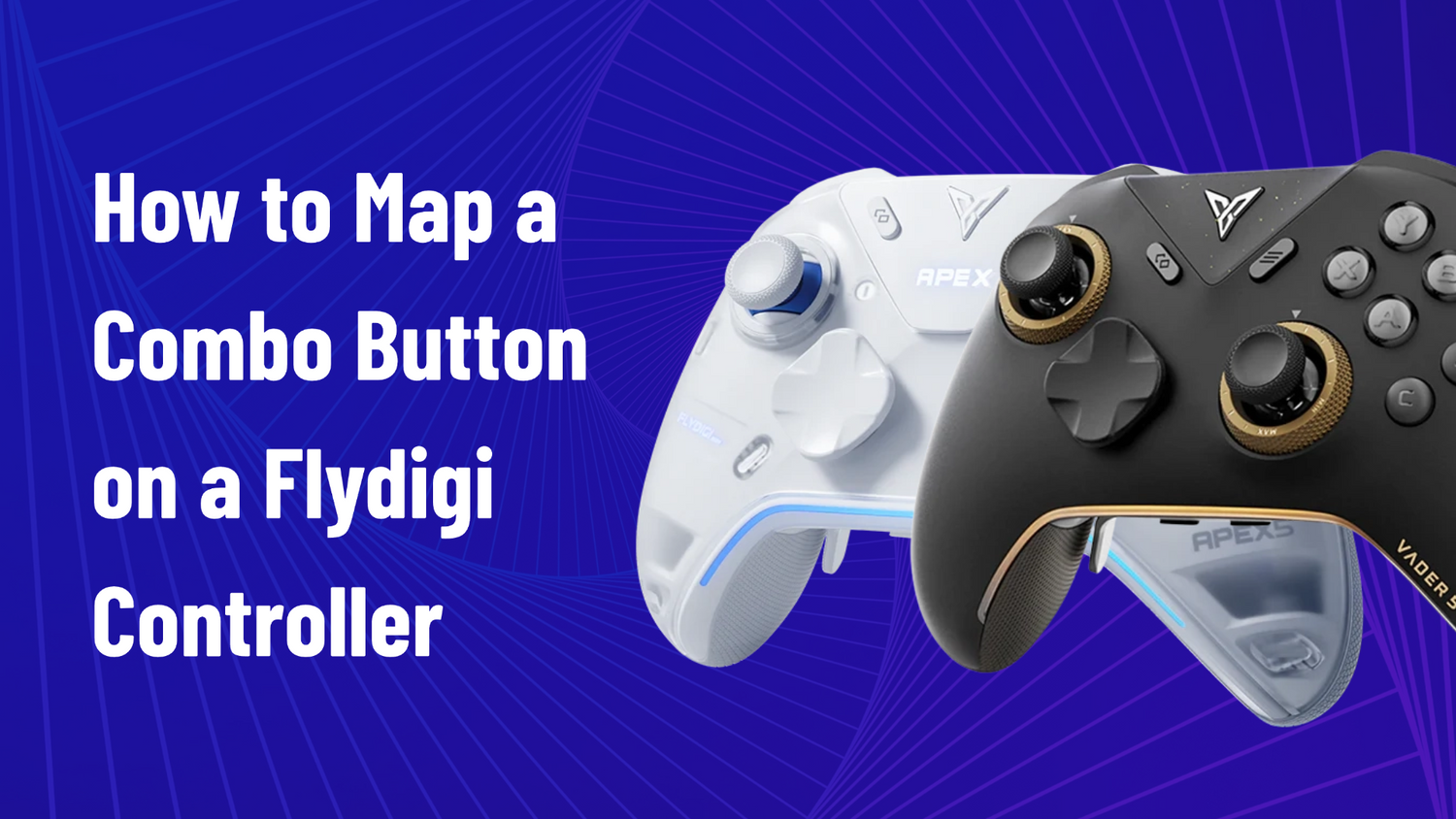
How to Map a Combo (Multi-Button Press) to One Button on a Flydigi Controller — the Macro Trick
Hey everyone — Ray from GadgetHyper here. A question that lands in our inbox regularly: "How do I make one button press two buttons at once on my Flydigi?"

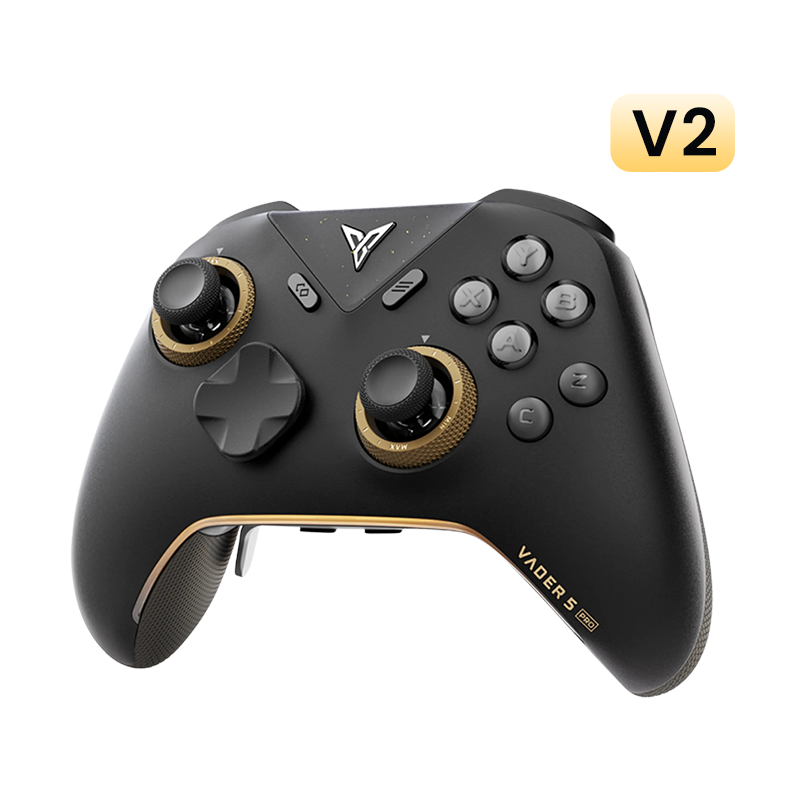
Dig through Flydigi Space Station and you won't find anything labeled "combo key" — because the feature doesn't exist under that name. The trick is to build it with a macro, and once you know the recipe it takes about two minutes. Here's the whole thing, using my Vader 5 Pro. (It works the same on other recent Flydigi pads with back buttons or extra keys.)
A macro is just a timeline of button events — so "simultaneous" simply means set every delay on that timeline to zero.
The Setup, Step by Step
- Connect your controller and open Flydigi Space Station, then pick the onboard config you want to edit.
- Go to the Button tab, click the button you want to turn into the combo key (I'm using the M1 back button), switch to the Macro sub-tab, and hit Click to set macro.
- Click Create to make a new macro.
- Set Activate method to "Hold to loop" and Cycle Interval to 0ms.
- Hit Record — and here's the counterintuitive part: do NOT press your target buttons at the same time. Press them slowly, one after another (B, then A), then release them in the same order. Stop the recording. We'll fix the timing manually in a second — the recording just captures which buttons are involved and their order.
- Now edit the timeline so it reads exactly like this:
- B down → 0ms → A down (the gap between presses — zero means simultaneous)
- A down → 8000ms → B up (the press-to-release gap — more on this number below)
- B up → 0ms → A up (releases also simultaneous)
- Save. Done. M1 now behaves exactly like pressing B+A together: tap it and both fire for an instant; hold it and both stay held until YOU let go. Short press, long press — the timing is entirely in your finger.


"Wait, Why 8000ms? Doesn't That Hold the Buttons for 8 Seconds?"
This confuses everyone. The 8000ms is just the placeholder gap between pressing and releasing — and when you set it to the maximum value, it effectively becomes infinite: the combo never auto-releases, and your release of the combo key controls everything.
The "simultaneous" part comes from the 0ms gaps, not the 8000.
Pro Tips
- Keep press order = release order. It's the easiest way to avoid misconfigured timelines.
- Want 3+ buttons? Same recipe — more entries on the timeline, all gaps zeroed except the press→release one.
- Want a sequence instead of a combo? Leave small delays (10–50ms) between events instead of zeroing them — e.g., L3, then A a beat later. One warning: recording a stick click also captures stick movement events — delete those from the timeline.
Troubleshooting Quick Hits
The stuff that actually trips people up:
Combo won't fire, or 0ms isn't allowed (10ms minimum)?
Update Flydigi Space Station AND the controller firmware — older builds had a 10ms floor. Also check you didn't leave Activate method on "Press to trigger once."
Works on PC, dead on your phone or tablet?
Mapping configs and XInput mode are two separate worlds. On mobile, switch the controller to XInput mode (Fn+X) and it'll carry your setup.
Keyboard-key mappings stop working over Bluetooth?
That's by design — keyboard emulation depends on the PC driver, so it only works in wired or 2.4GHz mode to a PC.
Trying to map a screenshot or Win-key combo?
Not supported natively. Layer Steam Input on top for special keys, or just map F12.
More Questions We Get
Can I map keyboard keys — or keyboard combos — to a controller button?
Yes, on recent Flydigi pads (Vader 5 Pro, Apex series, etc.): single keyboard keys and multi-key combos both work. The exception is special keys like Win or Print Screen — those need Steam Input layered on top.
Can a combo include both stick clicks (L3+R3)?
Yes — same recipe, zero the gaps.
Does the combo work for both short taps and long holds?
Yes. The combo releases the instant you release the key, so duration is entirely yours — that's exactly what the "Hold to loop" + maxed-out gap setup buys you.
Will my combo carry over to my phone or tablet?
Yes, but switch the controller to XInput mode first (Fn+X) — mapping configs and standard mode are two separate worlds.
The Controller We Used

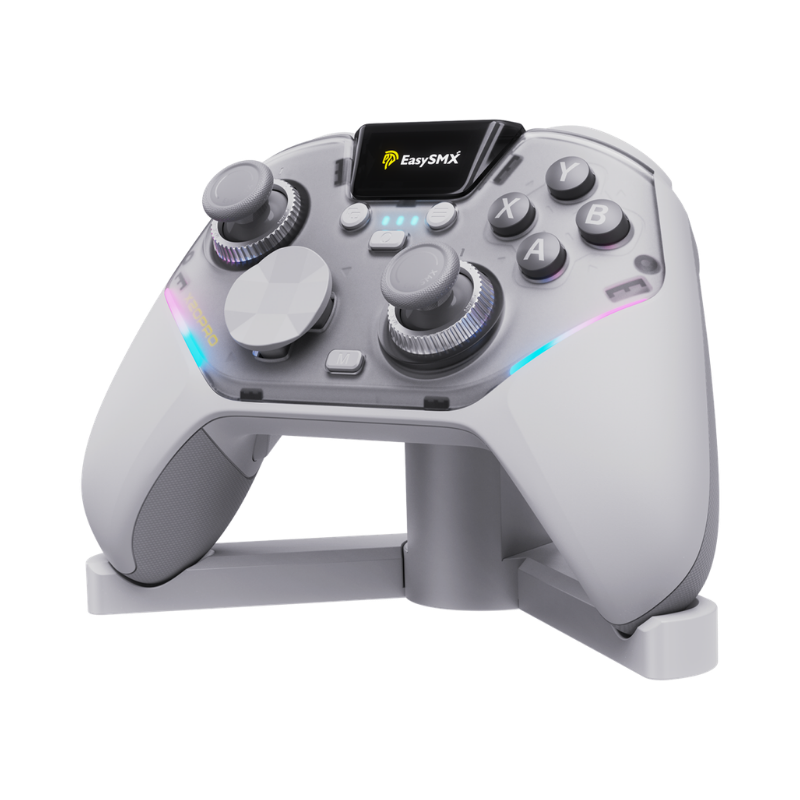
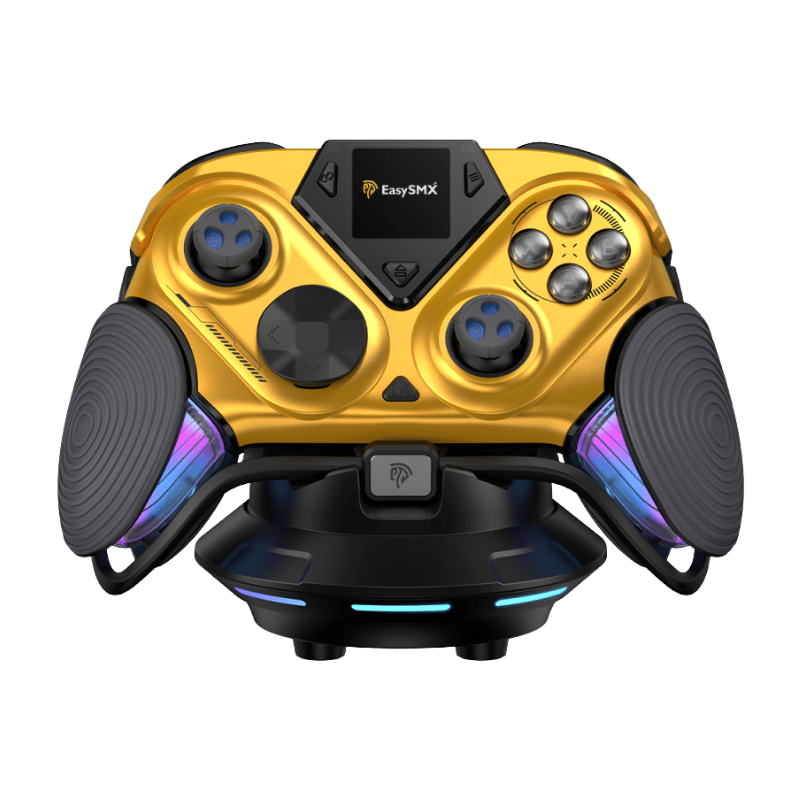
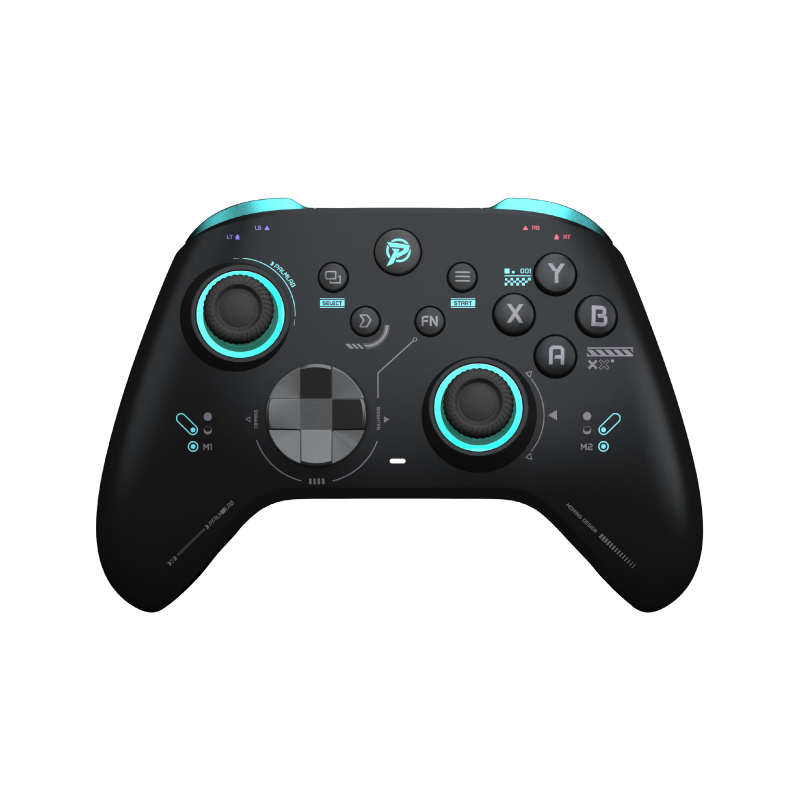
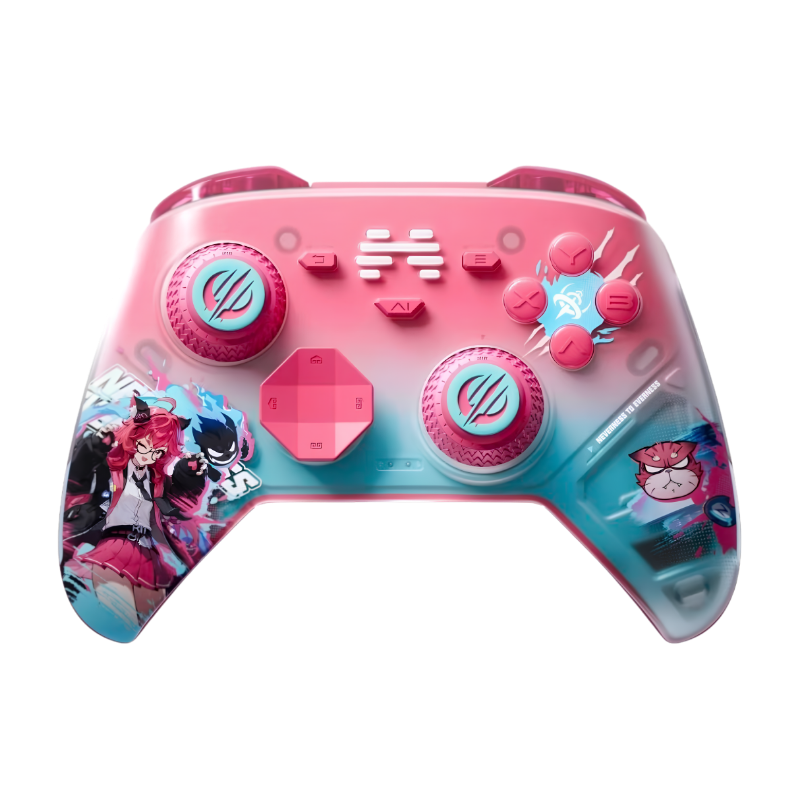
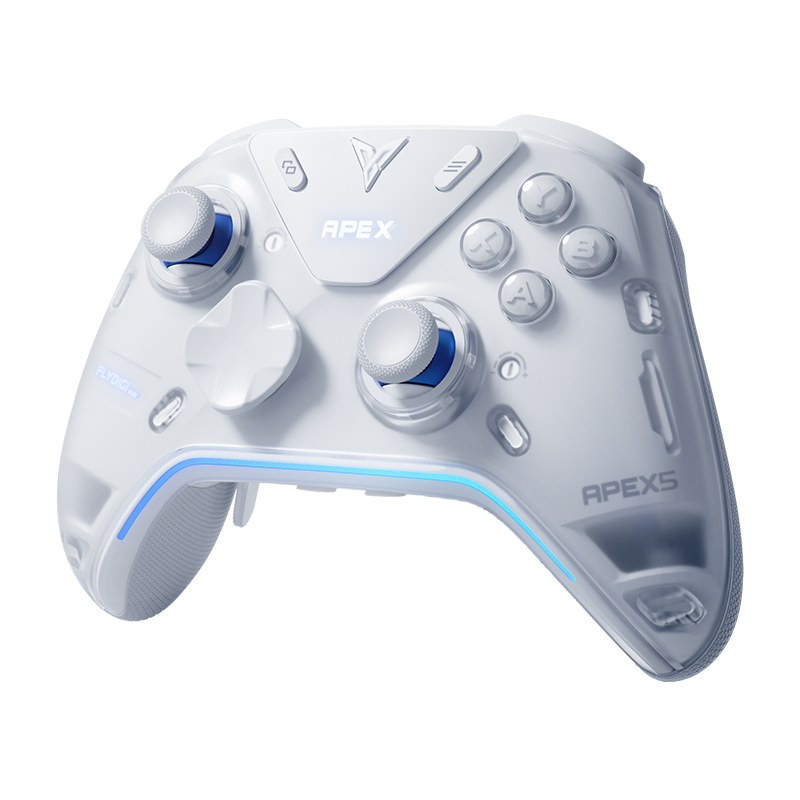
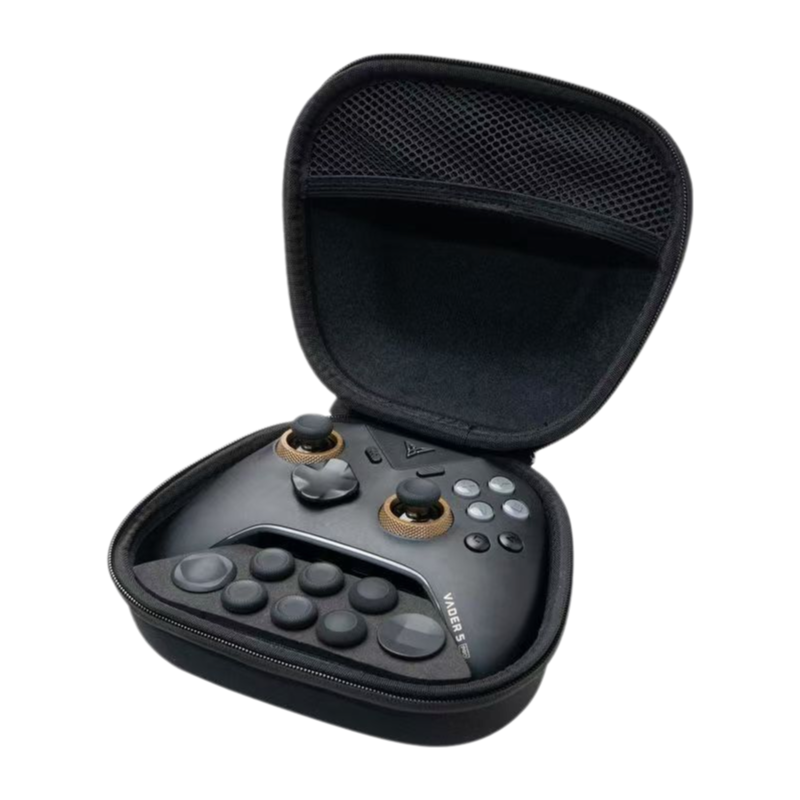
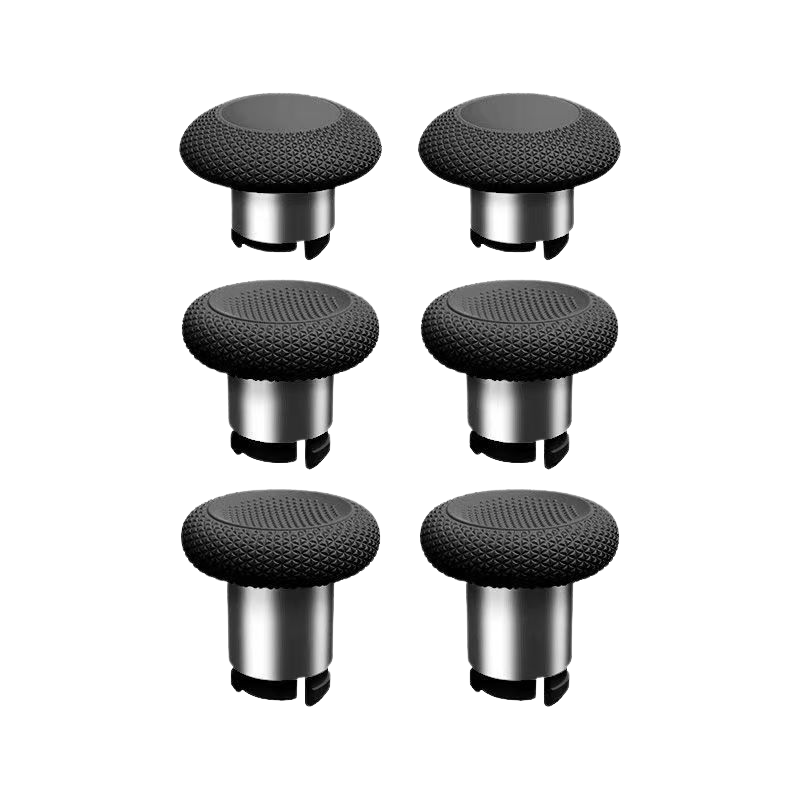
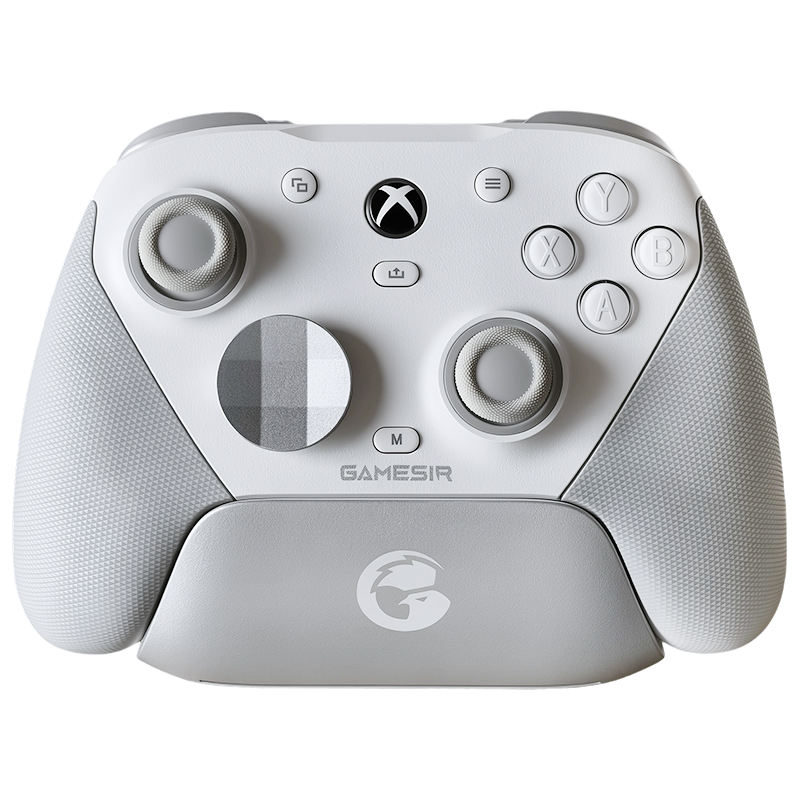
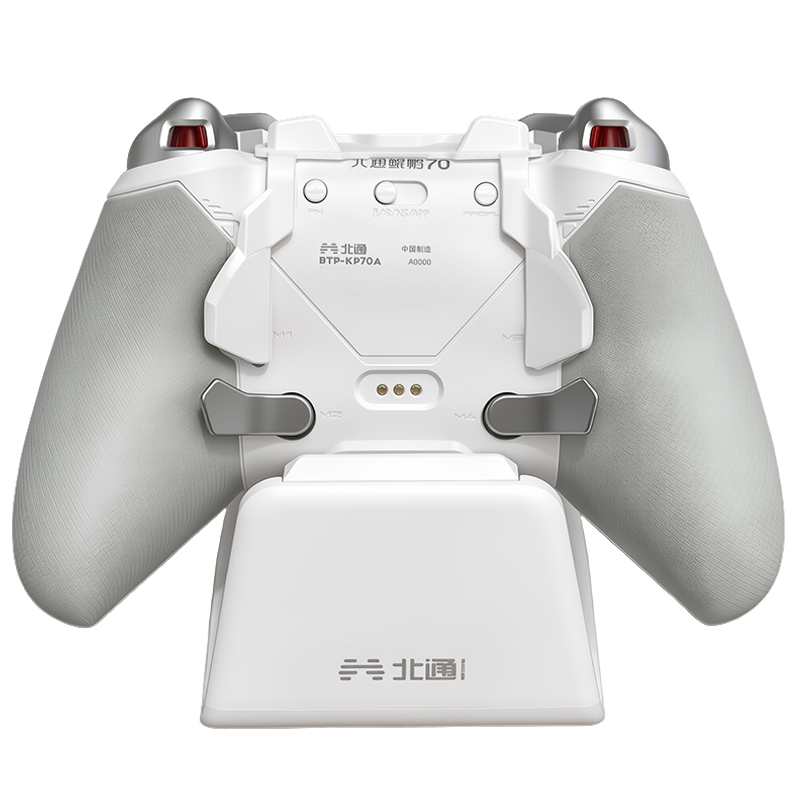
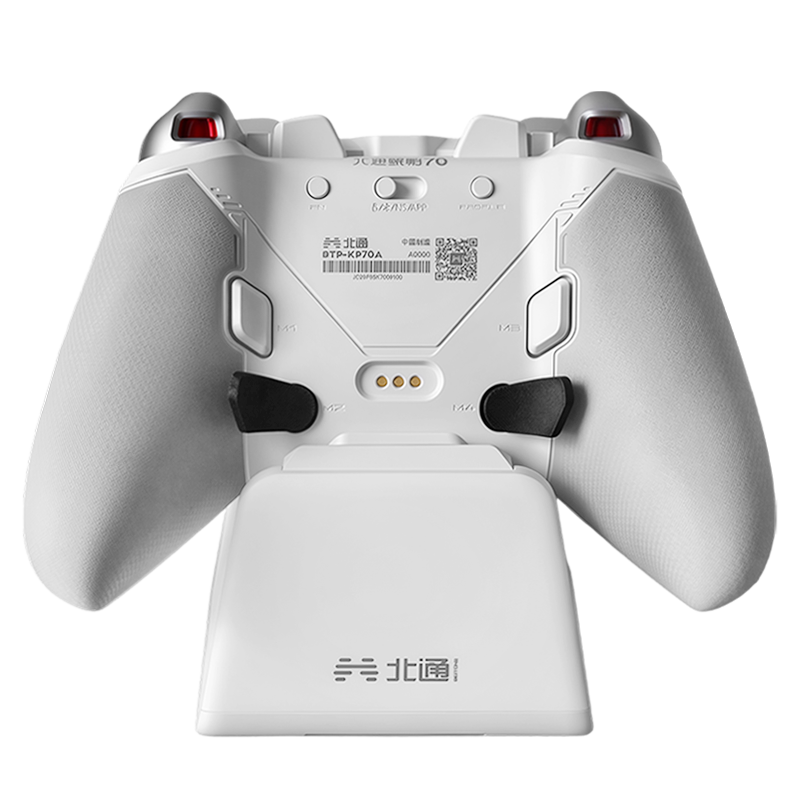
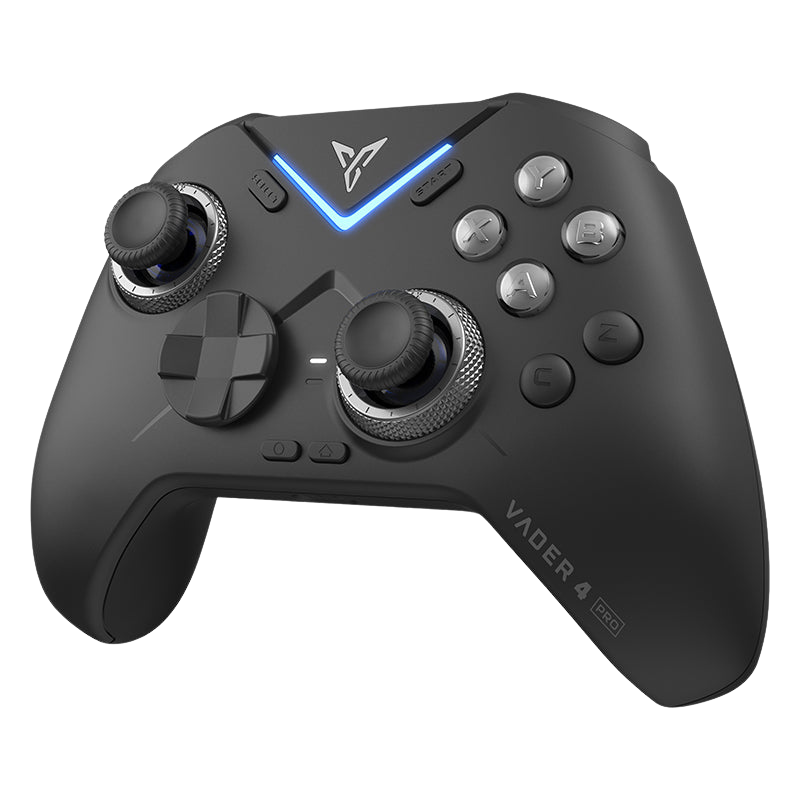
The flagship we used in this guide — force-adjustable Hall Effect sticks, dual-mode triggers, and four remappable back buttons ready for your combos.
$79.99That's the whole trick. What combos are you running on your setup? Drop them in the comments — always looking for ideas to steal.






Leave a comment
All comments are moderated before being published.
This site is protected by hCaptcha and the hCaptcha Privacy Policy and Terms of Service apply.