





























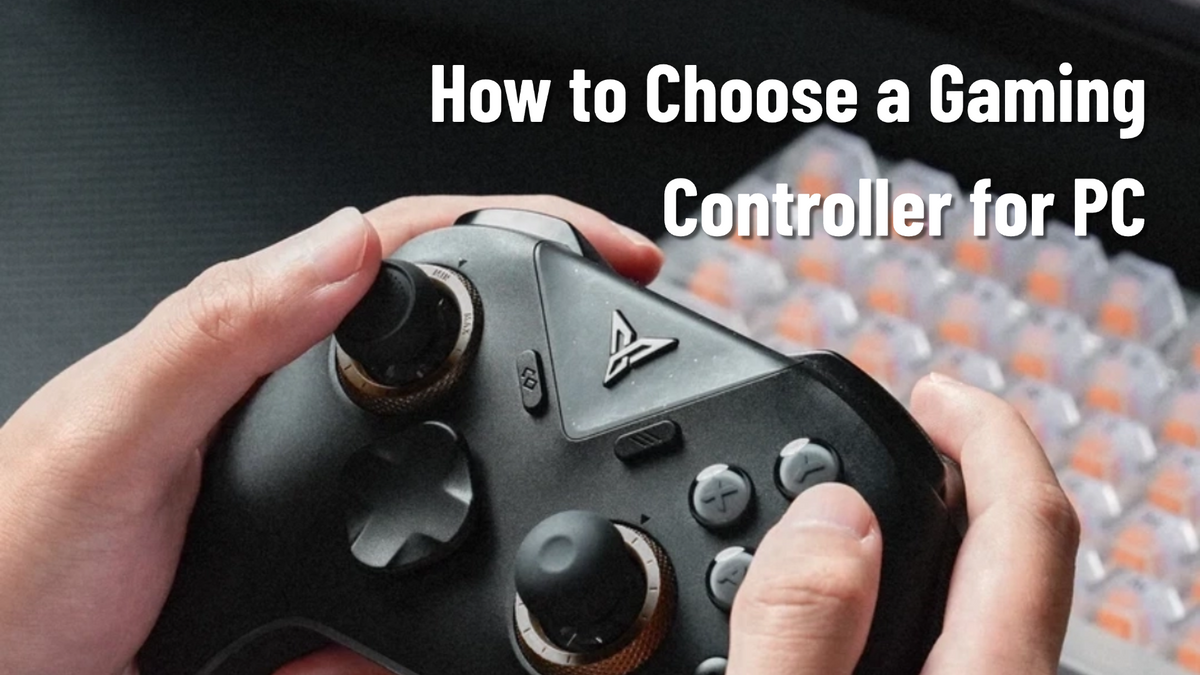
How to Choose a Gaming Controller for PC
There is no single best controller for everyone—only a better or worse match for your games, your hands, and the way you like controls to feel.
We have made the same controller-buying mistake more than once: starting with the spec sheet instead of the person holding it. The result can look incredible in a comparison table but sit in a drawer because the grip feels awkward, the triggers do not suit your games, or its best features go unused.
So instead of another ranking, here is the no-hype buying process we now use ourselves. It is designed for first-time PC controller buyers, but it is just as useful if your last purchase never quite felt right.
Start with your most-played games, check the fit, decide how you want the controls to feel, and make every extra feature earn its place. Use specifications to narrow the field—not to overrule your hands.
Start With Your Games, Not the Hardware
Before comparing controllers, name the three PC games you play most. Then think about what your hands actually do in them.
| Game Type | What to Prioritize |
|---|---|
| Shooters | Stick control, trigger response, a stable grip, and sometimes back buttons for actions without leaving the aim stick. |
| Racing | Smooth analog triggers with enough travel to feather the throttle and brakes. |
| Fighting | D-pad clarity, reliable diagonals, button spacing, and comfortable repeat presses. |
| Action & RPG | Long-session comfort, vibration, wireless convenience, and battery life. |
If your library is a mix of everything, prioritize the games you play most often. Flexible features such as dual-mode triggers can help, but no controller is perfect at everything.
Make one PC-specific check early: confirm Windows compatibility and support for your preferred wired or wireless connection. XInput support or dependable Steam Input support can also save setup headaches. Extra buttons and custom profiles are much less exciting if your games cannot use them the way you expected.

Check the Fit Before Falling in Love With the Features
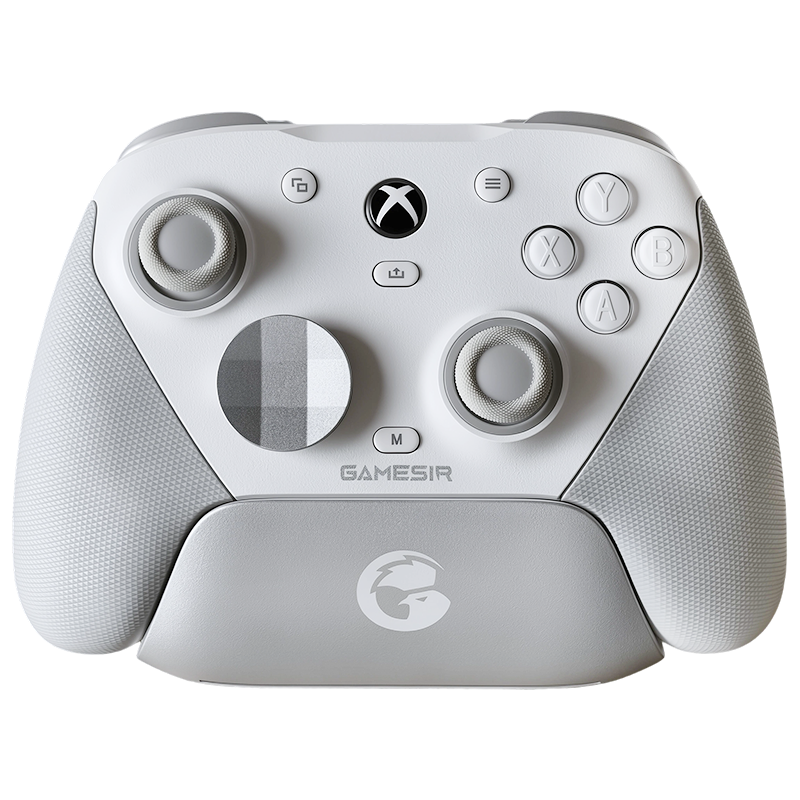
Comfort is easy to underestimate during a five-minute unboxing and impossible to ignore after a long session.
Hand size is a useful starting point, not a strict rule. You can measure from the base of your palm to the tip of your middle finger and use roughly 17 cm as a loose middle-hand reference. Finger length, finger width, and grip style still matter, so treat the number as a shortcut rather than a diagnosis.
What matters more is where your fingers naturally land:
- Can your thumbs rest on the sticks without stretching?
- Can you reach the bumpers and triggers without shifting your whole grip?
- Do the grips support your palms, or do your hands feel curled around a shell that is too small?
- If there are back buttons, can you find them by feel without pressing them accidentally?
Stick layout belongs in the same conversation. Asymmetrical and symmetrical layouts are different, not inherently better or worse. Familiarity is a valid reason to stay with a layout your hands already know. If this is your first controller, prioritize natural thumb placement over internet arguments about which arrangement is superior.
Play normally for 30 to 60 minutes. Notice any strain in your fingers, wrists, or the web of skin between your thumb and index finger, and whether you keep repositioning your hands to reach controls.
A good fit lets you think about the game; a poor fit keeps reminding you that the controller is there.
Decide What You Want the Controls to Feel Like
This is where specifications and experience often get confused. Similar-looking components can feel very different once you start playing.
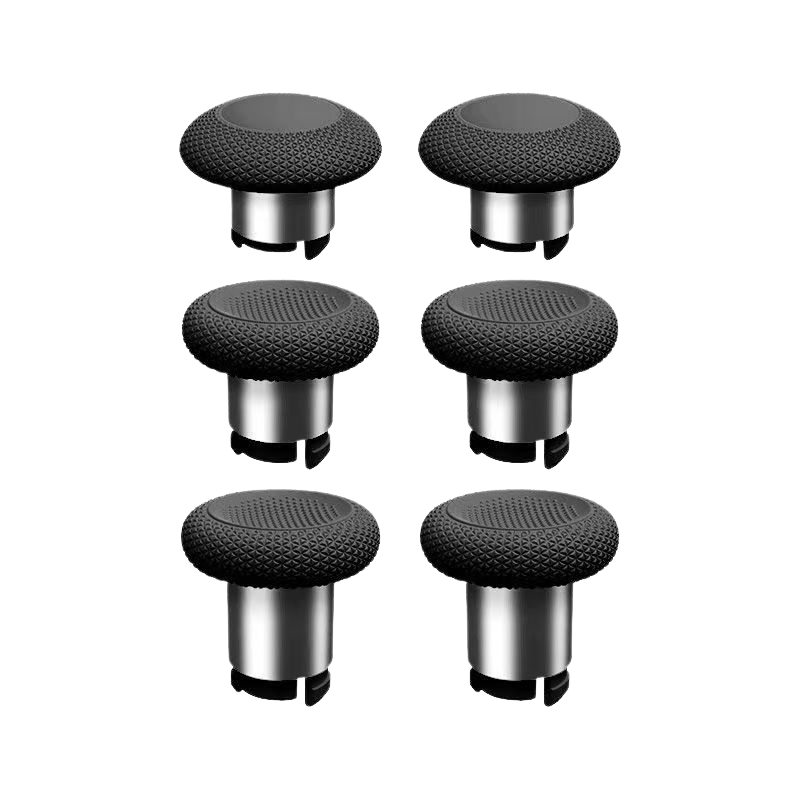
Magnetic designs such as Hall effect and TMR can reduce wear associated with physical contact, but the sensing method alone does not determine feel or guarantee that a controller will never develop a problem. Tension, damping, centering, mechanical construction, and software tuning all shape the experience. For shooters, test small corrections, target tracking, and return toward center; for slower adventures, a heavier or softer feel may be perfectly enjoyable.
Longer analog travel gives racing games more room for gradual input. Shorter, clickier travel favors quick shots and repeated presses. Dual-mode triggers can suit a mixed library, but only if you will actually switch between the modes.
Softer membrane-style buttons tend to suit players who want a quieter, cushioned press. Clickier, firmer switches provide sharper confirmation that some shooter and fighting-game players prefer. Neither is objectively correct.
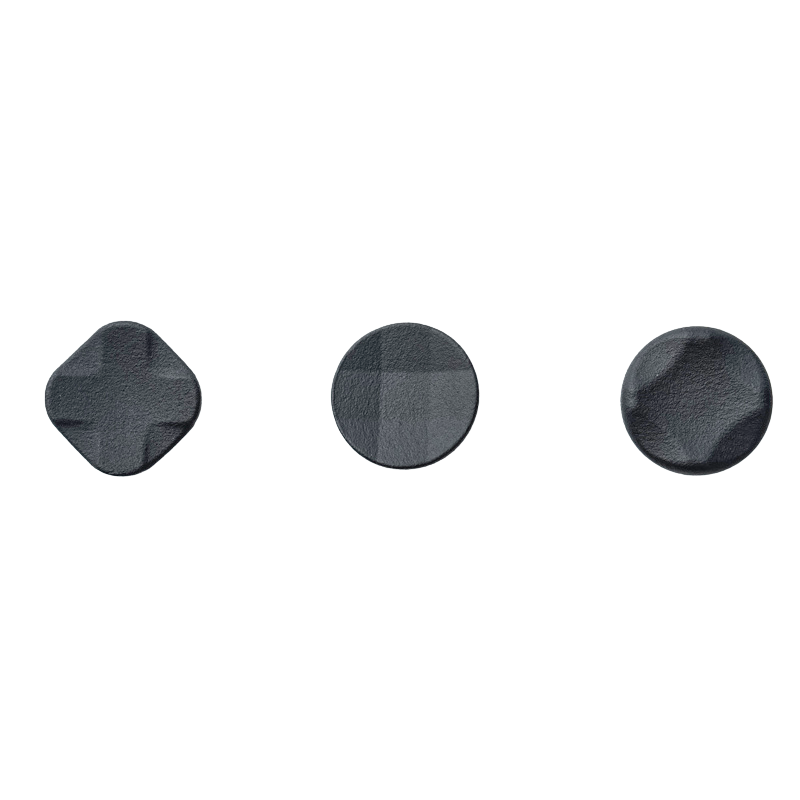
For fighting games, test the movements you use in real matches. Clean cardinal directions are a start; reliable diagonals and comfortable repeated inputs reveal whether the D-pad works for you.
There is no universal stick setting or button feel that wins every game. A newer sensing technology does not automatically mean better aim or a feel you will prefer.

Let Features Earn Their Place—and Keep Specs in Their Lane
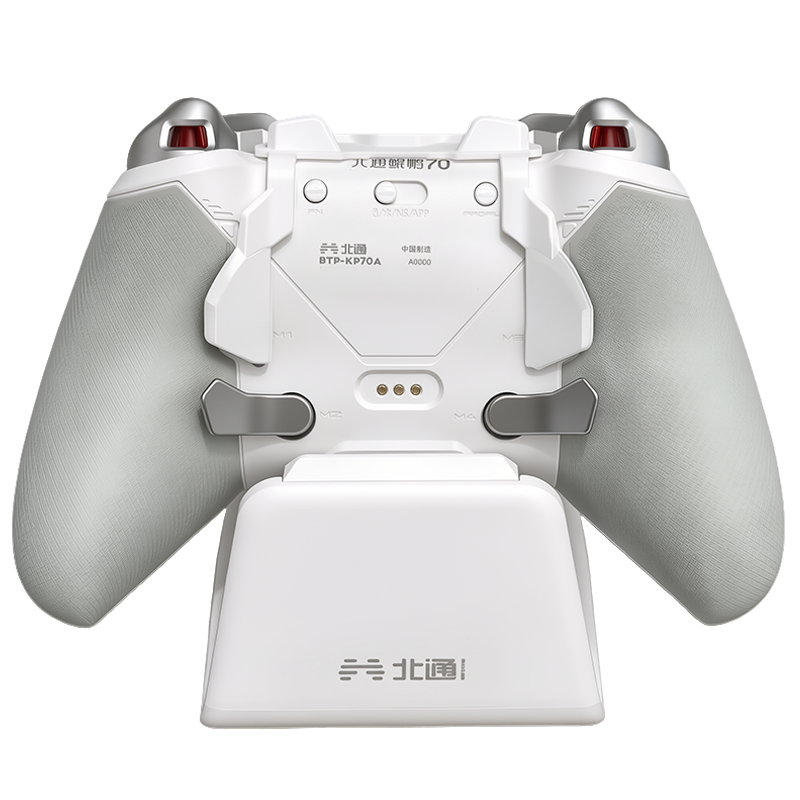
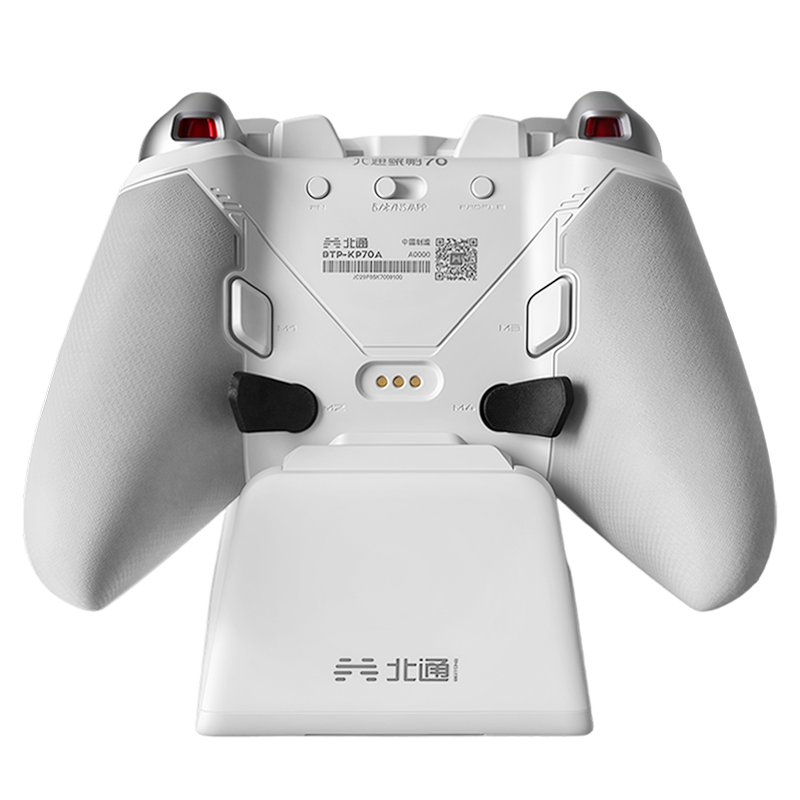
The real value of back buttons is not the number printed on the box. It is letting you perform useful actions while keeping your thumbs on the sticks. Two well-placed buttons you can reach without accidental presses can be more useful than four awkward ones.
Apply the same test to gyro aiming, rumble, trigger feedback, custom profiles, and software. Will you use the feature regularly in the PC games you actually play? If not, it should not consume much of your budget.
They can help you find options with the connection, triggers, buttons, or customization you want.
Your games and hands are better judges of comfort, control feel, and whether a feature solves a real problem.
An extremely high polling rate does not multiply your entire gaming experience by the same number. Polling is only one part of an input chain that also includes the controller's internal processing, connection, operating system, game, and display. A bigger number may describe a real hardware capability without creating a difference you can clearly feel.

Think Past Unboxing Day
A controller is something you may hold for hundreds of hours, so look beyond first impressions. Check battery behavior, build quality, control consistency, software support, the return window, and the warranty. A quick unboxing cannot prove long-term durability; clear support matters if problems appear later.
A higher price makes sense when it buys a better fit, features you use, wireless convenience, or support you value. It is not automatically better value if it only adds buzzwords. Spend on what improves your own comfort and enjoyment.
Before Checkout
- Revisit your most-played games and the controls they demand.
- Separate your must-have features from the ones that merely sound impressive.
- Make sure your hands can reach the controls comfortably.
- Confirm PC compatibility, your preferred connection, the return window, and warranty support.
If an option only wins on specs you will never notice, keep looking.
A Flexible Option for a Mixed PC Library
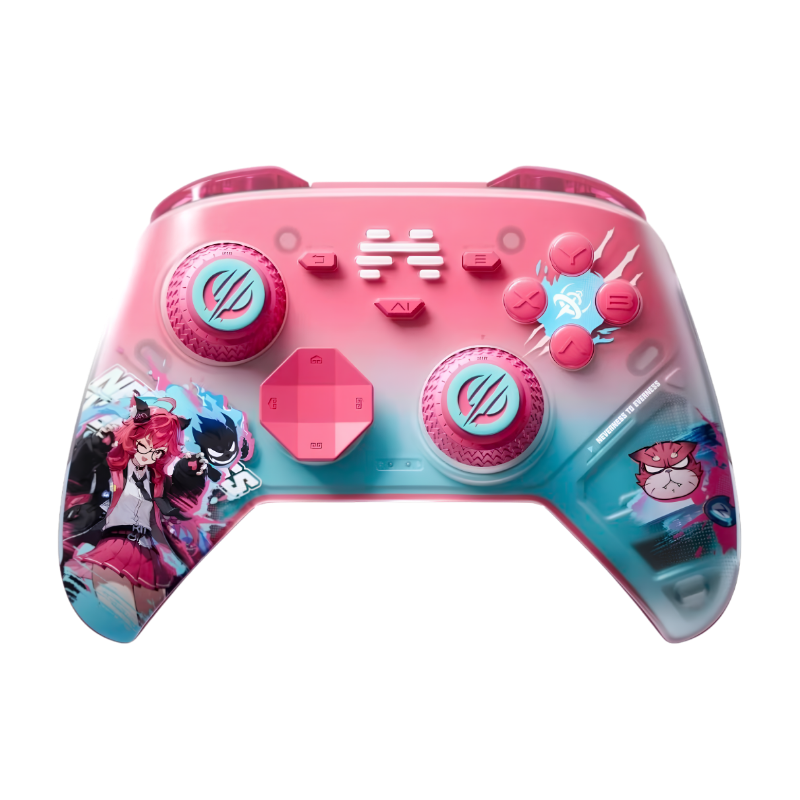
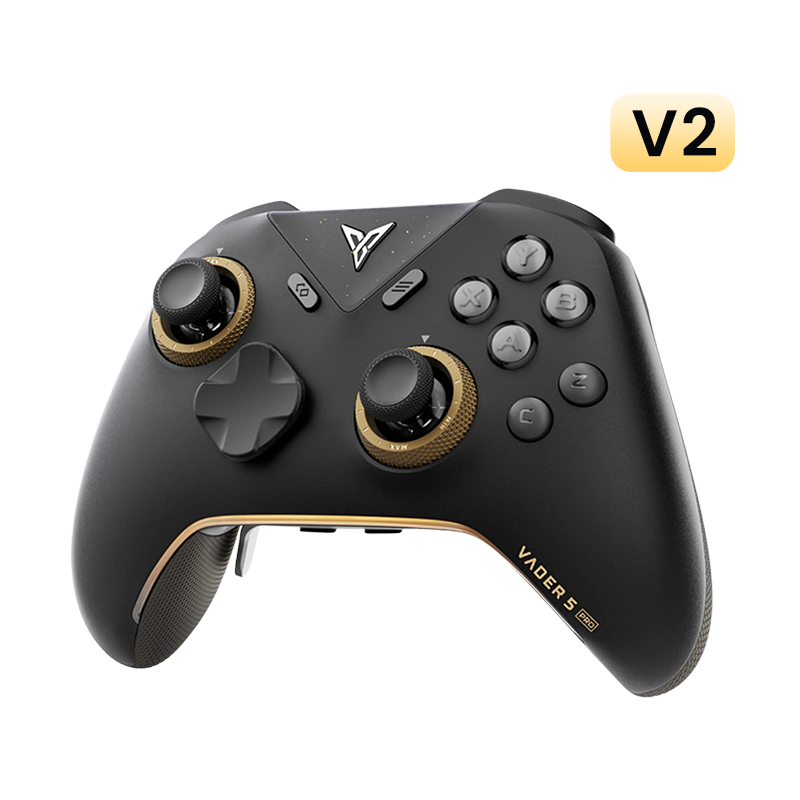
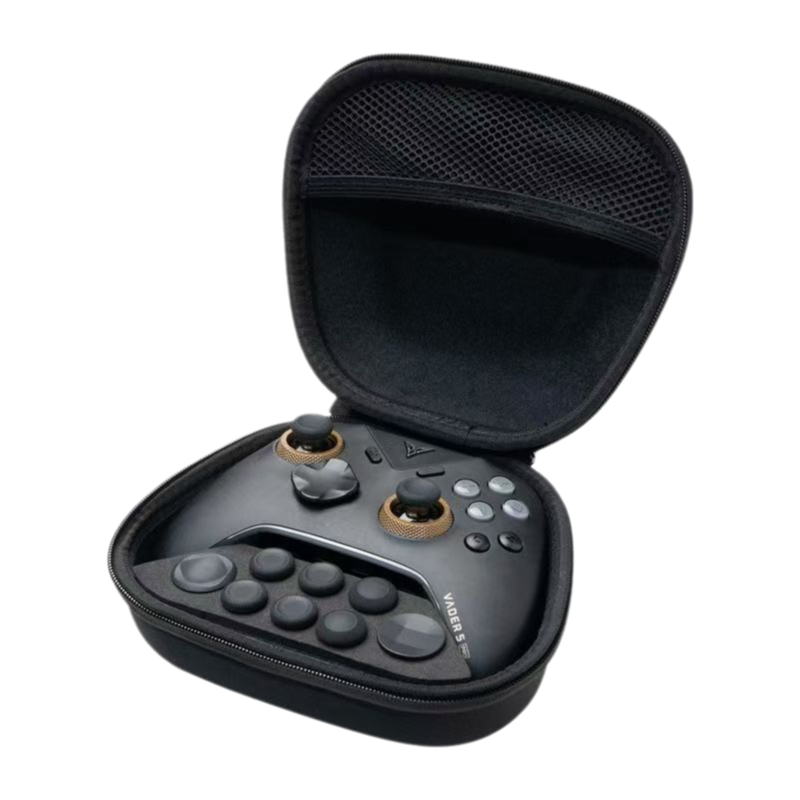
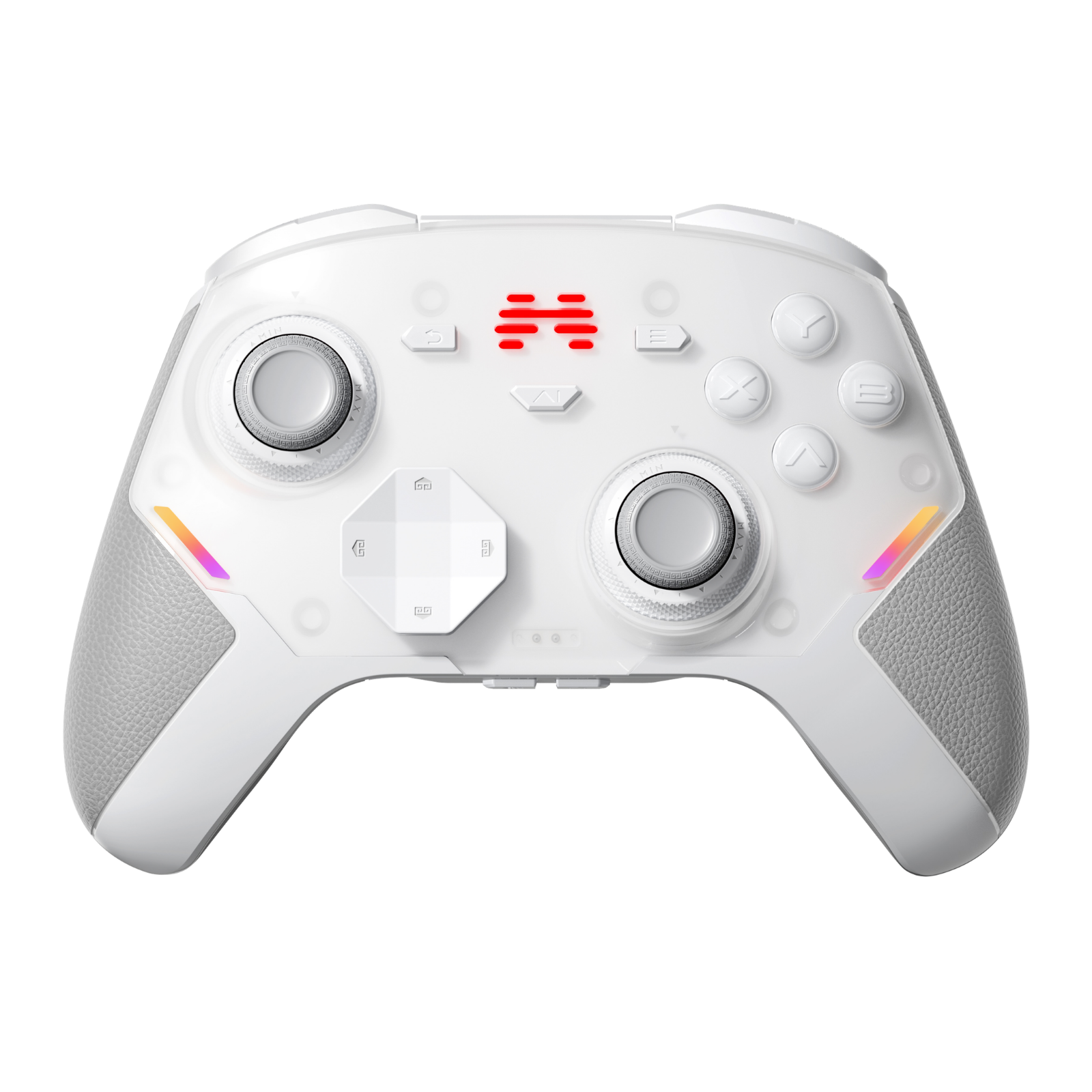
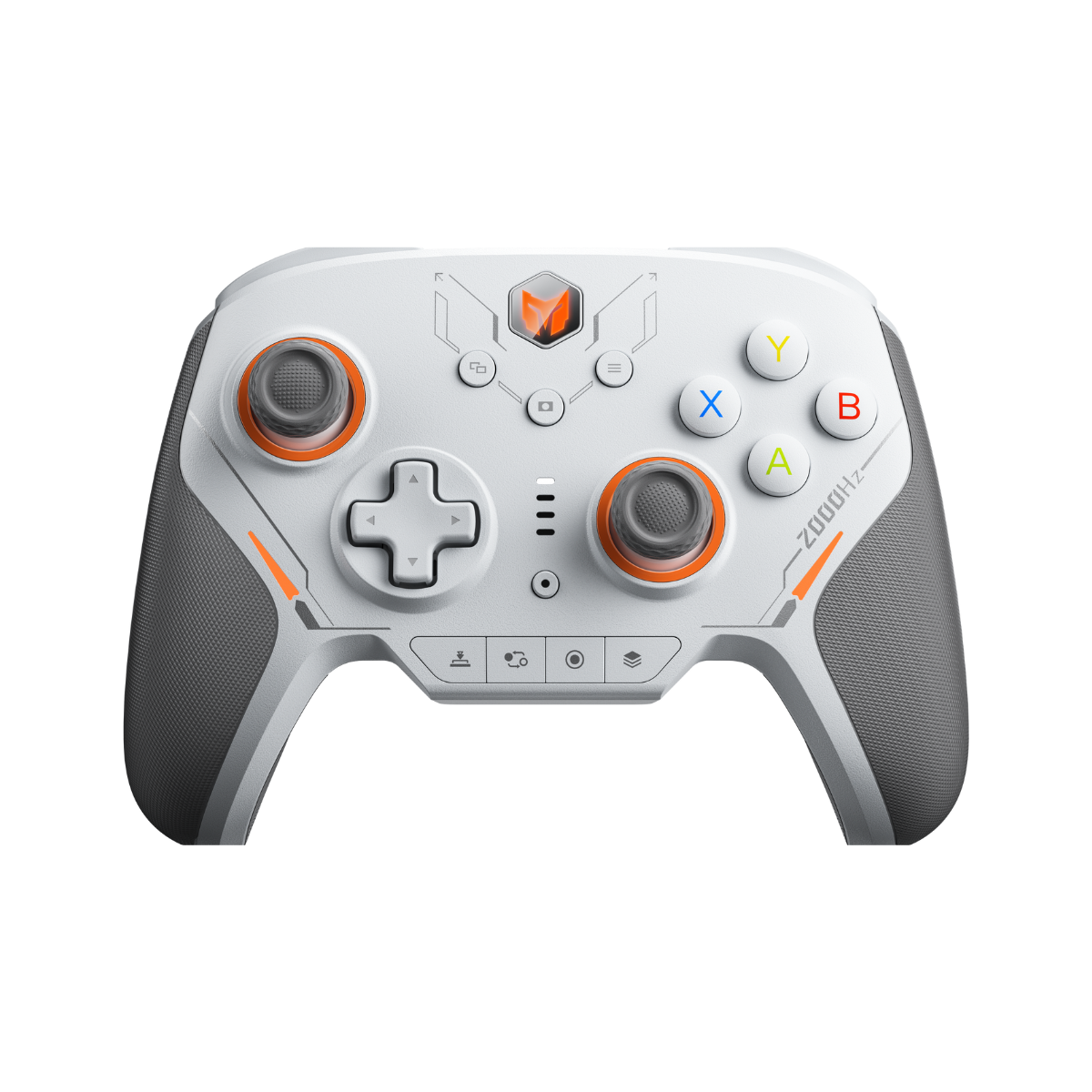
For PC players whose checklist includes adjustable stick tension, dual-mode triggers, and four back buttons, the Flydigi Vader 5 Pro is one controller we often reach for as an all-around example.
Its adjustable tension lets you tune the sticks beyond a single factory feel, while the dual-mode triggers can move between clicky shooter inputs and smooth analog racing control. These features fit our framework because they solve different problems across a mixed PC library, rather than merely making the box look busier.
Full disclosure: we sell the Vader 5 Pro at GadgetHyper. Even so, it is not a universal answer. If you strongly prefer a symmetrical stick layout or especially quiet buttons, another style of controller may suit you better. Your checklist still comes first.

Flydigi Vader 5 Pro
Regular Price · $79.99
An all-around example for players who want to tune stick feel and switch trigger behavior across different PC games.
- Adjustable stick tension
- Dual-mode triggers for clicky or analog input
- Four back buttons
Whatever controller you choose, start with your games, respect your hands, and make every feature justify its place. The right controller should not ask you to adapt to its marketing. It should simply feel at home in the way you already play.





Leave a comment
All comments are moderated before being published.
This site is protected by hCaptcha and the hCaptcha Privacy Policy and Terms of Service apply.