









































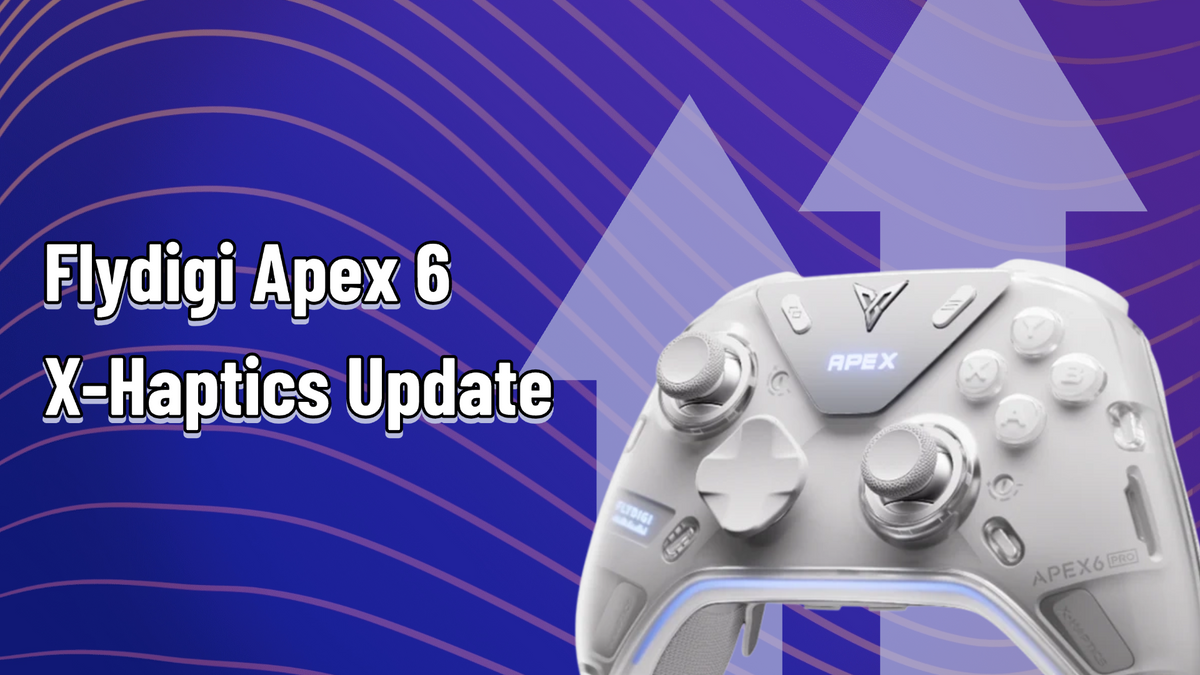
Flydigi Apex 6 X-Haptics Update: Three New Ways to Feel Your Games
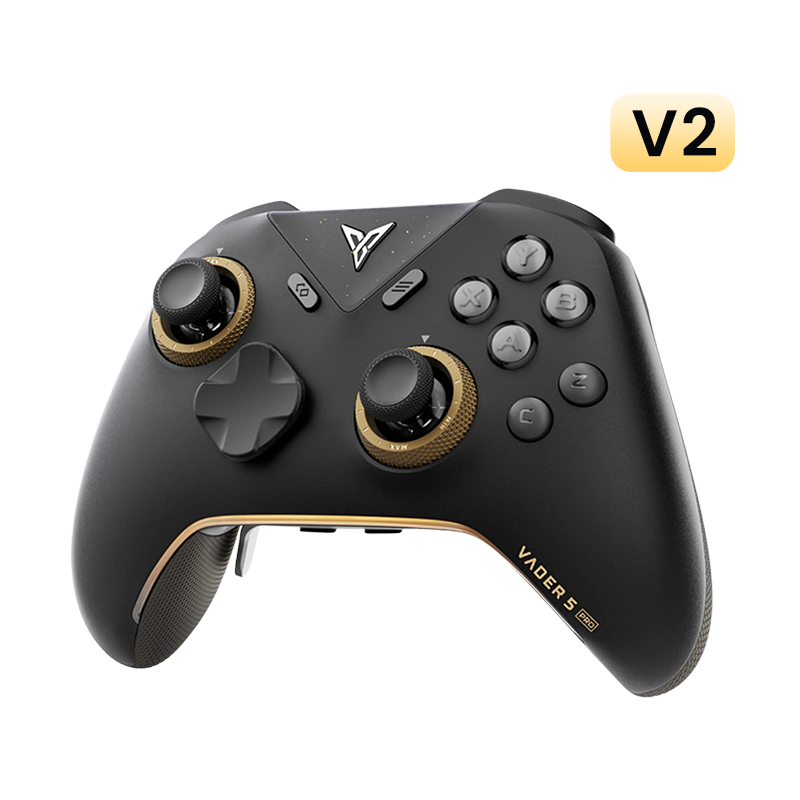
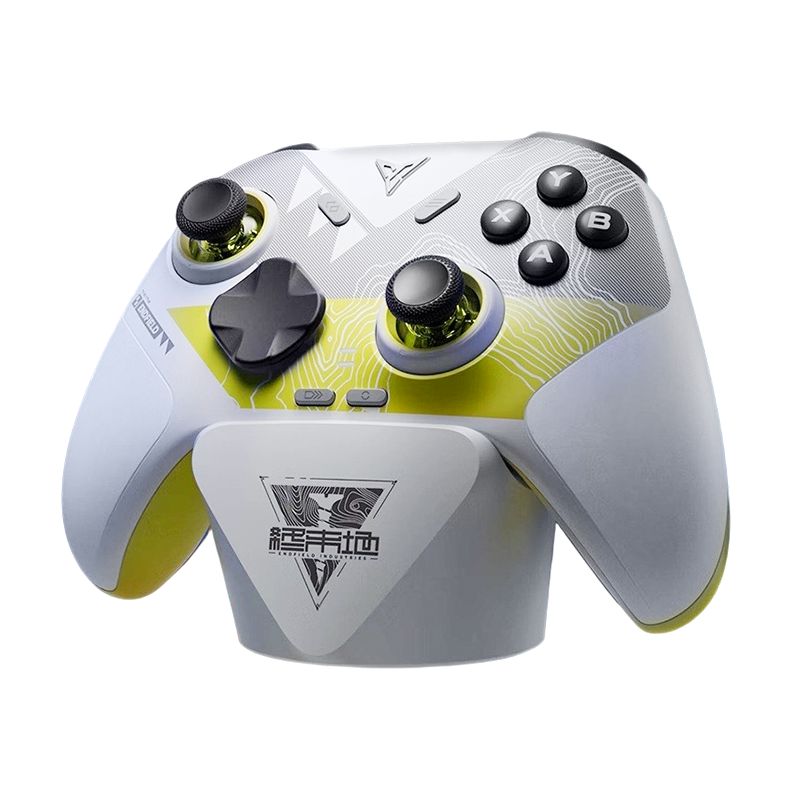
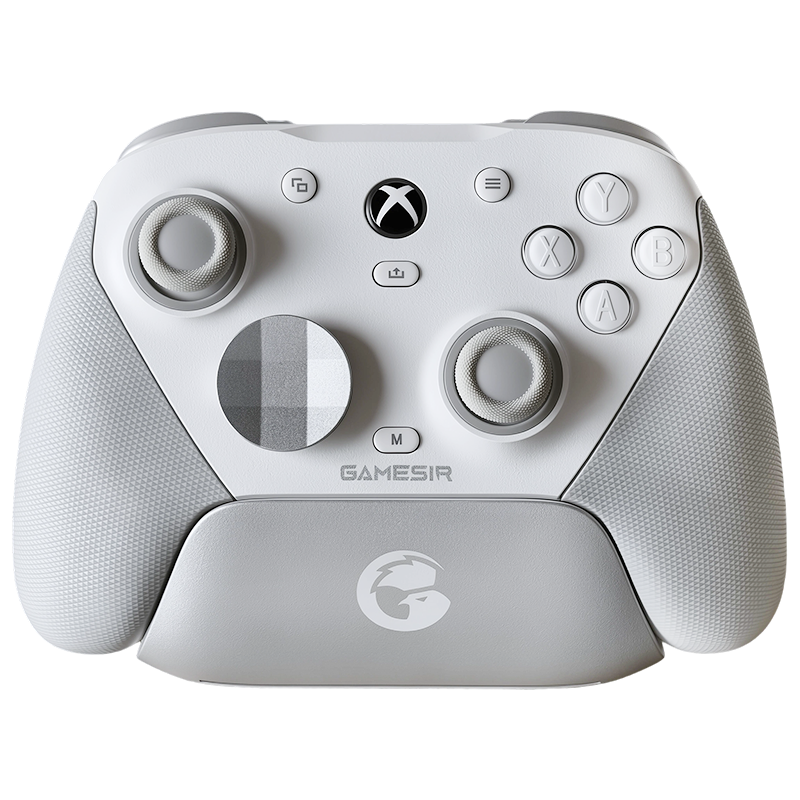
The Flydigi Apex 6 series has received a useful X-Haptics firmware update, adding three distinct feedback modes: Pure Haptics, Audio Haptics, and Full Haptics.
In simple terms, you can now choose feedback focused on game-designed events, feedback driven entirely by sound, or a combination of both. The update is available through the Flydigi Space Station web version.
Transparency note: This overview is based on official information released by Flydigi, not a new round of GadgetHyper hands-on testing. We sell the Flydigi Apex 6 Pro at GadgetHyper, where it is currently priced at $154.99.
Pure Haptics: Keep the Focus on the Action
Pure Haptics starts with the game's native vibration signal. When a supported game sends a vibration command for a gunshot, impact, or collision, X-Haptics uses that event as its cue and adds real-time, audio-based texture. Voices and music do not independently trigger the feedback.
In Flydigi's Call of Duty example, a single shot stays short and clean, automatic fire becomes a tight series of pulses, and explosions carry more weight. This is the mode to try first when a game already has good native vibration support and you want extra texture without background music keeping the controller busy.
Audio Haptics: Let the Soundtrack Drive
Audio Haptics takes the opposite approach: it is driven entirely by sound and does not depend on native game vibration. That means even a game without controller vibration support can still produce tactile feedback.
Weapon effects, drum hits, music, and other sounds can all influence the rhythm and strength of the haptics. Flydigi highlights rhythm games, Black Myth: Wukong, and Hades as examples, with light attacks, heavier hits, and abilities creating different layers of feedback.
The trade-off is that background music and other non-action sounds may also create vibration. Audio Haptics makes the most sense when you want the controller to follow the whole soundscape, rather than only the biggest gameplay events.

Full Haptics: Combine Both Approaches
Full Haptics layers native game vibration and audio-driven feedback together. Native commands still anchor key actions, while footsteps, weapon movement, environmental audio, and scene interactions add detail between those bigger moments.
Flydigi's Red Dead Redemption 2 example paints the picture well: hoofbeats create small, rhythmic touches, footsteps and doors produce lighter feedback, and gunfire arrives with a sharper punch. It is the most expansive of the three modes, but also potentially the busiest. If you would rather avoid extra feedback from ambient sound or music, Pure Haptics is the cleaner place to start.

Two Extra Controls for a Cleaner Experience
The update also includes two supporting features for managing intense soundscapes and spoken dialogue.
Automatic gain strategy
Setting Automatic gain strategy to Responsive helps quieter details return to a noticeable level sooner after loud explosions or intense firefights, so subtle feedback is less likely to remain buried.
Voice suppression
When it detects speech, Voice suppression reduces sound-driven haptic output in the grips and triggers. The goal is to stop dialogue from dominating the feedback, which could be especially useful in story-heavy games.

Which Mode Should You Try?
There is no single best mode for every game. Switching modes to suit the game is really the point of the update.
- Pure Haptics: Start here for titles with strong native vibration support and cleaner, action-focused feedback.
- Audio Haptics: Try this for sound-driven feedback, including in games without controller vibration support.
- Full Haptics: Choose this when you want the most layers and a fuller sense of the scene.
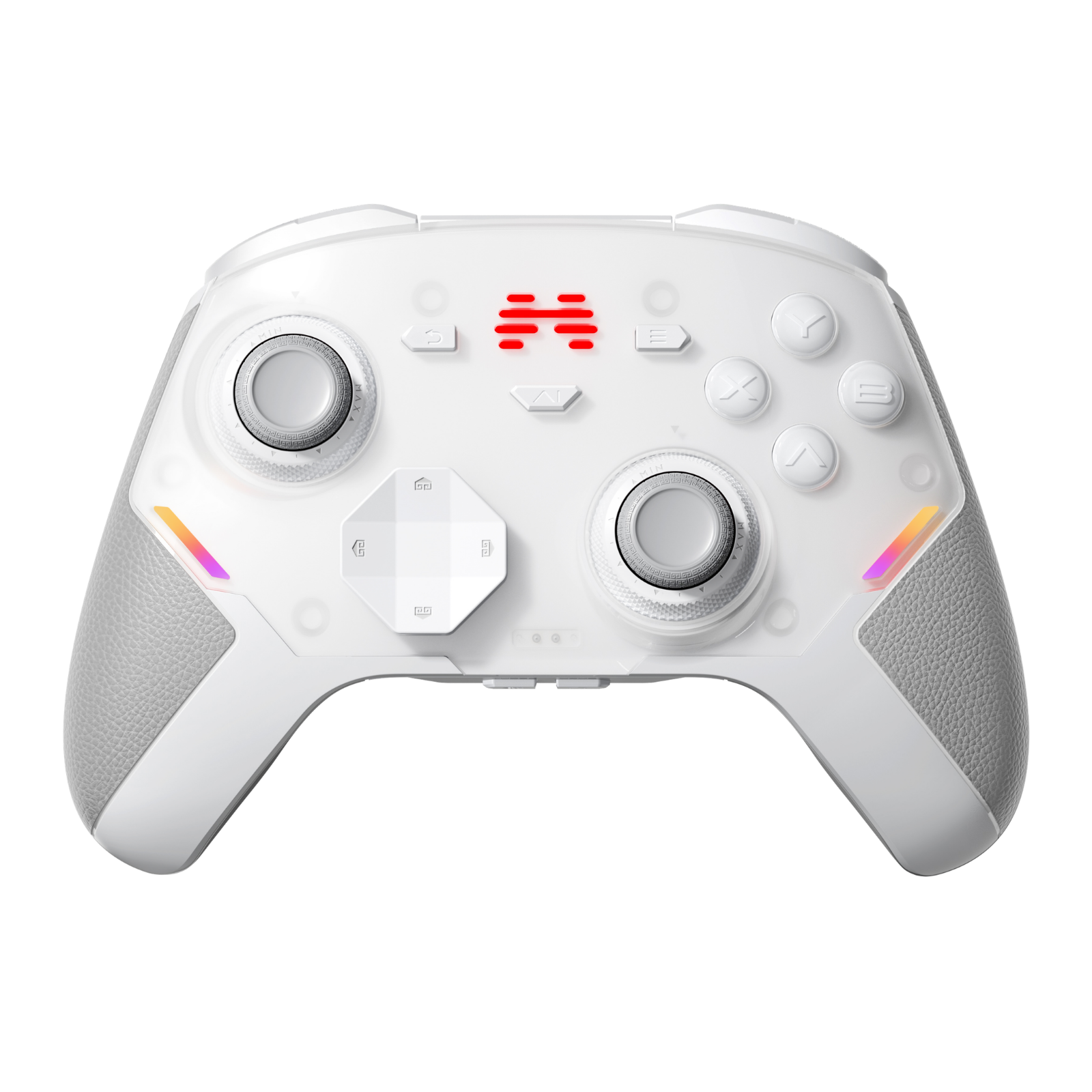
If you already own an Apex 6 series controller, you can explore the new modes by updating through the Flydigi Space Station web version. If you are still getting to know the hardware, our Flydigi Apex 6 Pro hands-on review covers the controller's wider feature set and first-impression performance.
Explore the Flydigi Apex 6 Pro

Flydigi Apex 6 Pro
$154.99
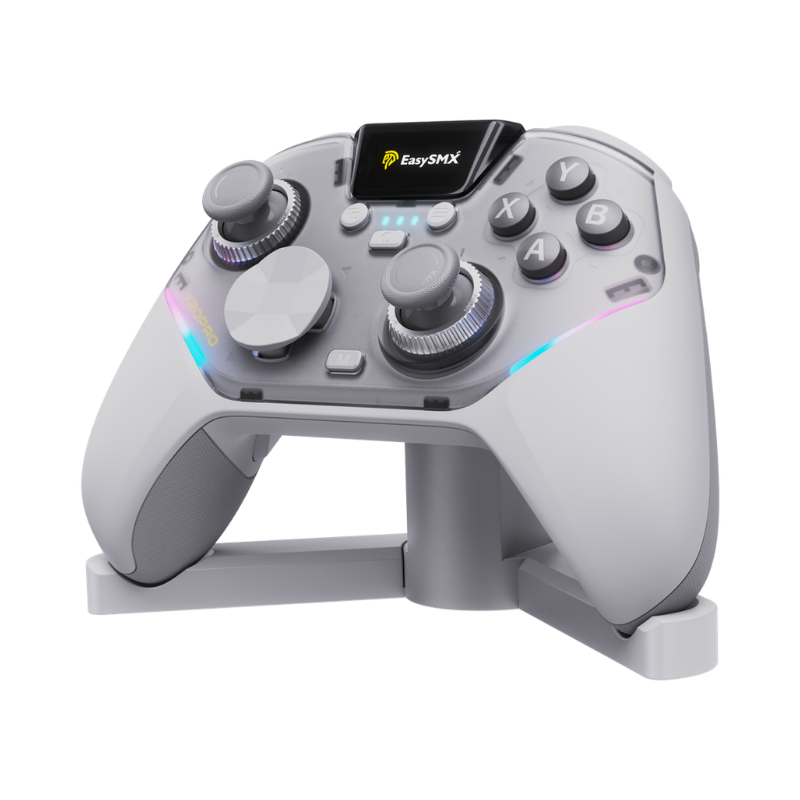
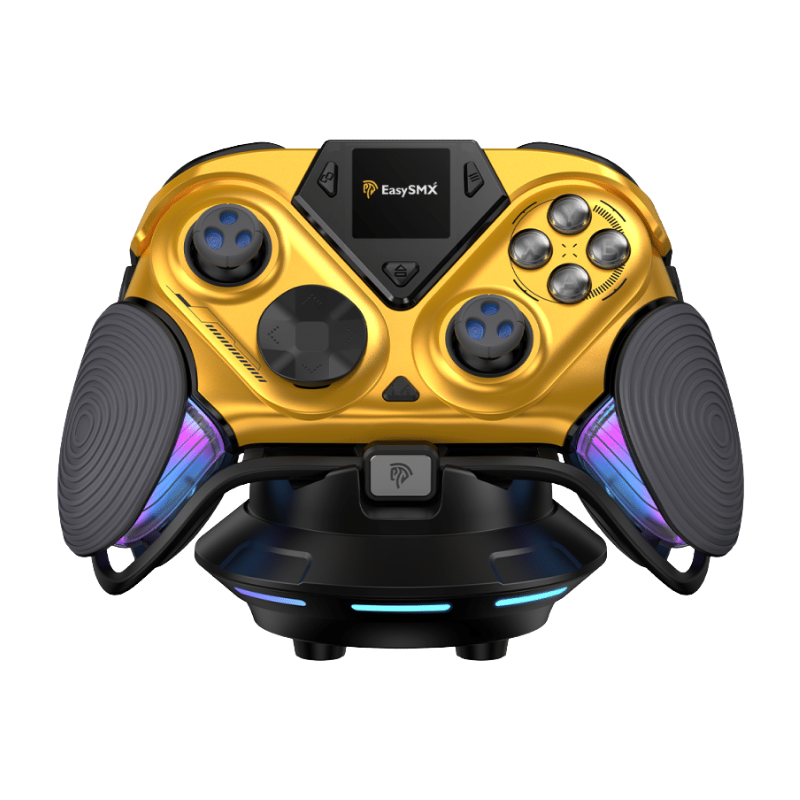
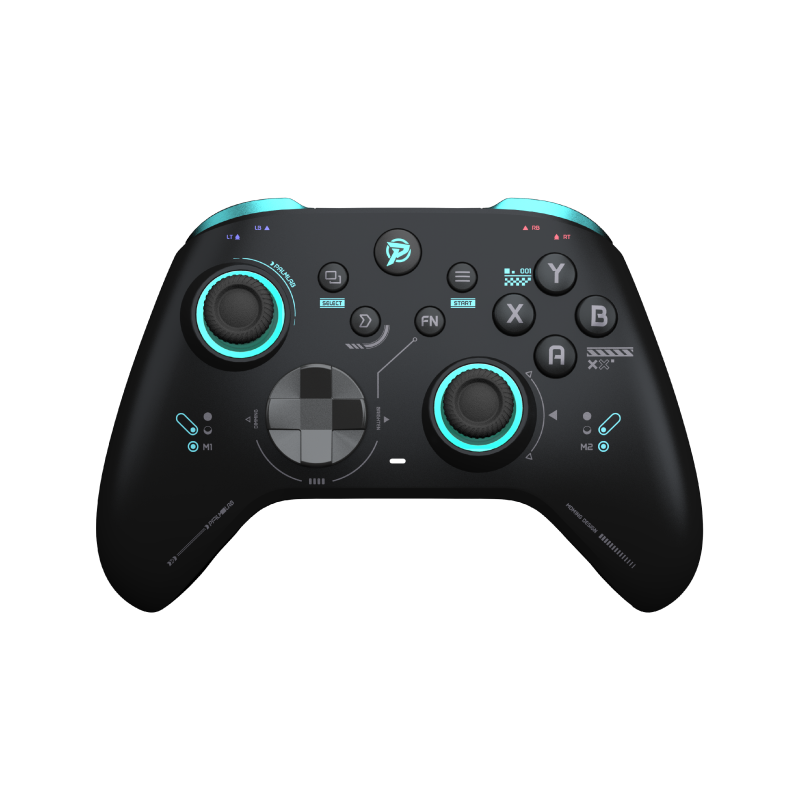
A wireless controller in the Apex 6 series, with the new X-Haptics modes available through the Flydigi Space Station web version.








Leave a comment
All comments are moderated before being published.
This site is protected by hCaptcha and the hCaptcha Privacy Policy and Terms of Service apply.