





























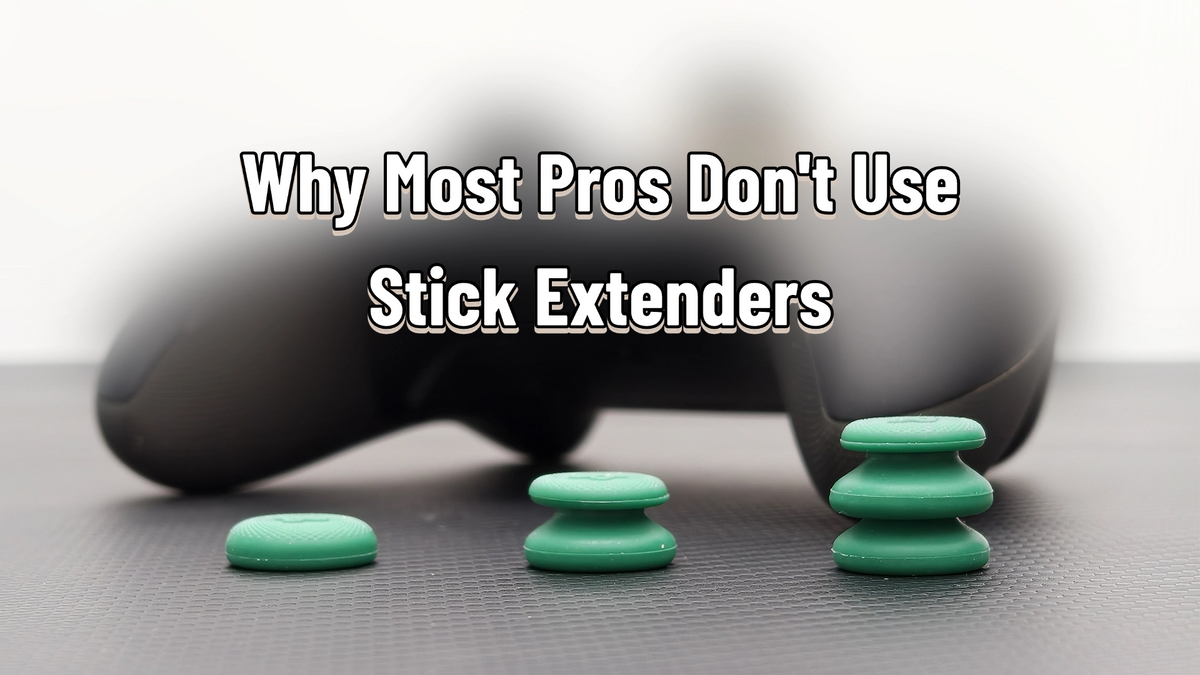
Why Most Pros Don't Use Stick Extenders — And Why That Doesn't Mean You Shouldn't
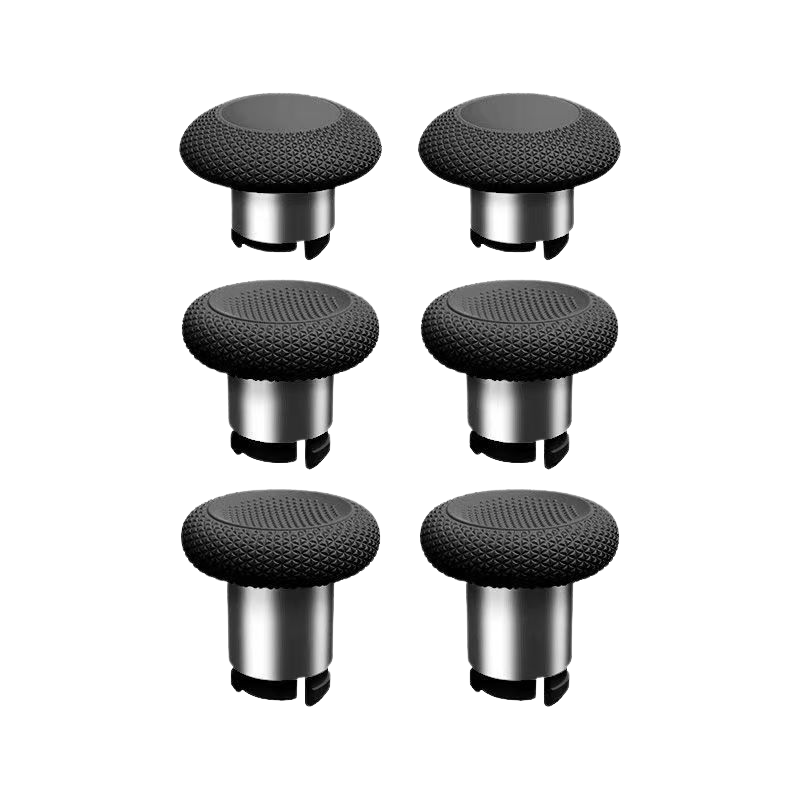
Stick extenders (you might know them as KontrolFreek-style "performance thumbsticks" or rise caps) are probably the most-asked-about controller accessory in FPS circles. The pitch sounds perfect: snap on a taller cap, get instant precision. And yet watch any pro Apex or COD tournament and you'll notice something odd — almost nobody uses them. By most estimates, well under 10% of pro controller players run extenders.
So who's right — the marketing, or the pros? As with most things in this hobby: both, depending on who you are. Let's break it down honestly.
What an Extender Actually Does
A controller stick isn't a mouse. Your crosshair responds to the ANGLE of the stick, not the distance your thumb moves. A stock stick gives you roughly 3–4cm of total travel edge-to-edge, and every aim adjustment you ever make happens inside that tiny arc.
An extender raises the pivot point. Same angles, longer lever — which means the same 30° tilt now requires a physically larger thumb movement. Two things fall out of that:
Move your thumb 5mm with a stock cap and you might tilt 30°; with an extender, that same 5mm might only be 12°. The classic beginner mistake — jerking the stick and blowing past your target — gets physically dampened. Micro-corrections while tracking or controlling recoil become dramatically more forgiving.
Longer lever, less effort. Many players describe a "lighter," smoother feel when snapping and tracking at close range, because the stick's resistance changes feel less abrupt.
There's also a quasi-sensitivity effect: the longer travel arc effectively gives you a touch more range to work with, roughly like nudging your in-game sensitivity up a notch while keeping the same physical control.

The Costs (and There Are Three)
Slower Direction Changes
To reverse direction, the stick has to return through center first. Extenders lengthen that return trip, adding a small but real delay to every snap and turn. Fast hands shrink the penalty; they never erase it.
Rebuilt Muscle Memory
Raise the stick and your leverage point changes. Your thumb engages different muscles, in different proportions. If you've spent hundreds of hours on stock sticks, that habit is deep — and relearning it costs real time.
Grip Security
A taller stick is easier to slip off, especially for smaller hands or pad-of-the-thumb players. Extenders tend to favor bigger hands and fingertip-style control.
Why the Pros Mostly Pass
Here's the interesting part: the direction-change delay is NOT the main reason pros skip extenders. At that level, hand speed is a solved problem.
The real reason is force and habit. Pro players already have elite stick control — the extender's main gift, forgiveness, buys them nothing. And since their entire aim is built on years of stock-stick muscle memory, switching means gambling thousands of hours of tuned instinct on a marginal gain. The math just doesn't work. It's not that extenders are bad; it's that pros have nothing left for them to fix.
A smaller practical factor: in games with strong aim assist, the micro-adjustment advantage matters less than raw turn-and-react speed, which tilts the equation further.
Who Actually Benefits
- New controller-FPS players. If you constantly overshoot targets and your "micro-adjustments" are really just a series of overcorrections, an extender lowers the skill floor immediately.
- High-sensitivity players. The faster your settings, the more valuable per-millimeter forgiveness becomes.
- Big hands + fingertip grip. The physical profile that suffers least from the added height.
- Players whose hands cramp or tense up on stock sticks. The reduced force requirement is a genuine comfort upgrade for some.
Training Wheels, Then Take Them Off
One of us (hi, Ray) lived this exact arc: "When I first got into controller FPS, playing without an extender felt impossible — I'd push too far constantly, and slowing down to compensate made me feel like I was aiming through mud. The extender genuinely lowered the difficulty of controlling the stick. For a while I believed that if I took it off, I'd lose all fine aim.
"But as my thumb control improved over time, taking it off turned out to be the better call. Recentering and direction changes got faster, and the shorter pull to the outer edge made reactions snappier. My honest takeaway: if you're new to controller FPS, an extender helps you through the awkward stick-control phase faster. Once you're comfortable, removing it raises your ceiling."
That arc — extender as training wheels, not as a permanent upgrade — matches what a lot of high-level players report, including ranked grinders who used them early and quietly shelved them later.
If You Want to Try: How to Choose
- Start low. A modest rise (think a few millimeters) is the universal entry point. Very tall caps (10mm+) demand big hands and real commitment. Many sets bundle multiple heights — use that to find your balance point between precision and turn speed.
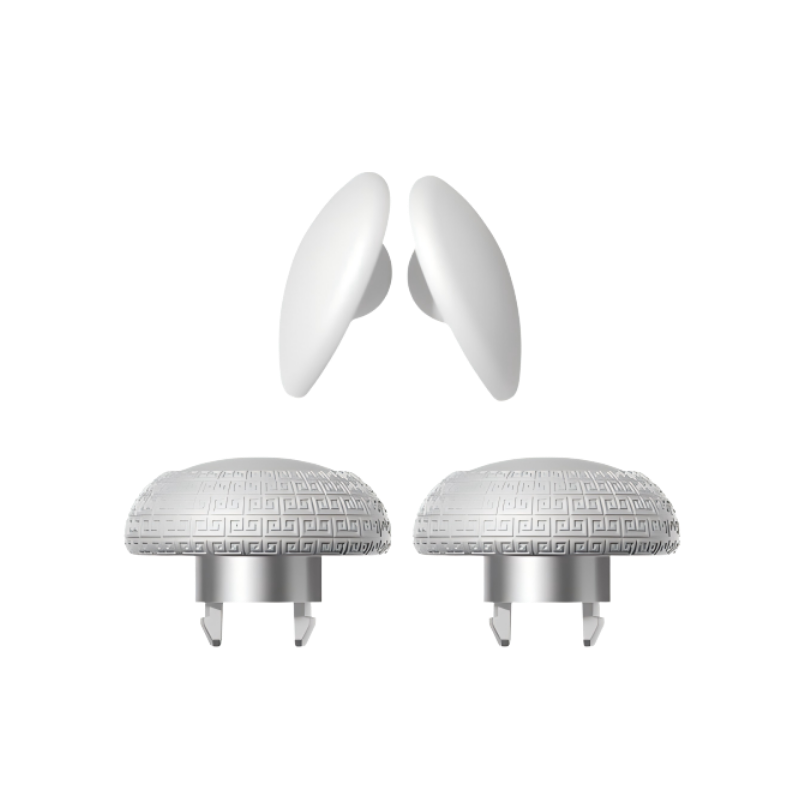
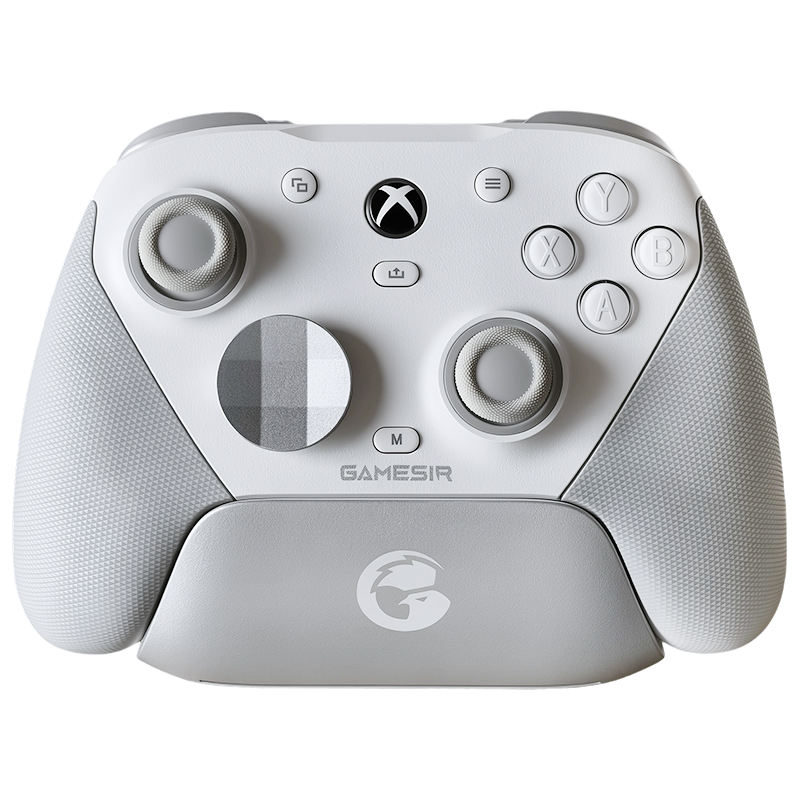
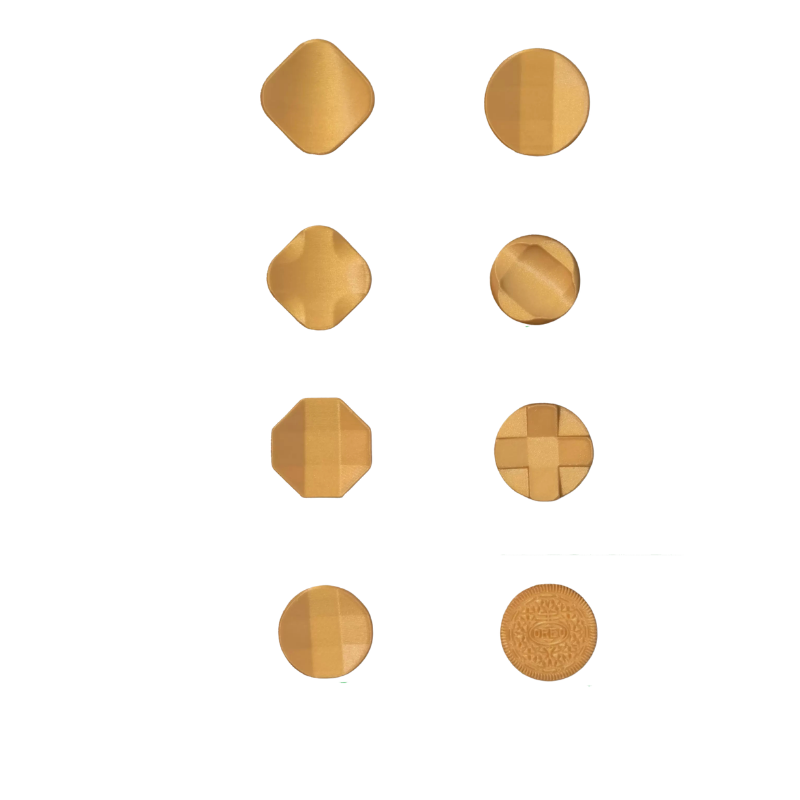
- Right tall, left short. A common setup is a taller cap on the right (aim) stick only, leaving the movement stick stock — movement needs fast direction changes and long holds forward, where height is a drawback. Shape follows the same logic: a grippy convex top works for the aim stick, while a concave cradle suits the movement thumb.
- Squeeze it first. Tall all-rubber caps can flex under hard inputs, adding a mushy lag to every movement. Give any tall cap a firm bend test; if the stem deforms easily, it will cost you in-game. Stiffer materials or hybrid hard-stem designs hold up better.
- Shape to your grip. Fingertip players can run anything. Pad- and knuckle-of-thumb players usually want a concave or rimmed surface they can hook into.
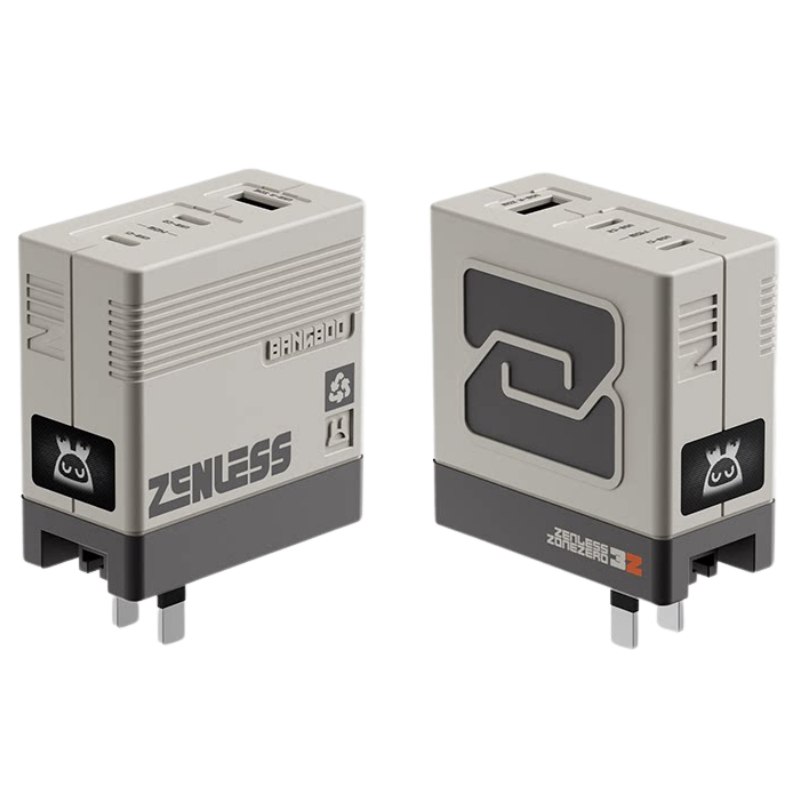
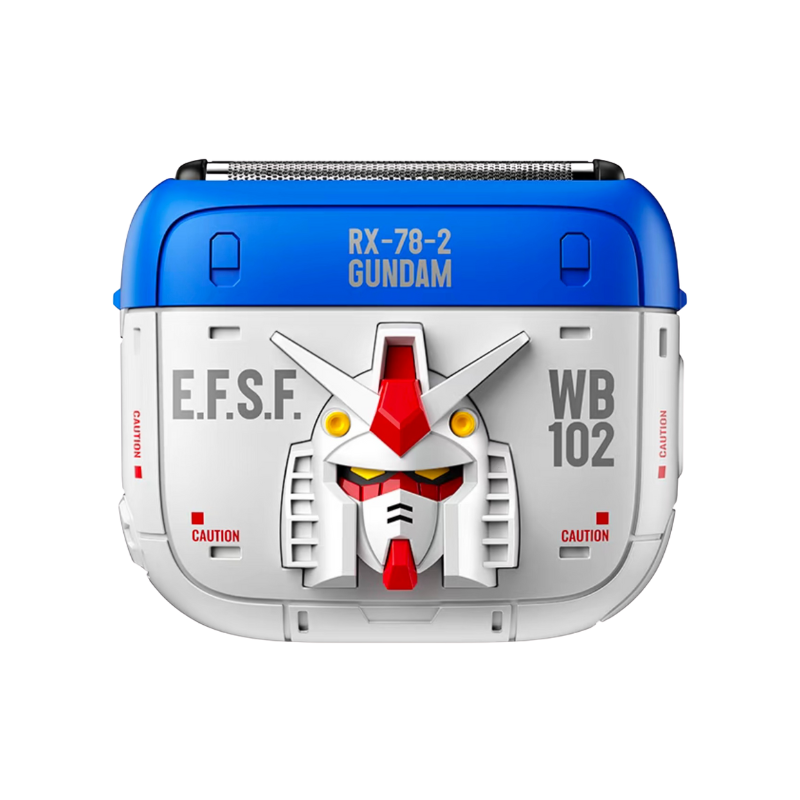
- Don't overpay to experiment. Cheap extenders are genuinely fine for finding out whether height suits you. Premium sets feel nicer and offer more shapes, but the difference is smaller than the price gap. (And beware the occasional licensed collab cap that's all looks and no grip — if the surface is smooth and glossy, your sweaty thumb will find out mid-fight.)
Test method: flick the stick hard in all directions, draw fast circles both ways, and ask one question — does the force feel smooth and natural? If yes, give it a week. If your hand feels stretched or strained, stop. Comfort beats theory every time.

Which Phase of Your Aim Journey Are You In?
Extenders trade turn speed for precision, and they tax whatever muscle memory you've already built. For a new player, that trade is often heavily in your favor — they flatten the steepest part of the learning curve. For an experienced player with dialed-in control, they mostly offer costs with nothing to buy. Pros aren't avoiding a cheat code; they've simply outgrown what the cheat code does.
So the answer to "should I use extenders?" isn't yes or no — it's "which phase of your aim journey are you in?" Try them early, honestly, and cheaply. Keep them if they still earn their place. And if one day you take them off and everything feels faster — that's not the extender failing you. That's the extender having done its job.
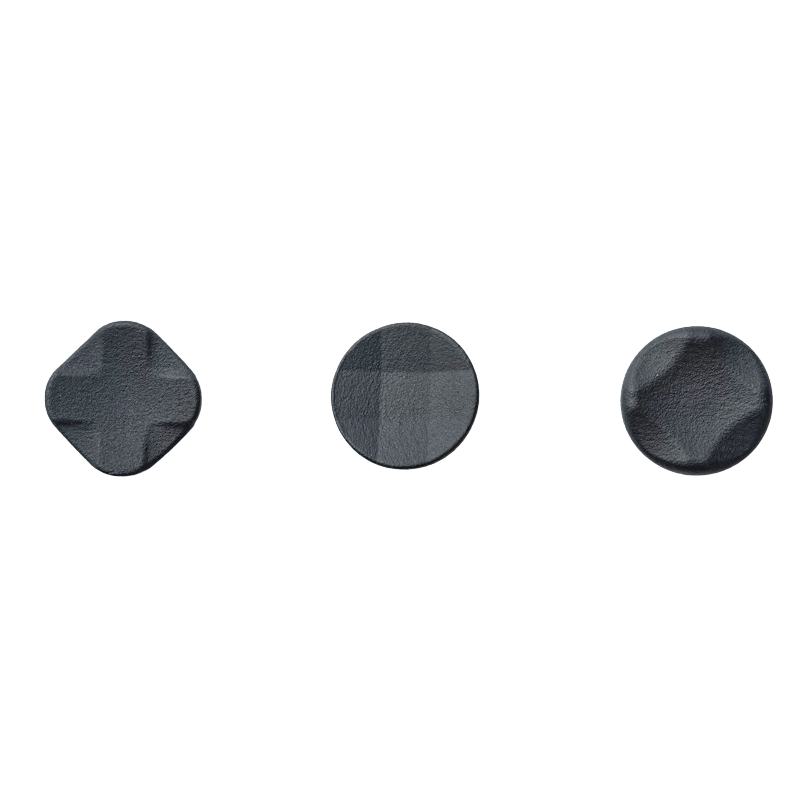
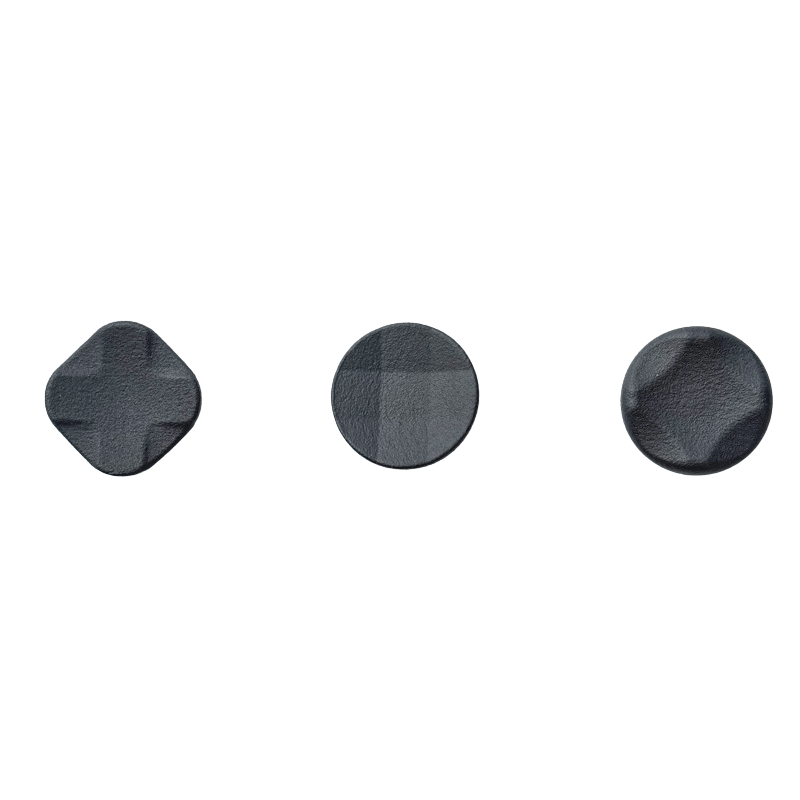
And if you land on the "no height" side but still want more grip and consistency than a bare stick gives you, that's exactly the problem our own GXXKTRON Control Thumb Grip Set was built to solve — three low-profile, high-friction textures, no added height:

Control Thumb Grip Set (TG200)
$10.99Grip without the height — three low-profile, high-friction textures.





Leave a comment
All comments are moderated before being published.
This site is protected by hCaptcha and the hCaptcha Privacy Policy and Terms of Service apply.