





























Symmetric vs. Asymmetric Controllers: The 2026 Ergonomic Guide for PC Gamers
GadgetHyper Team
June 2, 2026 · Ergonomics & Controller Design
Hey everyone, Ray here from GadgetHyper. If you spend any time browsing gaming subreddits or hardware forums, you'll inevitably stumble across one of the oldest rivalries in gaming history: Symmetric vs. Asymmetric controller layouts.
With the explosion of high-performance third-party controllers hitting the market, the narrative has shifted. You constantly see threads claiming that the symmetric, PlayStation-style layout is "anti-ergonomic" or a relic of past design.
But as someone who handles dozens of controller models every single week, I'm here to tell you it's not that black and white. The perfect layout depends entirely on your grip style, your game library, and how your brain handles muscle memory. Let's break down the mechanical reality behind both designs.

Anatomy of the Thumb
To understand why this debate exists, we have to look at how the human hand naturally interacts with a controller shell. When you wrap your fingers around the grips completely relaxed, your thumb's default resting position sits higher up on the face of the device. Because of the human thumb's joint structure, pushing upward takes less physical effort than pulling it downward.
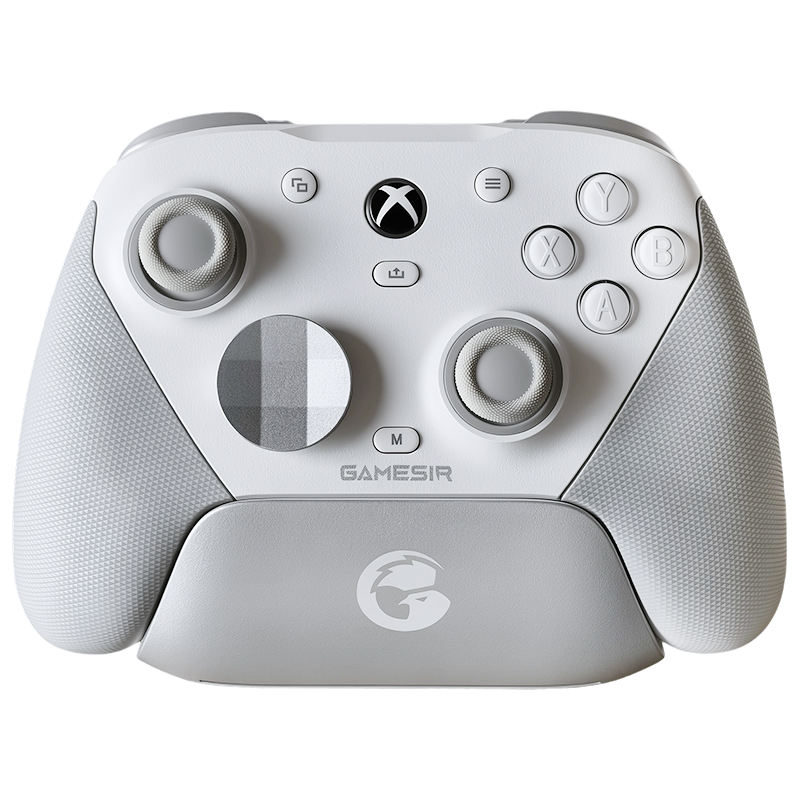
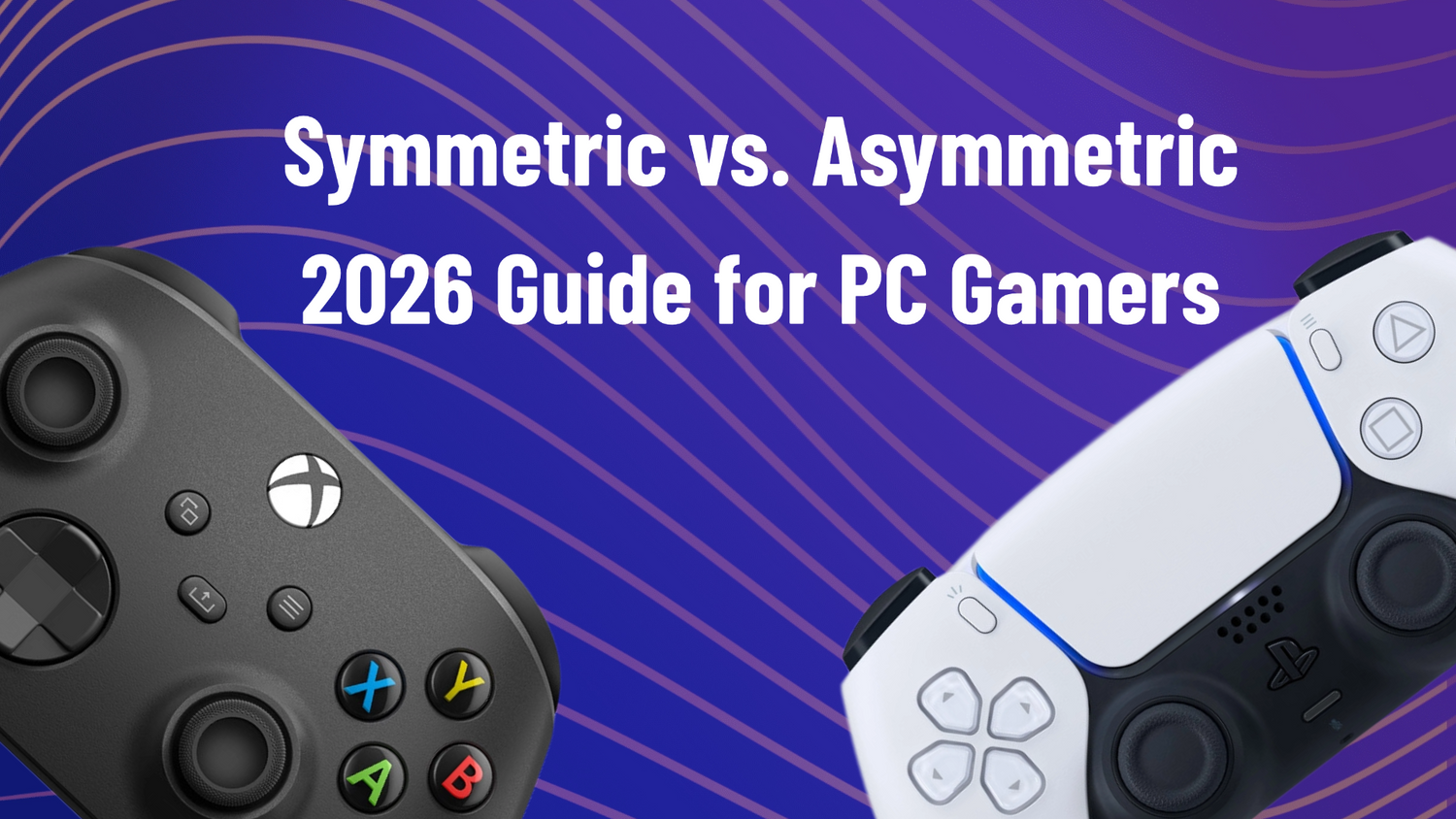
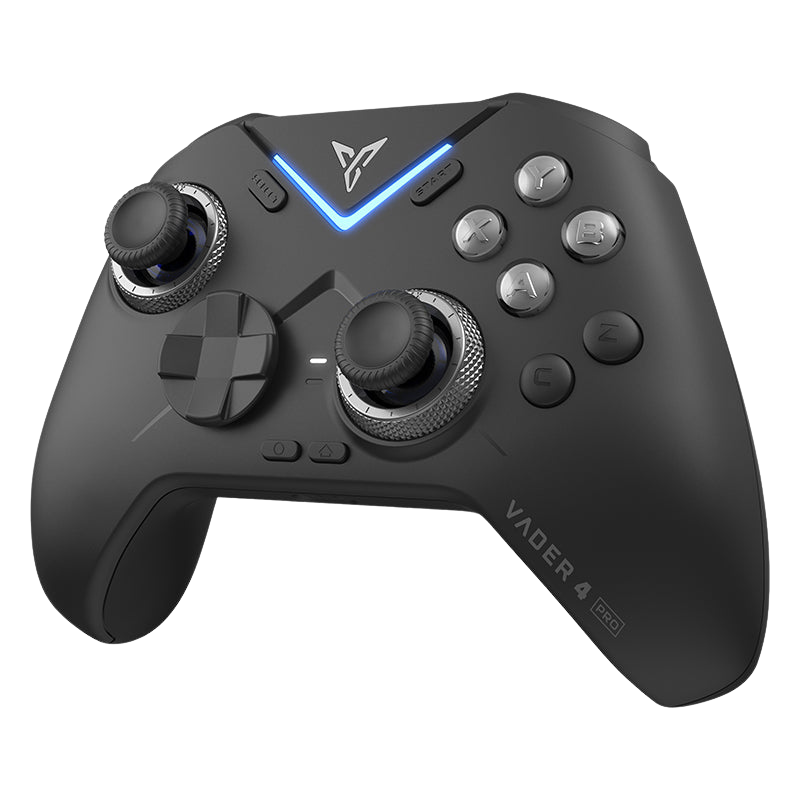
Asymmetric Layout
Xbox Style
Places the left analog stick in the natural upper zone. For games where you spend 90% of your time holding the left stick forward to sprint or move, it feels incredibly natural and reduces hand fatigue over long multi-hour sessions.
Symmetric Layout
PlayStation Style
Drops both sticks to the lower quadrant. In a standard grip, this forces the left thumb to stretch slightly wider — putting minor pressure on the thenar space during long marathons. But grip style changes everything.
However, looking at layout design strictly through a traditional, casual grip misses half the picture. The moment you change how you hold the controller, the anatomical math changes completely.
How You Hold Changes Everything
The argument that a parallel layout is inherently flawed completely falls apart once you look at advanced competitive grip styles.

Layout Compatibility by Game Genre
Neither layout wins universally. The right choice shifts depending entirely on what you're playing.
| Game Genre | Preferred Layout | Why It Shines |
|---|---|---|
| Action RPG / Adventure | Asymmetric | Left stick movement is constant — face buttons are the primary focus. Upper left stick placement reduces fatigue over marathon sessions. |
| Traditional Fighting / 2D | Symmetric | Puts the D-pad in the dominant, high-leverage ergonomic position — ideal for quarter-circle executions and precise directional inputs. |
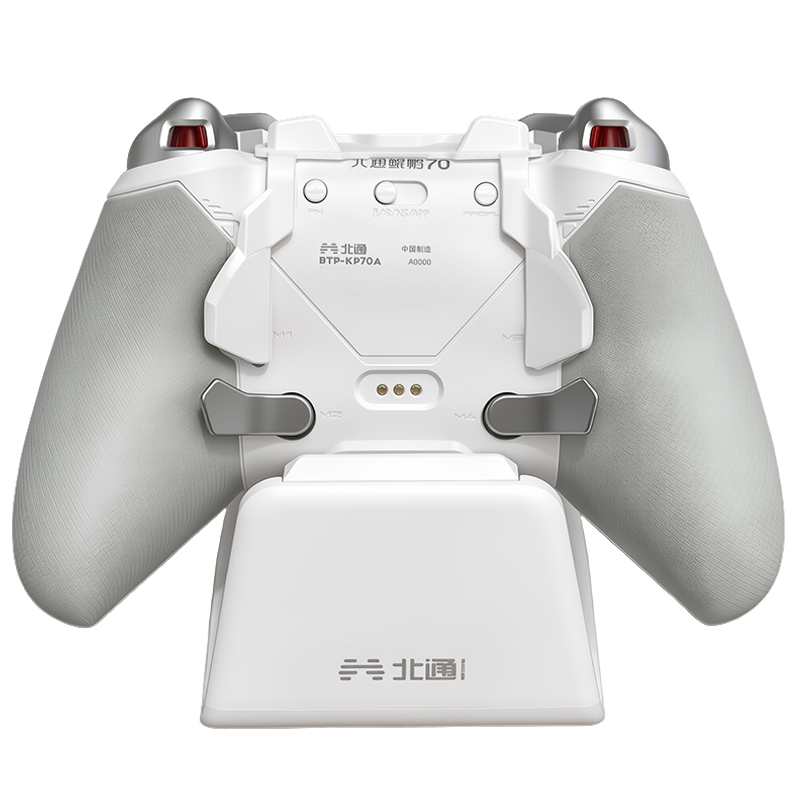
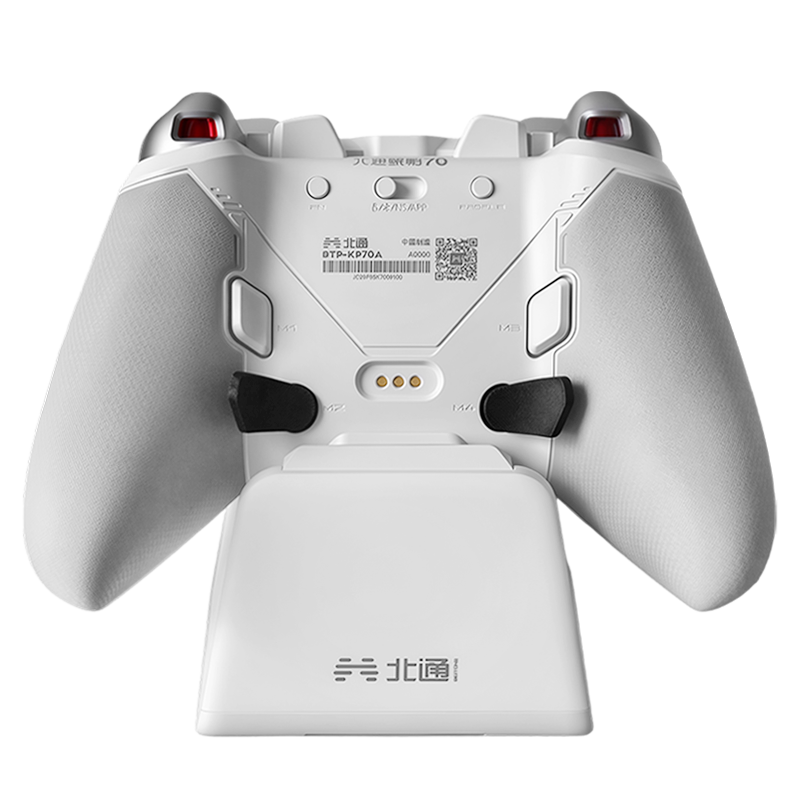
| Competitive FPS via Paddles | Symmetric | Balanced dual-stick alignment when the palm rotates downward for back button access — maximizes comfort and stability in multi-finger grip. |
Preventing Mental Fatigue: The ABXY Inversion Problem
Beyond physical ergonomics, there is a massive hidden psychological benefit to the symmetric layout ecosystem — and it comes down to a classic multi-system pain point.
The Inversion Problem
"Xbox puts A on the bottom and B on the right. Nintendo flips it completely — B on the bottom, A on the right. Your brain gets completely tripped up every time you switch."
PlayStation's legacy symmetric design completely sidestepped this headache by using geometric shapes (Square, Cross, Triangle, Circle). Because there are no letters to confuse, your brain relies entirely on pure spatial muscle memory — making it an excellent platform for multi-system gamers who regularly move between PC, Xbox, and Nintendo setups.

Top Hardware Recommendations for Both Form Factors
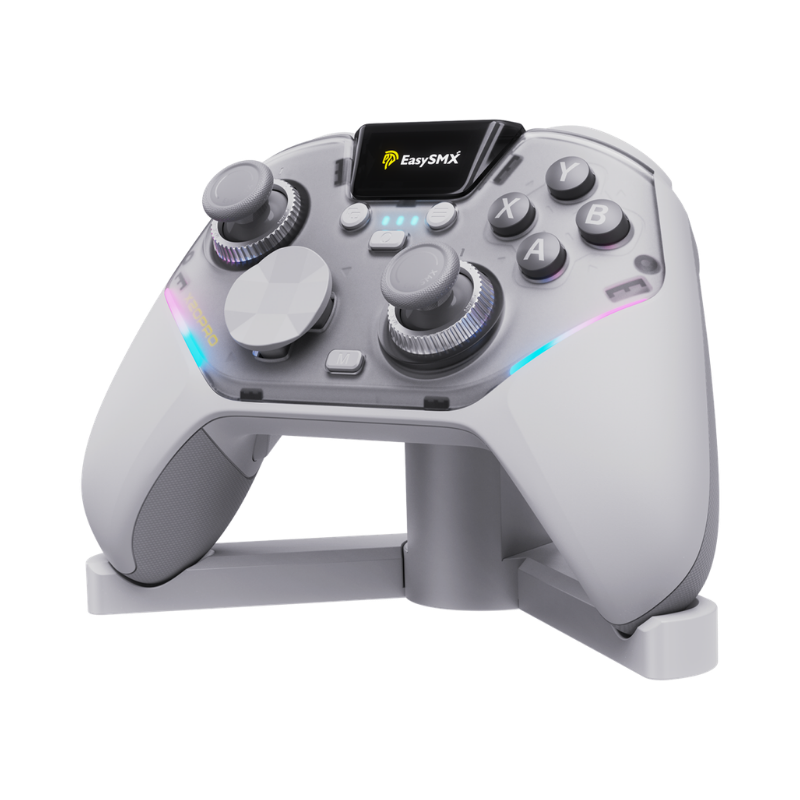
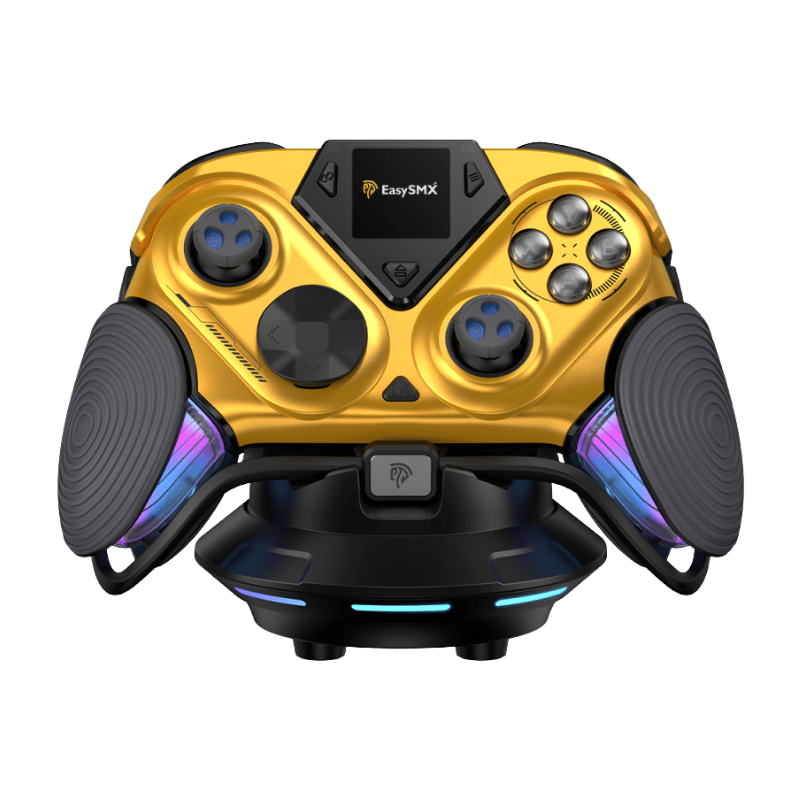
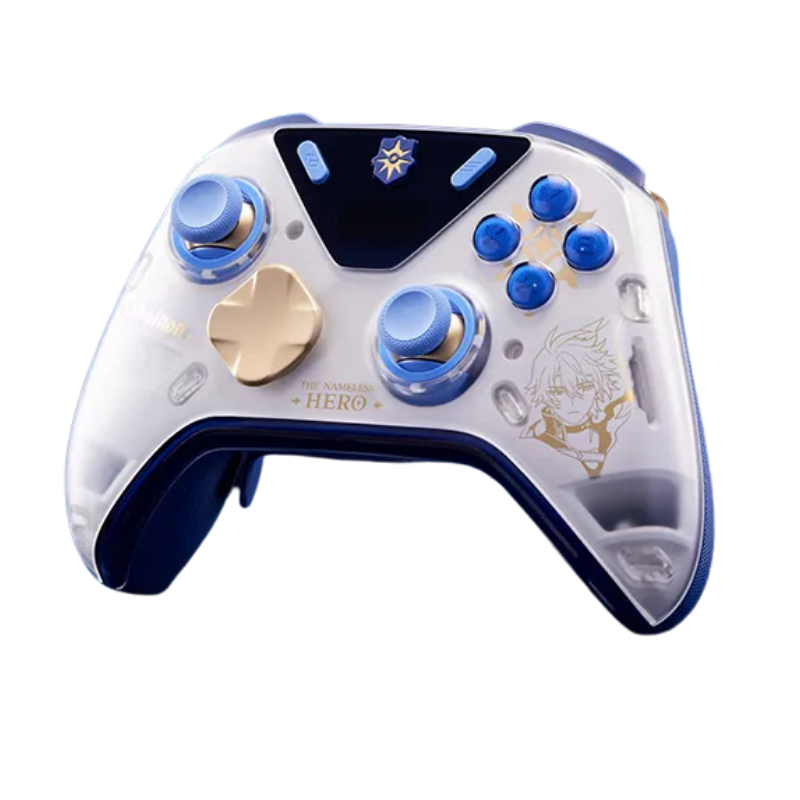
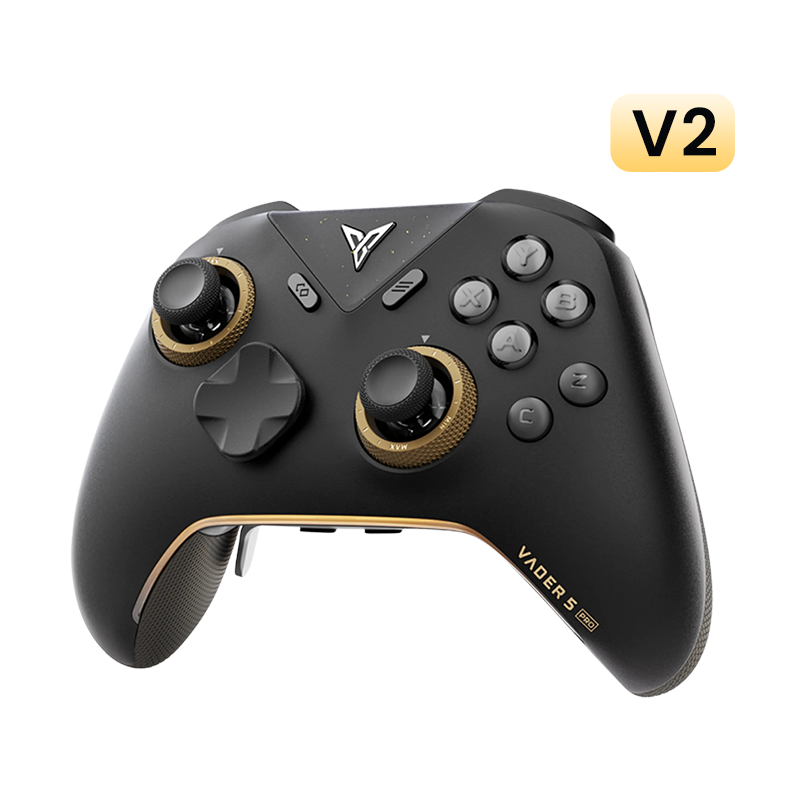
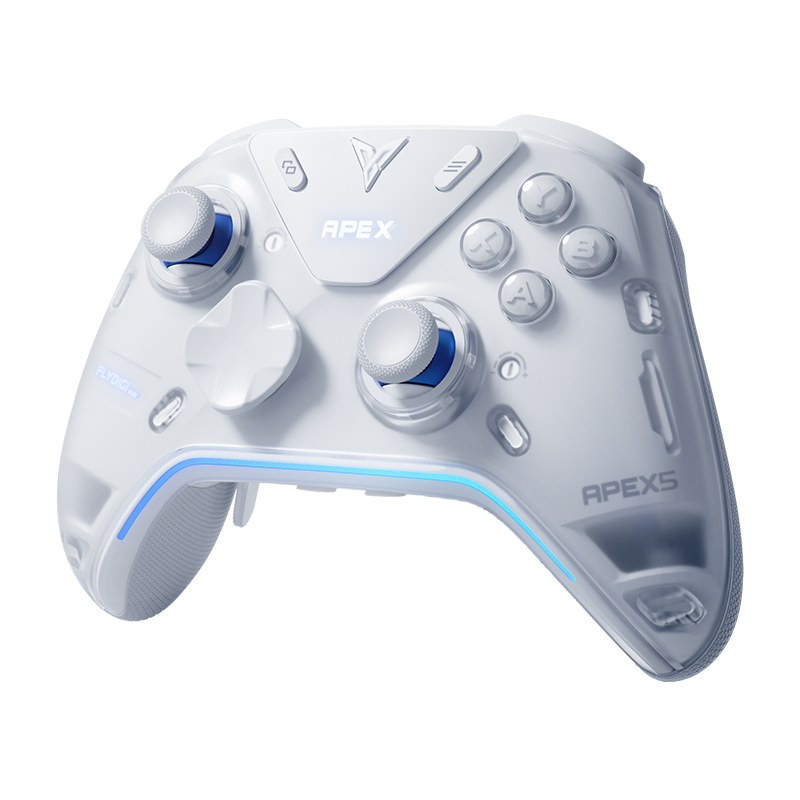
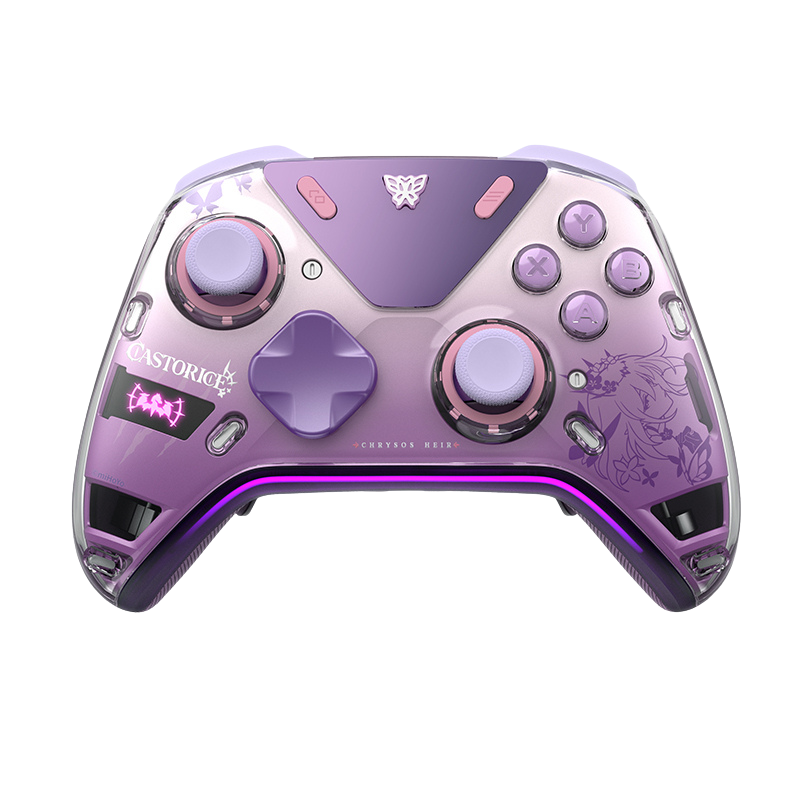
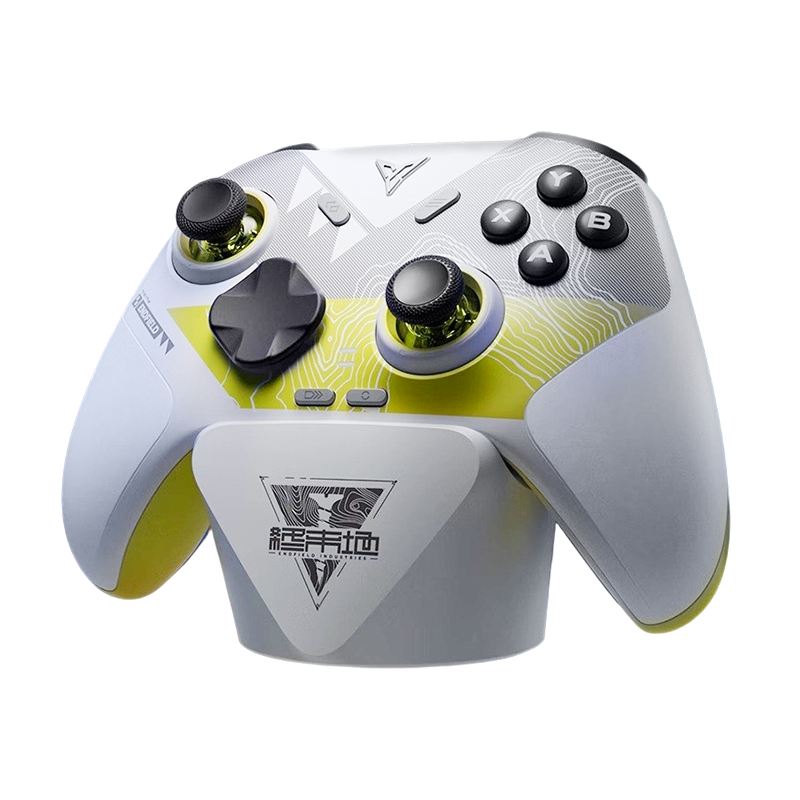
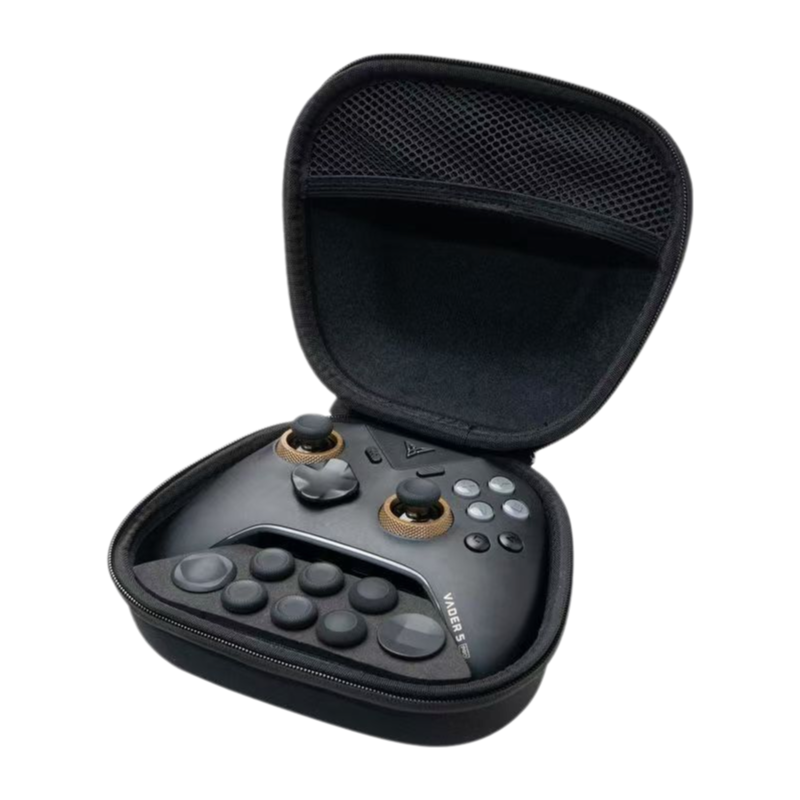
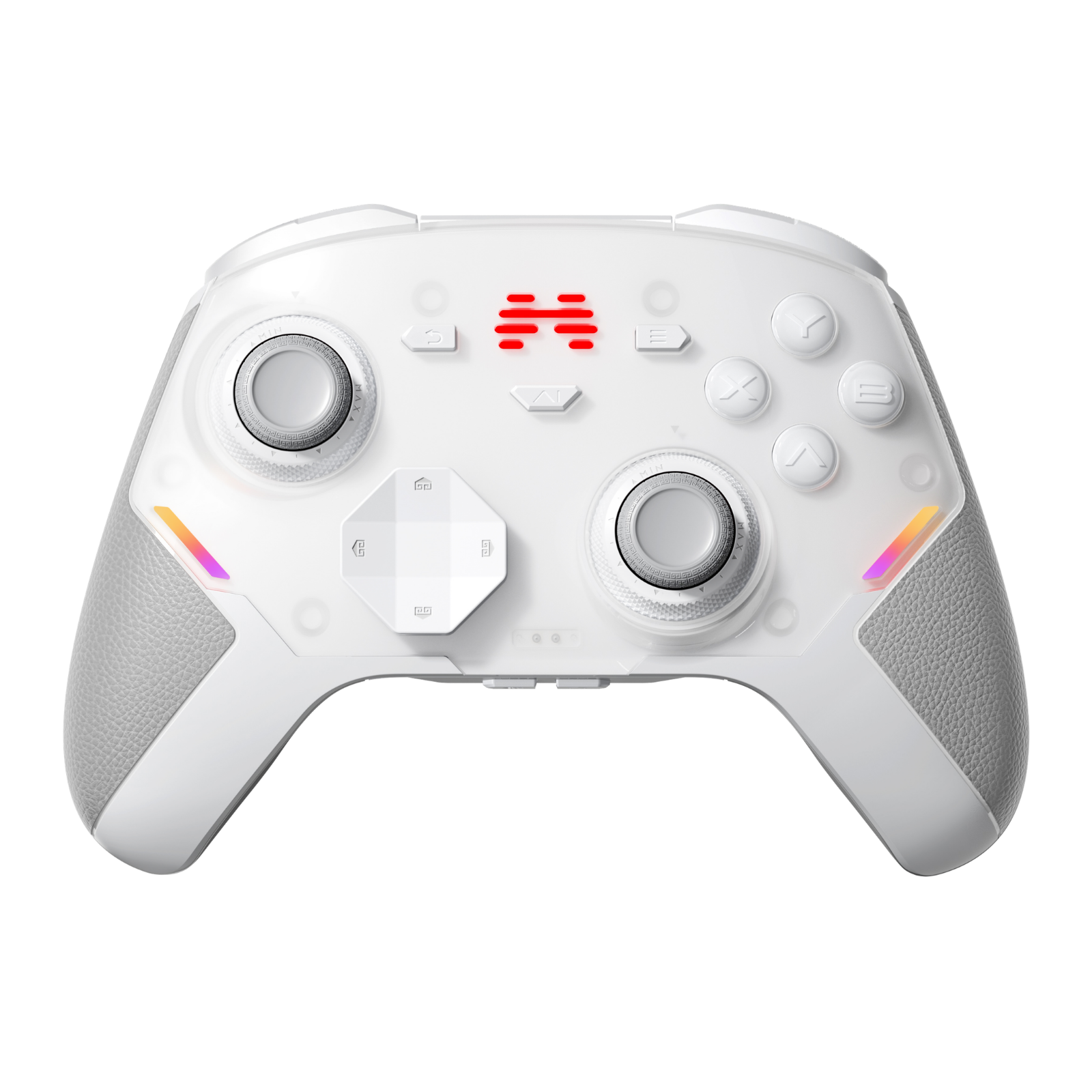
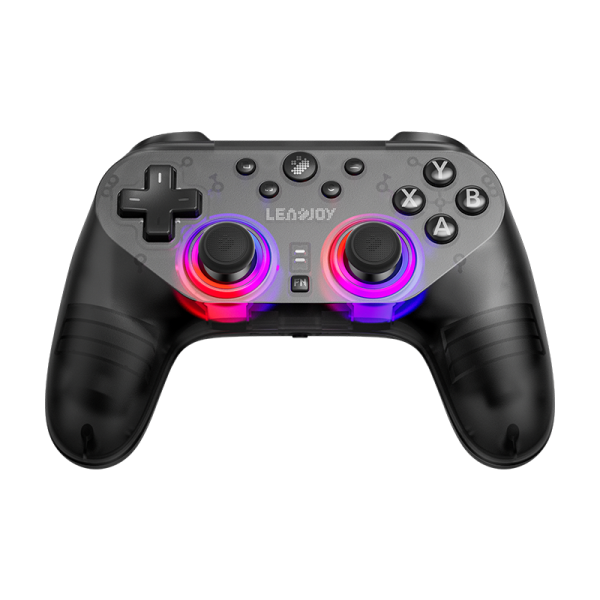
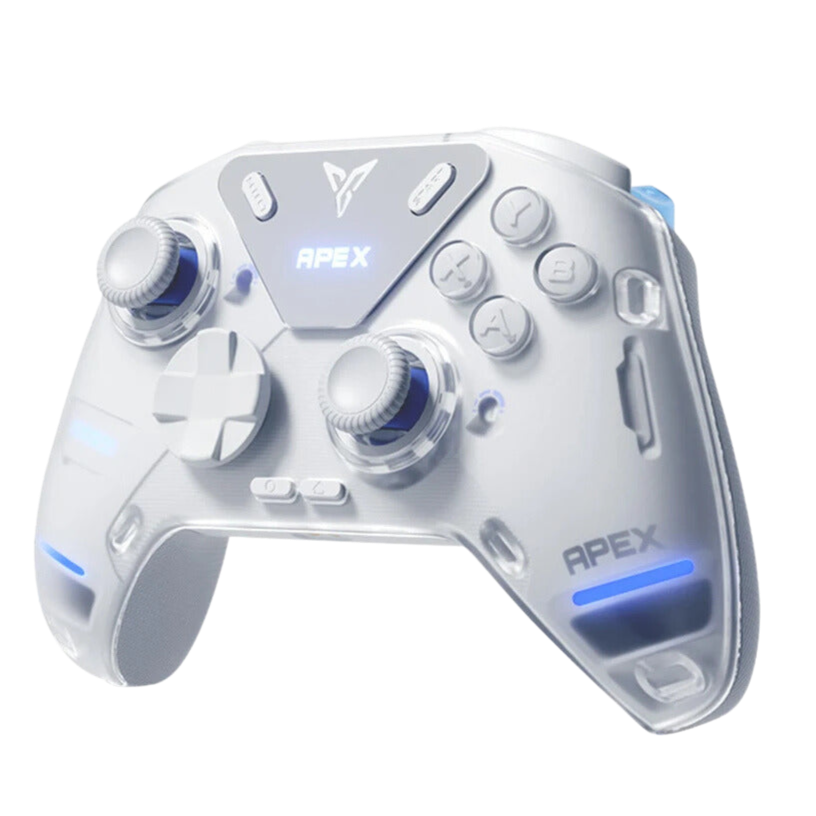
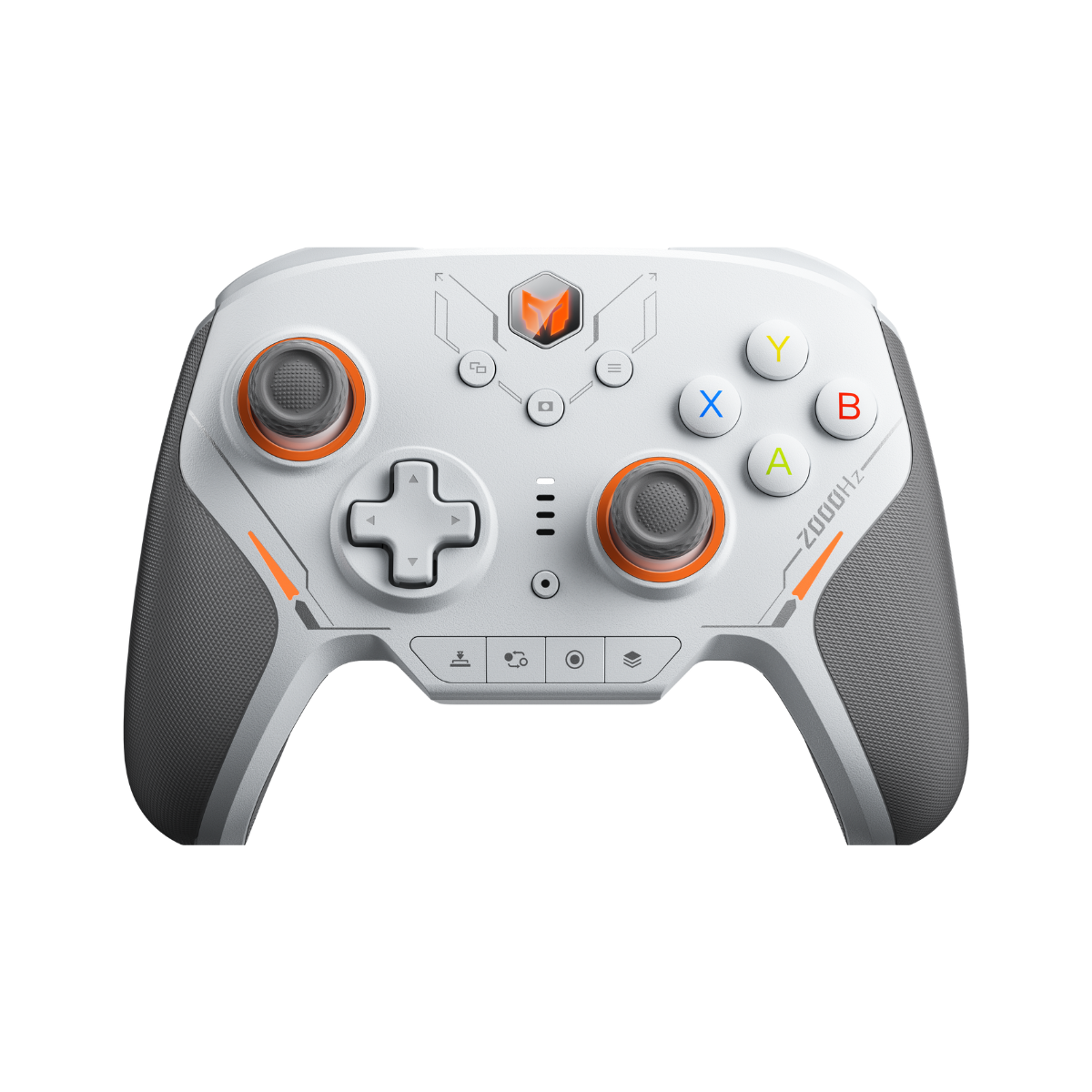
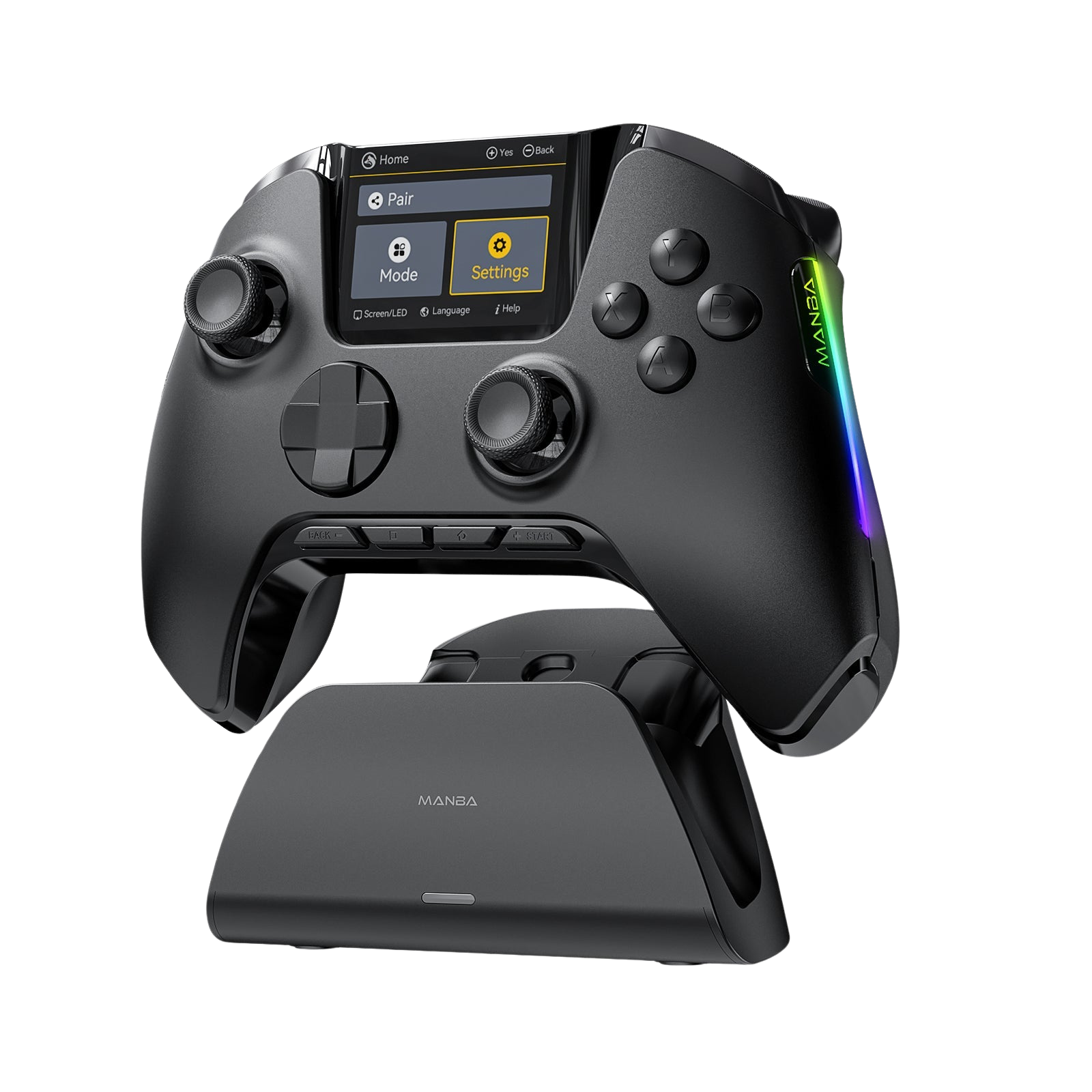
The current hardware landscape has two clear, top-tier options that maximize performance without breaking the bank — one for each camp.


At the end of the day, declaring one layout objectively superior to the other ignores the reality of gaming. Hand sizes vary, grip styles evolve, and different genres demand different tools. Don't let internet echo chambers scare you away from a symmetric build — true ergonomics are something you experience through raw playtime, not through community hearsay.
Join the Conversation
Asymmetric ride-or-die, or parallel all the way?
Which camp do you fall into? Do you find a symmetric layout gives your hands better balance during intense competitive sessions, or does the asymmetric upper-stick placement feel too natural to give up? Drop your thoughts below — we read every one.






Leave a comment
All comments are moderated before being published.
This site is protected by hCaptcha and the hCaptcha Privacy Policy and Terms of Service apply.