
































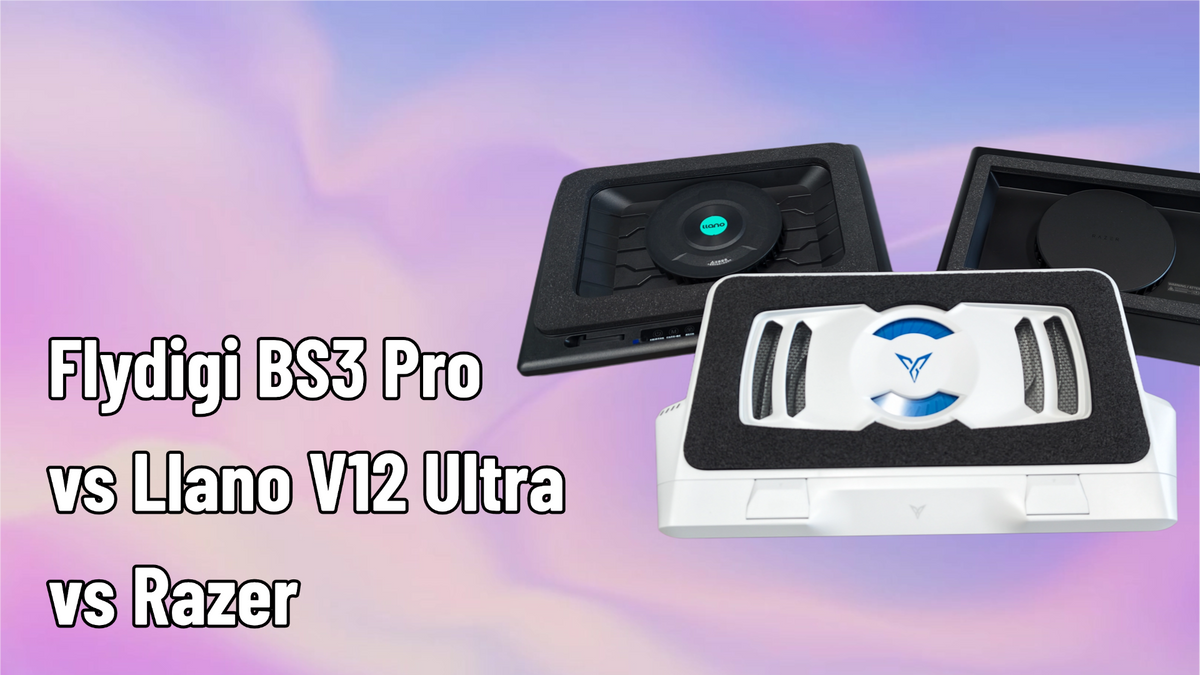
Flydigi BS3 Pro vs Llano V12 Ultra vs Razer Cooling Pad: First Impressions & Real Numbers

Hey everyone — Ray from GadgetHyper here. Three of the most talked-about pressure-style laptop coolers are sitting on my desk right now: the Flydigi BS3 Pro, the Llano V12 Ultra, and the Razer Laptop Cooling Pad.
I've spent the past week rotating all three under my gaming laptop, and this is my first-impressions comparison — not a lab report, but backed by the best public test data I could find.
One thing before we start, because it matters: we sell the Flydigi BS3 Pro at GadgetHyper. We do not sell the other two. So yes, I have a dog in this race — and that's exactly why I'll be pointing out where the BS3 Pro genuinely falls short, and linking the sources throughout so you can check my math.
Meet the Three
Quick introductions, in order of age:
Razer Laptop Cooling Pad
1.6 kg, a 5.5-inch 3000 RPM central fan, magnetic swappable frames for 14–18 inch laptops, and more RGB than a small nightclub.
$126.28 on Amazon (list $149.99)
Llano V12 Ultra
A big central fan, a one-size foam gasket seal, and a manual roller for fan speed. Nothing to install, nothing to configure.
$119.99 on sale (list $179.99)
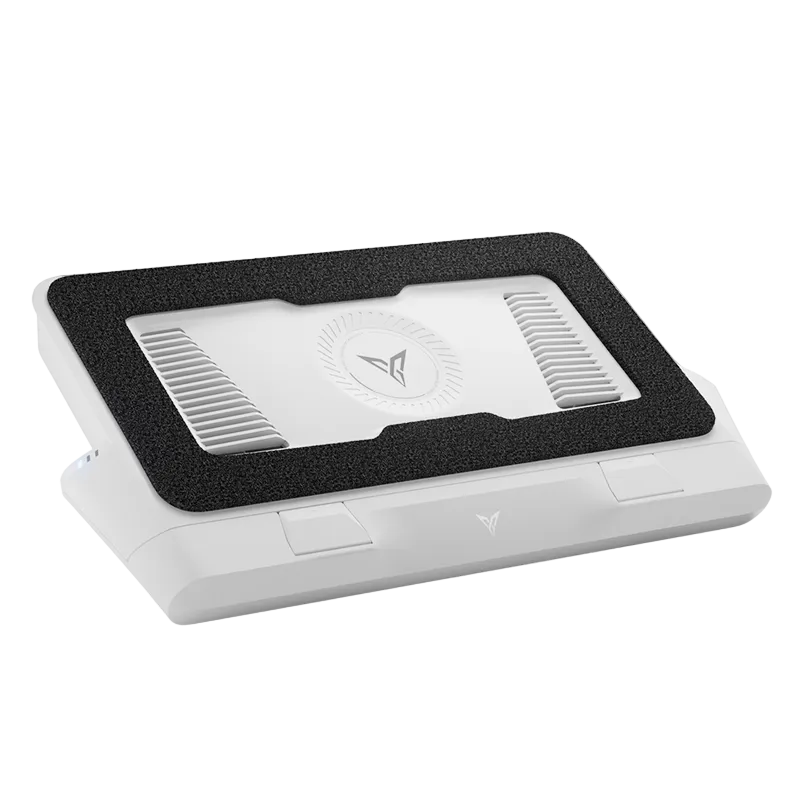
Flydigi BS3 Pro
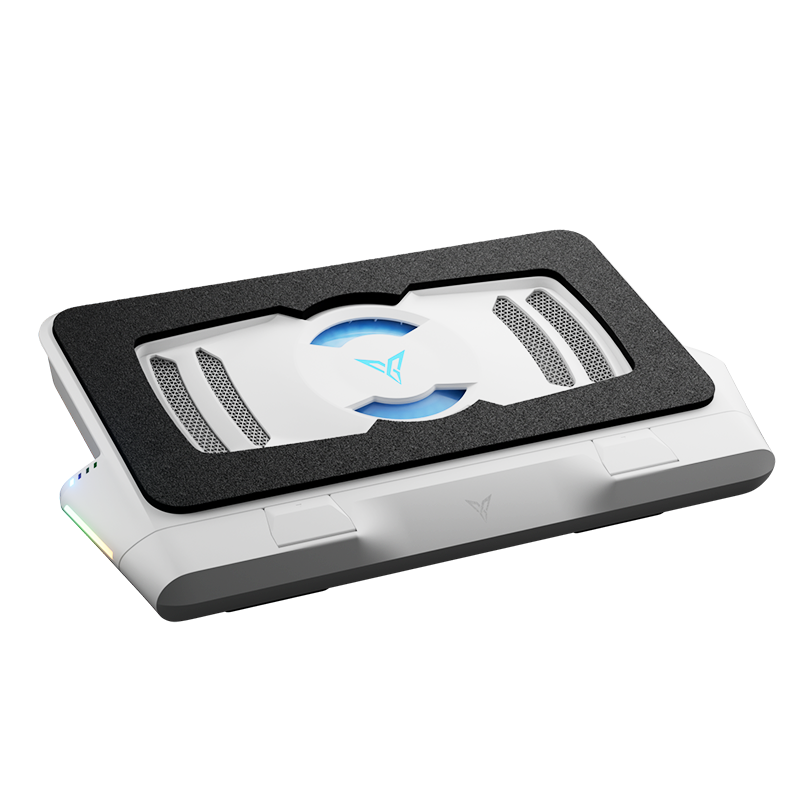
A 27-blade turbine spinning up to 4000 RPM, triple-sided air intake, and smart app control, fitting 15–18 inch laptops.
$119.99
First Impressions: Design & Fit
Generational gaps are real in this category, and the newest design shows it. Razer handles laptop sizes with two swappable magnetic frames — meaning you physically swap parts to change size classes. The Llano is one-size-fits-all with its foam seal. The BS3 Pro uses an extendable bracket with multi-position limiters plus a 3-level riser: no parts to swap, more chassis sizes covered, and noticeably more tilt angles for your wrists. It's the only one that never made me dig through a box for an accessory to fit a laptop.
Aesthetics are subjective, but the BS3 Pro is also the only one that isn't black-on-black — the Flydigi-blue accents on matte white genuinely freshen up a desk. The Razer answers with sheer presence: it's built like a tank and glows like one too.

What the Tests Say (With One Big Caveat)
Here's the caveat, and it's important: no reviewer has benchmarked all three of these on the same laptop. The numbers below come from separate test setups, so treat them as directional, not a laboratory showdown. Where two of these coolers were tested head-to-head on the same machine, I've flagged it.
The most useful data point is a Chinese review lab that ran the BS3 Pro and the V12 Ultra on the same Ryzen 9 + RTX 5060 machine under a 15-minute dual stress test. With no cooler, the CPU peaked at 100°C and throttled almost immediately — averaging 82.6°C, downclocked to 3.02 GHz. With both coolers at maximum speed, clock speeds recovered to 3.14 GHz on both, but the temperatures diverged:
| Stress Test | No Cooler | Llano V12 Ultra | Flydigi BS3 Pro |
|---|---|---|---|
| CPU Temp | 100°C peak (avg 82.6°C, throttled) | 72.9°C | 69.9°C |
| GPU Temp | — | 76°C | 72°C |
| Keyboard Center | — | 34.6°C | 33°C |
Same laptop (Ryzen 9 + RTX 5060), 15-minute dual stress test, coolers at maximum speed. Lower is better.
Gaming tells a more nuanced story, and credit where it's due: the V12 Ultra actually edged out slightly higher frame rates — but look at what those extra frames cost:
| In-Game | Llano V12 Ultra | Flydigi BS3 Pro |
|---|---|---|
| Cyberpunk 2077 | 185 FPS | 178 FPS |
| Forza Horizon 6 | 170 FPS | 167 FPS |
| CPU Power / Temp | 81W · 92°C | 74W · 85°C |
| GPU Temp (Cyberpunk) | 72°C | 68°C |
Same-laptop testing. The V12 wins on frames; the BS3 Pro wins on power and temperature.
So the honest summary is this: the V12 squeezes out 3–4% more frames by letting the machine draw more power and run hotter. The BS3 Pro delivers essentially the same gaming experience while running up to 7°C cooler on the CPU — and, as you'll see in the next section, about 7 dB quieter. Pick your priority: a handful of frames, or a cooler, quieter marathon session.
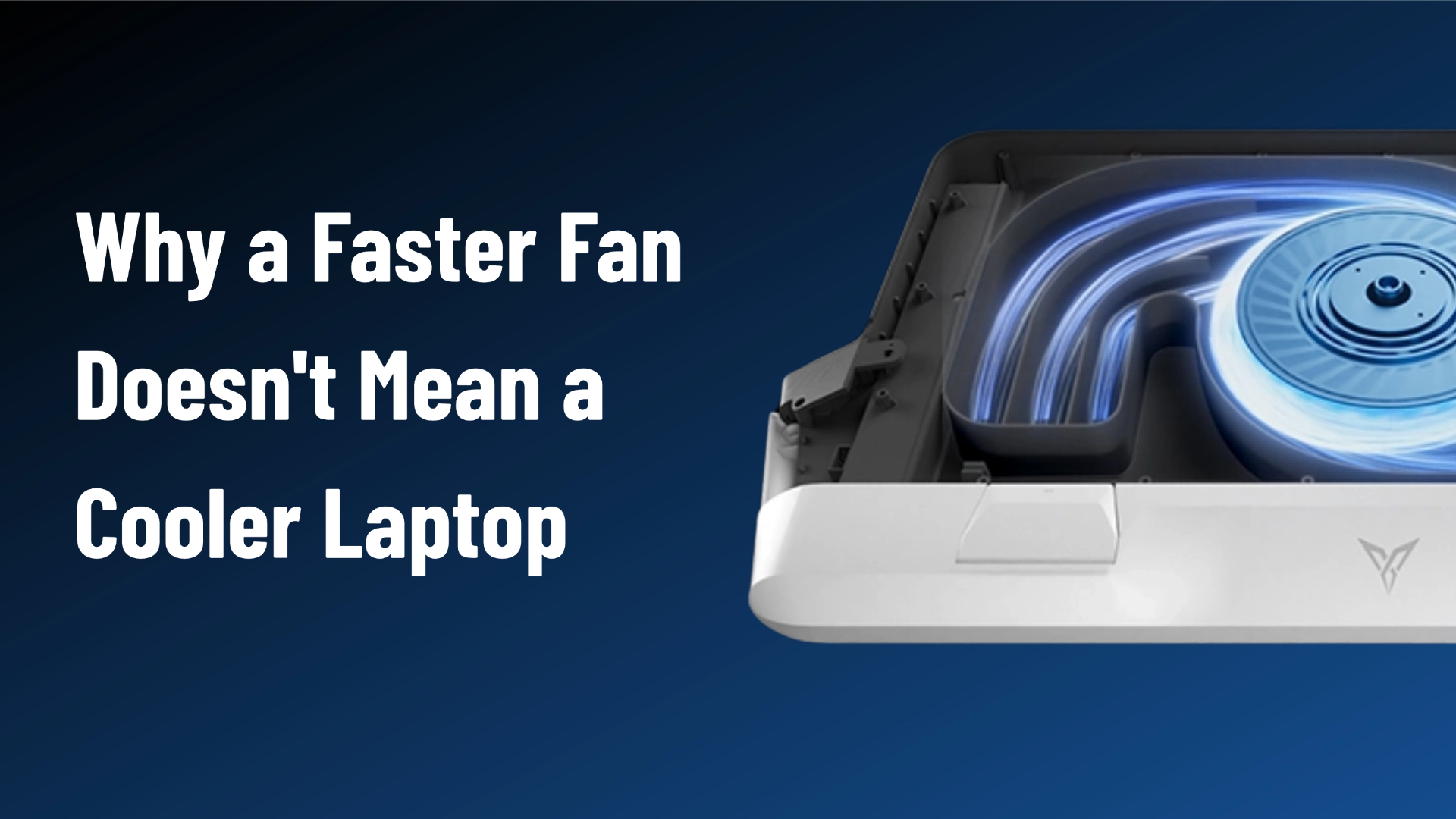
Why the gap? Most likely the intake design. Most gaming laptops exhaust hot air out the rear, and a cooler that only intakes from the rear risks sucking that same hot air right back in — a recirculation loop. The BS3 Pro pulls air from its left, right, and rear panels simultaneously, physically breaking that loop.

A separate reviewer tested the Razer pad against the Llano on a Razer Blade 16. There, the Razer cooler ran 10–12°C cooler on the GPU in 3DMark than no cooler at all, versus 5–6°C for the Llano — helped by Razer's Hyper Boost mode, which syncs the pad's fan to the laptop's internal fans. Raw FPS gains were small on both, in the 1–3% range.
And then there's the Hyper Boost wild card, documented by Robeytech: on a compatible Razer laptop (RTX 40-series, 2023 or newer), Hyper Boost actually raises the machine's power ceiling — worth a repeatable 4–10% more FPS in several titles, including about 19 extra frames in Forza Horizon 5. That's the one scenario where a cooling pad unlocks real performance rather than just protecting it. The catch is equally real: it only exists on Razer laptops. On anything else, that button does nothing.
The Jet Engine Question
Pressure coolers live or die by noise — all the cooling in the world is worthless if the thing sounds like a helicopter. At maximum output:
Quietest of the three — despite posting the best temperatures.
You'll know it's on.
~64 dB average in Hyper Boost; 76 dB fully unleashed (separate Razer Blade test).
The BS3 Pro has one more acoustic trick: its foam seal muffles the laptop's own internal fans. In the same-laptop test, its Level 1–2 modes actually measured quieter than the laptop with no cooler at all.
Software: Three Philosophies
Everything ties to Synapse — powerful and deeply integrated, but its crown feature is handcuffed to Razer laptops.
Old-school: a manual roller on the front. Whatever you set is what you get, until you reach over and change it.
The automation route: Smart Frequency 3.0 in the Space Station app watches your laptop's actual temperatures — ramps the fan up for a gaming session, drops to a whisper when you're just browsing. After a week, this was the approach I stopped thinking about — which is exactly the point.

Where Each One Falls Short
In the spirit of the disclosure up top, here's the honest list:
Needs a 9V/3A PD wall adapter to unlock maximum Level 4 output — run it off a laptop USB port and you're capped at Level 2. The dust filter also lost the previous generation's tool-less quick-release, so cleaning takes an extra minute.
The loudest of the three at full tilt, the heaviest, and the oldest design here. Its best feature is useless without a Razer laptop — for everyone else, you're paying for RGB and a badge.
Nearly 7 dB louder than the BS3 Pro at max, and no smart control at all. Its historical trump card — price — has evaporated: on sale it currently costs exactly the same as the BS3 Pro.
So Which One Goes Home With You?
Razer Cooling Pad
Hyper Boost is a genuine, measurable performance unlock that no other cooler on Earth offers. For Razer owners specifically, it's a legitimate pick.
Llano V12 Ultra
Its price swings between $119.99 and $179.99 — at a real sale, it's a solid, simple cooler.
Flydigi BS3 Pro
Newest design, lowest core and keyboard temps in same-laptop testing, quietest at full speed, the only set-and-forget smart control, widest fit range — and at $119.99 it costs the same as the Llano and less than the Razer.
The math kind of does itself. And yes, this is the one we sell — now you know why we chose to sell it.
One last word of caution, whichever you choose: buy a pressure-sealed cooler, not a $30 mesh pad. The cheap ones move air; the sealed ones move temperatures. And if your laptop is a few years old and roasting from the inside, no external cooler replaces a thermal-paste refresh — do that first.

The newest design of the three — lowest temps in same-laptop testing, quietest at full speed, set-and-forget smart control.
$119.99Further reading: why sealed coolers actually boost FPS, and the deep-dive BS3 Pro VRM thermal review.





Leave a comment
All comments are moderated before being published.
This site is protected by hCaptcha and the hCaptcha Privacy Policy and Terms of Service apply.