







































Why a Faster Fan Doesn't Mean a Cooler Laptop (and What Actually Works)
Hey everyone — Ray from GadgetHyper here. Picture this: you crank your laptop cooler to maximum, the fan spools up like it's cleared for takeoff… and your gaming laptop barely gets any cooler. What gives?
The answer is a piece of physics most spec sheets hope you never think about — and once you understand it, you'll never shop for a cooling pad the same way again.
Cooling 101: It's About the Air, Not the Fan
At its core, cooling is simple: moving air carries heat away. But here's the part that matters — the cooler the air going in, the bigger the temperature gap between that air and your laptop's internal heat fins, and the more heat each gulp of air can carry out.
In other words, a cooler isn't just moving wind. It's moving wind of a certain quality. What the fan breathes matters as much as how hard it blows.
The Hot-Air Loop Nobody Mentions
Gaming laptops breathe from the bottom and push hot air out the rear and sides. Under heavy load, that exhaust spreads along your desk and around the chassis — and a chunk of it curls right back underneath, where it gets sucked in again. That's hot-air recirculation.
Now put a cooler with a single intake direction near that hot zone and spin the fan faster. What happens? You guessed it: it inhales more of the same hot exhaust, just faster. The intake air temperature climbs, the temperature gap shrinks, and you're left with what engineers politely call ineffective cooling — a very fast fan accomplishing very little.

Fix #1: Breathe Better Air
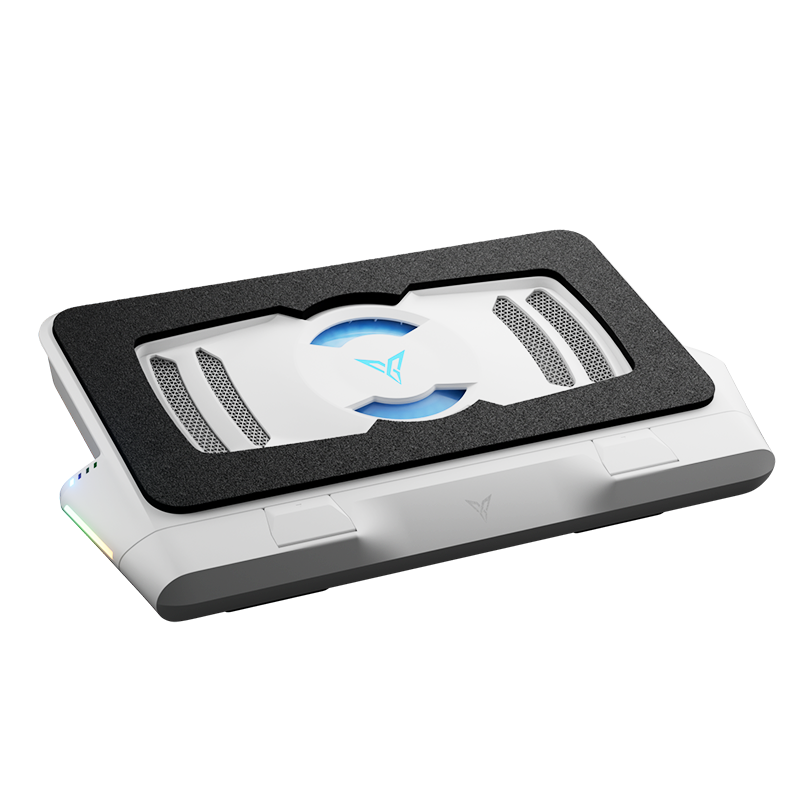
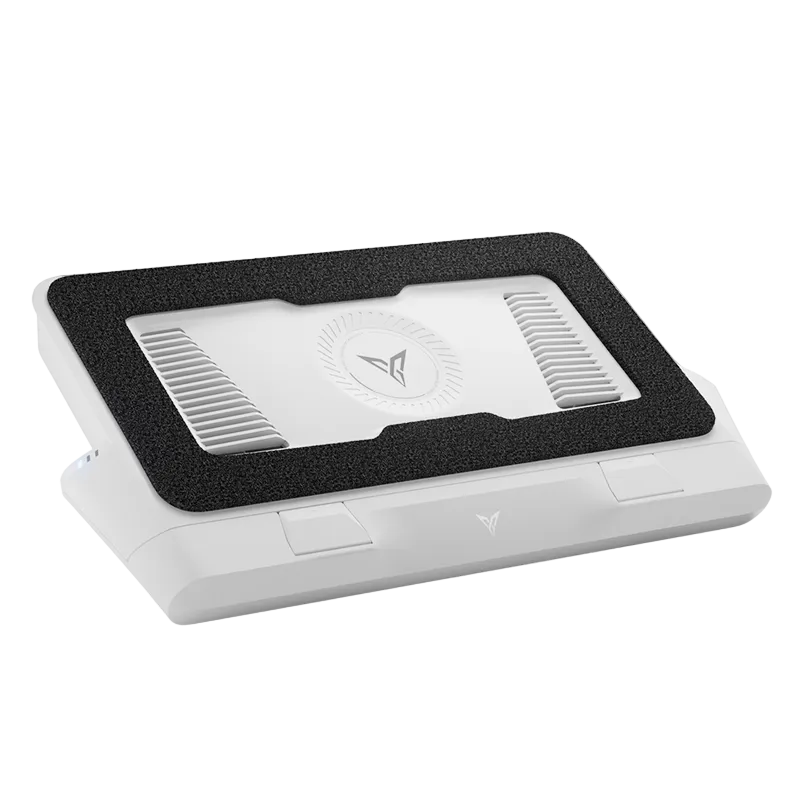
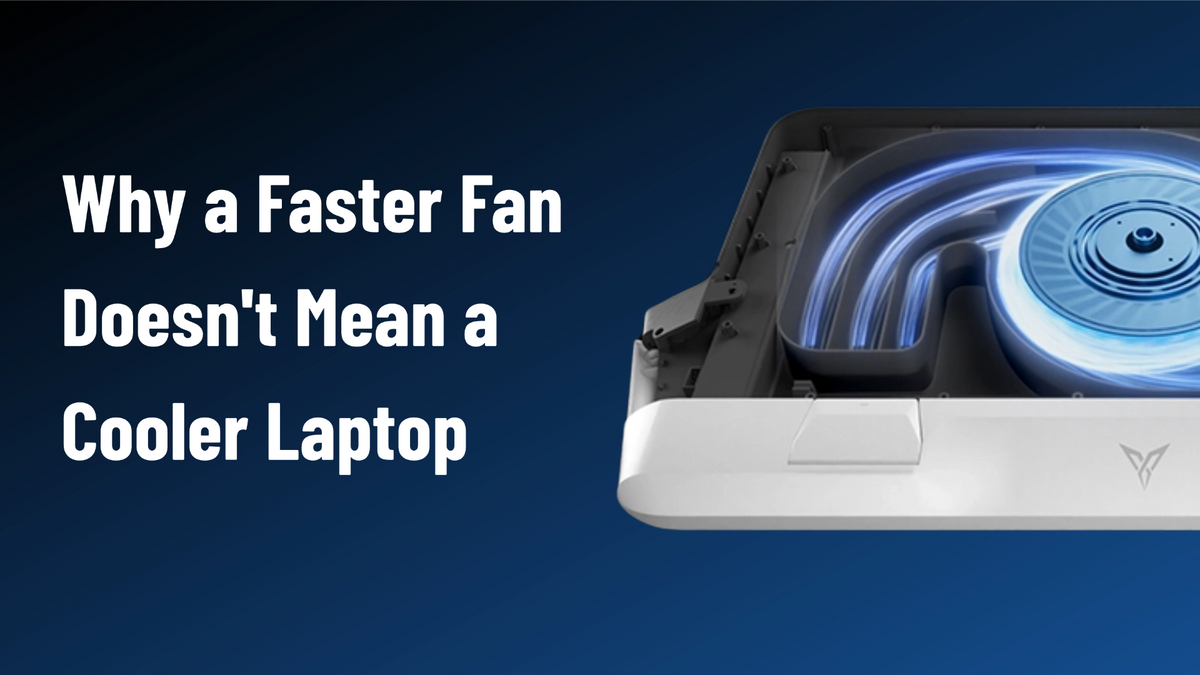
This is exactly the problem the Flydigi BS3 Pro's triple-sided intake was engineered around. Instead of drawing air from one direction — often right next to the laptop's exhaust path — it pulls from three intake zones across the front and both sides, harvesting cool ambient air from a much wider area while avoiding the hot zone.
Cold air makes up 90% of what the cooler breathes in.
Total intake reaches three times that of a traditional single-intake design.

Fix #2: Pressure Gets It In, Flow Just Shows Up
But gathering cold air is only half the job. Look at the bottom of your laptop: mesh grilles, dust filters, narrow internal ducts — every one of them resists airflow. This is where the second invisible spec comes in:
Decides how much air arrives at your laptop's underside.
Decides whether that air actually gets inside. If pressure is insufficient, the air just hits the belly of the laptop and spills uselessly out the sides.
The BS3 Pro's answer is a high-density pressure structure that takes the cold air gathered by its three intakes and channels it straight into the laptop's bottom intake zone — pushing it through the resistance instead of around it. Three-sided intake collects the cold air; the pressure structure forces it in.

The Payoff
When enough genuinely cold air actually makes it inside the chassis, it can continuously haul away what your CPU and GPU are cooking up:
In Flydigi's testing, the BS3 Pro delivers a combined CPU + GPU temperature drop of up to 48°C — the kind of thermal headroom that keeps frame rates stable and keyboards comfortable through long sessions.
Fan speed is just how fast the blades spin. The real job of a cooler is getting enough cold air truly inside your laptop.

Triple-sided intake, high-density pressure structure, smart app control — the cooler built around everything in this article.
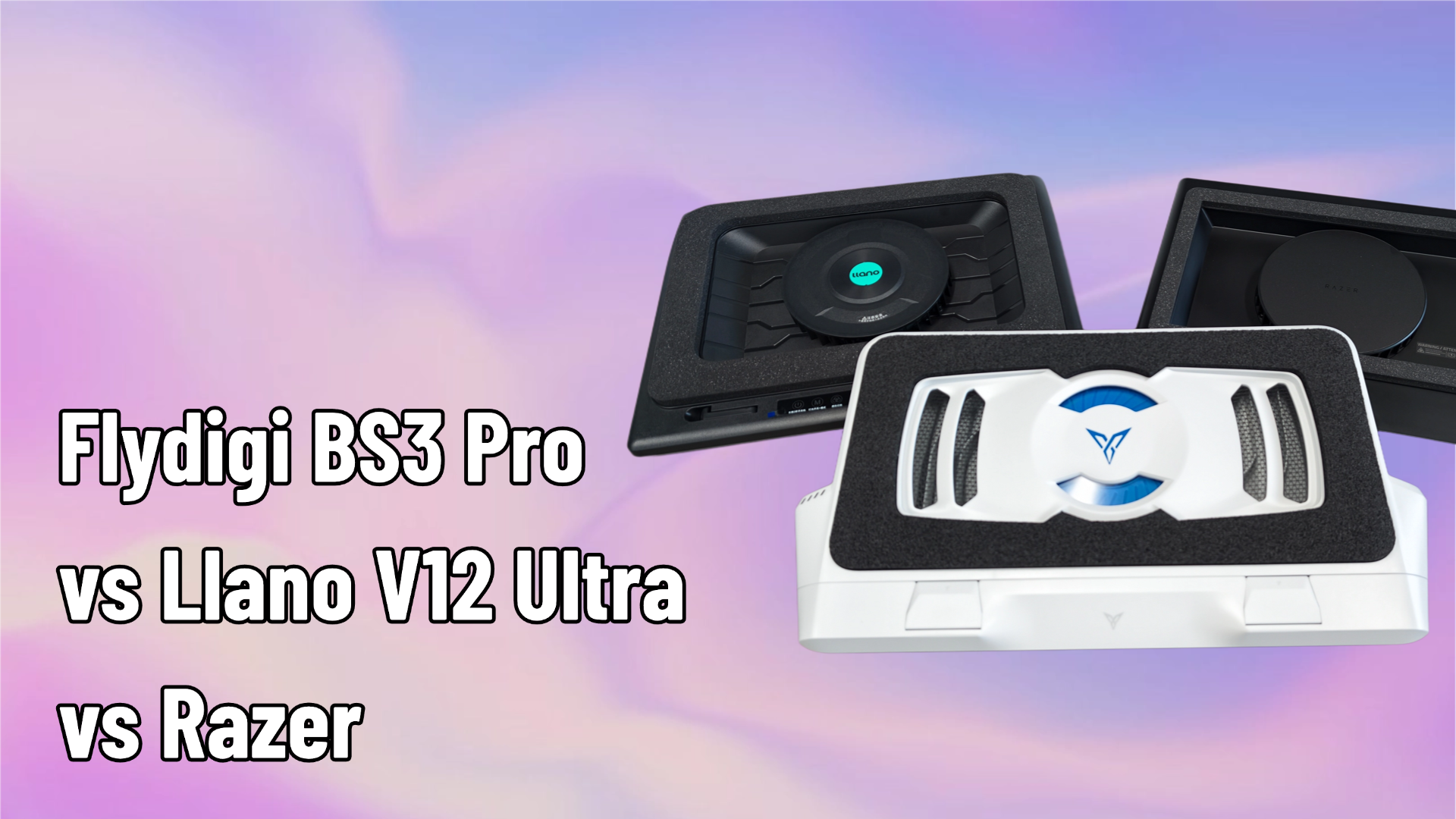
$119.99Further reading: BS3 Pro vs Llano V12 Ultra vs Razer — our 3-way hands-on comparison, why sealed coolers actually boost FPS, and the BS3 Pro VRM thermal deep-dive.








Leave a comment
All comments are moderated before being published.
This site is protected by hCaptcha and the hCaptcha Privacy Policy and Terms of Service apply.