





























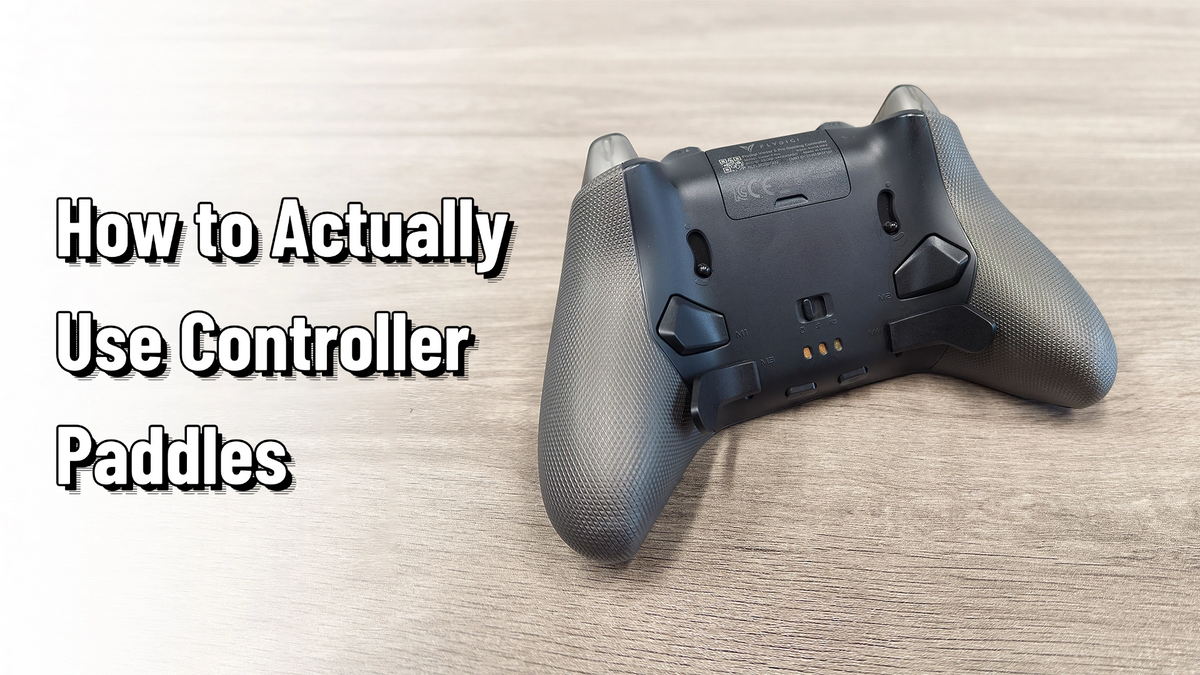
Back Buttons Are the Most Underrated Feature on Your Controller — Here's How to Actually Use Them
Hey everyone — Ray from GadgetHyper here. Back buttons might be the most polarizing feature in modern controllers.
When a budget controller removes them to hit a price point, half the internet applauds ("finally, no more accidental presses!") while the other half riots ("how am I supposed to play without them?!"). Same hardware, two religions. And here's the secret: most of the "never use them" camp isn't wrong about their own habits — they just never learned what back buttons are actually FOR. So let's fix that.

First, Understand the Point
Back buttons aren't about having MORE buttons. They're about one thing: your thumbs never have to leave the sticks. Every killer use case below is some variation of that sentence.
Five Plays That Make Back Buttons Worth It
Face Buttons on the Back
In FPS and action games, jumping, crouching, reloading, and interacting all live on the face buttons — which means every one of those actions costs you your aim. Map them to back buttons and your right thumb stays welded to the stick where it belongs.
This is also the most popular escape hatch from claw grip: claw works, but it's weeks of adaptation and punishes small hands — back buttons deliver the same "aim while doing everything" benefit with zero learning curve. (We wrote a whole guide on claw grip if you want to compare the two paths.)
Soulslike Players, This One's Yours
In Elden Ring, Sekiro, and their cousins, the D-pad handles your items — and sprinting is usually a face button you hold. Try sprinting, steering the camera, AND chugging a flask at the same time and your hands quickly file a complaint.
Put the D-pad on your back buttons and suddenly you're swapping and using items mid-sprint without a single awkward moment. Some players say this one change made the games feel a full difficulty notch friendlier.
Stop Clicking the Stick to Sprint
Sprinting by CLICKING the left stick — while also pushing it in a direction — is one of those control decisions nobody loves but everyone tolerates. Some games want a tap, others want you to hold it, and the feel is genuinely terrible either way.
Map sprint to a left back button and two fingers share the job: stick pushes the direction, back finger holds the sprint. It feels natural in about thirty seconds.
They Live Here Too
Most controllers with back buttons also let you record macros or set turbo — and the back paddles are the perfect home for them, since they don't displace any of your normal buttons.
One-button combos for Monster Hunter, Devil May Cry, or fighting games won't play at tournament level, but they absolutely open those games to players who'd otherwise bounce off the execution requirements. Many companion apps even ship with ready-made presets — pick one, assign it to a paddle, done.
Controller Insurance
This one sounds like a myth but some players genuinely do it: map your most-mashed buttons (looking at you, A and B) to the back paddles to spread the wear. Honestly, don't stress about this one — most of us buy a new controller long before the old one dies.
But the flip side is genuinely touching: if a face button on your controller has DIED, you can map its function to a back button and keep playing. A paddle standing in for a broken button is the cheapest controller repair you'll ever get.


The Mapping Philosophy That Ties It All Together
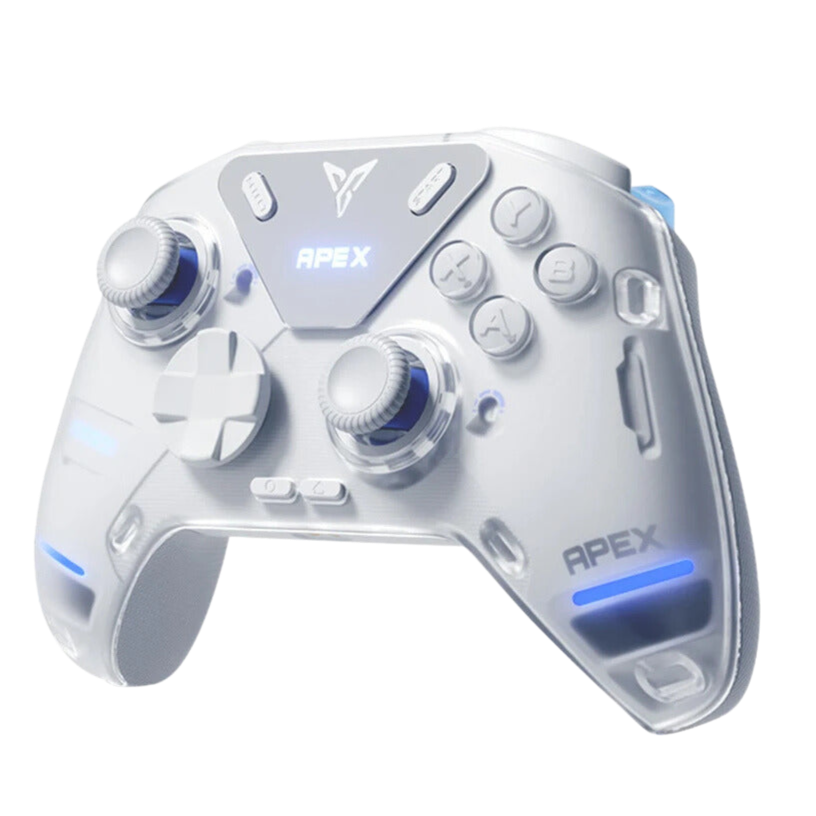
One Apex pro's approach is worth stealing: bind your MOST-used actions to your EASIEST buttons, with the goal that your thumbs handle almost nothing except the sticks. Working backward from that principle:
- Starter setup (FPS): back buttons = jump and crouch. That's it. This is the highest-value mapping in existence — set it today, thank us tomorrow.
- Once comfortable: move interact/reload and heal/shield onto the back row too. A ping button you never use? Reassign it immediately.
- Small hands: you don't have to hold the paddles with middle fingers — some players run a six-finger style grip and work the back buttons with ring fingers instead.
The exact bindings are personal — hand size, grip style, and game all change the answer. The principle doesn't.

"But I Genuinely Don't Need Them"
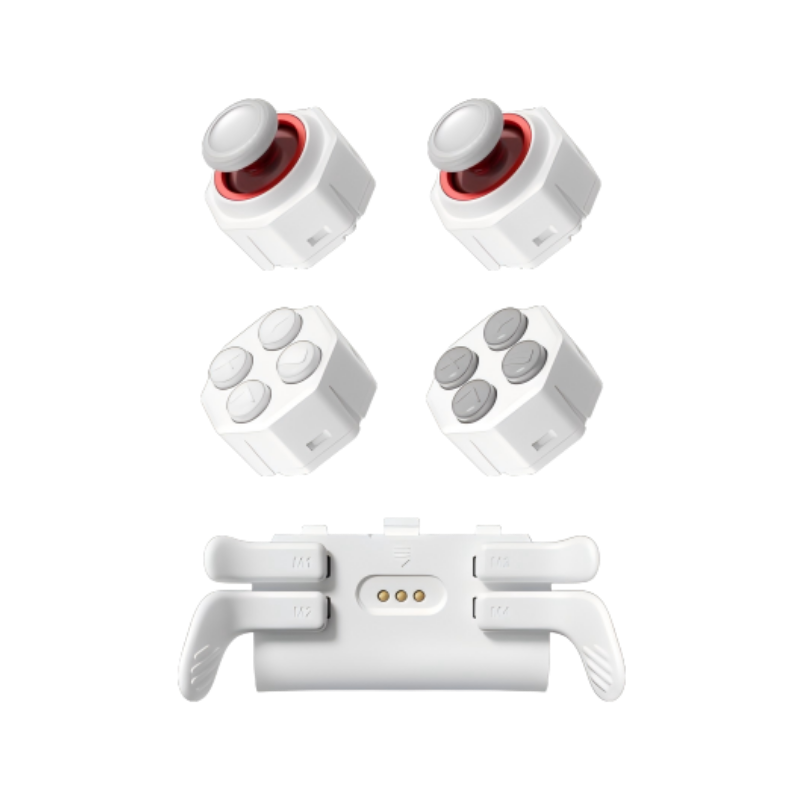
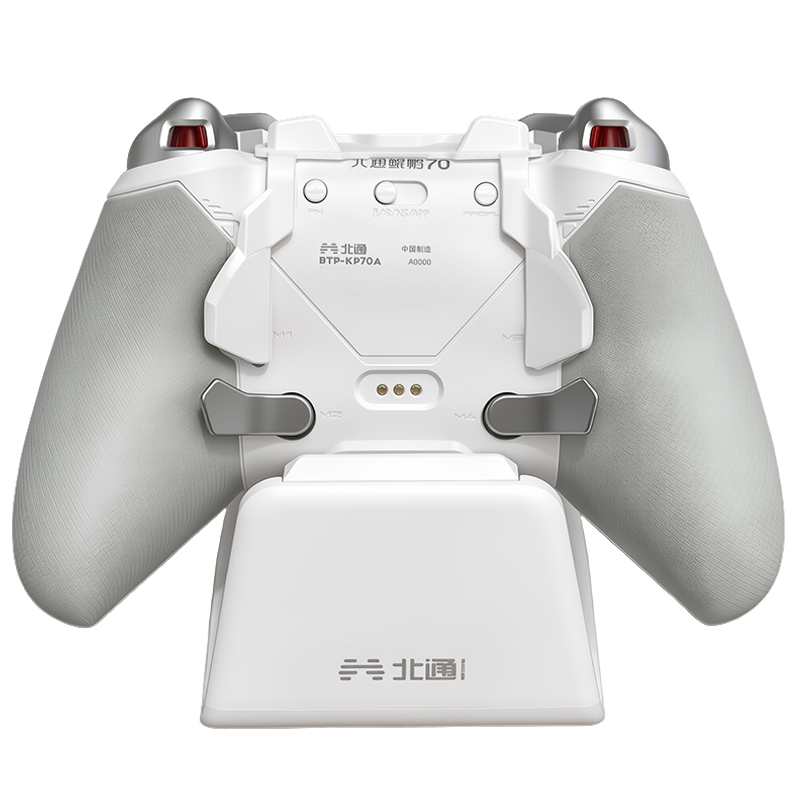
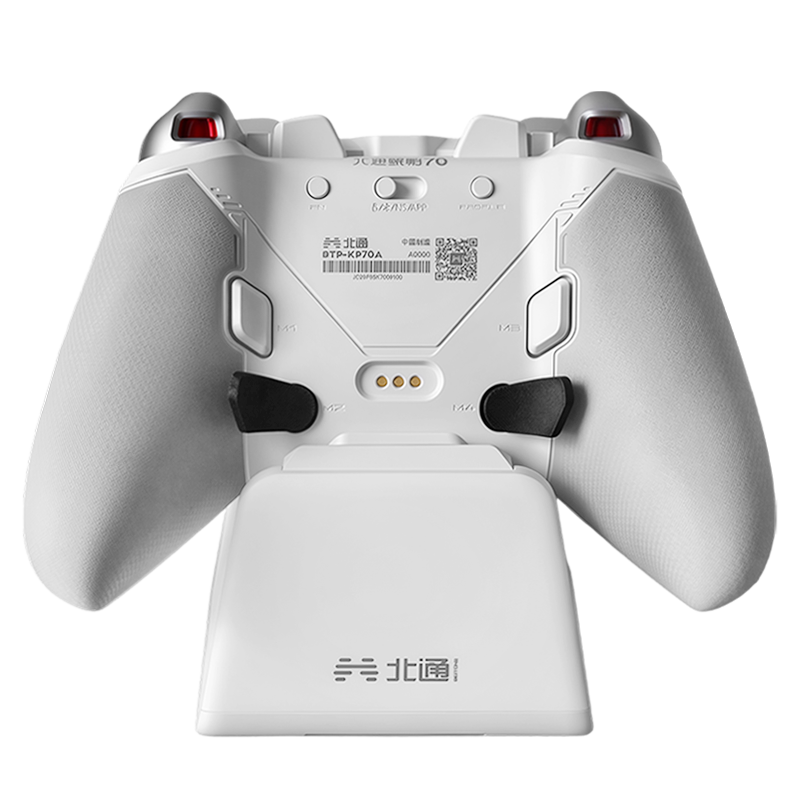
Fair — and you have options beyond tolerating accidental presses. Some controllers ship with physical back-button LOCKS. Some have detachable or modular paddles: take them off and they're gone. And nearly every companion app lets you simply disable them in software. The point is choice, not obligation.
If You're Shopping for Them
If this article sold you on the idea, these two put everything we just talked about in your hands:
Room for Every Mapping in This Guide
Jump-crouch starters, full Soulslike D-pad rows, macro setups — four paddles plus extra shoulders mean even the heaviest mapping schemes have room to breathe.

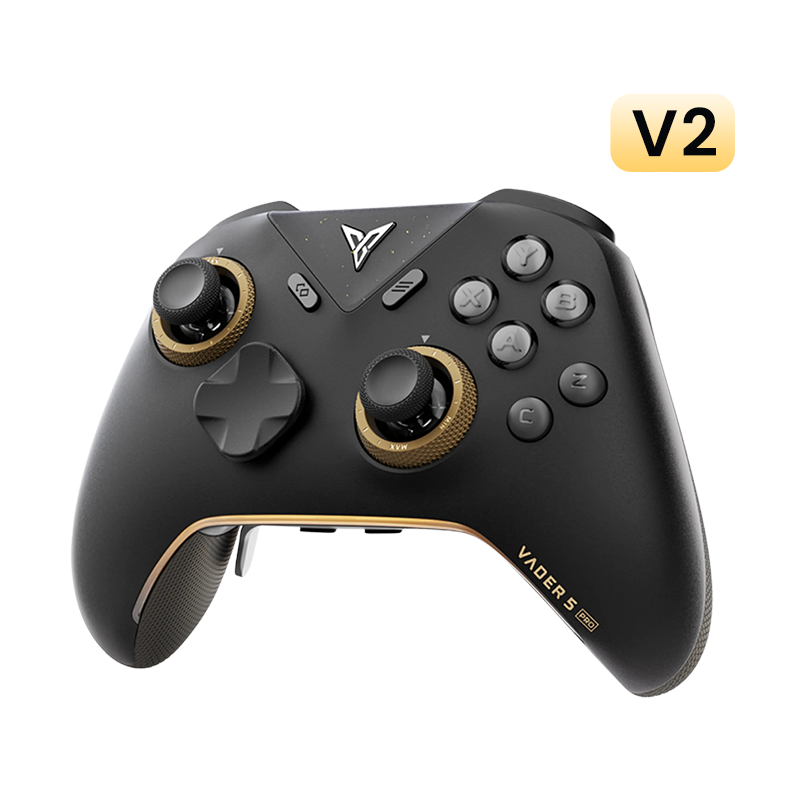
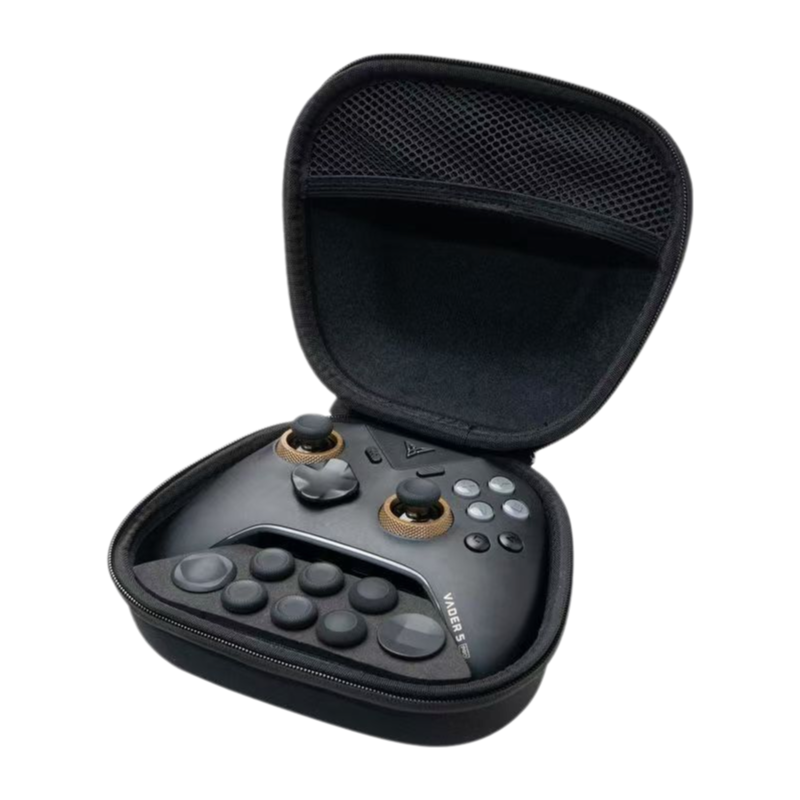
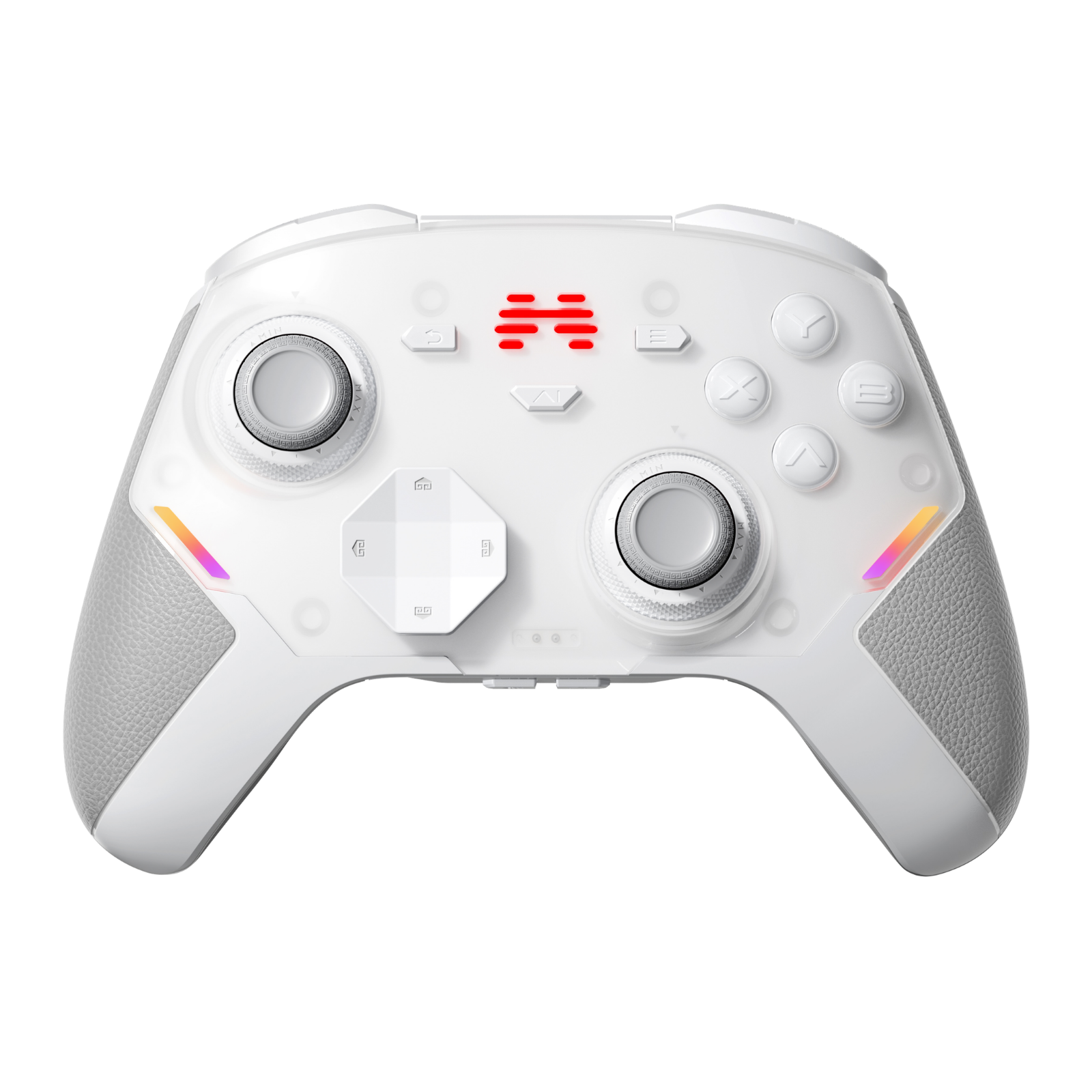
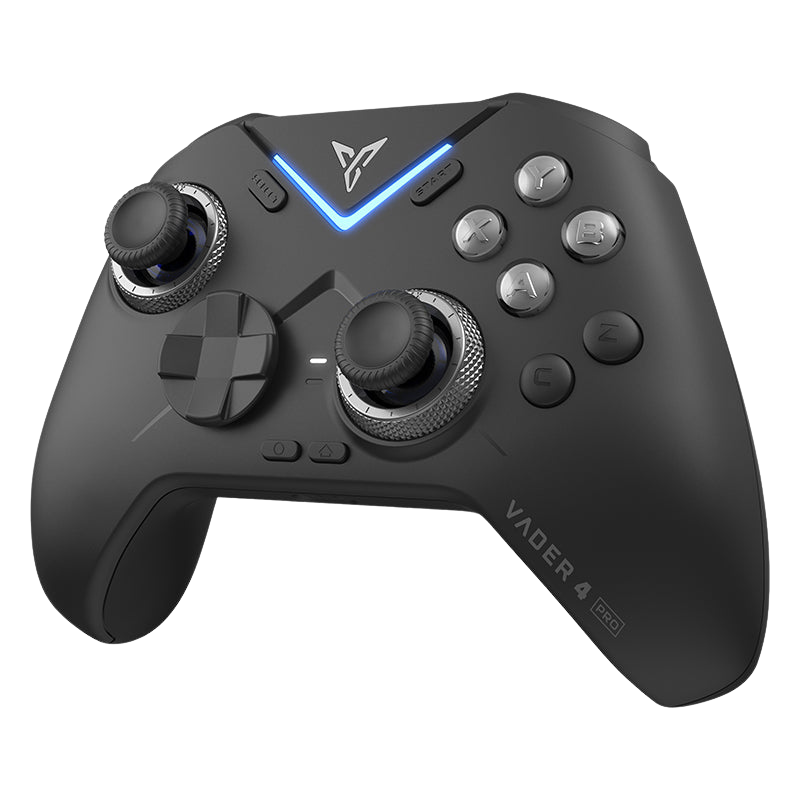
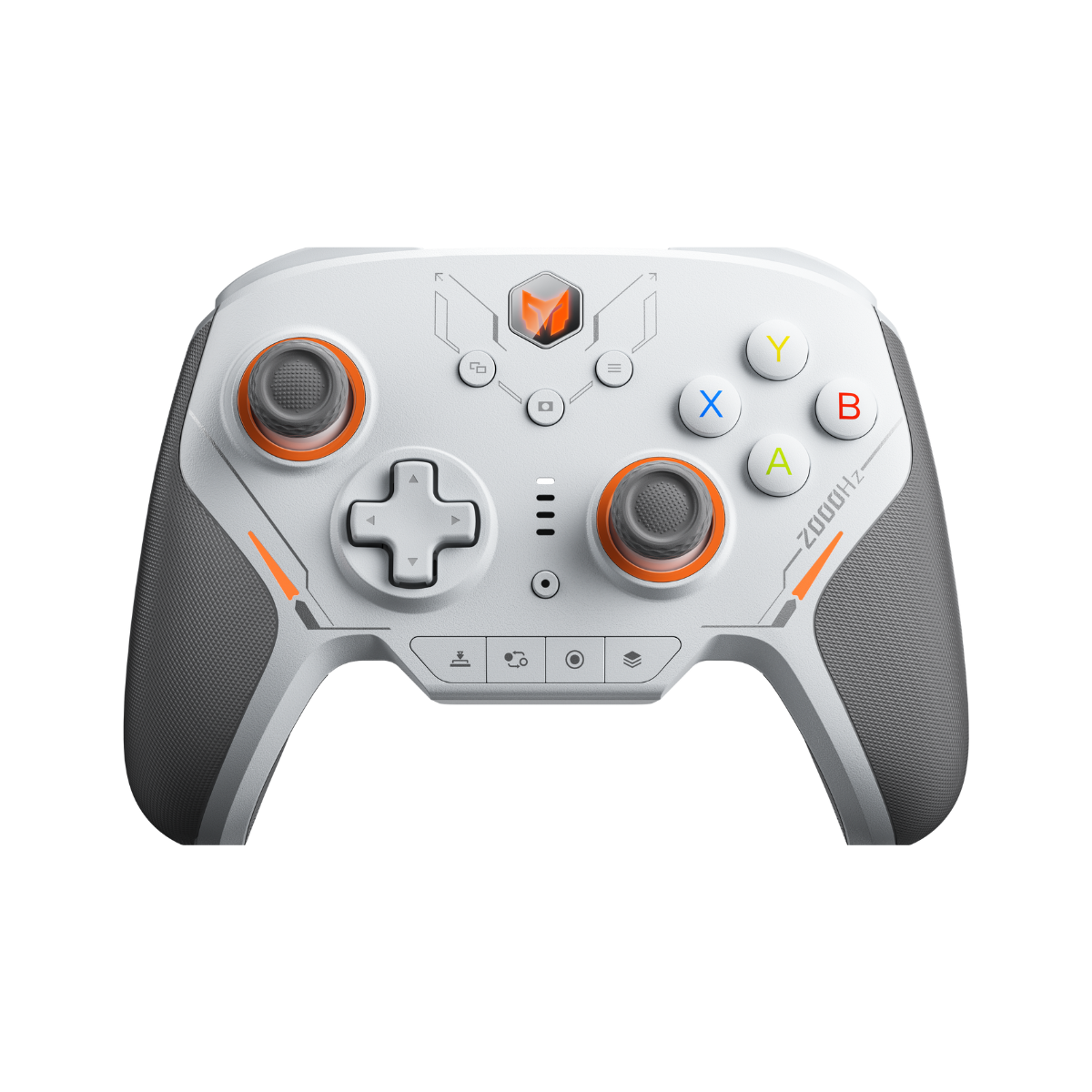
Flydigi Vader 5 Pro
Four remappable back buttons plus extra shoulder buttons on top — maximum mapping capacity.
$79.99
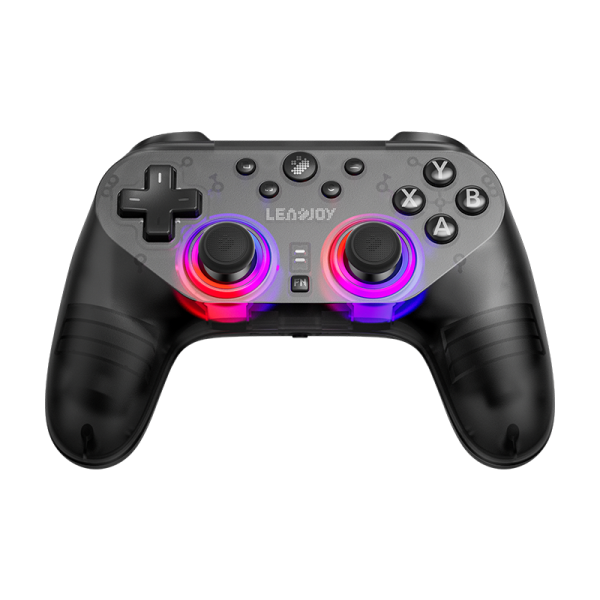
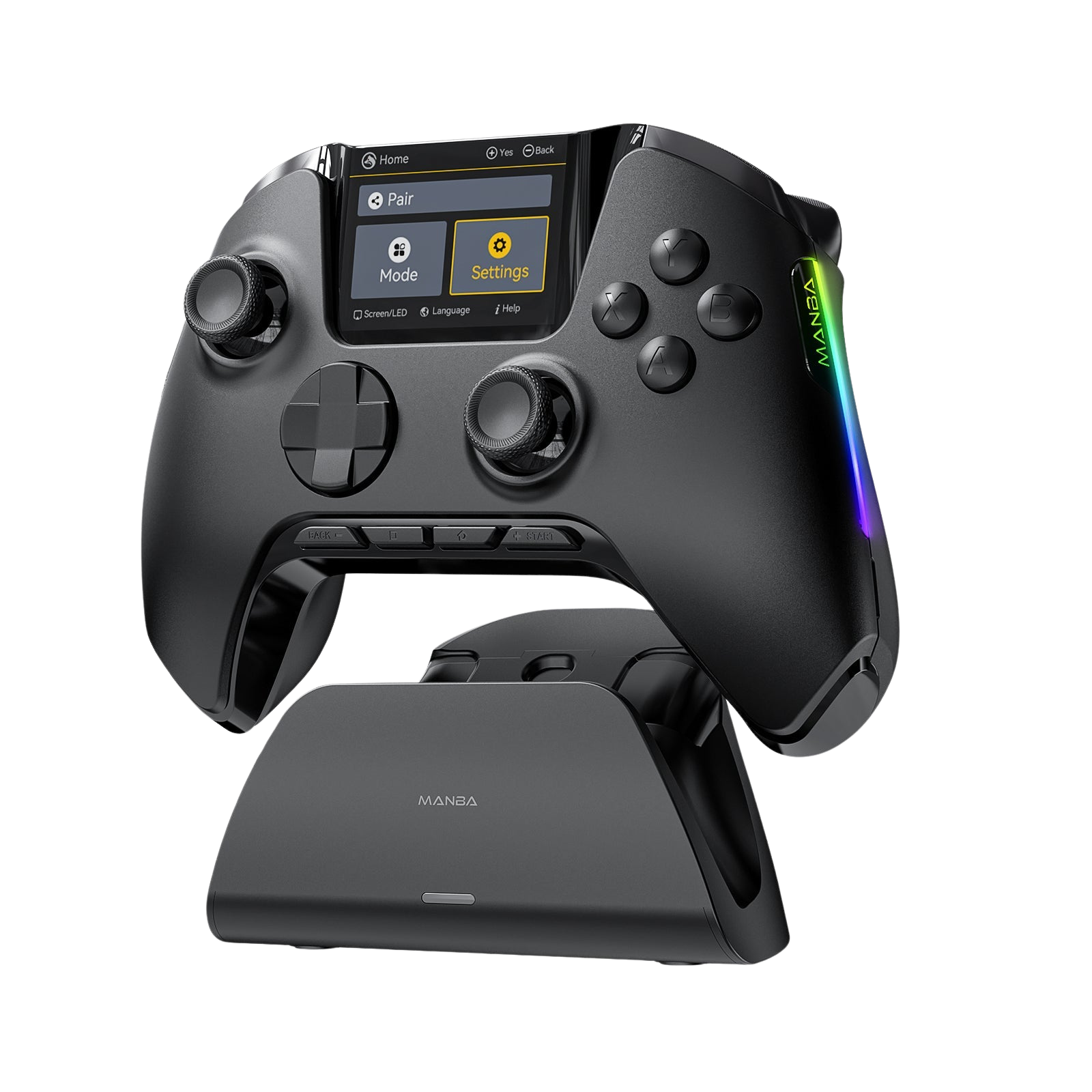
Beitong KP40D
Four back buttons with notably light actuation — holding sprint or mashing macros won't wear your fingers out.
$79.99Now the fun part: what's actually mapped on YOUR back buttons right now? Jump/crouch, sprint, D-pad, something weird? Drop your setup in the comments — the weirder, the better.





Leave a comment
All comments are moderated before being published.
This site is protected by hCaptcha and the hCaptcha Privacy Policy and Terms of Service apply.